Soku AI
The hardest part of a Data Manager API setup is not the HTTP request. It is deciding which business event deserves to train bidding, which identifiers are safe to send, which destination gets which copy, and how you will know when the signal breaks.
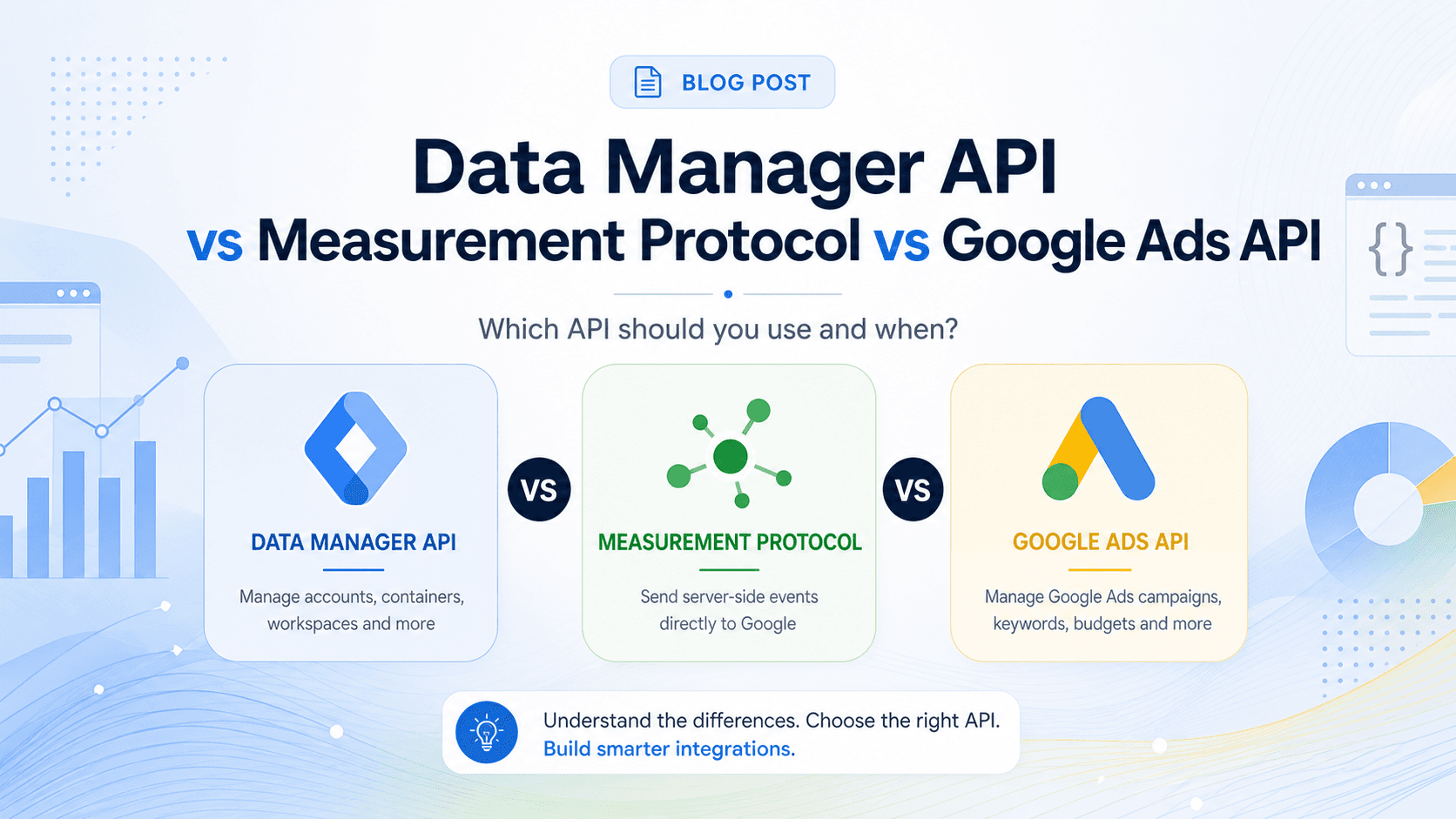
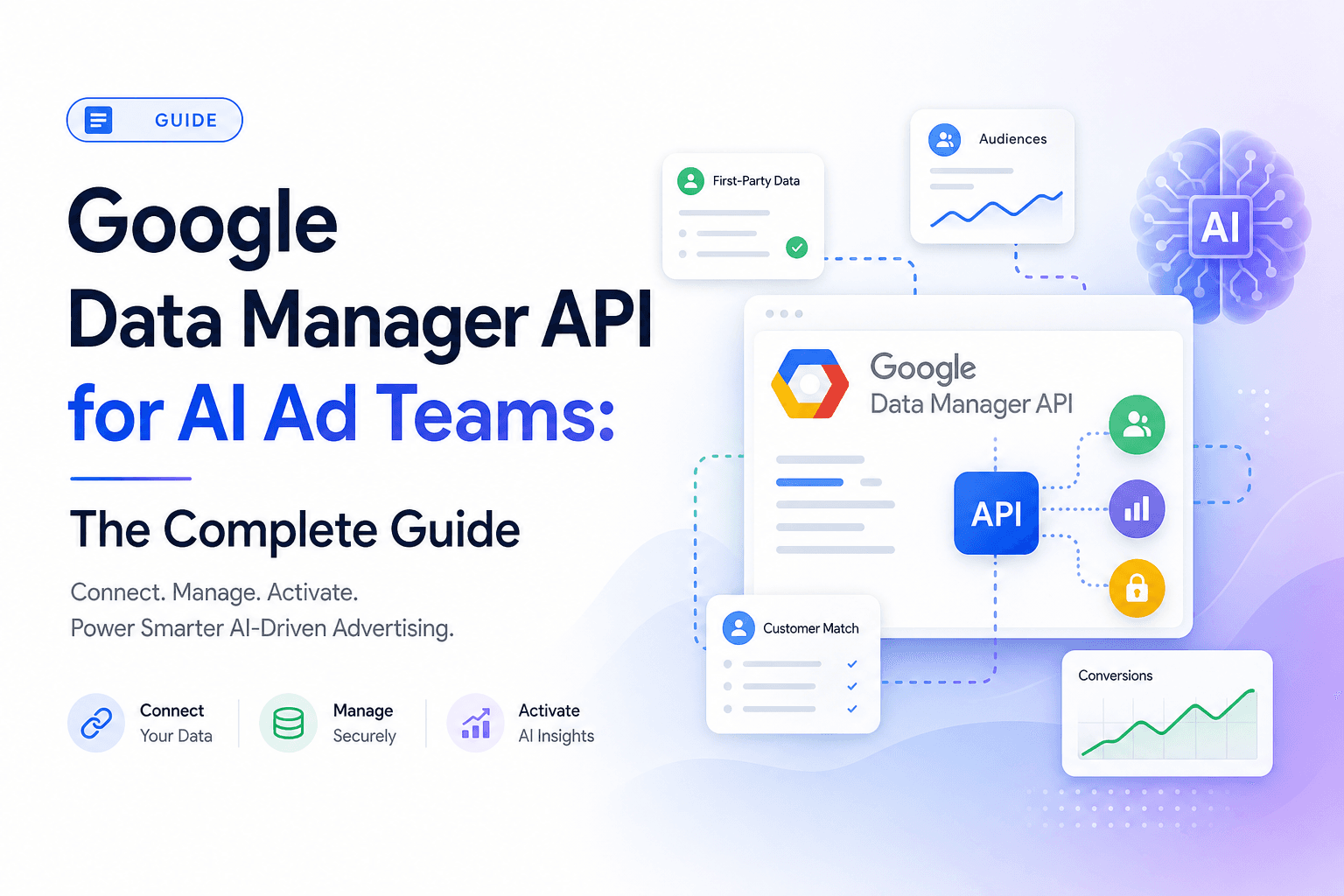
For the complete cluster overview, start with Google Data Manager API for AI Ad Teams. This post is the implementation spoke: the sequence an ad team should follow before it writes production code.
The setup goal
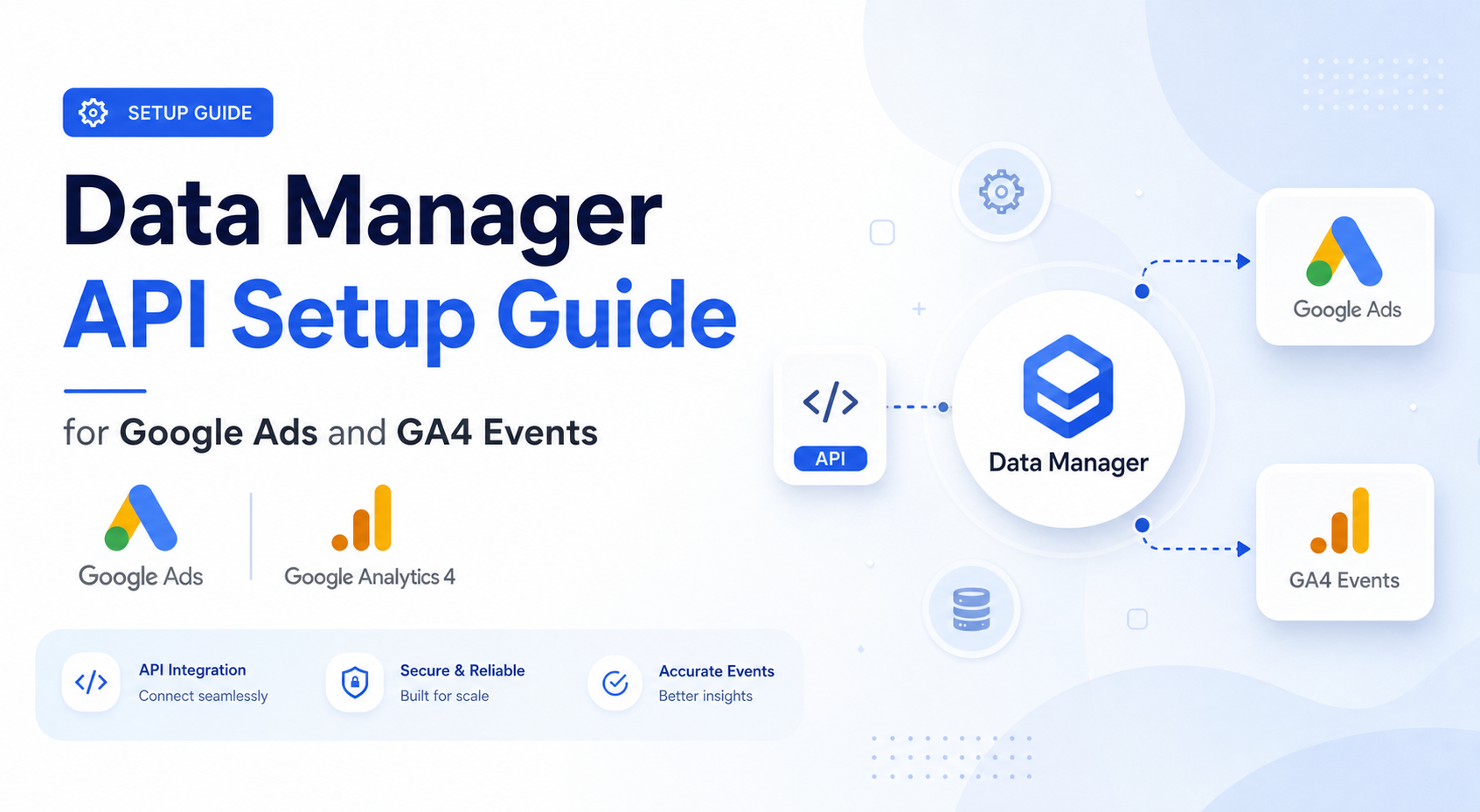
The goal is a server-side first-party signal pipeline that can send durable events into Google Ads and Google Analytics without treating each destination as a separate tracking project. Google says Data Manager API now supports expanded Google Analytics web and app event ingestion, including recommended and custom events, web and app streams, Firebase App IDs, Measurement IDs, app metadata, and events with transaction IDs as an additional data source in allowlisted properties (Google Ads Developer Blog, May 2026 archive).
That makes the setup less like "install a pixel" and more like "publish a clean event contract."

Step 1: inventory the events that matter
Do not start with every event your site can emit. Start with the events that change media buying decisions.
| Event | Good source of truth | Why it matters |
|---|---|---|
| Purchase | Commerce backend, Shopify, BigCommerce, Stripe | Revenue value for bidding and ROAS |
| Qualified lead | CRM lifecycle stage | Better than optimizing to raw form submissions |
| Opportunity created | CRM | Lets B2B teams train toward pipeline, not leads |
| Store sale | POS or data warehouse | Connects offline revenue back to Google Ads |
| Subscription renewal | Billing system | Separates high-LTV customers from trial signups |
Each event needs a stable event ID, timestamp, value, currency, customer identifiers, consent status, and a dedupe rule. If you cannot answer "what makes this event unique," do not send it yet.
Step 2: normalize identity before routing
Identity normalization should happen before Data Manager API, not separately per destination. The point is to avoid having Google Ads, GA4, and Customer Match receive subtly different versions of the same person.
Normalize email by trimming whitespace and lowercasing. Normalize phone into international format. Normalize postal fields consistently. Preserve IP address only when your consent and policy posture allows it, and attach the observation timestamp when using IP data for Customer Match composite data.
This is also where an AI agent can help without touching production writes. It can audit a sample of events and tell you which percentage contain email, phone, address, IP, click identifiers, transaction IDs, and consent flags. That is much safer than asking the agent to invent a tracking plan from scratch.
Step 3: map events to destinations
Destination mapping is where Data Manager API becomes useful. One source event can have different jobs depending on where it goes.
| Destination | Event job | Key fields to verify |
|---|---|---|
| Google Ads | Train bidding and report conversion value | Conversion action, value, currency, event time, identifiers |
| Google Analytics | Behavioral reporting and product analytics | Measurement ID or Firebase App ID, event name, transaction ID |
| Campaign Manager 360 | Offline attribution and floodlight-style reporting | Ad identifiers such as dclid, impressionId, matchId, encrypted IDs |
| Search Ads 360 | Search management attribution | SA360-linked identifiers and conversion metadata |
| Display & Video 360 | Programmatic attribution | DV360-compatible ad identifiers |
| Customer Match | Audience activation | Composite data, user identifiers, IP data where allowed |
The mistake is assuming every purchase should go everywhere. A purchase with no ad identifiers may still be useful for Google Ads bidding and GA4 reporting, but less useful for a GMP offline conversion workflow that depends on exposure identifiers. Route by evidence.
Step 4: choose the first production route
The safest first production route is usually one event, one destination, one clear success metric.
For ecommerce, start with confirmed purchases into Google Ads or GA4. For lead generation, start with qualified leads, not raw lead submits. For agencies with GMP products, start with one offline conversion type into Campaign Manager 360 or Search Ads 360 before routing the whole event set.
The reason is debugging. If you send five events to five destinations on day one, every rejection could be schema, identity, consent, account, destination, or dedupe related. One route creates a clean failure surface.
Step 5: monitor the pipeline like a campaign
Measurement pipelines need campaign-style monitoring. Track these metrics daily during rollout:
| Metric | What it tells you |
|---|---|
| Events emitted | Whether the source system is producing the expected volume |
| Events accepted | Whether Data Manager API accepts the payload |
| Events rejected | Schema, permission, identifier, or destination problems |
| Event lag | Whether the signal arrives too late for bidding or reporting |
| Identifier coverage | Whether enough events include email, phone, address, IP, or click IDs |
| Duplicate rate | Whether dedupe keys are stable |
| Destination parity | Whether Google Ads, GA4, and GMP receive the intended event counts |
For Soku-style ad agents, this monitoring layer should be in the daily context. The agent should not only report ROAS. It should say, "ROAS moved, but yesterday's qualified-lead import rejected 18% of records because phone normalization changed." That is the difference between a useful ad agent and a confident dashboard narrator.
Minimal event contract
Use this as the starting point for your own schema. Keep it simple enough that engineers, media buyers, and analytics owners can review it together.
| Field | Required? | Notes |
|---|---|---|
event_id | Yes | Stable dedupe key generated by source system |
event_name | Yes | Purchase, qualified lead, opportunity, store sale |
event_time | Yes | Source event timestamp, not job runtime |
value | Usually | Required for value-based bidding and revenue reporting |
currency | Usually | Required when value is present |
transaction_id | Strongly recommended | Critical for GA4 and duplicate control |
email | Recommended | Normalize before encryption |
phone | Recommended | Normalize before encryption |
address | Optional | Useful when legitimately collected |
ip_data | Conditional | Use only with consent and destination policy fit |
click_identifiers | Conditional | Needed for click or impression attribution workflows |
consent_state | Yes | Governs whether and where the event can be routed |
QA checklist before launch
Run this checklist before the first production sync.
- Confirm every event has a stable dedupe key.
- Confirm event timestamps are source timestamps, not processing timestamps.
- Confirm values and currencies match the finance source of truth.
- Confirm identifier normalization is identical across events.
- Confirm consent status exists before identifiers are routed.
- Confirm each destination has an explicit allow rule.
- Confirm rejection logs are visible to the marketing operations owner.
- Confirm a human has reviewed the first 20 accepted events.
Where Soku fits
Soku should sit above the sync, not replace it. The deterministic pipeline sends the data. Soku reads the measurement health, flags missing identifiers, explains rejection spikes, and recommends which conversion events deserve bidding weight.
That distinction matters. The agent should be good at diagnosis and operating-model recommendations. The ingestion job should be boring, deterministic, and easy to roll back.
FAQ
Can Data Manager API send GA4 events?
Yes. Google's May 2026 update says Data Manager API can send recommended and custom events to Google Analytics web and app data streams, subject to the documented restrictions and allowlist details for some additional-data-source use cases.
Should I migrate all GA4 Measurement Protocol events?
No. Migrate when you need unified routing, stronger metadata, app event support, or alignment with Google Ads and GMP signals. If a small GA4-only event stream works today, keep it until the routing value justifies the migration.
What should I send first?
Start with the most commercially meaningful confirmed event: purchase, qualified lead, opportunity, or store sale. Do not start with page views or low-intent events.
How do I prevent duplicate conversions?
Use a stable event_id or transaction ID from the source system and keep it consistent across browser, server, and destination routes. Do not generate a new ID inside each upload job.
Can an AI agent manage this setup?
An agent can inspect coverage, monitor rejection logs, and recommend routing changes. The production send should remain deterministic and human-reviewed.