 Soku AI
videoAdd an effect
Fintech app · exploding gold coins
The reward-moment effect a finance or gaming ad needs at the hook, added to a plain phone-in-hand shot instead of shot with a coin cannon.
Source: Soku-generated source clip
Effects on footage you already have
Upload a clip and describe a single effect — exploding gold coins, god rays and lens flare, neon haze, electric arcs, drifting sparkle. The preservation rules are written for you server-side, so the product, the framing and the camera move come back the way you filmed them and the effect is what changed.Upload a clip and describe a single effect — exploding gold coins, god rays and lens flare, neon haze, electric arcs, drifting sparkle.
Describe the effect, not the scene. Everything that keeps the shot yours — same subject, same background, same framing, same camera move, no invented captions — is added around your words before the clip is rendered.
Sample result gallery
Nine real runs from this tool. Every card plays the actual source clip beside the actual output — both complete files, not posters — so you can check the product against itself rather than take the effect on trust.
The reward-moment effect a finance or gaming ad needs at the hook, added to a plain phone-in-hand shot instead of shot with a coin cannon.
Source: Soku-generated source clip
Crackling arcs and sparks trace the product silhouette. The earcup, the reflection and the black studio ground survive them.
Source: Soku product clip
Low haze lit magenta and cyan, with streaks raking the lenses — the club-poster look, on a clean studio pack shot.
Source: Soku product clip
Fine glitter and soft glowing bokeh drift upward around the bottle. The label text is legible in both halves, which is the thing worth checking.
Source: Soku product clip
A harder example: the source already carries motion streaks, so the added light has to read as a separate layer rather than more of the same.
Source: Soku product clip
A creator-style hold-to-camera shot, with a warm halo lit around the bottle. Her face, the tank top and the bathroom behind her are the source frames — only the light on the product is new.
Source: Soku product clip
Gold confetti ribbons drop through a mall walk-and-carry shot, the sale-moment cue a retail ad wants at the hook without a second shoot day.
Source: Soku product clip
Coloured light trails follow the car through the corner. The road, the cliff and the dusk sky are untouched; the trails are the whole edit.
Source: Soku product clip
A single electric arc cracks across the can mid-drink. It is one beat rather than a constant overlay, which is what keeps it readable at the hook.
Source: Soku product clip
Features
“Exploding gold coins” is a complete prompt here. The clauses that keep the subject, wardrobe, background, framing and camera move identical are added server-side, where they cannot drift.
Coin bursts, confetti and particle storms will happily bury the thing being advertised. The instruction that stops them is part of every run rather than something you have to remember.
A vertical 12-second ad comes back vertical and 12 seconds. Both are preselected from the file you drop in, so an effect is not also a silent recut.
The model is told not to add text, captions, logos or watermarks. Garbled burned-in copy is what turns a near-miss into an unusable ad.
Stacking four effects in one prompt is how you get a clip where none of them read. Run them one at a time and keep the version that tested.
The result lands beside your campaigns, so testing the effect version against the original does not begin with a re-upload.
Any video up to 15 seconds — a product shot, a UGC take, an ad that is already running. Its aspect ratio and runtime are read off the file.
One phrase: coins bursting out of the screen, god rays across the frame, neon haze, electric arcs, frost creeping over the surface, drifting sparkle.
Both clips play side by side. Look at the product, the label, the hands and the frame edges before it carries any spend.
Why Soku
Adding a coin burst to a hook is a twenty-minute job in After Effects and a five-second job here — but neither one tells you whether the coin burst earned its place. The reason this sits next to your ad accounts is that the second question is the expensive one.
A general video model treats an upload as a mood board and re-imagines the scene. The prompt this tool wraps around your words exists to stop that, and the gallery above is what it buys you.
The point of an effect version is that everything else is unchanged, so the test is clean. That is a constraint on the tool, not a caveat about it.
This is generative, not compositing. The clip is re-rendered with the effect in it, so fine detail can move — which is why both halves are always shown instead of just the output.
The clip sits where your campaigns live. Launch the effect cut against the original and let the result decide whether effects are worth doing again.
Use cases
Fintech & gaming
Coins, confetti, level-up glow — the visual grammar of the category, on your own app footage rather than on a stock cutaway.
Performance marketer
Run the effect version against the original in the same audience. Same shot, same length, one variable.
DTC brand
A light sweep or a sparkle pass turns catalogue footage into something that survives a paid-social feed, without a re-shoot.
Agency
Pitch the treatment on their actual footage instead of a reference reel from someone else’s campaign.
Creative team
Neon, embers, frost, arcs, haze — generate them all against the same source and take the winner into production.
Social team
The creative that is tiring does not always need replacing. Sometimes it needs a new first second.
Specifications
One clip, and one phrase naming the effect.
The same shot, re-rendered with the effect in it.
Alternatives
There are three realistic ways to get an effect onto an ad: composite it, pick a preset, or generate it. They differ mostly in how much of your original footage is still there afterwards.
Uses your actual clip
Effects available
Reacts to the scene
Pixel-exact original
Skill required
Time to a testable cut
Comparison is by category, not by vendor — the specific tools in each column change faster than this page does.
Pricing
Effects are billed in credits, so trying five looks against one source costs five runs rather than a subscription decision.
One run is one clip. Cost scales with duration and resolution, is shown before you generate, and is recorded against that run in your history.
$0/ month
No card required
$19/ month
7,000 credits / month
$49/ month
20,000 credits / month
Prices are per month, billed monthly. See all plans and the credit calculator.
Upload one clip, name one effect, and check it against the original before it carries any spend.
Start with my assetKeep building
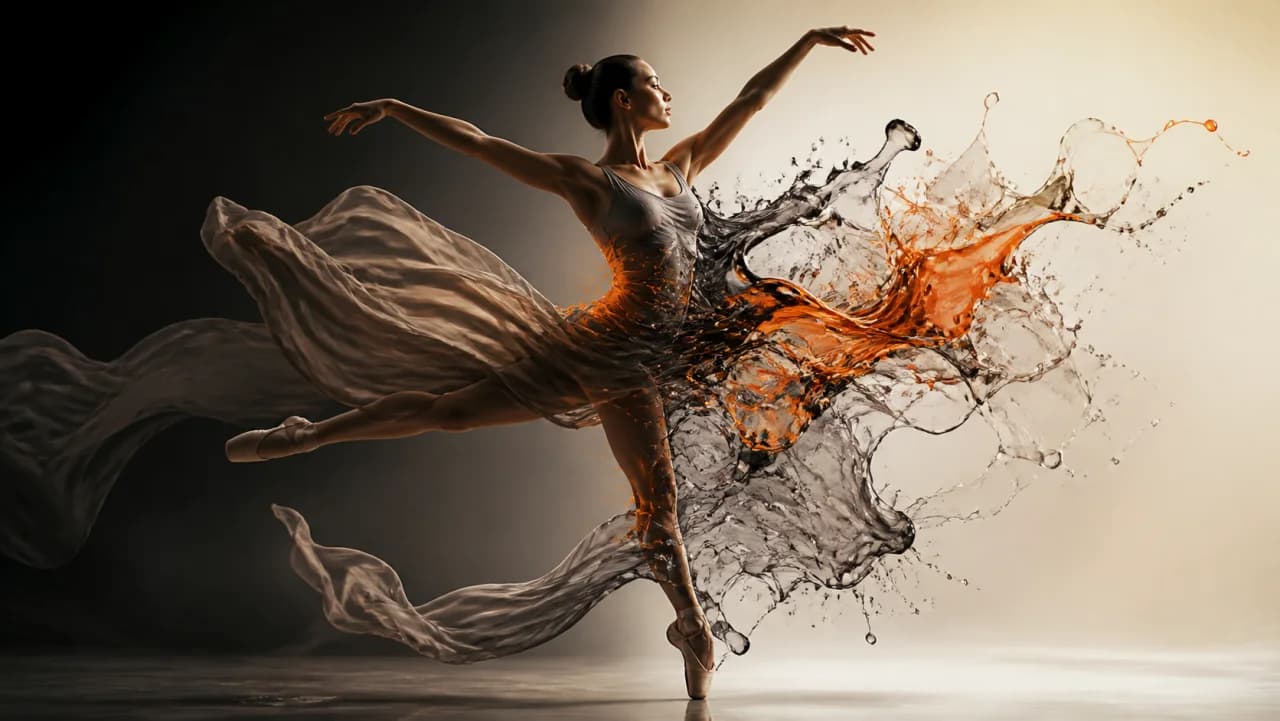
Change the whole look of a clip instead of adding one thing to it.
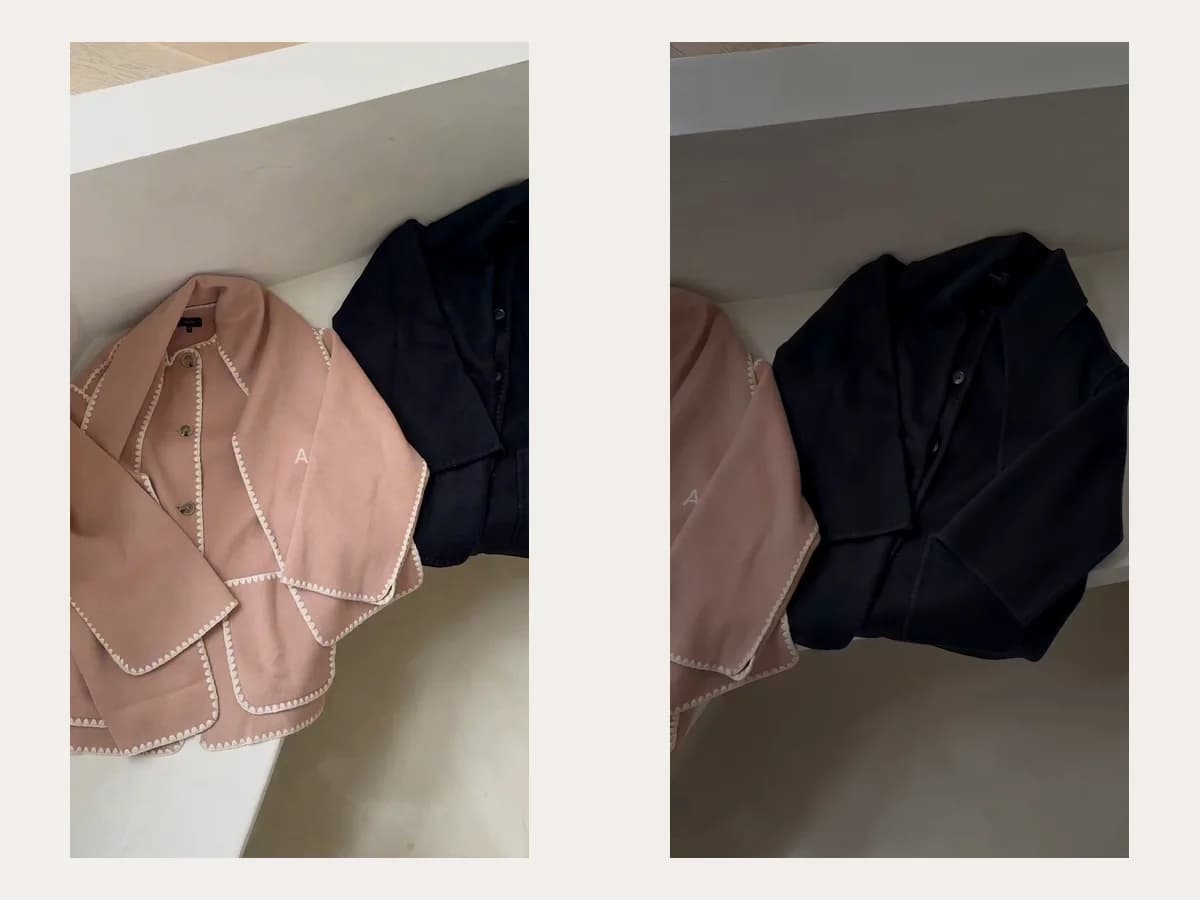
No footage yet? Turn one product still into the clip you then add the effect to.
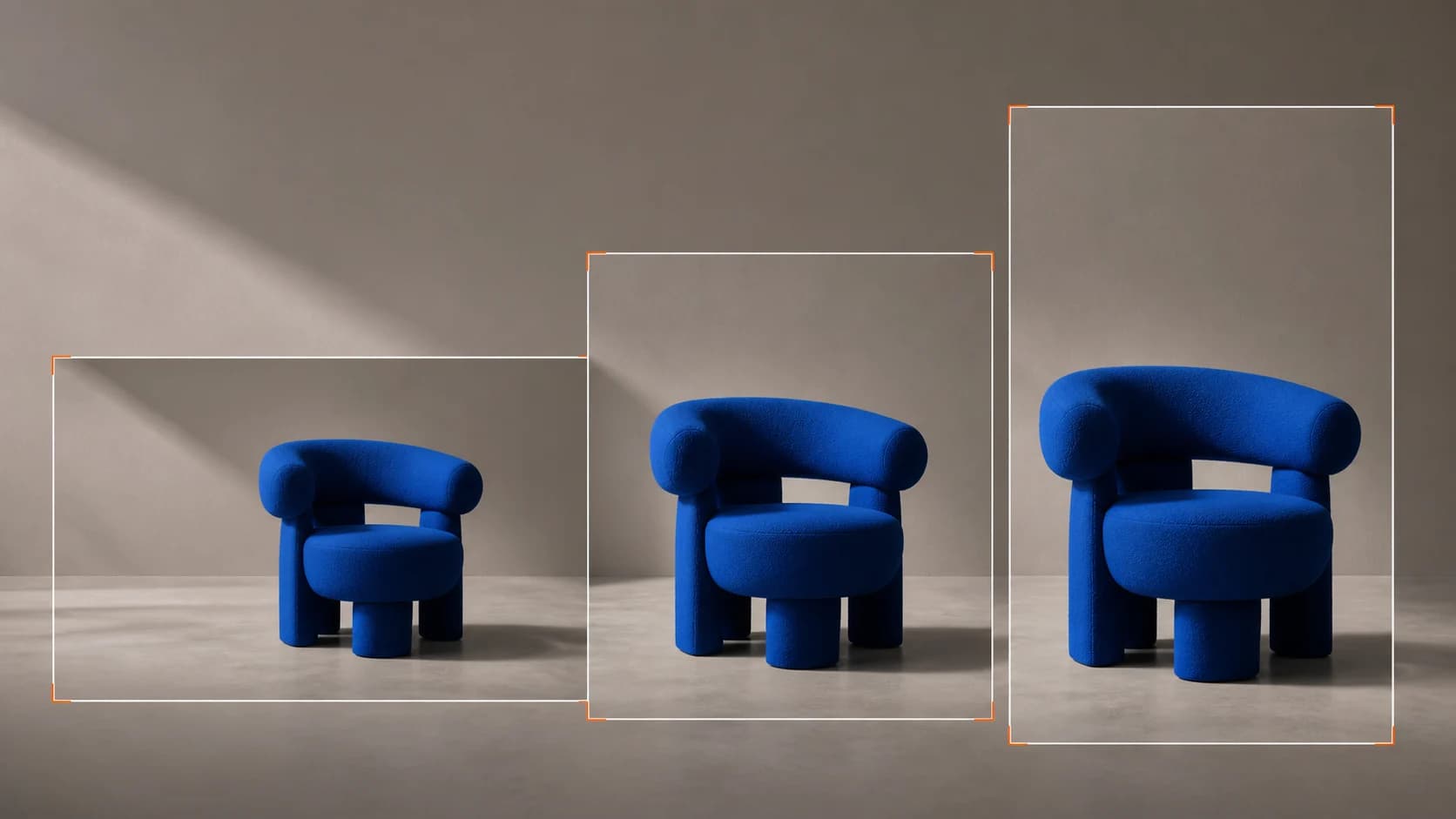
Take the finished cut to every placement without cropping it.
Resolve the result at 2x with Topaz rather than re-generating it.