Soku AI
All tools

Ecommerce Video Maker

Paste your product link — or drop in a photo — and get back a short vertical ad built around the real item: the product you sell, the name and price your page states, and a closing CTA.

EcommercePrompt to Clip
Product photo
Product photo
Rendered ad · 9:16
New Arrival · Hydrating Serum

See all 3 sample results

  • Reads your product page, or takes your photos
  • Six ad angles, from launch to gifting
  • Price and name burned on from the page, not invented

Sample result gallery

Three products, three ad angles

Every clip is one run of this tool on a demo product we generated ourselves. Read them for the thing that used to be impossible here: the product in the ad is the product that went in — same bottle, same shoe, same jar — because the page now reads your storefront or takes your photos instead of inventing a plausible item. The name and the price on screen are the ones the page was given, character for character.

Product photo
Product photo
Rendered ad · 9:16
videoPhoto to vertical ad

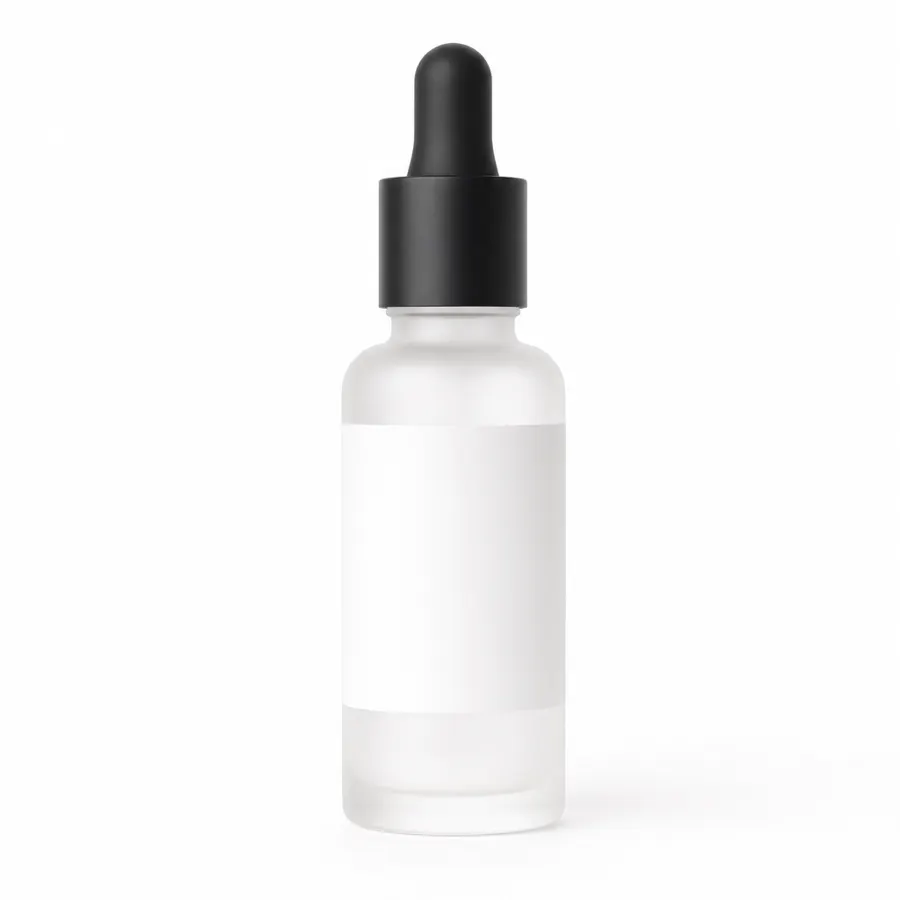
New Arrival · Hydrating Serum

One packshot in, a vertical ad out — title card, brand, product name and price burned on, closing CTA. The bottle is the uploaded one, not a lookalike.

Source: Soku demo asset, generated for this page

Product photo
Product photo
Rendered ad · 9:16
videoPhoto to vertical ad

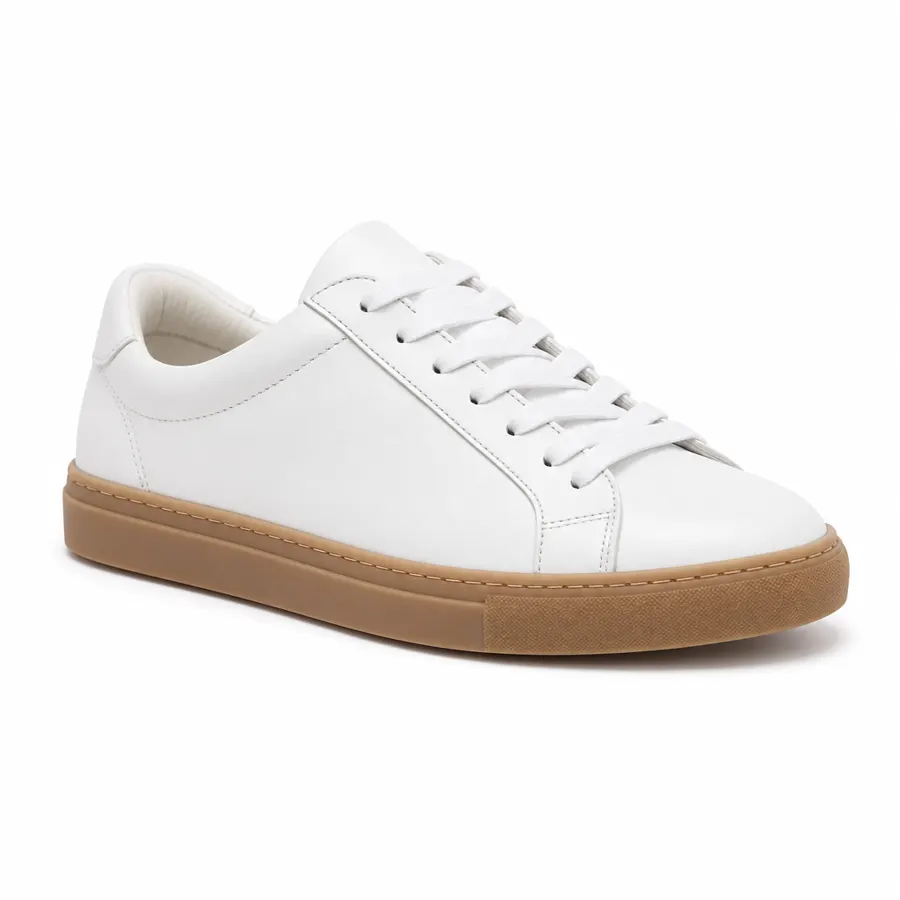
Bestseller · Court Low Sneaker

The same white-and-gum sneaker that went in, relit and moved through four angles it was never photographed from.

Source: Soku demo asset, generated for this page

Product photo
Product photo
Rendered ad · 9:16
videoPhoto to vertical ad

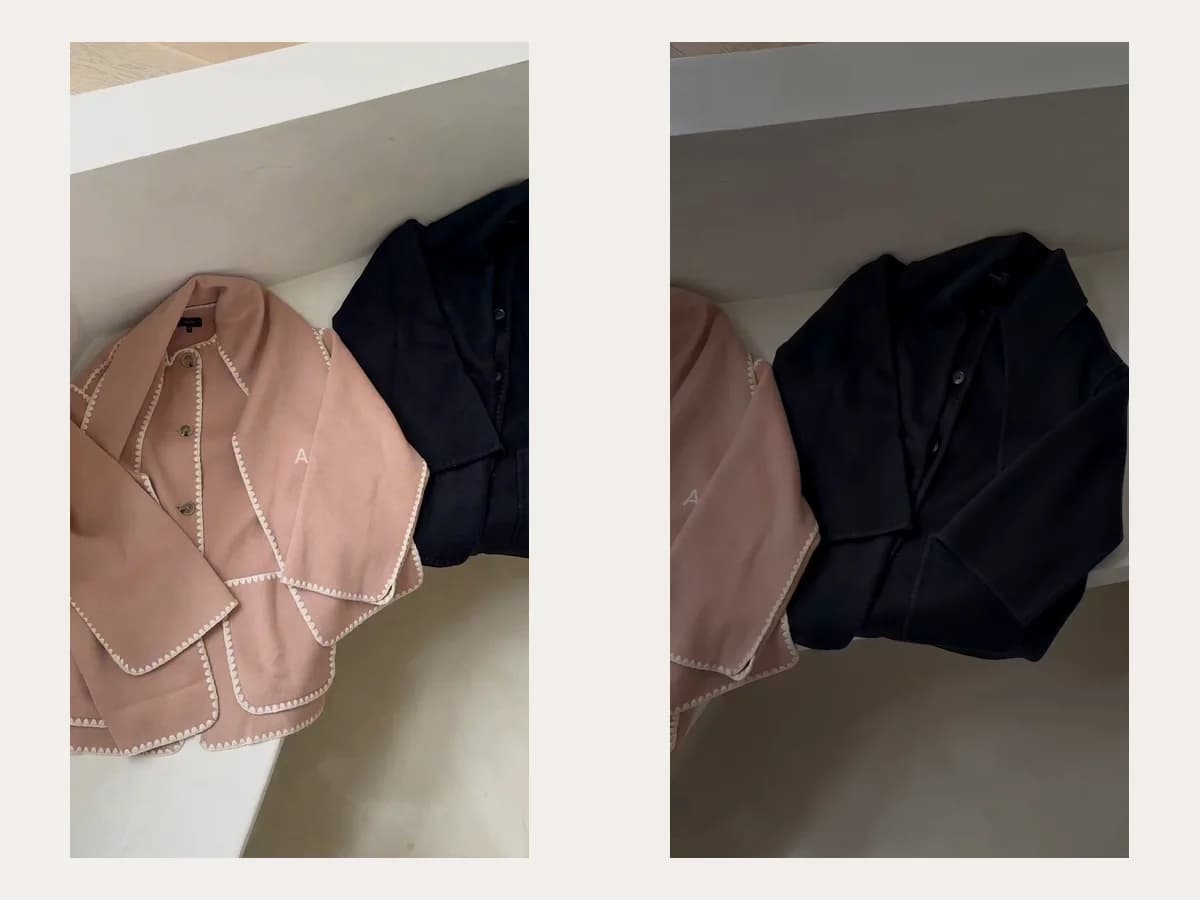
Gift · Terracotta Candle

Gifting framing built around the real jar — ribbon, boxes, warm light — with the price the storefront gave us.

Source: Soku demo asset, generated for this page

Three deliberate steps

01

Paste the link, or drop the photos

The page is read for the product name, the price and the gallery. Roughly one storefront in three blocks automated readers — if yours does, upload a photo and nothing else changes.

02

Pick the ad angle

Launch, sale, bestseller, restock, detail or gift. The angle decides the hook, how the clip moves and what the closing card says, which is the difference between a product video and an ad.

03

Test it as an ad

The clip lands in your Soku workspace. Build variants around it, launch across Meta, TikTok, YouTube and Google, and let the numbers pick the look — which is the only reason to make three versions of a shot.

Use cases

Who reaches for this, and when

DTC brands pre-launch

Creative before there is stock to photograph

Waiting on the first production run is the point at which you most need creative and least have a product to shoot. This fills that gap with something testable.

Performance marketers

Test a look before booking the shoot

Three lighting directions and three surfaces is nine prompts and an afternoon. Finding out which one holds attention before the studio invoice is the whole argument.

Agencies

Concept boards a client can actually watch

A moving reference lands a treatment in a way a still frame does not, and it costs the same as writing the sentence that describes it.

Marketplace sellers

Category creative that is not the supplier’s stock loop

Everyone reselling the same SKU is running the same manufacturer footage. A generated clip is at least not the one three competitors are also running.

Questions before you run it

Does it use my product photos or my product page?
Both, and it prefers whichever you give it. Paste the link and the page is read for the product name, the price and the image gallery; upload photos and yours win over anything scraped, because a merchant who bothered to upload a shot has told us which one represents the product. With either, the ad is built on the real item rather than an invention.
What if my storefront blocks the reader?
Some do — we measured roughly one in three of the storefronts we probed refusing a server-side request outright. When that happens the link yields nothing, and rather than guess we refuse before any credit moves and ask for a photo. Uploading one photo gets you the same ad.
Can it show the wrong price?
The price on screen and the price in the voiceover both come from the fact block read off your page, and the prompt forbids stating a number that is not in it — including a discount, a was-price or a shipping promise you did not publish. That binding is deliberate and it is tested. Do check the clip before you run it: this reduces the risk, it does not remove it, and a price in an ad is your representation to a buyer.
What shape is the output?
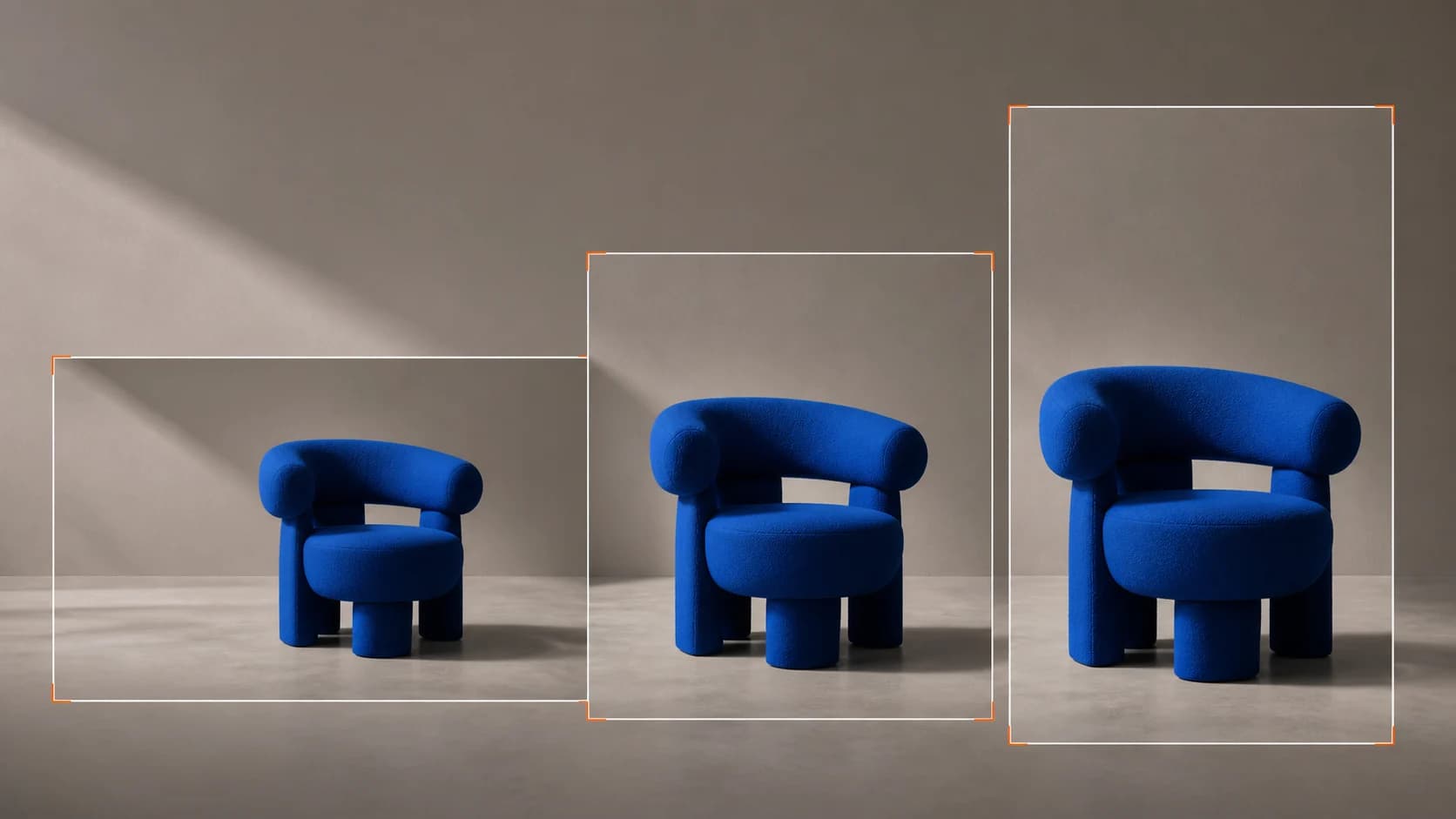
Vertical 9:16 by default, with 1:1, 4:5 and 16:9 also available — the shapes paid social actually places. Up to 15 seconds a run.
Is there voiceover and captions?
No. The model generates an ambient audio bed with the clip and nothing more — no script, no read, no burned-in captions. Add a voiceover with AI Text to Speech and captions in the edit, which is also the only way to guarantee that what is said matches what is shown.
Can I use it in a paid campaign?
Yes, the output is yours with no watermark. Two cautions that apply to any generated product creative: do not present an invented product as a photograph of the item you ship, and do not let the clip imply a claim — texture, volume, size — that the product cannot substantiate.
How consistent is it across runs?
With a photo or a readable link, very — the same reference produces the same product every time, which is what makes a set of angles usable as one campaign. Without either, the model invents the item afresh on each run and two clips will not match.
What does a run cost?
Priced per second and shown before you press generate. The free plan lets you try it without a card.