Soku AI
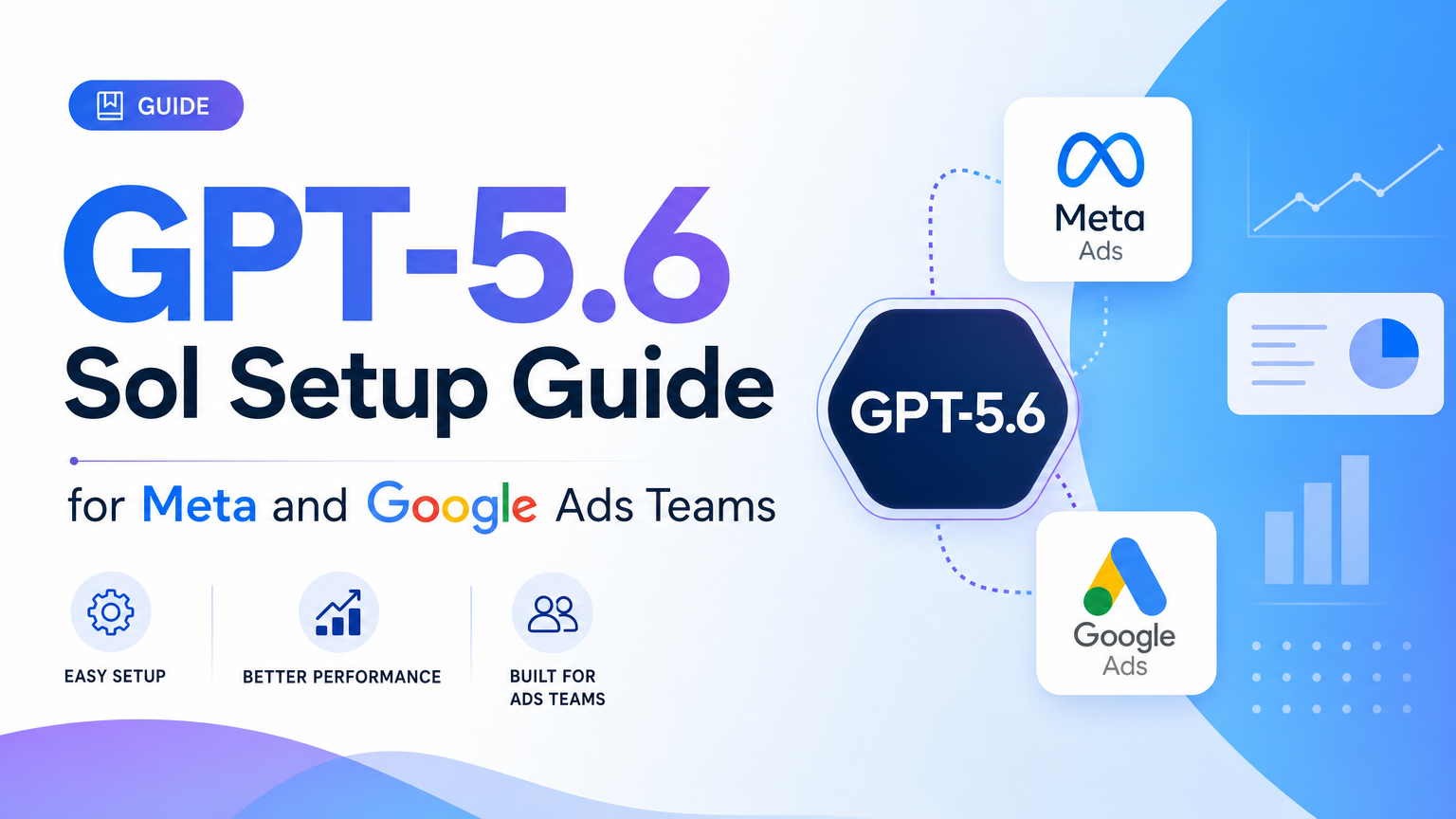
GPT-5.6 Sol is useful for ad teams only if it is wired into a safe operating loop. A stronger reasoning model does not automatically make a safer ad agent. The application around it still owns credentials, connector scopes, approval gates, logging, and rollback.
For the broader strategy, start with GPT-5.6 Sol for AI marketers. This page is the implementation spoke: how to set up the first Meta and Google Ads workflow without letting a preview model touch live spend.
The target workflow
Start with a read-only diagnosis:
Review the last 14 days of Meta and Google Ads performance for this brand. Identify the top three risks, cite the metrics behind each finding, separate creative problems from budget problems, and propose next actions. Do not modify campaigns.That task is intentionally bounded. It asks the model to reason, not operate. The first production test should produce an evidence-backed recommendation, not an API mutation.
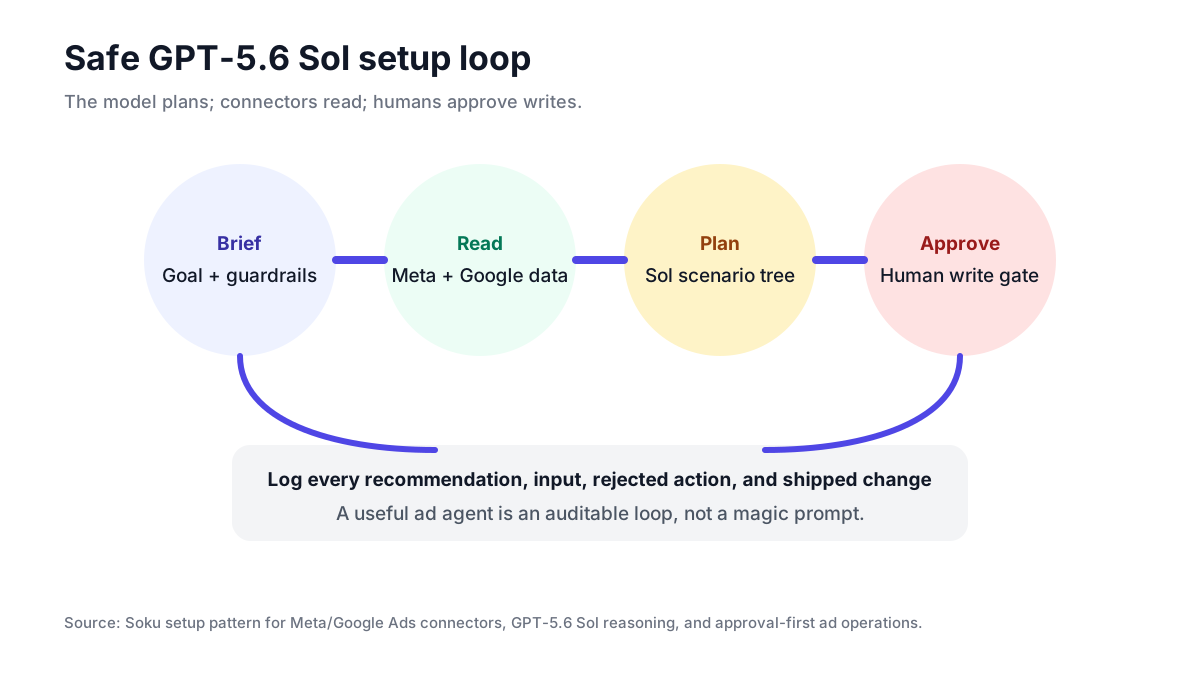
Step 1: Separate data access from write access
Give the model read access first. Meta Ads, Google Ads, GA4, Shopify, Search Console, and internal creative metadata should be available as structured context through Soku or connector tools. Write actions should sit behind a separate approval layer.
The distinction matters:
| Capability | First 30 days | Later |
|---|---|---|
| Read performance | Allowed | Allowed |
| Summarize account risks | Allowed | Allowed |
| Draft changes | Allowed | Allowed |
| Change budgets | Blocked | Approval required |
| Launch campaigns | Blocked | Approval required |
| Pause ads | Blocked | Approval required |
| Edit targeting | Blocked | Approval required |
This is the same operating posture we recommend for Meta Ads AI Connectors and Google Ads MCP setup: read first, write later, approve always.
Step 2: Define the context package
Do not paste a dashboard screenshot into GPT-5.6 and ask for strategy. Build a context package:
| Input | Why it matters |
|---|---|
| Campaign structure | The model needs to know which campaigns serve which jobs |
| Spend, CPA, ROAS, CTR, CVR | Core performance signals |
| Creative metadata | Hooks, formats, concepts, upload dates, fatigue windows |
| Landing-page URLs | Conversion problems often live off-platform |
| GA4 and Shopify revenue | Platform-reported ROAS is not enough |
| Guardrails | Target CPA, minimum ROAS, max daily spend, forbidden actions |
| Change history | The model needs to know what changed before the metric moved |
The original element here is the context package, not the prompt. Most failed ad-agent demos fail because the prompt is asked to compensate for missing account context.
Step 3: Use a two-pass prompt
Run diagnosis and action planning separately.
First pass:
Given the attached account data, identify the strongest three explanations for the performance change. For each, cite the evidence, confidence level, and missing data. Do not propose actions yet.Second pass:
Now propose actions for the confirmed causes only. Separate no-risk monitoring, low-risk creative work, and approval-required account changes. For every account change, include the exact object, expected impact, risk, and rollback.This prevents the model from jumping straight from "CPA rose" to "cut budget." In paid media, premature action is often more expensive than slow analysis.
Step 4: Log every recommendation
A production setup should log:
- input data window
- connector sources used
- model name and routing decision
- recommendations
- evidence citations
- confidence
- human approval or rejection
- action taken
- outcome after the next measurement window
Without this log, the team cannot learn whether GPT-5.6 improved decisions. With the log, the model becomes part of a measurable operating system.
Step 5: Keep the first deployment boring
The first month should not include autonomous edits. A safe rollout looks like this:
| Week | Workflow | Allowed action |
|---|---|---|
| 1 | Daily cross-channel summary | Read only |
| 2 | Creative fatigue diagnosis | Read only |
| 3 | Budget scenario planning | Draft only |
| 4 | Human-approved change briefs | Approval required |
Only after the recommendations are consistently useful should the team add low-risk writes, and even then the write should be explicit and reversible.
How Soku fits
Soku already has the pieces this setup requires: ad-platform connectors, analytics context, creative workflows, campaign memory, and approval surfaces. GPT-5.6 Sol can sit in the reasoning layer, but the rest of the system decides what evidence it sees and what actions it is allowed to take.
The practical win is not that GPT-5.6 can "run ads." The win is that it can produce a better campaign plan from connected evidence, and Soku can turn that plan into reviewed, measurable work.
FAQ
Do I need Meta and Google write permissions to test GPT-5.6?
No. Start with read-only account data and draft recommendations.
Should GPT-5.6 make budget edits directly?
Not in the first deployment. Budget, bid, activation, targeting, and deletion should require human approval.
What should I test first?
Creative fatigue diagnosis is the best first test because it requires cross-channel reasoning but does not require an immediate spend change.