 Soku AI
Free AI Braces Filter
Upload a photo to see what you'd look like with braces — pick metal, ceramic, or clear and choose your band color. Or remove braces from a picture for clean, natural teeth. All free in Soku AI, no app and no signup wall.
How to Try Braces on a Photo with AI
Go from a normal selfie to a realistic braces preview in 3 steps with Soku AI.
Upload Your Photo
Drop in a clear, front-facing photo with your teeth visible. The better the smile is lit, the more realistic the braces preview.
Add or Remove Braces
Add braces — pick metal, ceramic, or clear and a band color — or switch to remove mode for clean, natural teeth. Straighten and whiten too.
Download or Keep Creating
Export a watermark-free image to share, or keep editing in Soku AI — the same upload flows into full creative generation.
Why Try the Braces Filter in Soku AI
Other braces filters add a quick overlay and stop. Soku AI gives you control over the look — and the same photo flows into full creative editing.
Add Realistic Braces
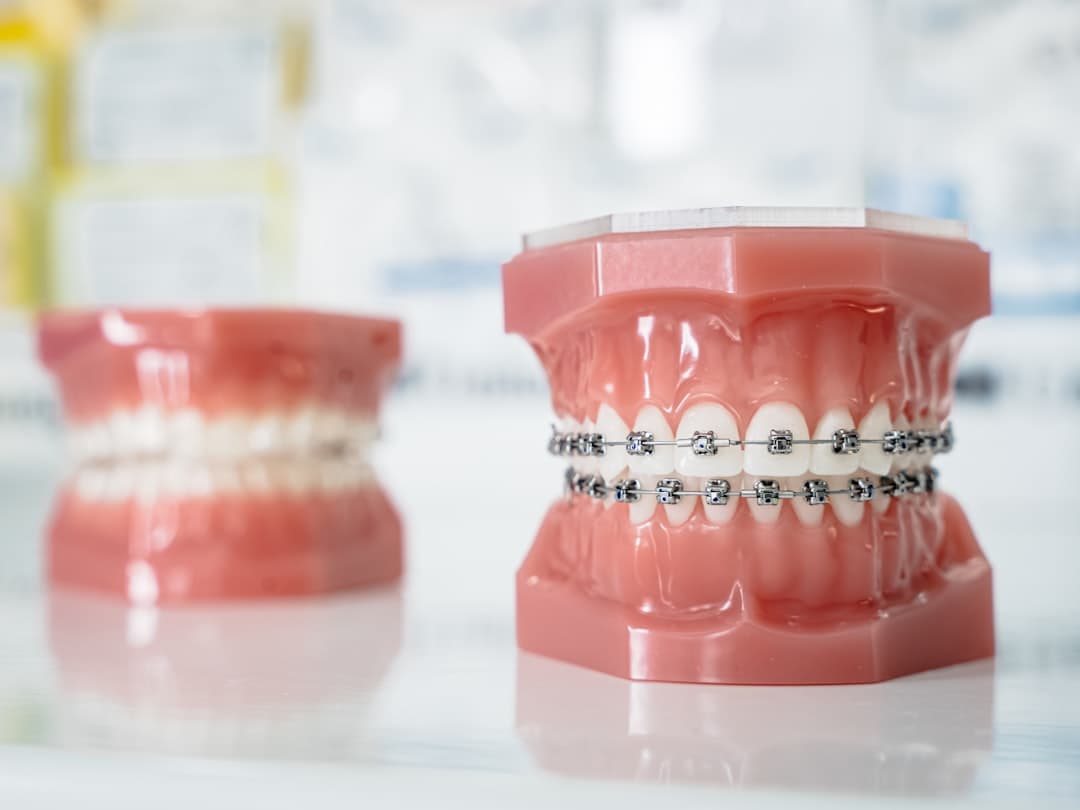
AI overlays brackets and an archwire that follow your teeth contours and lighting — metal, ceramic, or clear, with custom band colors.
Remove Braces from Photos
Switch to remove mode and AI erases existing braces, leaving clean, natural teeth — perfect for portraits and graduation photos.
Auto Teeth Detection
No manual masking. AI finds the mouth and teeth automatically and applies the edit only where it belongs.
Style & Color Control
Choose metal, ceramic, lingual, or clear aligners and pick band colors like blue or pink to match the exact look you want.
What You Can Do with the Braces Filter
Fun Social Preview
See and share a braces selfie for TikTok, Instagram, or Snapchat — without installing a single-purpose app.
Orthodontic Visualization
Preview braces or clear aligners before committing to treatment, so you know what to expect.
Dental & Orthodontic Marketing
Generate before/after creatives for clinic ads and social posts — Soku AI is built for ad creative.
Clean Up Portraits
Remove braces from headshots, graduation, and family photos for a polished, natural smile.
Content Creation
Batch-produce braces transformation content and before/after reveals for creators and channels.
Whole-Smile Makeover
Add braces, then straighten and whiten in the same flow to preview a fully finished smile.
See Your Smile with Braces in Seconds
Upload a photo and preview braces for free. No watermark, no app, no credit card — pick your style and download.
Try Braces Filter FreeHow Soku AI Compares
Most braces filters are single-use pages or app-only novelties. Soku AI is free, watermark-free, and part of a full creative agent.
| Tool | Best For | Pricing | Note |
|---|---|---|---|
| Soku AIRecommended | Free add + remove, then keep creating | From $19/mo | Add or remove braces, watermark-free — same photo flows into full creative editing |
| VEED | Prompt-based braces editing | Credit-based | Add/remove with prompts — but signup and a paid plan are needed to actually use it |
| Clipfly | Quick browser try-on | Free | Free in-browser braces filter — single-purpose tool, realism varies |
| Snapchat / TikTok | Real-time AR fun | Free (app) | Live AR braces lenses — app-only, not an editable, exportable image |
| YouCam (Perfect Corp) | Mobile selfie editing | Freemium app | Add or remove braces — app install, best features paywalled |
| Invisalign SmileView | Orthodontic lead-gen | Free | Simulates straightening and routes you to a clinic — not a braces try-on |
Frequently Asked Questions

Preview Your Smile with Braces — Free
Add or remove braces in seconds, then keep creating with Soku AI — the same upload powers full image generation and ad creative.