Soku AI
Write the scene, not the whole script
One beat per run: where we are, who is on screen, what happens, and the line to be said. Keep it to what could plausibly play in under fifteen seconds.
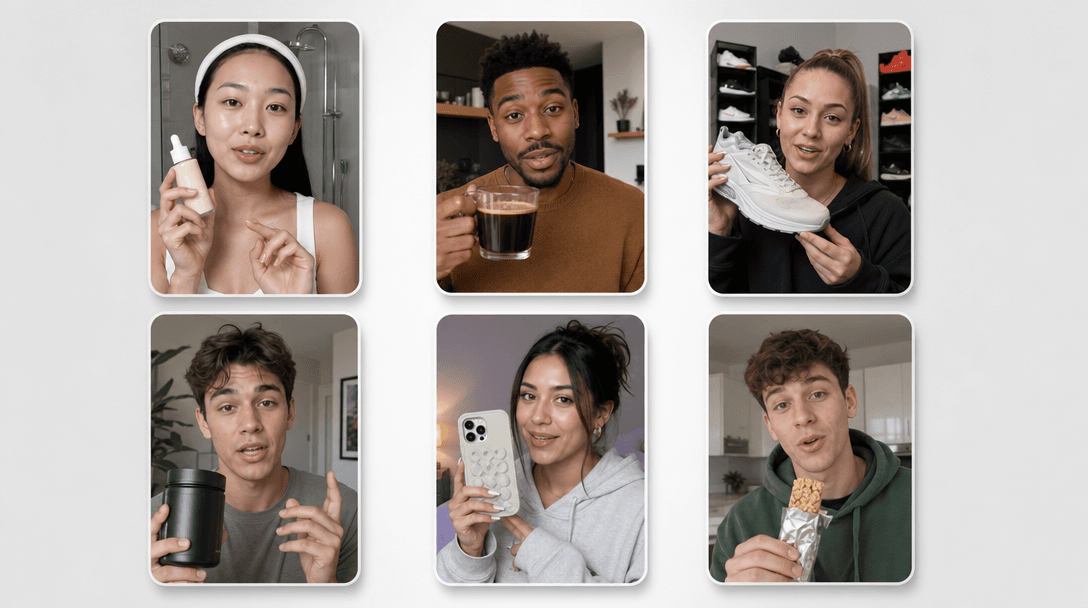
Paste the scene as it is written — the action, then the line — and get it back as a clip with the line actually spoken. Because the audio is generated with the picture, the delivery is timed to the shot instead of laid over it afterwards.Paste the scene as it is written — the action, then the line — and get it back as a clip with the line actually spoken.
One beat per run: where we are, who is on screen, what happens, and the line to be said. Keep it to what could plausibly play in under fifteen seconds.
Anything you write as spoken dialogue is performed in the clip. Describe the delivery if it matters — flat, urgent, amused — the same way you would in a shooting script.
Choose the aspect ratio for the placement you are cutting to and the length of the beat. Send the result into Creatives to assemble the scenes into a finished ad.
Use cases
Copywriters
A script reads fine on the page and dies out loud. Generating the scene is the cheapest way to hear whether the hook lands in the first three seconds, before anyone books a shoot around it.
Performance teams
Run the same scene with three different lines and let the account decide which message works. Varying copy is usually the cheapest variable to test and the hardest one to produce footage for.
Agencies
Turn the scripted scenes of a treatment into clips so a client watches the idea instead of reading it. It is closer to the finished thing than an animatic and takes minutes rather than days.