Soku AI
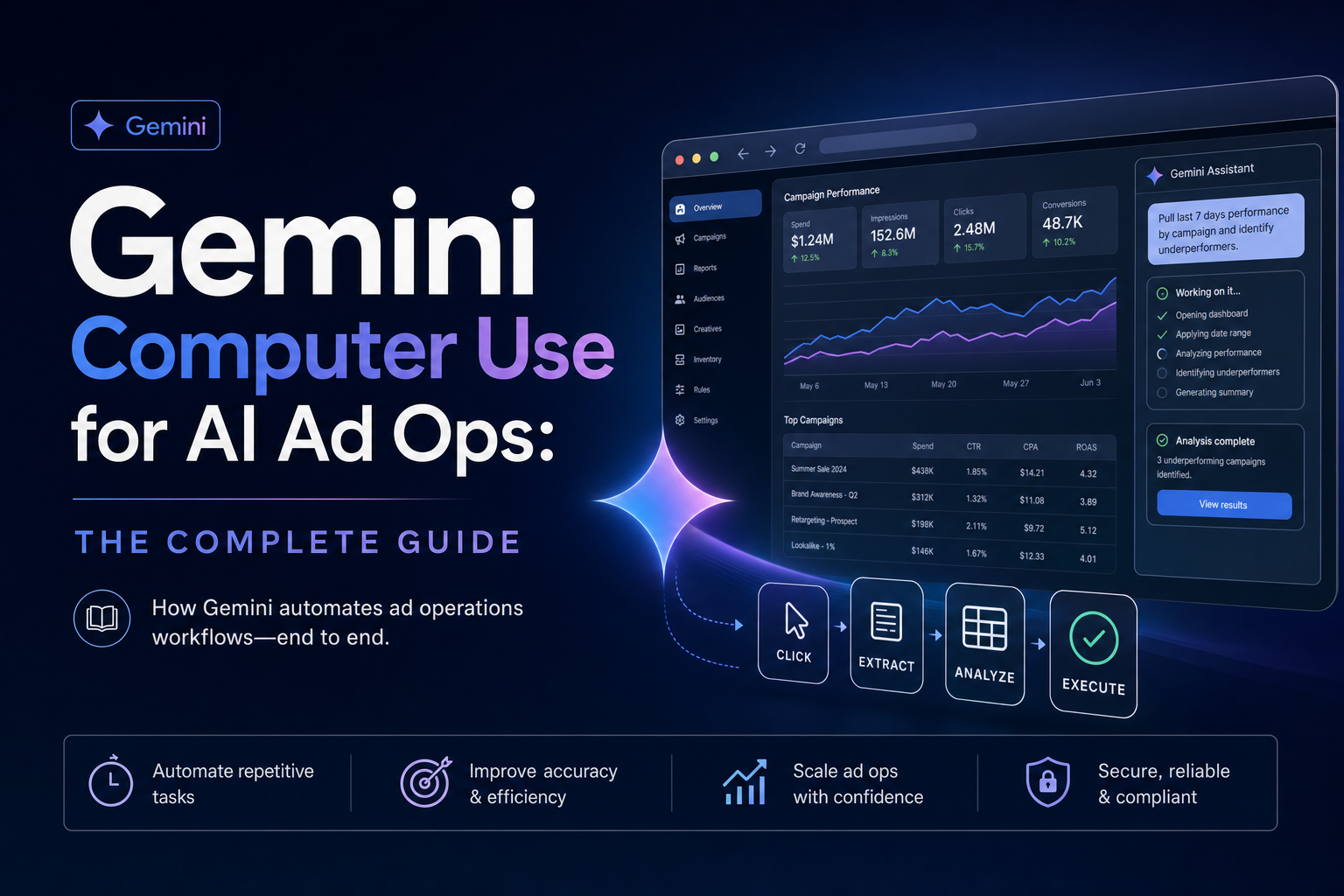
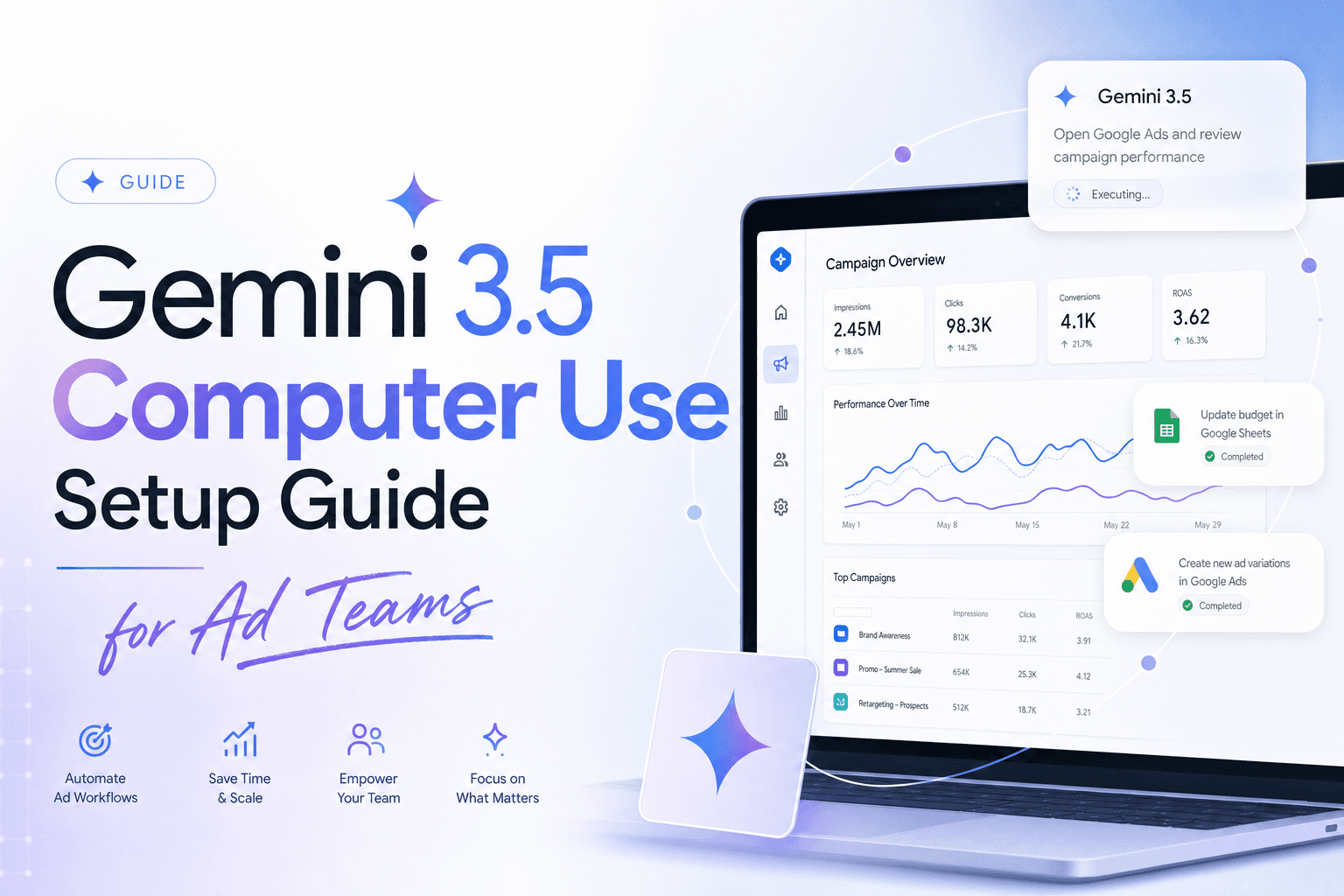
Google's June 24 announcement that computer use is now built into Gemini 3.5 Flash is not just a developer-platform update. For ad teams, it is the clearest signal yet that browser agents are moving from demos into production workflows: agents that can look at a screen, reason about the current state, and suggest UI actions across browser, mobile, and desktop environments.
The marketing angle is specific. Ad operations still has too much work trapped in interfaces: launch checklists, UTM review, creative QA, platform screenshots, competitor research, reporting exports, approval trails, and account-health checks. APIs and MCP servers solve the structured-data half. Computer use solves the messy UI half.
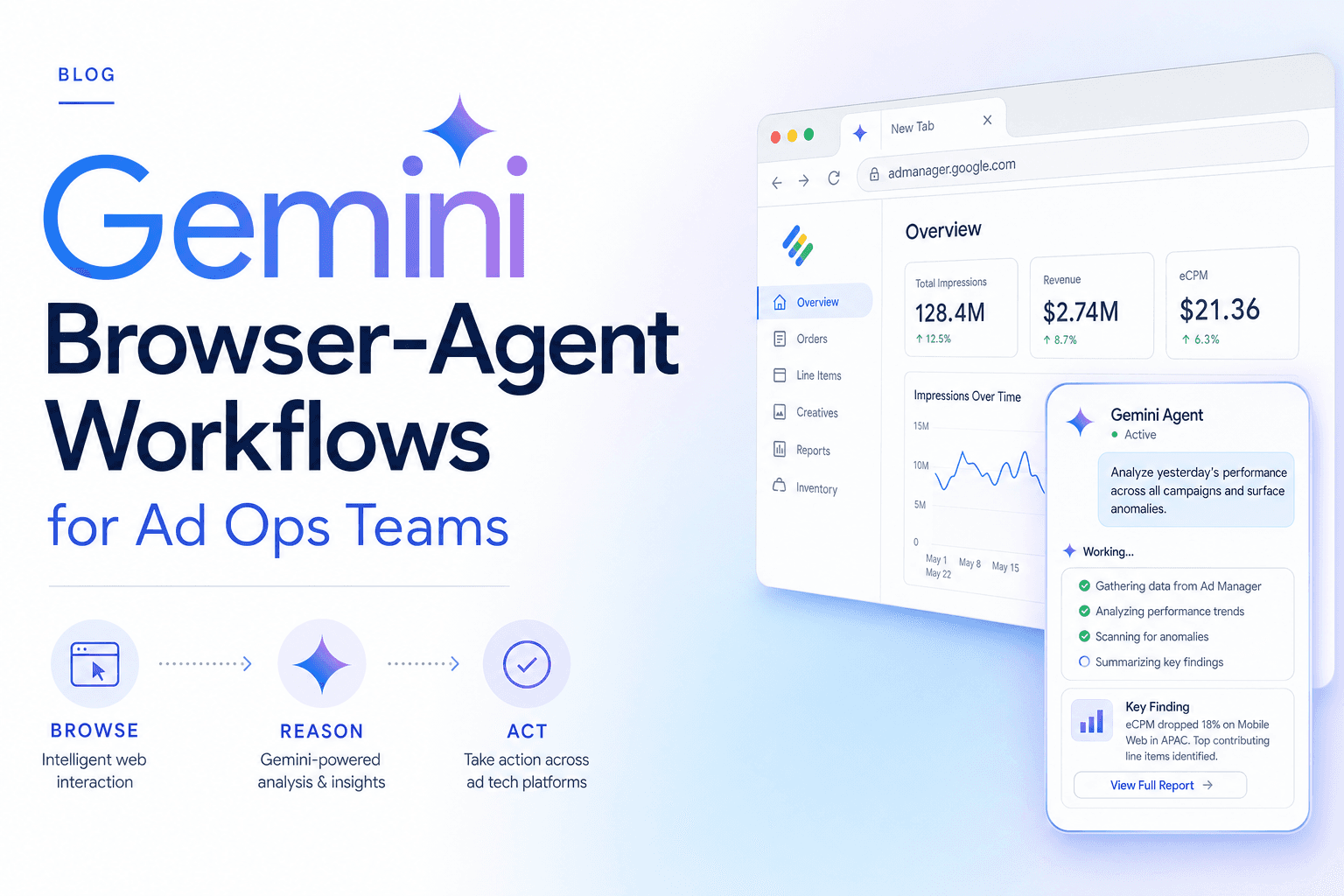
This is the hub for the Gemini computer-use cluster. If you want implementation steps, use the Gemini 3.5 computer-use setup guide for ad teams. If your risk team is asking about prompt injection and irreversible actions, read the Gemini computer-use safety guide. If you want the operating model and workflows, start with Gemini browser-agent workflows for ad ops.
What changed
Before this release, Google's computer-use work was a specialized model path. Now Google says the capability is a built-in tool supported in Gemini 3.5 Flash. The API documentation describes the model loop plainly: the application sends the user's goal, the computer-use tool configuration, and a screenshot; the model returns a proposed UI action such as click, scroll, keystroke, or typing; the client executes or blocks it; then sends a new screenshot back.
That matters because Gemini 3.5 Flash is also positioned as Google's fast, agentic model for long-horizon tasks. Google's broader 3.5 launch claims strong agentic and coding benchmark results, including Terminal-Bench 2.1, GDPval-AA, MCP Atlas, and multimodal reasoning. The point for marketers is not benchmark theater. It is latency and iteration. A useful browser agent has to observe, decide, act, observe again, and keep going without turning every UI step into a slow conversation.
Why ad teams should care
Ad platforms are full of semi-structured workflows. The campaign object is structured, but the daily work is not. Teams still open platform UIs to confirm whether a draft campaign looks right, whether a video thumbnail is cropped correctly, whether an alert banner appeared, whether a brand-safety control is set, whether a landing page form works, or whether a report export matches what the API returned.
Computer use fits the gap between an API agent and a human media buyer:
| Job | API or MCP handles | Computer use handles |
|---|---|---|
| Pull spend, CPA, ROAS | Yes | Usually unnecessary |
| Change budgets safely | Sometimes, with strict approval | Only as a UI fallback |
| Verify a launch screen | No | Yes |
| Check landing-page forms | No | Yes |
| Audit screenshots and warnings | Partial | Yes |
| Research competitor pages | Partial | Yes |
| Export UI-only reports | Sometimes | Yes |
That split is the whole operating model. Use structured connectors for account data and computer use for the visual or UI-bound tasks that APIs do not expose cleanly.
The Soku angle: browser agents should be inspectors first
The first useful ad-ops workflow is not "let Gemini run your ad account." It is inspection.
A browser agent can inspect the page a human would normally inspect: a landing page, a checkout flow, an ad preview, a tracking debugger, a partner dashboard, or a platform setup screen. It can then produce a structured finding: pass, fail, risk, screenshot evidence, and recommended next step.
For Soku, this creates a clean loop:
- Soku detects an issue from structured data: spend dropped, CPA spiked, conversion tracking changed, creative fatigue rose, or one channel diverged from the others.
- A browser-agent task inspects the UI surface that explains the issue: landing page, tracking screen, creative preview, campaign setup, or competitor page.
- Soku turns the observation into an action plan, with a human approval gate before anything touches spend.
That division keeps the agent useful without pretending a screenshot model should be the source of truth for budgets.
The five workflows worth building first
1. Landing page QA before launch
The agent opens the landing page, checks the hero, CTA, form, thank-you path, mobile layout, UTM preservation, and pixel/debug indicators. It does not decide campaign strategy. It catches the mistakes that make campaigns waste money before the first click.
2. Creative preview review
The agent opens ad previews and checks whether the image, video, headline, CTA, safe area, and first-frame hook match the brief. This is especially useful for high-volume AI creative where the failure mode is not "no asset" but "too many unchecked assets."
3. Reporting reconciliation
The agent compares a UI export with API-derived numbers. If the UI report includes blended columns, delayed attribution, or a platform-only metric, the agent captures the discrepancy and records the screen evidence.
4. Competitor and SERP research
The agent visits competitor pages, pricing pages, ad libraries, and search results to capture what changed. The key is not scraping for volume; it is preserving context that a pure crawler misses: layout, offer framing, claims, and CTA hierarchy.
5. Platform alert triage
The agent opens account-health pages, tracking diagnostics, or policy centers and summarizes warning banners. A human still decides remediation, but the tedious "what does the UI say today?" work becomes repeatable.
The safety model that makes this usable
Google's docs are blunt that Computer Use is a preview capability and can contain errors and security vulnerabilities. That warning is exactly right for marketing workflows. The safe pattern is:
- Read-only by default.
- No budget, bid, billing, deletion, account-access, or irreversible changes through browser actions.
- User confirmation for sensitive actions.
- Screenshot scanning and prompt-injection detection where available.
- A sandboxed browser profile with only the accounts and permissions needed for the task.
- A task log that stores goal, URL, screenshot evidence, actions proposed, actions executed, and human approvals.
In other words: the browser agent is an analyst and QA operator first. It becomes an executor only where the blast radius is low or the human has approved the exact change.
Where Gemini fits relative to MCP
Computer use does not replace MCP. It complements it.
MCP is best when the system exposes a stable API and schema. Google Ads reporting, Meta campaign structure, GA4 data, Shopify orders, and product feeds should flow through structured tools whenever possible. Computer use is for the last mile where the work is visual, locked in a UI, or lacks a complete API.
The best ad agents will use both: MCP for facts, computer use for verification, and human approval for spend.
Where to go next
- Build it: Gemini 3.5 computer-use setup guide for ad teams
- Make it safe: Gemini computer-use safety and prompt-injection guide
- Pick workflows: Gemini browser-agent workflows for ad ops
FAQ
What is Gemini computer use?
It is a Gemini API capability that lets a model work in a loop with screenshots and UI actions. The client application provides the execution environment, and the model proposes actions.
Is Gemini 3.5 Flash required?
Google recommends Gemini 3.5 Flash for Computer Use, and the docs list Gemini 3.5 Flash as a supported model.
Should ad teams let it edit campaigns?
Not by default. Use structured APIs and MCP for account data, browser agents for inspection, and human approval for spend-impacting actions.
What is the best first project?
Landing-page QA or creative-preview QA. Both are visual, repeatable, easy to supervise, and expensive when missed.