Soku AI
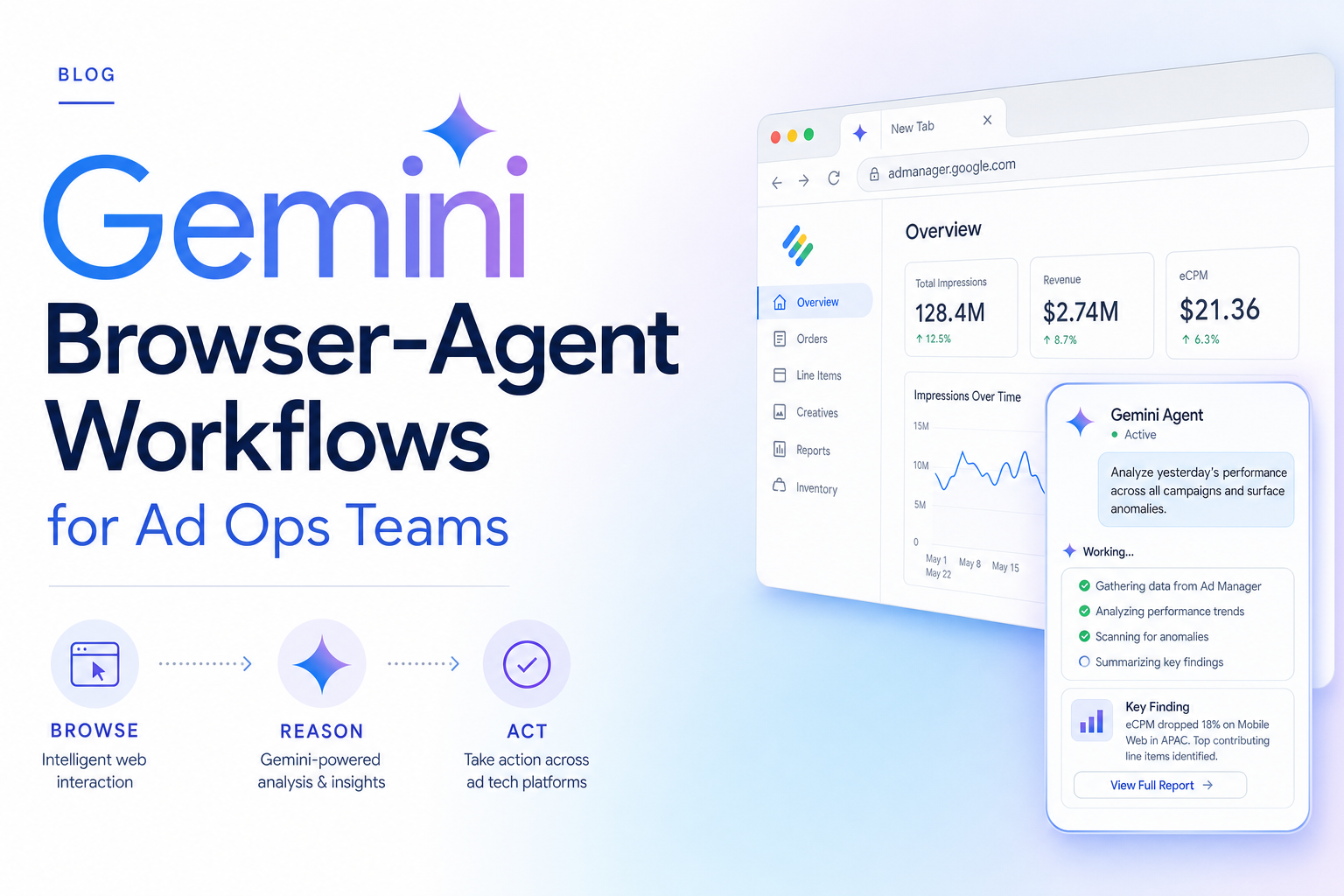
The fastest way to waste Gemini computer use is to aim it at everything. Browser agents are not a replacement for APIs, ad-platform connectors, or human judgment. They are best at the thin layer of marketing work that is visual, repetitive, and stuck in a UI.
This is the workflow spoke in the Gemini computer-use cluster. For the complete strategic map, read Gemini computer use for AI ad ops. For implementation details, use the setup guide. For guardrails, read the safety and prompt-injection guide.
Workflow 1: landing-page QA
Goal: catch launch blockers before paid traffic arrives.
The agent opens the landing page and checks the first viewport, CTA, form behavior, mobile layout, UTM preservation, thank-you path, and visible tracking indicators. The output is a table:
| Check | Result | Evidence | Recommendation |
|---|---|---|---|
| Hero matches ad promise | Pass/fail | screenshot | rewrite hero or ad |
| CTA visible | Pass/fail | screenshot | move CTA above fold |
| Form works | Pass/fail | screenshot | fix field or validation |
| UTM preserved | Pass/fail | URL trail | fix redirect |
| Mobile layout | Pass/fail | screenshot | fix responsive issue |
This is the best first workflow because it is bounded and the cost of mistakes is low. The agent is inspecting, not changing spend.
Workflow 2: creative preview QA
Goal: stop broken AI-generated assets from reaching the auction.
AI creative production increases volume. Volume increases unchecked mistakes: clipped captions, wrong crop, weak first frame, missing product shot, unapproved claim, or a CTA hidden behind UI chrome.
The browser agent opens ad previews and checks:
- first frame communicates product or offer
- text is inside safe area
- headline matches landing-page promise
- CTA is visible
- video orientation matches placement
- brand or claim risk is flagged
The agent should not approve the ad. It should mark the preview as ready for human review, needs edit, or blocked.
Workflow 3: reporting reconciliation
Goal: compare UI reports with structured data.
Ad teams often see mismatches between API data, UI dashboards, exports, and stakeholder screenshots. A browser agent can open the report screen, capture the UI numbers, and compare them with the numbers Soku pulled through structured connectors.
Useful checks:
- same date range
- same attribution setting
- same currency
- same account or campaign filter
- same conversion column
- same timezone
Most "data discrepancy" tickets are filter mismatches. A browser agent can catch them faster than a human support thread.
Workflow 4: competitor and SERP capture
Goal: preserve context, not just text.
Pure scraping gets words. Ad teams need layout, offer hierarchy, proof, pricing, CTA placement, social proof, and creative claims. A browser agent can visit competitor pages, SERPs, ad libraries, and pricing pages, then return a structured teardown.
Prompt pattern:
Inspect this competitor landing page for ad creative strategy. Capture the offer, hero claim, CTA, proof, pricing visibility, creative format, and any compliance-sensitive claims. Do not fill forms or download files.
This is especially useful before building a new blog, integration page, or ad creative cluster.
Workflow 5: platform alert triage
Goal: summarize UI-only warnings.
Some platform warnings appear in dashboards before they appear cleanly in APIs: tracking diagnostics, rejected ads, feed issues, policy center notices, account-health alerts, or setup prompts.
The browser agent opens the relevant page, records the warning, captures screenshot evidence, and classifies it:
| Alert class | Example action |
|---|---|
| Tracking | route to analytics owner |
| Policy | route to compliance/creative |
| Feed | route to ecommerce ops |
| Billing | block and escalate |
| Account access | block and escalate |
Again, the agent should not fix everything. It should make the triage repeatable.
Our workflow scorecard
For Soku, we score browser-agent workflows on five dimensions:
| Workflow | Value | Risk | Repeatability | API alternative | First-build priority |
|---|---|---|---|---|---|
| Landing-page QA | 5 | 2 | 5 | 2 | 1 |
| Creative preview QA | 5 | 3 | 4 | 1 | 2 |
| Reporting reconciliation | 4 | 2 | 4 | 3 | 3 |
| Competitor capture | 3 | 2 | 4 | 2 | 4 |
| Platform alert triage | 4 | 4 | 3 | 2 | 5 |
The ranking is intentionally conservative. Build the workflows where the agent can observe, compare, and report before it can act.
How this changes ad ops
The work does not disappear. It becomes more inspectable.
Before browser agents, teams relied on humans to remember the checklist. After browser agents, the checklist becomes a repeatable task with screenshots, findings, and a human review step. That is a better use of AI in paid media than unsupervised budget changes.
Soku's role is to connect the loop: structured performance data says where to look, Gemini computer use inspects the visual surface, and the recommendation engine turns both into a next action.
FAQ
Which workflow should I build first?
Landing-page QA. It is visual, repetitive, and low-risk.
Can this replace QA analysts?
No. It should reduce repetitive checks and give analysts better evidence.
Should the agent use live platform accounts?
Only with limited permissions and logging. Start outside ad-platform settings when possible.