Soku AI
Add the creative
Drop in the image or video you plan to run. Images are drawn into the frame straight away; videos play inside it, and the download captures whichever frame is on screen.
Ad mockup generator
Put your creative and copy into a Feed, Stories or Reels style frame before you build the ad. See how much of the primary text survives, whether the headline fits beside the button, and download the mockup as a PNG for sign-off. It all renders in your browser.
Drop an image or video here
Processed in your browser. The file is never uploaded.
Meta recommends 125 characters on Instagram Feed and 50–150 on Facebook Feed.
Meta recommends 40 characters on Instagram Feed and 27 on Facebook Feed.
A generic frame, not the platform’s interface. Real ads render differently by app, device, placement and text length.
Drop in the image or video you plan to run. Images are drawn into the frame straight away; videos play inside it, and the download captures whichever frame is on screen.
Fill in the brand name, primary text, headline and call-to-action. Counters compare your text with Meta's recommendation for the frame you picked, and long primary text is cut with “… more” the way a feed would shorten it.
Export the mockup as a PNG, labelled as a preview so nobody mistakes it for a live ad, and send it to whoever approves the creative. Once it is agreed, build and launch the real ad in Soku.
Text guidance
The counters in the tool use these figures from the “Text Recommendations” block of each Meta Ads Guide page, checked on 2026-10-09. Meta does not publish the exact point where text is cut on screen — it depends on the device, the font and the characters you use — so the mockup shortens feed text at three lines and Stories and Reels text at two as an approximation.
| Placement | Primary text | Headline | Source |
|---|---|---|---|
| Instagram Feed | 125 characters | 40 characters | Meta Ads Guide |
| Facebook Feed | 50–150 characters | 27 characters | Meta Ads Guide |
| Instagram Stories | 125 characters | Not listed | Meta Ads Guide |
| Instagram Reels | 44 characters | Not listed | Meta Ads Guide |
A quick, shareable check of copy length, crop and layout: your creative with the brand line, primary text, headline and button placed where those elements usually sit in each format.
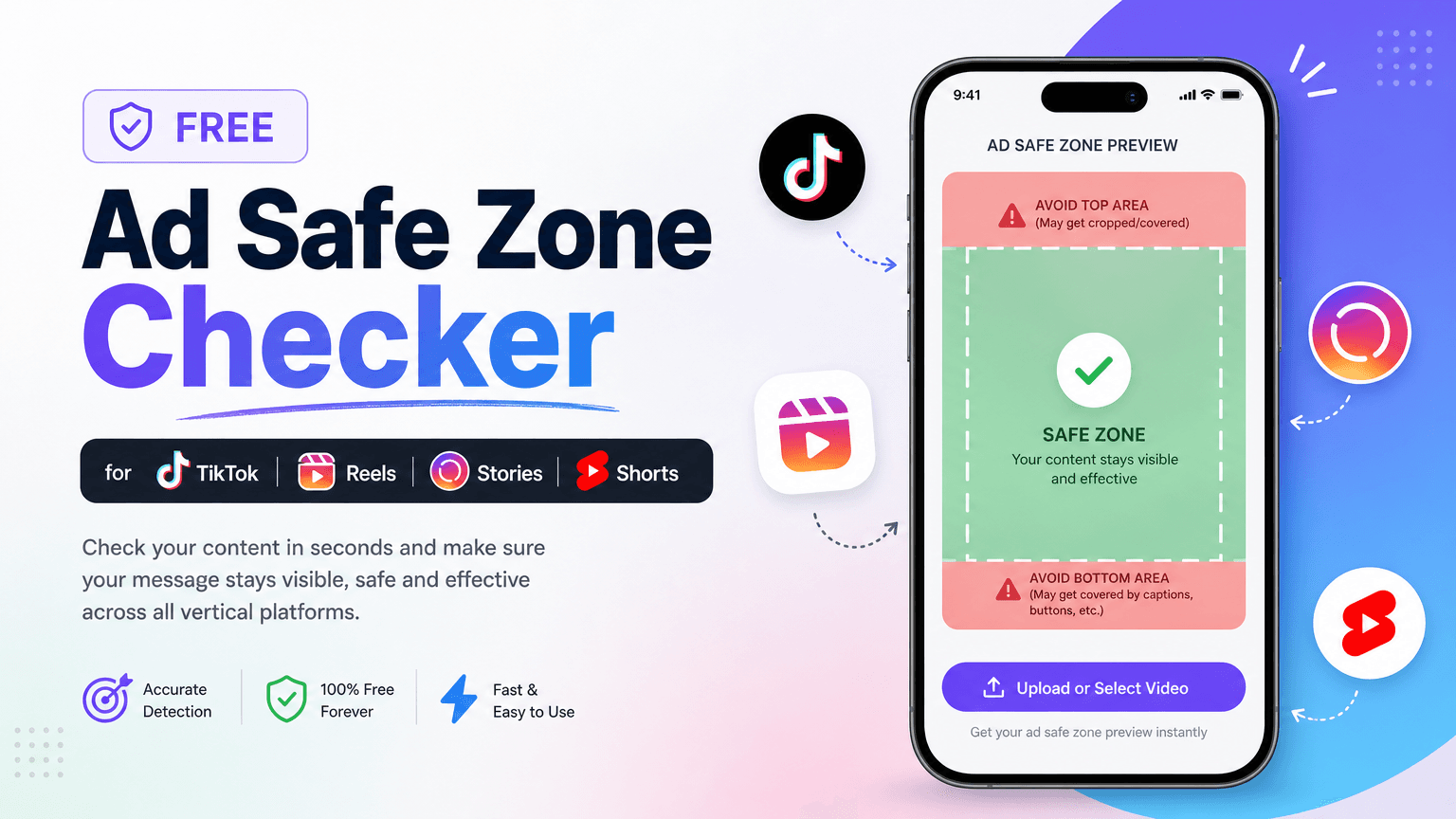
A screenshot of Facebook or Instagram. Fonts, spacing, icons and truncation differ by app version and device, and the platforms change their layouts. Use Ads Manager’s preview for the final check, and the ad safe zone checker for 9:16 margins.
Why Soku
A preview tells you the copy fits and the product is visible. It cannot tell you which version will win. Soku takes the same brief from mockup to live test.
Soku writes ad copy alongside the creative, so instead of polishing one headline you can take several angles into the test.
Soku Creatives turns a product page or a few photos into image and video ads, so a mockup that reveals a weak creative is a reason to regenerate, not to reshoot.
Soku launches campaigns across Meta, Google and TikTok once you approve them, and A/B-tests creatives on live traffic, so the decision comes from results rather than a screenshot.
Use cases
Freelancers and agencies
Send a Feed and a Stories mockup instead of a loose image and a copy doc. The client approves the thing they will actually see — text, crop and button together — before you touch their ad account.
Copywriters
Paste two lengths of the same message and watch where each one breaks. A hook that only lands in the second sentence will be hidden behind “… more” in a three-line feed preview and gone entirely in a 44-character Reels line.
Founders running their own ads
Toggle the feed media between 4:5 and 1:1 to see whether the product survives a square crop, and switch to Reels to check the call-to-action bar is not sitting on top of it.
In Soku the same brief becomes image and video ads with AI-written copy, launched on Meta, Google and TikTok once you approve, and A/B-tested on live traffic.
Start free