 Soku AI
Paste the landing page
Use the exact URL the ad will point to, including any query string or #section it already has. The builder adds parameters before the # and replaces, rather than repeats, any utm_ key the page already carries.
UTM builder
Build tagged campaign URLs that keep your existing query string and #anchor, encode properly, and stay lowercase. Presets drop in each ad platform's own dynamic macros — Meta, Google Ads, TikTok, LinkedIn, Microsoft Advertising and ChatGPT Ads — and nothing you type leaves your browser.
Existing query parameters and #anchors are kept.
Where the click came from
The channel type
The campaign
Keyword or audience
The creative or link
UTM values are case-sensitive, so “Facebook” and “facebook” become two sources in your reports. Both rules apply to text you type only. Macros such as {{campaign.name}} are left untouched: they are filled in by the platform at click time with whatever the campaign is called there.
Tagged URL
https://example.com/shoes?color=red&utm_source=newsletter&utm_medium=email&utm_campaign=spring_sale#reviews
Parameters only
utm_source=newsletter&utm_medium=email&utm_campaign=spring_sale
For URL-parameter fields such as Meta’s URL parameters or a Google Ads final URL suffix.
Checks
Use the exact URL the ad will point to, including any query string or #section it already has. The builder adds parameters before the # and replaces, rather than repeats, any utm_ key the page already carries.
Type source, medium and campaign yourself, or pick Meta, Google Ads, TikTok, LinkedIn, Microsoft Advertising or ChatGPT Ads to fill the fields with that platform's own macros, so the campaign, ad set and ad values are written at click time.
Clear anything flagged — a missing utm_medium, mixed case, a gclid copied from a real click — and copy either the full URL or the parameters-only line for the platform's URL-parameters field.
Where the macros come from
Each list was read from the platform’s own help page on October 12, 2026, not copied from another builder. Note the four syntaxes: Meta and LinkedIn use double braces, Google, Microsoft and ChatGPT Ads use single braces, and TikTok uses double underscores. A macro from one platform reaches your analytics as literal text on any other. The UTM fields themselves follow Google’s GA4 URL builder guidance.
| Platform | Documented macros | Where they go | Source |
|---|---|---|---|
| Meta (Facebook & Instagram) | {{campaign.id}} {{adset.id}} {{ad.id}} {{campaign.name}} {{adset.name}} {{ad.name}} {{placement}} {{site_source_name}} {{media_type}} | Ads Manager → ad level → Tracking → URL parameters. Paste the “parameters only” line, not the full URL. | Meta Business Help: dynamic URL parameters |
| Google Ads | {campaignid} {adgroupid} {creative} {keyword} {matchtype} {device} {network} {targetid} {placement} {loc_physical_ms} {assetgroupid} | Campaign or account settings → Campaign URL options → Final URL suffix. Paste the “parameters only” line. | Google Ads Help: ValueTrack parameters |
| TikTok Ads | __CAMPAIGN_NAME__ __CAMPAIGN_ID__ __AID_NAME__ __AID__ __CID_NAME__ __CID__ __ADID_V2_NAME__ __ADID_V2__ __PLACEMENT__ | Ad level → Destination → URL parameters (or the website URL itself). TikTok can also add utm_source and utm_medium for you. | TikTok Ads Manager Help: About UTM parameters |
| LinkedIn Ads | {{ACCOUNT_ID}} {{ACCOUNT_NAME}} {{CAMPAIGN_ID}} {{CAMPAIGN_NAME}} {{AD_SET_ID}} {{AD_SET_NAME}} {{AD_ID}} {{AD_NAME}} | Campaign Manager → account or campaign level → URL parameters. Dynamic parameters can only be set there, not per ad. | LinkedIn Help: URL tracking parameters in Campaign Manager |
| Microsoft Advertising | {Campaign} {CampaignId} {AdGroup} {AdGroupId} {AdId} {keyword:default} {MatchType} {BidMatchType} {Device} {Network} {TargetId} {msclkid} | Account, campaign or ad group → URL options → Final URL suffix. Paste the “parameters only” line. | Microsoft Advertising Help: tracking and URL parameters |
| ChatGPT Ads | {campaign_id} {ad_group_id} {ad_id} {ad_account_id} | Ads Manager → ⋯ → Edit campaign (or ad group, or ad) → Landing page query parameters. | OpenAI Help: Measure Results (ChatGPT Ads) |
For how to name what goes into these fields — and keep it consistent across paid, email and lifecycle — see UTM naming conventions for paid media. For ChatGPT Ads’ four-level parameter precedence, see ChatGPT Ads dynamic URL parameters.
Why Soku
A clean UTM scheme is what lets you compare channels on the same terms. Soku is built for the part after the link goes live.
Soku reads the UTM tags on your synced campaigns and can break spend and results down by utm_source, utm_medium, utm_campaign and utm_content — so a consistent scheme pays off in one view rather than four exports.
Soku runs campaigns across Meta, Google, TikTok and ChatGPT Ads, and changes go live only after you approve them.
Soku Creatives generates image and video ads from a product URL or a few photos, and Soku A/B-tests them on live traffic — which is exactly what utm_content is there to tell apart.
Use cases
Performance marketers
Load each platform's preset in turn and keep source and medium identical in spirit — paid_social for social, cpc for search — so GA4 and your warehouse group the traffic the same way no matter where it was bought.
Agencies and freelancers
Name macros mean nobody has to retype a campaign name into a URL. Bulk mode turns a list of ad names into one tagged link each when a platform has no macro for what you need, such as offline or influencer placements.
Email, partner and organic teams
Newsletters, creator bios, QR codes and partner placements have no auto-tagging. Use the same lowercase and underscore rules as paid so the sources line up in one report instead of splitting into Email, email and e-mail.
Connect your ad accounts to Soku to see results by source, medium, campaign and creative, generate new image and video ads, and launch on Meta, Google, TikTok and ChatGPT Ads once you approve.
Start freeKeep building
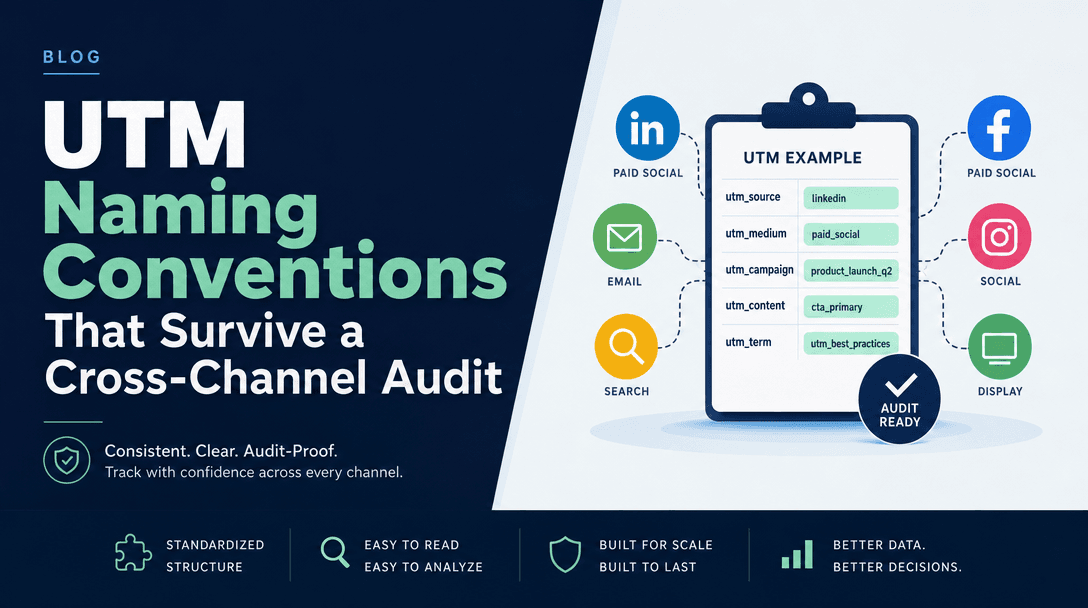
The naming spec to feed this builder, channel by channel.
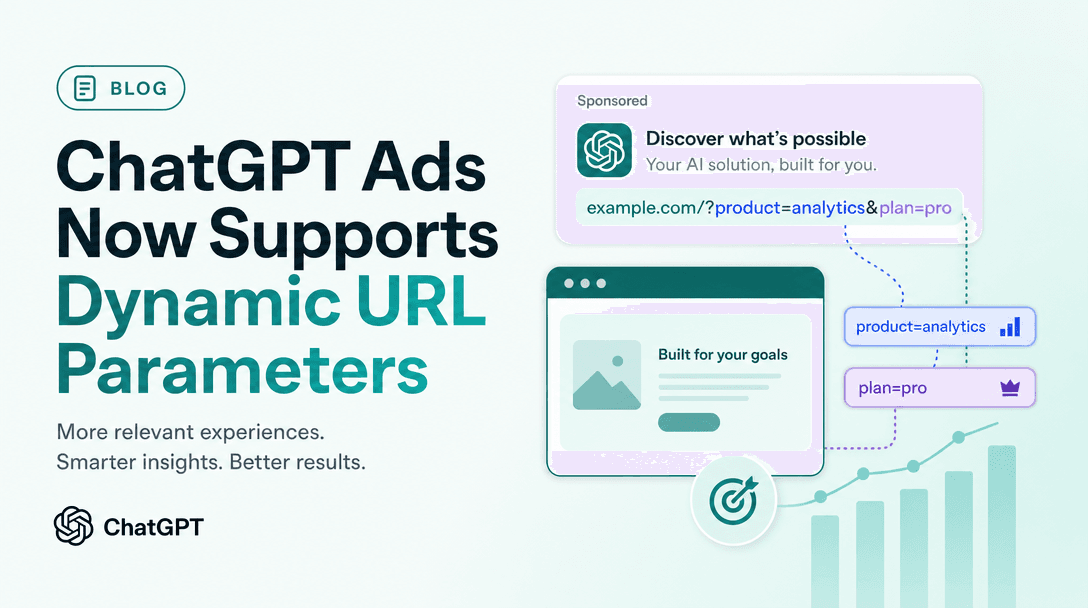
The four macros, the precedence trap, and a scheme that survives it.
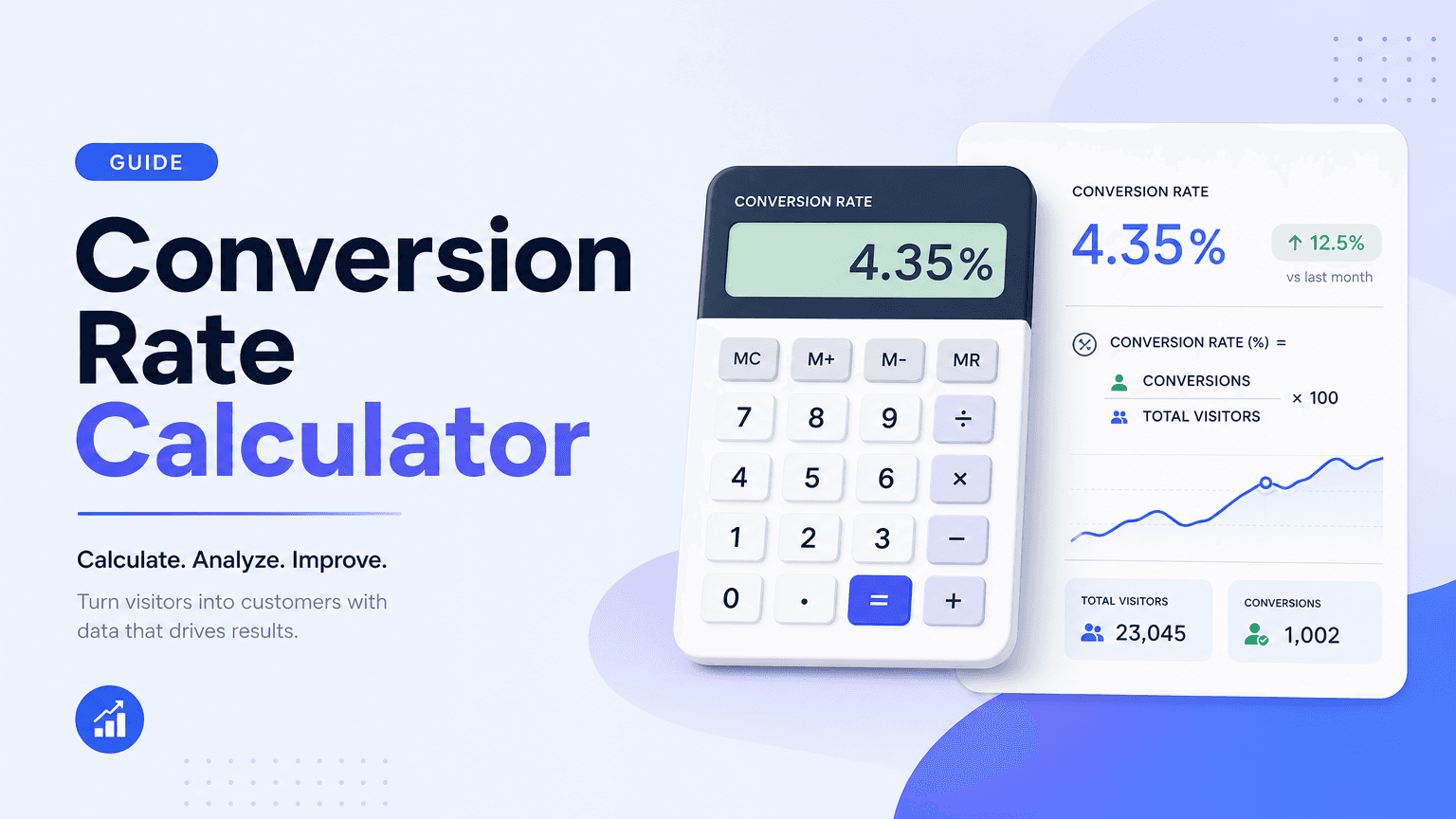
Once the traffic is tagged, see what each source converts at.