Soku AI
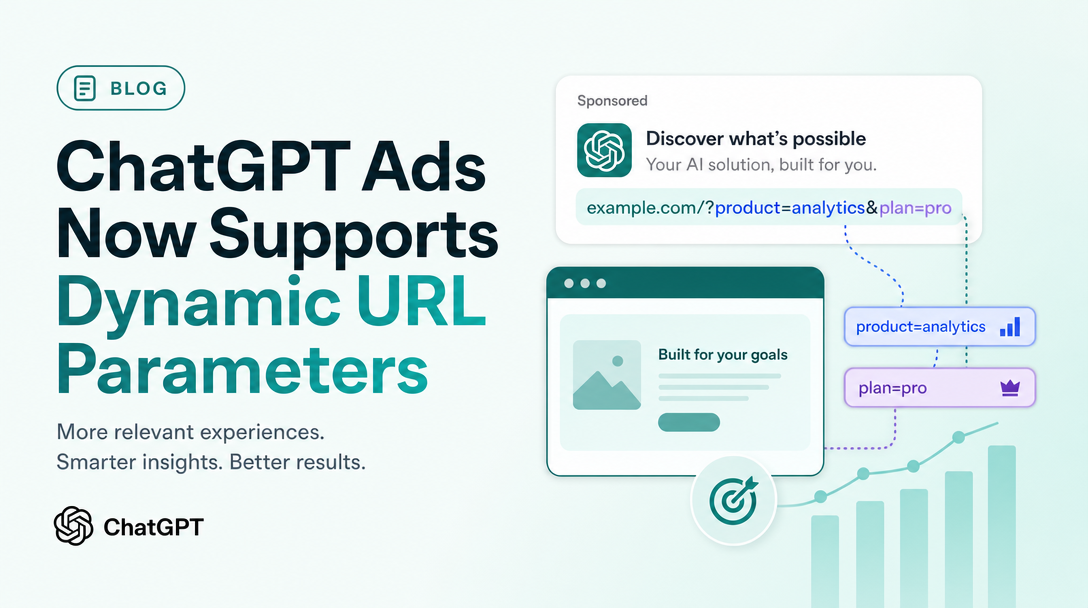
OpenAI has quietly reversed one of the more frustrating limitations in ChatGPT Ads. Dynamic URL parameters now work. The change landed in the "Measure Results" help article, and it is a straight contradiction of what the same page said before.
This matters more than a typical documentation edit, because the previous answer forced a specific and bad workaround on every advertiser who read it. If you built your ChatGPT Ads tracking around "macros are not supported", that decision is now out of date.
Everything below is quoted from OpenAI's own documentation as captured on 2026-08-05. Where the documentation is silent, this article says so rather than filling the gap.
What changed, exactly
The previous version of the FAQ carried this question and answer:
Do dynamic UTM macros work?
Static UTM parameters are supported when you add them to destination URLs. Dynamic macro syntax is not supported at this time.
That entry has been replaced with:
Can I add dynamic URL parameters?
Yes. Dynamic URL parameters are available in Ads Manager Beta. You can add custom landing page query parameters using your own text or supported macros, including
{campaign_id},{ad_group_id},{ad_id}, and{ad_account_id}. Ads Manager populates supported macros automatically at delivery time.
Note the wording change is not a softening. "Not supported at this time" became "Yes… available in Ads Manager Beta", and the question itself was retitled from the narrow "UTM macros" to the broader "dynamic URL parameters".
Source: help.openai.com — Measure Results, captured 2026-08-05.
Why the old limitation was so expensive
Under the previous rule, static parameters were the only option. That meant every distinct value you wanted in your analytics had to be typed by a human into a destination URL, once per ad.
The consequences compound in a predictable order:
- Granularity collapses. Nobody hand-writes a unique
utm_contentper ad across fifty ads. So most advertisers tagged at campaign level and lost ad-level resolution entirely. - Names drift. Static tagging encodes names, and names get edited. Rename a campaign in Ads Manager and the URL keeps the old string, so your analytics reports two campaigns that are one campaign.
- Joining is manual. With no ID in the URL, reconciling OpenAI's CSV export against GA4 or a warehouse means matching on text, which fails the first time somebody uses a different separator.
- New ads ship untagged. The step is manual, so it gets skipped under deadline, and the gap is invisible until someone runs a report.
Every one of those is solved by an ID that the platform populates at delivery time.
The four macros, and what they are not
The documentation lists exactly four:
| Macro | Resolves to |
|---|---|
{campaign_id} | The campaign identifier |
{ad_group_id} | The ad group identifier |
{ad_id} | The ad identifier |
{ad_account_id} | The ad account identifier |
Two observations, both important.
All four are identifiers, not names. That is the right design — IDs are stable across renames, which is precisely what static tagging got wrong — but it has an operational cost. Your analytics will fill with numeric IDs that mean nothing to a human reading a report. You need a lookup: export the campaign, ad group and ad list from Ads Manager, keep the ID-to-name mapping somewhere your reporting layer can join against, and refresh it when structure changes. Build that before you deploy the macros, not after your first report comes back unreadable.
Nothing else is listed. There is no documented macro for campaign name, ad group name, ad name, placement, device, geography, match type, or the conversation context that triggered delivery. The documentation says "supported macros, including" those four — which is not the same as a closed list, but it is also not a licence to guess. Do not build a tracking scheme that depends on an unlisted macro. Test any candidate against a real click and inspect the resulting URL before it goes near a reporting design.
The precedence hierarchy, and its trap
This is the part that will cost someone a debugging afternoon.
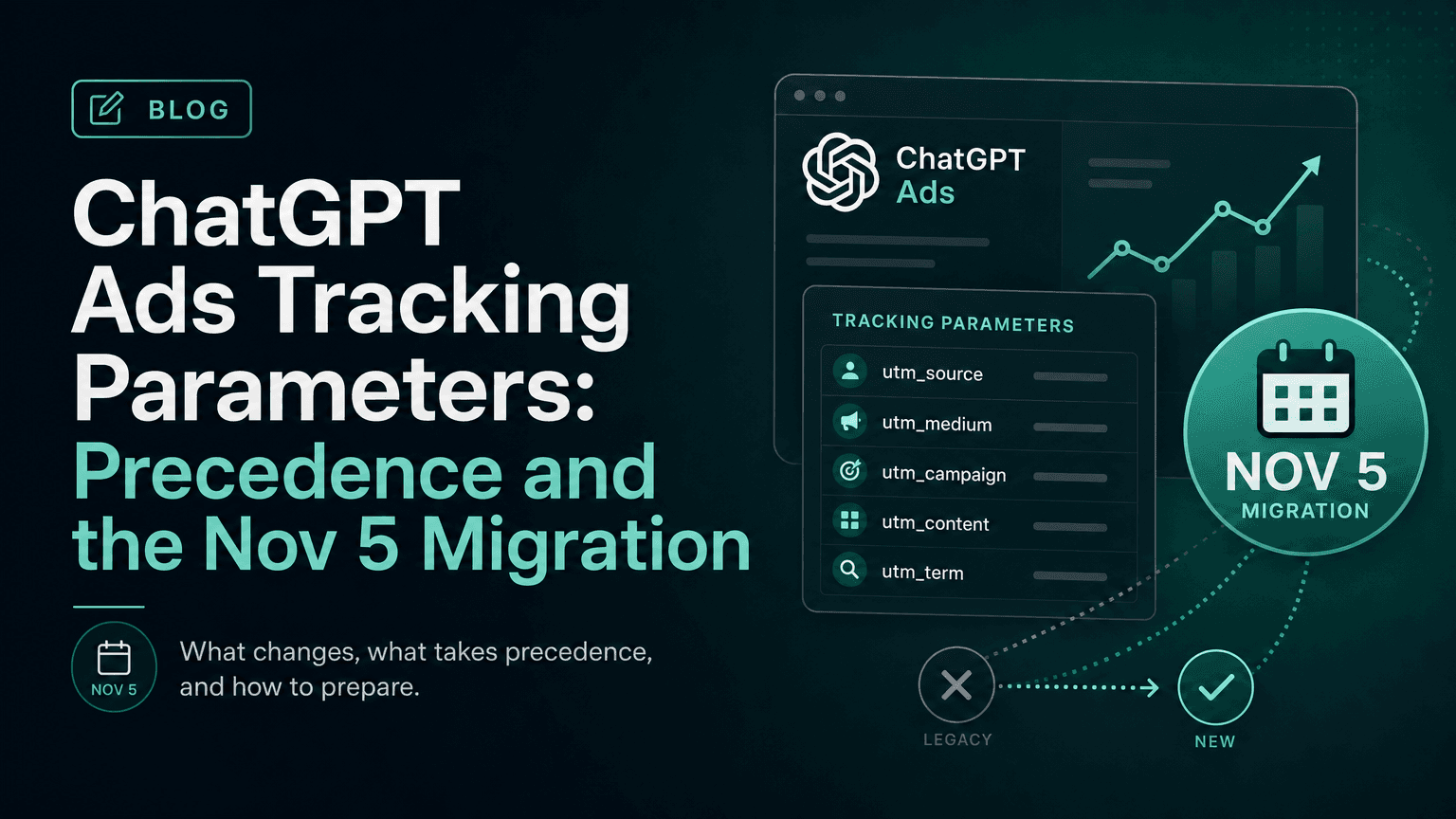
More specific settings take precedence. The hierarchy is: Ad URL, then Ad, then Ad Group, then Campaign. If a parameter is already set at the Ad URL level, campaign, ad group, or ad-level settings will not overwrite it.
So four levels can define the same parameter key, and the most specific wins:
Ad URL          ← highest priority, wins outright
  Ad
    Ad Group
      Campaign  ← lowest priority
The trap is the second sentence. A parameter hard-coded in an ad's destination URL cannot be overridden from above. If you set a campaign-level utm_content and it does not appear in analytics, the cause is almost certainly that an ad's destination URL already carries a utm_content — perhaps left over from the static-tagging era, when hand-writing them into destination URLs was the only method available.
That legacy is exactly the problem. Anyone who followed the previous documentation has static parameters sitting in destination URLs right now, in the one position that silently defeats the new feature.
Do this before you configure anything: export your ads, look at every destination URL, and strip any tracking parameter you intend to manage centrally from now on. Then set the scheme once, at campaign level.
A parameter scheme that survives the hierarchy
The design goal is one place to edit, IDs for joining, and readable labels that do not depend on a macro that does not exist.
Set this once at campaign level, in Landing page query parameters:
utm_source=chatgpt
utm_medium=[cpc](/glossary/cpc)
utm_campaign={campaign_id}
utm_content={ad_id}
utm_term={ad_group_id}
oai_account={ad_account_id}
Why this shape:
utm_sourceandutm_mediumare static because they never vary and static text is explicitly supported. Keeping them literal means your channel grouping works without a lookup.- IDs go in the three UTM slots that vary. They join cleanly against OpenAI's CSV exports, and they survive renames.
utm_campaigngets the campaign ID rather than a readable name. This is the deliberate trade: you accept unreadable reports in exchange for a key that never breaks, and you restore readability with the lookup table rather than with the URL.{ad_account_id}goes in a namespaced custom parameter, which matters if you run several accounts into one analytics property — an agency, or a brand with regional accounts.
If your organisation genuinely cannot tolerate ID-only campaign values in reporting, the workable compromise is a static readable slug plus the ID:
utm_campaign=q3-prospecting-{campaign_id}The static half is typed once per campaign and the ID half stays authoritative. You lose the rename-proofing on the readable portion, which is acceptable because nothing joins on it.
Where to configure it
OpenAI's documented path:
You can configure query parameters from the three-dot menu on the Campaigns, Ad Groups, or Ads page by selecting Edit campaign, Edit ad group, or Edit ad. In the edit modal, use Landing page query parameters to add the parameters you want appended to landing page URLs.
Three practical notes. Set the scheme at the highest level you can and let it inherit, because that is the only version you will remember to maintain. Use ad-group or ad level only for genuine exceptions, and write down that you did. And leave ad destination URLs clean of tracking parameters permanently — that level should carry the destination and nothing else.
What the documentation still does not say
Being precise about the gaps matters more here than usual, because ChatGPT Ads is a beta and the surrounding commentary is full of invention.
There is no documented macro for a click identifier. OpenAI's guidance on server-side conversions says to "preserve and send the available click reference values, such as oppref, so events can be attributed correctly" — but oppref is not listed among the macros available for landing page query parameters. Treat the click reference as something that arrives with the click, and verify how it reaches your site in your own server logs before building attribution on it. Our ChatGPT Ads attribution deep-dive covers the rest of the measurement architecture.
Parameter validation, length limits and encoding behaviour are not documented. How the platform handles a landing page that already carries a query string, whether values are URL-encoded, and what happens to a malformed macro are all unstated. Test each case against a live click.
Whether the macro list is closed is unstated. "Including" implies it may not be exhaustive; it does not tell you what else exists.
There is no statement about backfill. Adding parameters today does not retroactively tag yesterday's clicks — this is not stated anywhere, but no ad platform does it, and you should not plan as if this one does.
The other change worth noting: budget minimums
The same documentation sweep captured an update to the minimum campaign spend table in Create Campaigns for ChatGPT. As of 2026-08-05 it reads:
| Country | Daily minimum |
|---|---|
| Australia | 25 AUD |
| Brazil | 40 BRL |
| Canada | 25 CAD |
| Japan | 2,500 JPY |
| Mexico | 150 MXN |
| New Zealand | 25 NZD |
| South Korea | 25,000 KRW |
| United Kingdom | 15 GBP |
| United States | 25 USD |
Brazil and Mexico do not appear in the previously captured version of this table. Their arrival is the only substantive change; the rest of the table is unchanged apart from currency symbols being dropped in favour of currency codes.
Be careful what you conclude from this. A published daily minimum is a spend floor, not a statement of availability — Ads Manager availability by country is documented separately in Ads Manager Availability, and that page did not change substantively in the same sweep. For how the daily budget actually paces once set, see our ChatGPT Ads budget pacing guide.
What to do this week
- Audit ad destination URLs for legacy static tracking parameters and strip the ones you will now manage centrally. This is the step that determines whether anything else works.
- Set the parameter scheme once at campaign level, using IDs in the varying slots and static text for source and medium.
- Export the ID-to-name mapping from Ads Manager and put it somewhere your reporting layer can join against.
- Verify on a real click — click your own ad, inspect the landing URL, and confirm every macro resolved rather than arriving literally.
- Re-baseline your analytics comparison. Ad clicks and analytics sessions will still differ for the reasons OpenAI lists — page load, redirects, consent, browser blocking, attribution windows, time zones — but you can now join them on an ID instead of arguing about names. Compare the same date range and time zone, and use the CSV exports.
Sources, all captured 2026-08-05: Measure Results (dynamic URL parameters, supported macros, precedence hierarchy, configuration path, conversions and reporting FAQ); Create Campaigns for ChatGPT (minimum campaign spend table, daily budget behaviour); Ads Manager Availability. Previous wording is quoted from the prior captured snapshot of the same Measure Results article. Statements about what the documentation does not say are statements about the documentation, not about the product.