Soku AI
Upload the clip
Up to 15 seconds of footage with a clear subject.
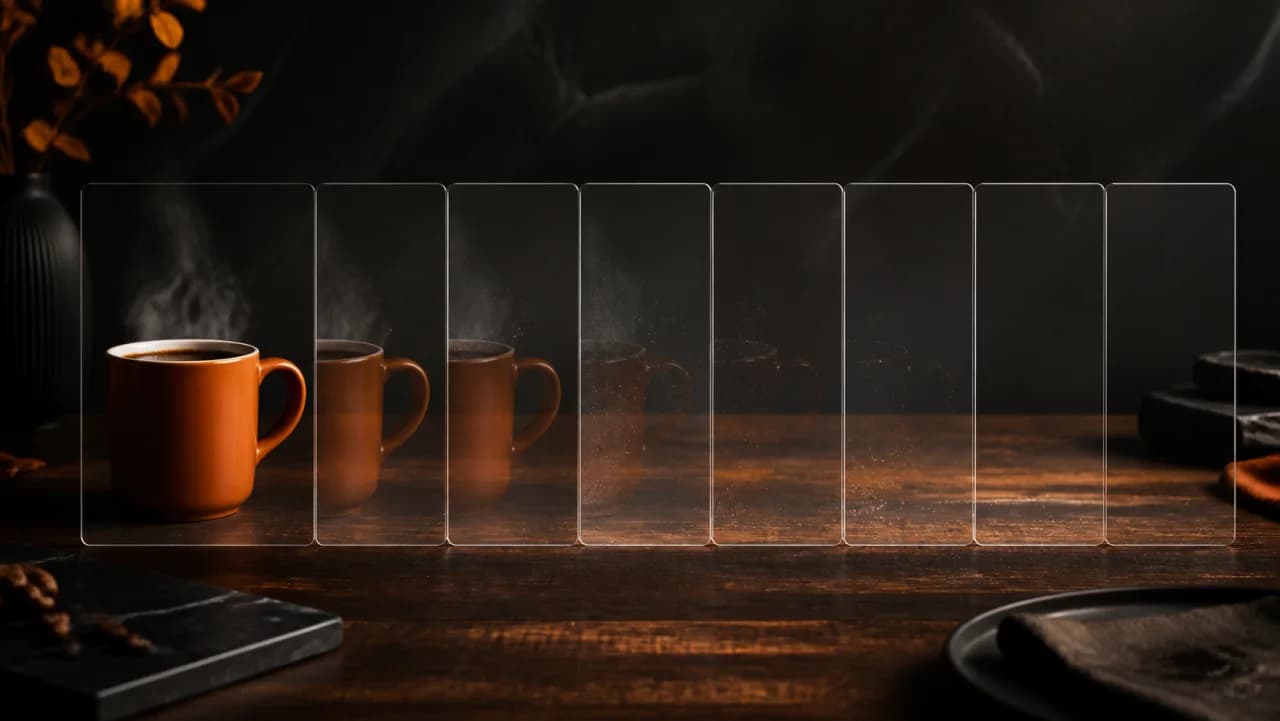
Isolate the subject and drop the background across every frame. The result exports as a transparent WebM with audio intact, so it drops straight onto any backdrop you want.Isolate the subject and drop the background across every frame.
Up to 15 seconds of footage with a clear subject.
The subject is separated frame by frame — no green screen and no manual rotoscoping.
You get a transparent WebM, audio preserved, ready to composite.
Use cases
Shoot the presenter once, then place them in a different scene per audience or per market.
A cut-out subject over a product shot or a solid brand colour is a reliably strong static-to-motion format.
When the room behind the subject is wrong, replace it instead of rebooking the shoot.