Soku AI
Upload the clip
Up to 15 seconds. The tool works on the whole clip, not a selected range.
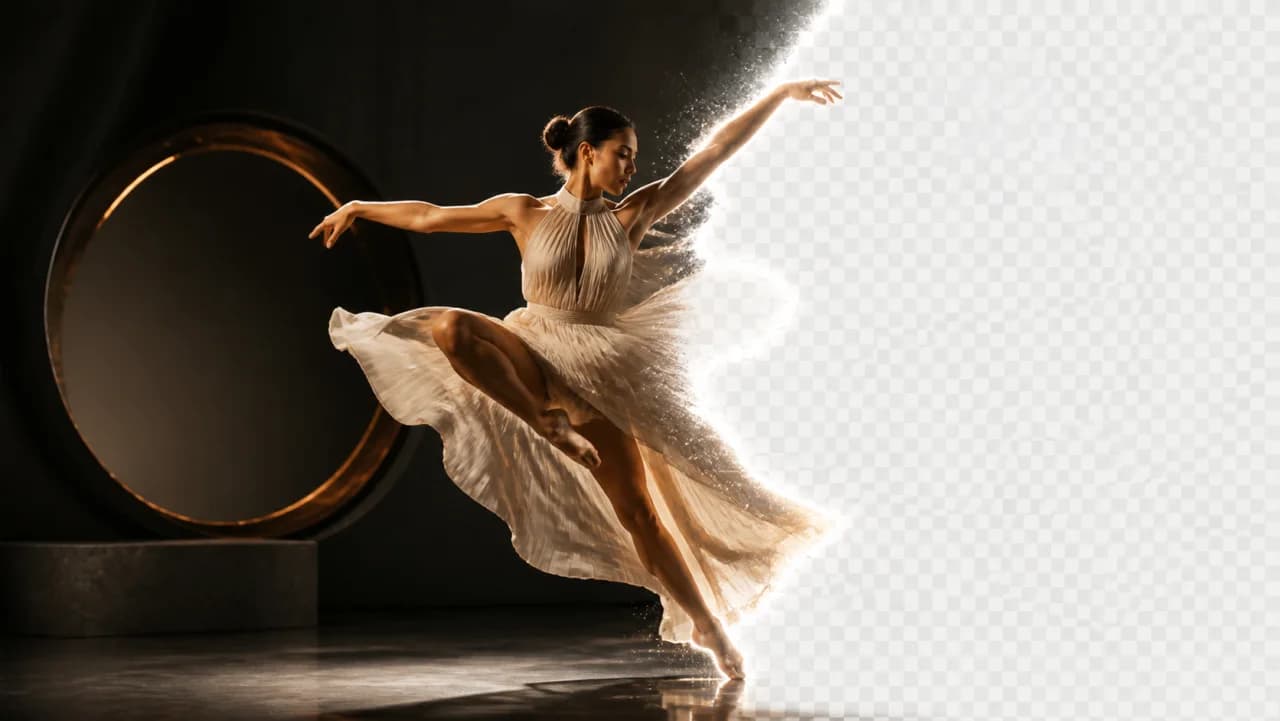
Type what you want gone — a logo, a bystander, a price tag, a competitor's packaging — and the model segments it across every frame and fills the space behind it. No masks to draw, no keyframes to set.Type what you want gone — a logo, a bystander, a price tag, a competitor's packaging — and the model segments it across every frame and fills the space behind it.
Up to 15 seconds. The tool works on the whole clip, not a selected range.
Describe the object plainly: "the red car", "the text overlay", "the person on the left".
The object is tracked and painted out frame by frame, with the background reconstructed behind it.
Use cases
Strip a visible third-party logo or trademark out of otherwise usable footage instead of discarding the take.
Remove a burned-in price or promo badge so last quarter's creative can carry this quarter's offer.
Take out the accidental bystander, the delivery box in frame, the reflection of the phone.