Soku AI
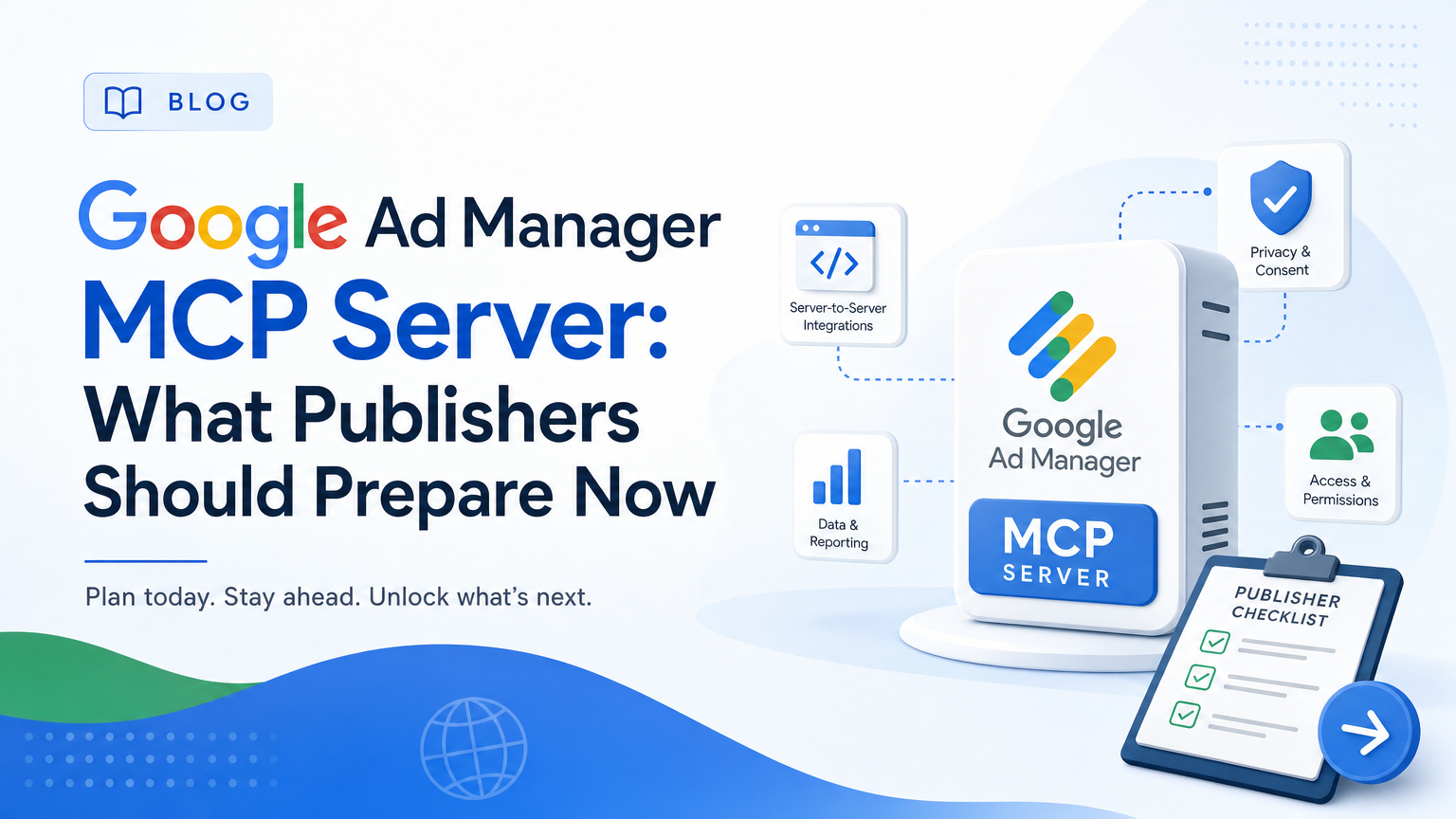
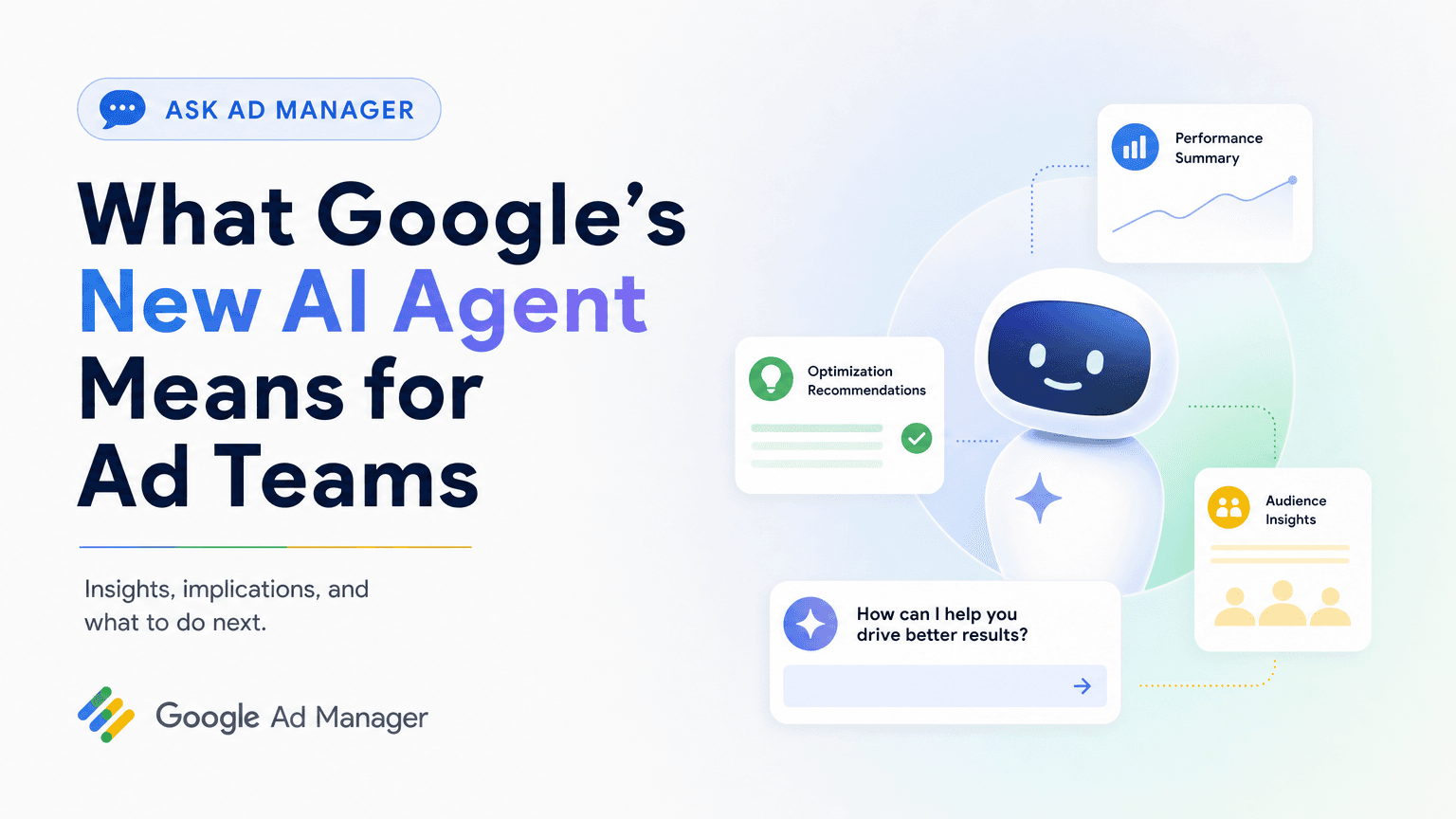
Google's Ask Ad Manager announcement included one line that matters more than the beta itself: Google plans to release REST APIs and an MCP server later in 2026 to support key trafficking workflows.
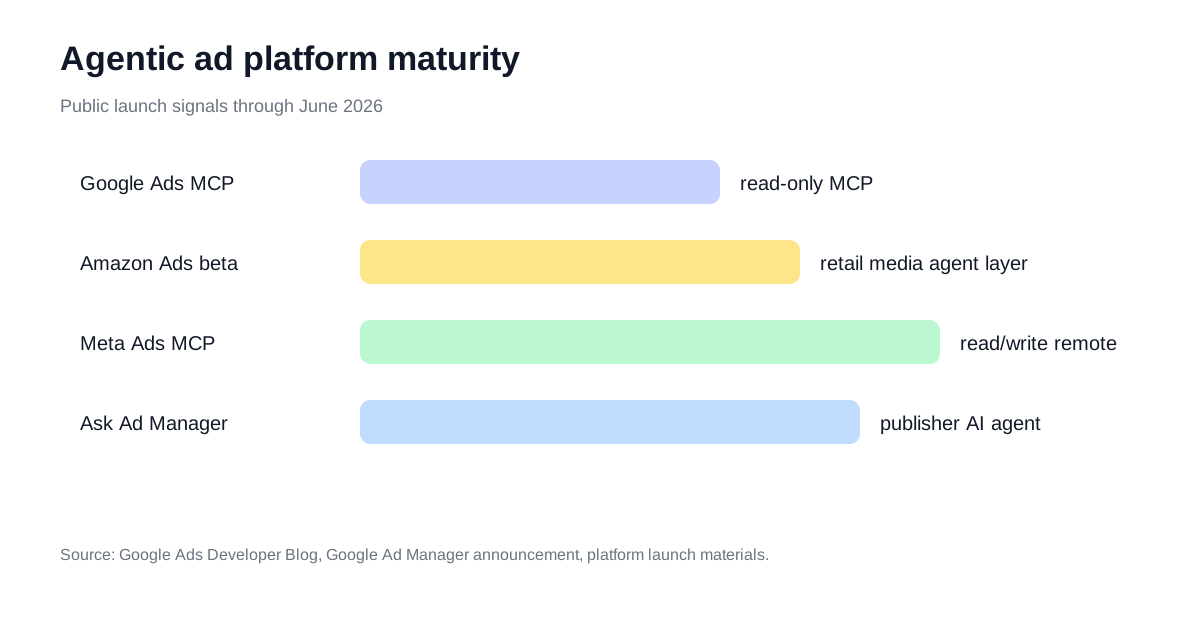
That is the publisher-side counterpart to the buyer-side MCP wave. Google Ads MCP gives an agent a way to inspect ad accounts. Meta Ads MCP moved further with remote, OAuth-gated read/write tools. TikTok has announced its Ads MCP direction. Now Google Ad Manager is preparing the sell-side layer.
For the broad buyer-side view — including how it compares to Google Ads MCP — read the Ask Ad Manager AI agent guide. This guide is the preparation checklist for publishers.
What an Ad Manager MCP Server Would Likely Need
Google has not published the tool list, so the honest answer is: we do not know the exact scope. But Google did name the domain: key trafficking workflows.
That implies an MCP server would need structured access to entities like:
| Entity | Why an agent needs it |
|---|---|
| Advertisers and orders | Understand commercial context and campaign ownership |
| Line items | Diagnose delivery, pacing, priority, dates, targeting, and creatives |
| Creatives | Check approval, size, serving, and assignment issues |
| Inventory and placements | Forecast availability and explain underdelivery |
| Reports | Answer performance questions without manual report building |
| Permissions | Keep human approval around risky changes |
The safe assumption is that early access will start narrower than the eventual vision. Build your workflows as if the first release is read-heavy and human-reviewed.
Why Publishers Should Prepare Before Beta
MCP does not magically fix messy account structure. An agent can only reason over names, entities, and constraints it can interpret.
If your Ad Manager setup has inconsistent advertiser names, duplicated line-item conventions, unclear custom-targeting keys, and manual exception notes scattered in docs, an agent will amplify the ambiguity.
The best preparation is operational hygiene:
- Normalize advertiser, order, and line-item naming.
- Document custom-targeting keys and inventory segments.
- Separate reporting-only roles from trafficking-change roles.
- Define which changes require human approval.
- Write the repeated diagnostic questions your ad ops team asks every week.
The First MCP Workflows to Design
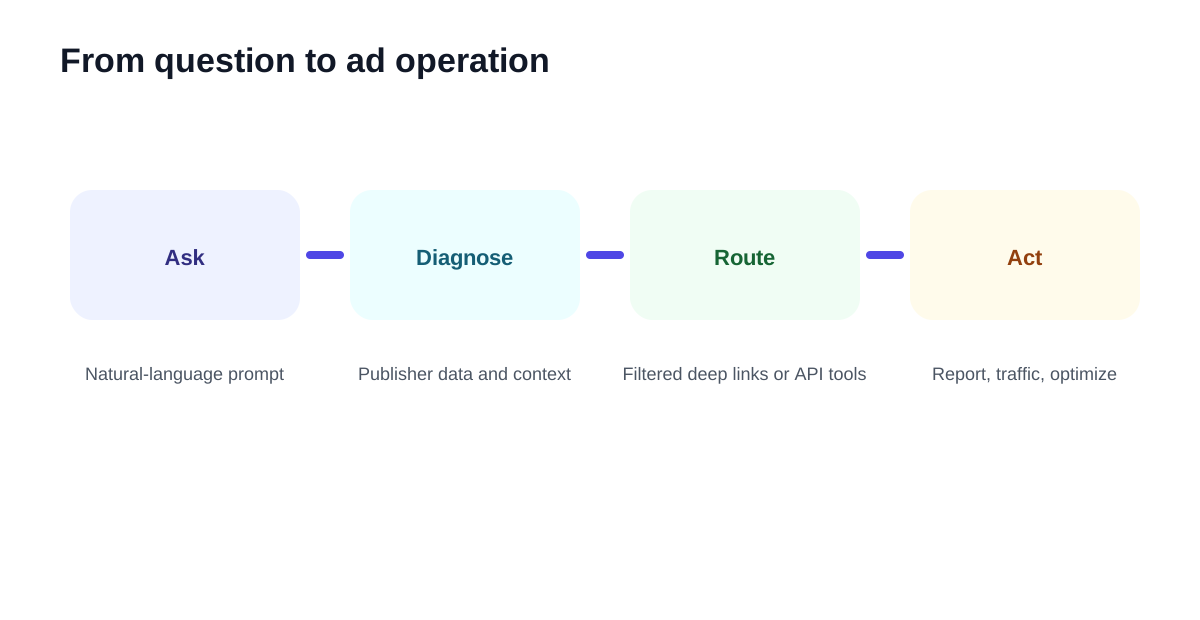
Start with workflows where the agent can gather evidence and recommend action.
| Workflow | Prompt shape | Human checkpoint |
|---|---|---|
| Underdelivery diagnosis | "Why is this order pacing behind?" | Approve targeting or priority changes |
| Inventory forecast | "Can we sell this segment next month?" | Approve commercial packaging |
| Creative issue triage | "Which creatives are blocking delivery?" | Approve replacement or reassignment |
| Benchmark report | "Compare this advertiser to last quarter by format." | Approve external sharing |
| Deal setup QA | "Check this package before launch." | Approve activation |
These are better first targets than fully autonomous campaign trafficking. They are frequent, measurable, and easy to keep human-reviewed.
How This Connects to Soku
Soku is buyer-side intelligence: it reads paid media, creative, ecommerce, CRM, and analytics signals to tell a marketing team what changed and what to do next.
An Ad Manager MCP server sits on the publisher-side execution layer. The long-term workflow looks like this:
| Step | Agent role |
|---|---|
| Buyer sees performance issue | Soku diagnoses whether creative, audience, placement, or inventory is the likely cause |
| Publisher checks delivery | Ask Ad Manager or Ad Manager MCP explains inventory, pacing, and line-item constraints |
| Human approves action | Budget, creative, trafficking, or deal change is approved |
| Agents execute bounded changes | APIs make the approved move and log the result |
That is why this announcement matters even if you do not operate Ad Manager directly. It is another part of the ad stack becoming callable.
What to Watch Next
When Google publishes the developer tools, evaluate five things before wiring production agents:
| Question | Why it matters |
|---|---|
| Is it read-only or read/write? | Determines whether it is a reporting assistant or operator |
| Is auth OAuth-scoped by role? | Determines account safety |
| Are trafficking writes supported? | Determines real operational value |
| Are reports async and filterable? | Determines whether agents can answer complex questions |
| Is there an audit log? | Determines whether teams can trust agent actions |
Until those answers exist, build the workflow library and data hygiene now.
FAQ
Is there a public Google Ad Manager MCP server today?
No. Google has announced that an MCP server is planned later in 2026, but it has not published public setup docs or a tool list.
How is Google Ad Manager MCP different from Google Ads MCP?
Google Ads MCP is buyer-side and campaign-account oriented. Google Ad Manager MCP would be publisher-side and trafficking/inventory oriented.
Should publishers wait for the MCP server before preparing?
No. The work that matters now is naming hygiene, permission design, and documenting repeated ad-ops workflows so the agent has clean context when the tools arrive.