Soku AI
All tools

AI Avatar Generator An Identity That Survives a 48px Circle

An avatar is not a portrait.

AvatarsBrand Personas

Three deliberate steps

01

Describe the identity

Who or what the avatar represents, the style it should read in — photoreal, illustrated, flat, 3D — and the palette it has to sit inside.

02

Generate on a square

Pick the 1:1 ratio and let it render. Faces and marks that fill the frame survive circular cropping; anything with air around the edges loses its subject to the mask.

03

Check it small before you use it

Shrink the result to thumbnail size and look again. An avatar that only works at full resolution is a picture, not an avatar.

Use cases

Who reaches for this, and when

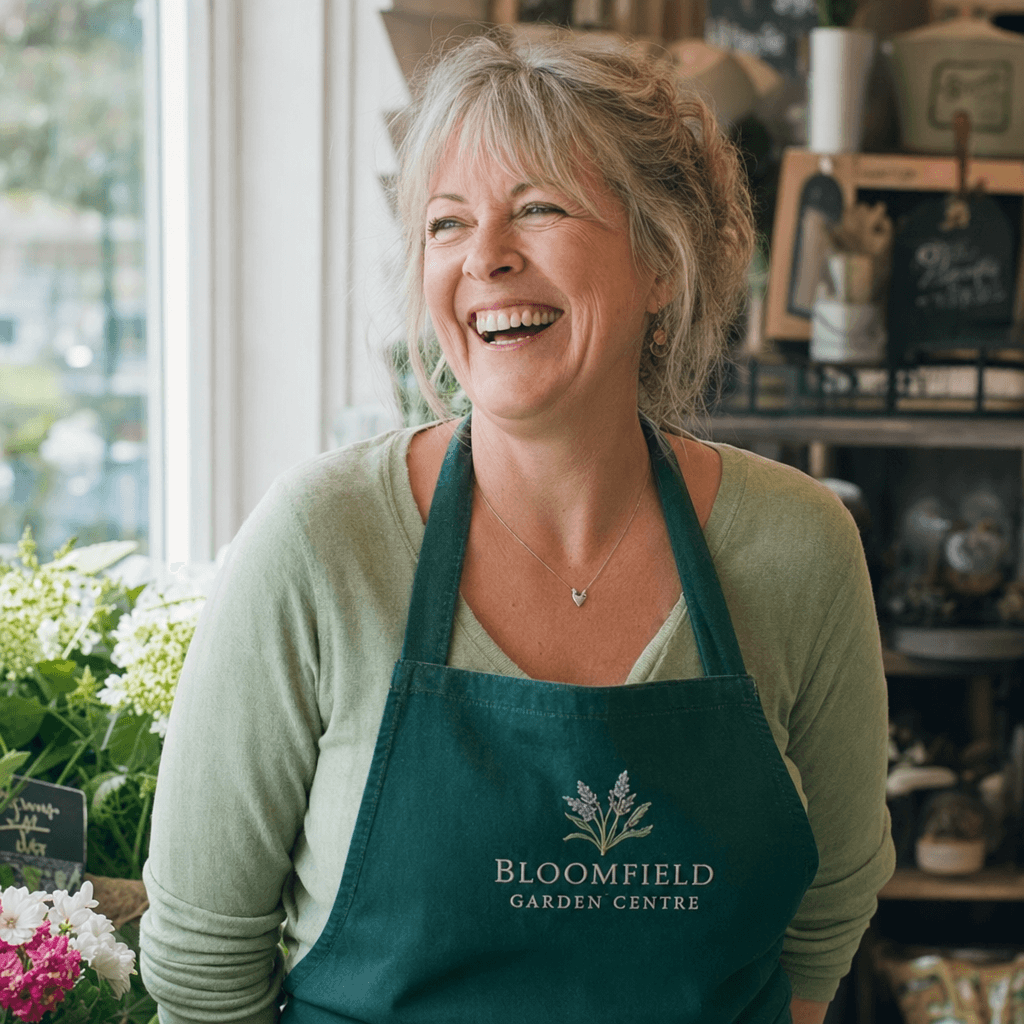
Give a brand page a face it owns

Ad accounts, business pages and creator profiles all render an avatar next to every impression you buy, and a default grey silhouette quietly costs trust on every one of them. A generated mark is the cheap fix for the most-viewed image the brand has.

Build a consistent persona for a content account

A recurring illustrated character gives a faceless niche account something to be recognised by across a feed. Generating the look once and reusing it beats commissioning an illustrator before the account has proven it deserves one.

Populate testimonial and review creative

Social-proof layouts need a small round image beside each quote, and using real customers’ photographs there is a consent problem most teams discover late. Generated avatars fill the slot without borrowing a face that belongs to someone.
Questions before you run it

How is this different from the AI human generator?
Framing and purpose. The human generator makes a full photoreal person in a scene — a presenter, a lifestyle shot, something you place inside an ad. This makes a square, tightly cropped identity mark that is going to be shrunk to the size of a fingernail and masked into a circle. Feeding a wide lifestyle photograph into an avatar slot is the most common way teams end up with an ear where a face should be.
Can I turn my own photo into an avatar here?
Not on this page — this is a text-to-image generator, so it composes from a description rather than transforming a file you upload. If the goal is stylising a real photograph you own, use an image-editing tool that takes a source image; if the goal is an identity that is not tied to a real face, describe it here.
What size and shape should I ask for?
Square, 1:1, with the subject filling the frame. Almost every platform stores an avatar as a square and then displays it as a circle, which quietly removes the corners — roughly 21% of the image area. Composing to the middle is what stops that crop from taking anything you needed.
Will I get the same avatar back if I run it again?
No. Each run is independent, so re-prompting gives you another interpretation rather than the same face again. Generate until one is right, then save that file and reuse it — an avatar’s whole job is being the same image everywhere, so it should be produced once and stored, not regenerated per placement.
Is it free?
Signing up on this page gives you free credits to generate here in the browser. Runs are credit-metered after that, with the cost shown before you submit — and since a working avatar is a one-time asset rather than something you produce weekly, this is close to the cheapest thing on the site to finish.