
Soku AI
All tools

AI Background Video Generator Built to Sit Behind Something

Generate the plate, not the ad.

Any ratioComposed for overlays
  • 4–15 seconds, 480p or 720p
  • 9:16, 1:1, 16:9, 4:3, 3:4 and 21:9
  • Composed for negative space, not for a subject

Three deliberate steps

01

Say where the empty space goes

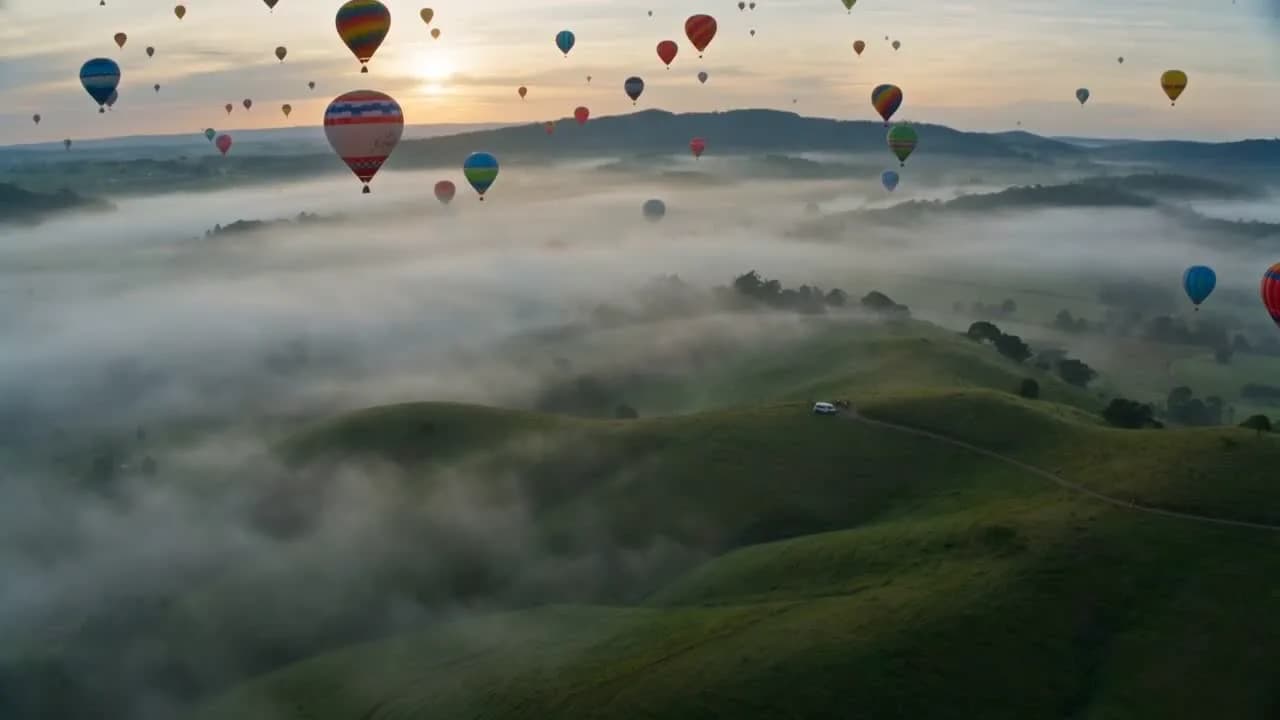
This is the whole difference between a background and a video. Name the region you intend to keep clear — the upper third, the left half, a dark band across the centre — and say it in the prompt. A model given no instruction will centre its most interesting element exactly where your headline is going.

02

Ask for less motion than feels right

A backdrop competes with the foreground the moment it moves quickly. Words like slow, drifting, gentle and continuous produce plates that read as texture; anything cut-like or sudden pulls the eye off the message. Under-specify the action and over-specify the light.

03

Generate a family, not a file

Run the same description at three ratios and you have the same visual identity across a 9:16 story, a 1:1 feed placement and a 16:9 pre-roll. Backgrounds are the cheapest way to make a campaign look coherent across placements, because nobody compares two backdrops the way they compare two hooks.

Use cases

Who reaches for this, and when

Paid social designers

Stop cutting stock footage into a shape it was never framed for

Stock B-roll is shot as a subject, so cropping it to 9:16 usually means cropping the subject in half and losing the space you needed for type. Generating the plate at the ratio you are actually shipping means the composition and the aspect ratio were decided together.

Brands with a static creative library

Turn a still concept into a motion placement

A brand that only has flat layouts is locked out of every video-first placement. Putting the existing headline and product shot over a generated moving plate is the lowest-effort route into those feeds, and it does not require reshooting anything you already approved.

Teams producing talking-head ads

Replace the room behind the presenter

Once a presenter is cut out, whatever sits behind them is a creative decision rather than wherever they happened to film. A generated plate lets that decision be made per campaign rather than per shoot, and it makes a set of ads recorded on different days look like one production.

Questions before you run it

Does the background loop seamlessly?
No, and you should plan for that. The model renders a single continuous take with a first and last frame that do not match, so playing it end to end will show a cut. In practice that is fine for a 6-second placement that runs once. If you need a genuine loop, crossfade the clip into a reversed copy of itself in the Creatives canvas — a ping-pong loop hides the mismatch and doubles the runtime.
How do I keep the model from putting something in the middle?
Ask for it explicitly and describe the emptiness as a feature. Phrases that work: "wide empty area across the upper two thirds", "no objects or people in frame", "dark clean band across the centre". Phrases that do not work are the ones that only name the subject, because the model will then compose around that subject and fill your overlay space with it.
Can I match my brand colours?
Approximately, not exactly. Naming a palette in the prompt — deep navy and warm amber, muted sage against off-white — reliably steers the overall grade, and that is usually enough for a backdrop. It will not hit a specific hex value, so do not use a generated plate anywhere the exact brand colour has to be reproduced. Grade it afterwards if the match has to be tight.
What ratio should I generate?
The one you are shipping, not the one you plan to crop. Generating 16:9 and cropping to 9:16 throws away two thirds of the frame and moves whatever the model composed for the centre off to one side. Because the ratio is an input rather than a post step here, running the same description three times is both cheaper and better than cropping once.
How long can the plate be?
Between 4 and 15 seconds per run. That is the ceiling for a single take, which for a background is less limiting than it sounds — most feed placements are shorter than 15 seconds, and anything longer is usually better served by looping a shorter plate than by generating one long one.