Soku AI
Upload the photo
A product shot, a packshot, or any subject on a background you want gone. A clean edge on the subject gives the best result.
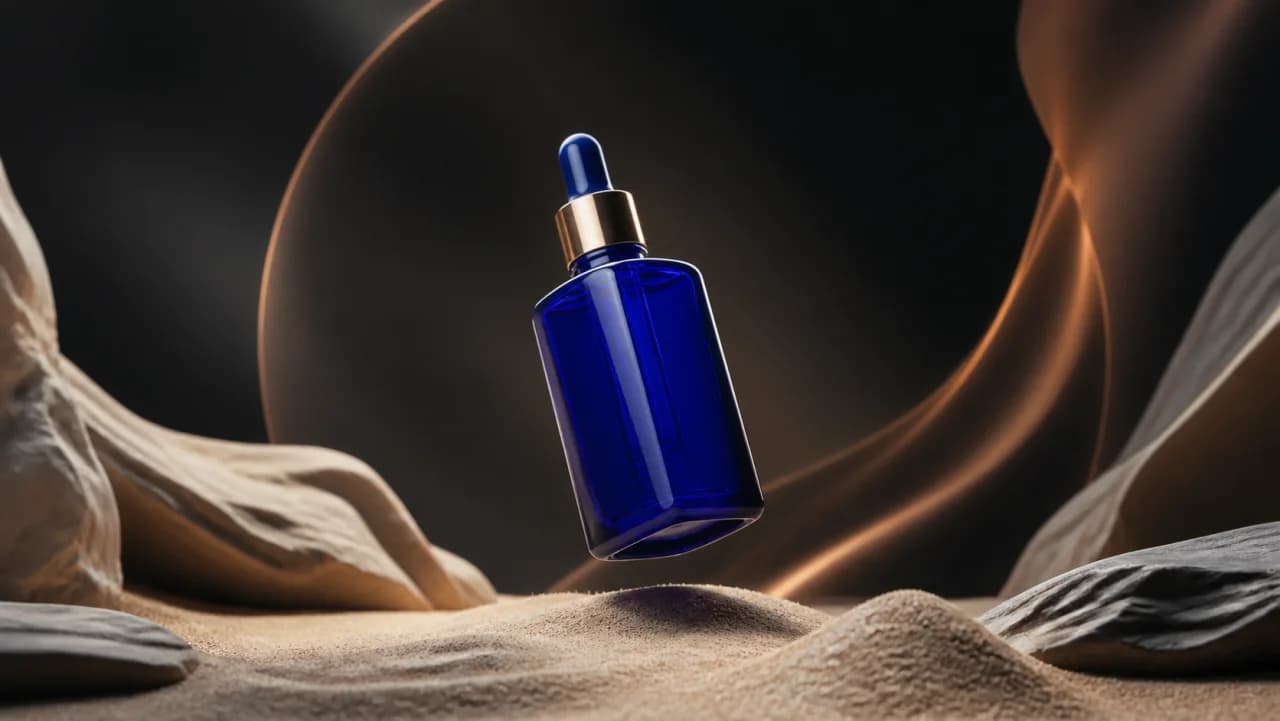
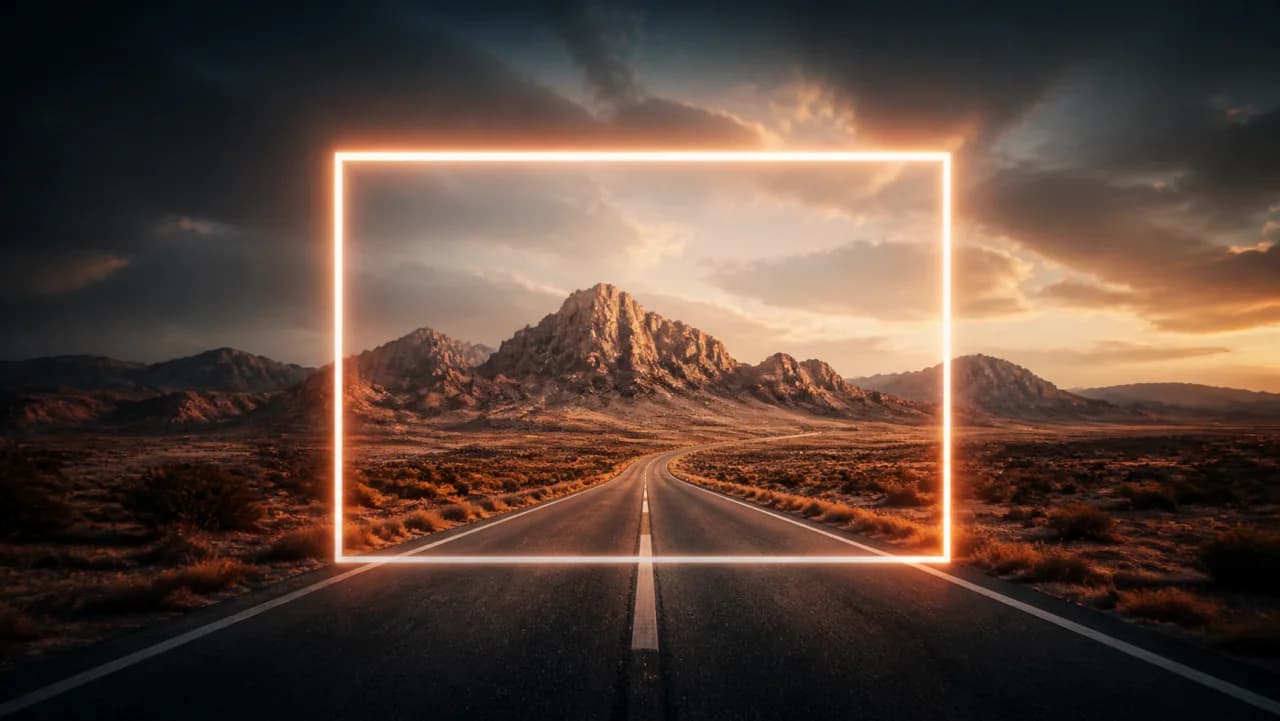
Upload the shot you already have and describe the background it should be sitting in. The subject is kept and the scene around it is rebuilt, so one product photo becomes as many settings as you have angles to test. This regenerates the image rather than cutting a mask, so the lighting on the subject is adjusted to match the new scene.Upload the shot you already have and describe the background it should be sitting in.
A product shot, a packshot, or any subject on a background you want gone. A clean edge on the subject gives the best result.
Say the surface, the light direction and the shadow you expect. 'On a white background' gives a flat cutout; 'on white seamless with a soft contact shadow' gives something you can run.
You get a PNG. Generate the same product across several scenes and test which setting sells it.
Use cases
Take the studio shot you paid for and place it in autumn, winter and summer settings without three more shoot days.
Same product, a kitchen that looks right in each market you advertise in — a cheap variable to test against a flat studio control.
The supplier image has the right product and a terrible background. Keep the product, replace everything behind it.