Soku AI
Describe the shot, not the ad
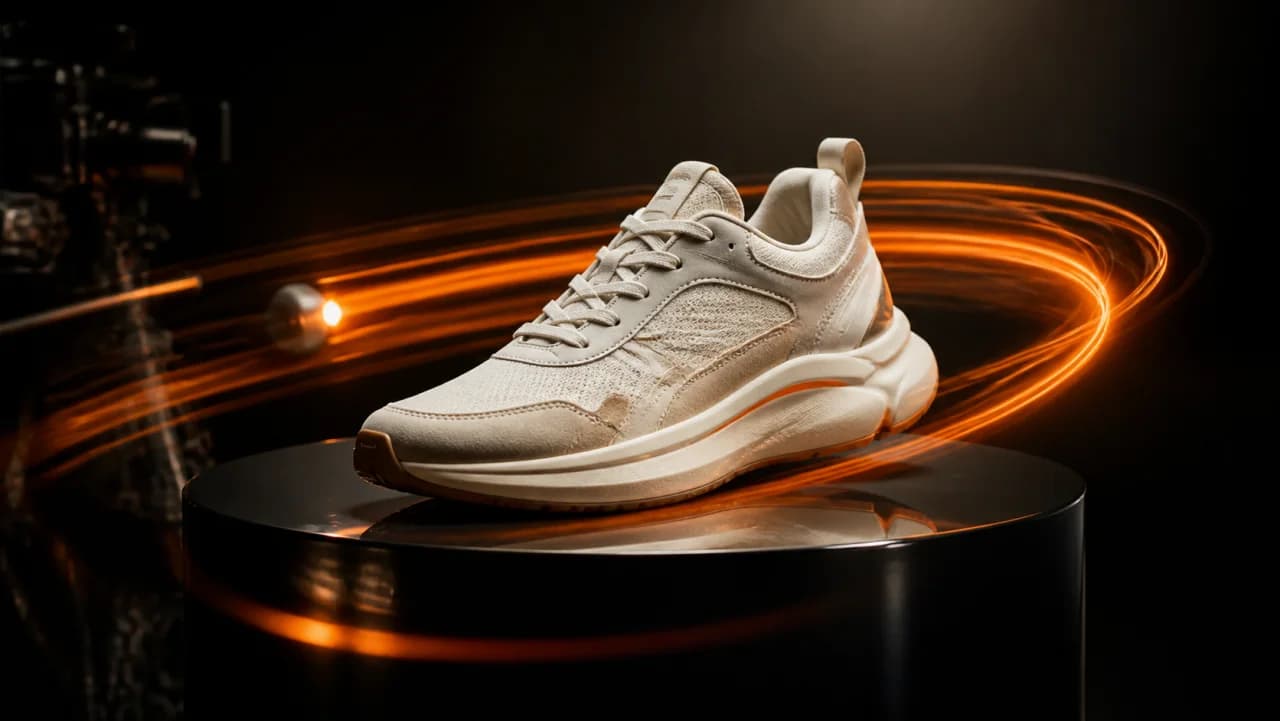
Name the subject, the setting, the light and the camera move. Prompts that read like a shot list beat prompts that read like a headline.
Write what the video should show and it comes back as a finished clip with generated audio, in the aspect ratio your placement wants. Built for marketers who need a concept on screen this afternoon, not a shoot next quarter.Write what the video should show and it comes back as a finished clip with generated audio, in the aspect ratio your placement wants.
Name the subject, the setting, the light and the camera move. Prompts that read like a shot list beat prompts that read like a headline.
9:16 for Reels, Shorts and TikTok. 1:1 for feed. 16:9 for YouTube in-stream. Choose before you generate — reframing later costs a second job.
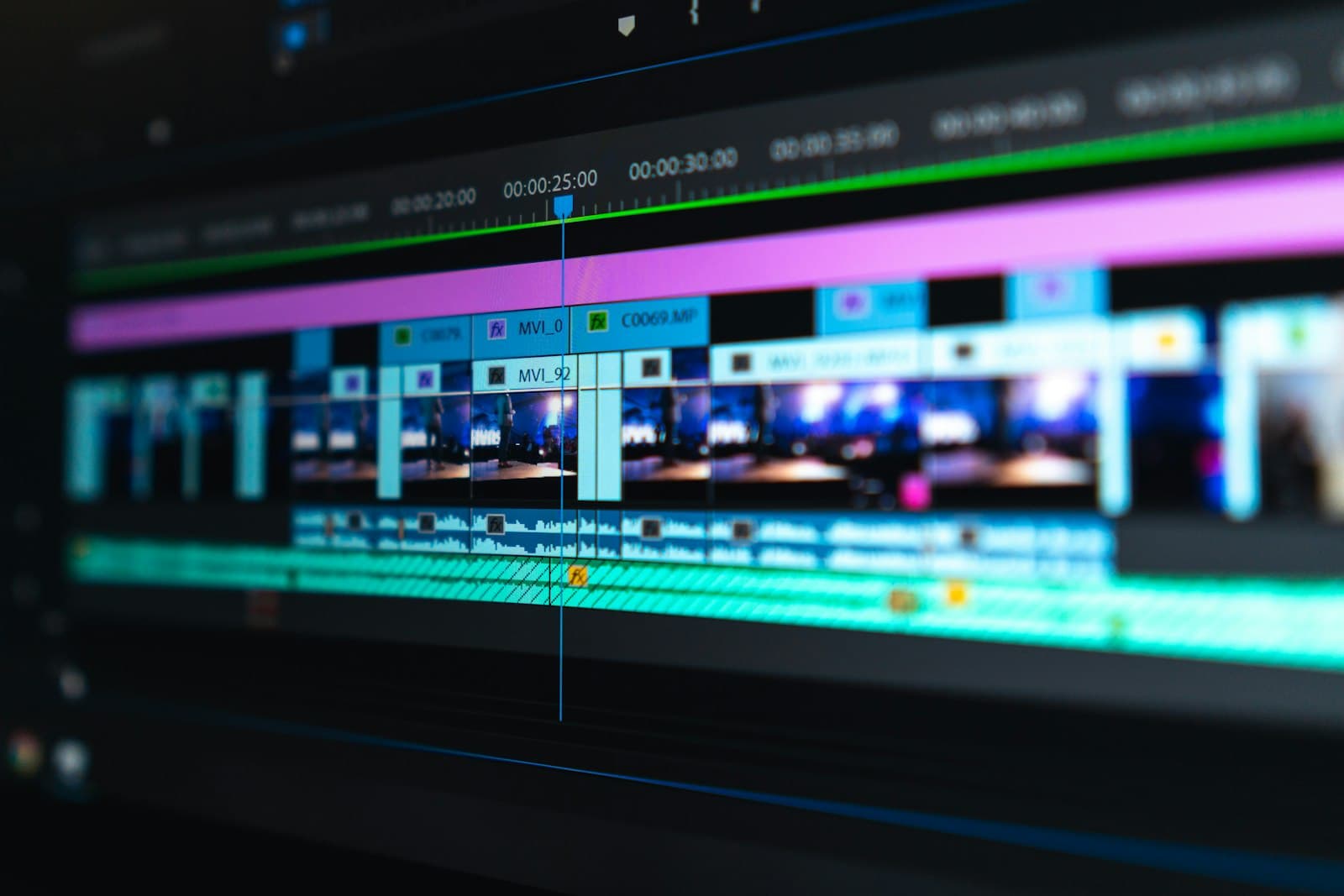
Hand the clip into the Creatives canvas to caption it, cut it, or line it up beside the other variants you are testing.
Use cases
The gap between a deck slide and a moving clip is the gap between a maybe and a yes. Generate the idea before the budget conversation, not after.
Creative testing needs volume more than it needs polish at the top of the funnel. Produce six directions, run them, then spend real production money on whichever one earned it.
A shoot delivers 16:9 and the vertical placement goes unfilled. Generate the vertical version instead of cropping the horizontal one and losing the subject.