Soku AI
Describe the product and the surface
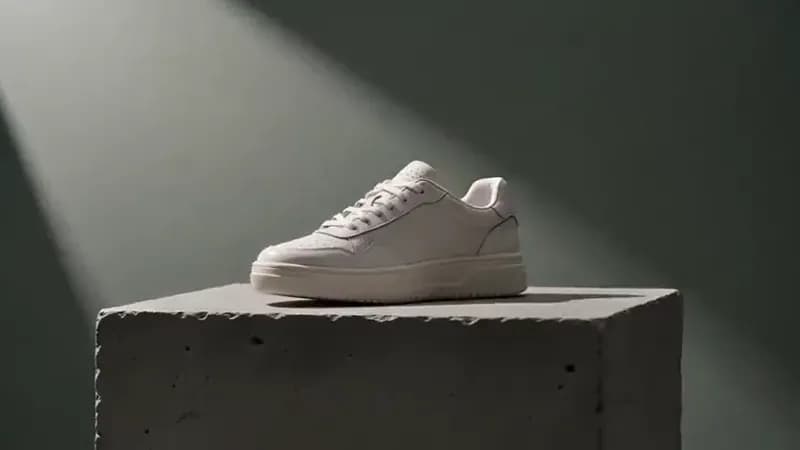
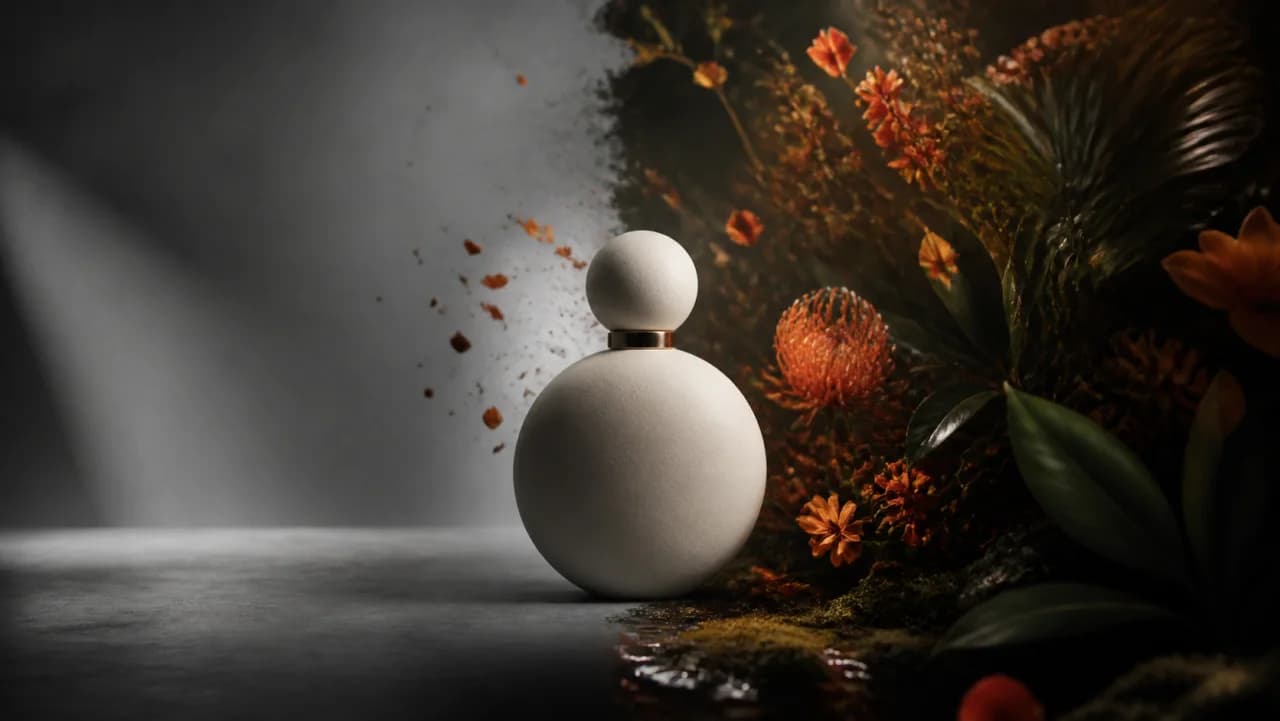
Material, colour, finish, and what it rests on. Vague products render as generic ones — 'a bottle' will not come back as your bottle.
Write the shot the way you would brief a videographer — the product, what it is sitting on, the light, the camera move — and the model renders it. This generates footage from a description; it does not animate a photo you upload, so name the product's material and colour explicitly if it matters.Write the shot the way you would brief a videographer — the product, what it is sitting on, the light, the camera move — and the model renders it.
Material, colour, finish, and what it rests on. Vague products render as generic ones — 'a bottle' will not come back as your bottle.
Push-in, orbit, tilt, static. Naming one move produces a steadier clip than leaving it open, which tends to drift.
You get an MP4. Take it into the Creatives canvas or straight into a Meta or TikTok ad set.
Use cases
Get a usable clip for a SKU that has stills but no video, so the product is not the one line item missing from the video test.
Run three treatments — clean studio, lifestyle surface, dramatic backlight — and let the winner decide what you actually pay to shoot.
Same product, new setting and camera move, generated the day the frequency curve turns rather than the week the shoot lands.