Soku AI
Upload the image
Any photo or render.
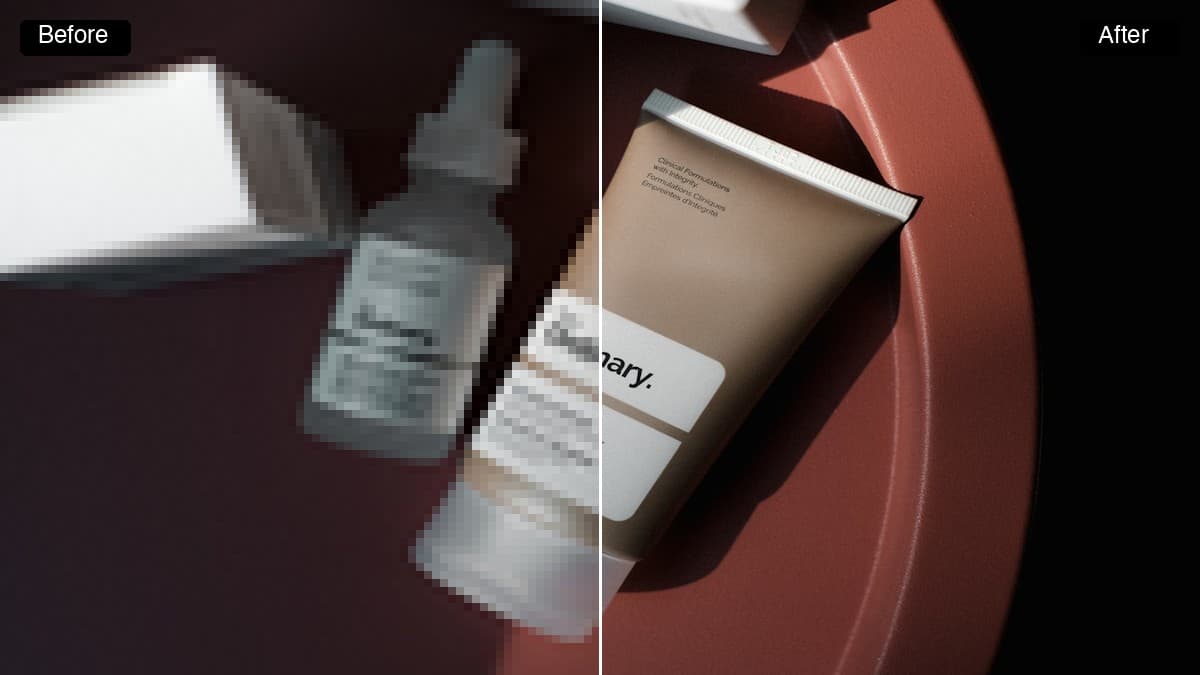
Describe the thing you want out of the picture and it is masked and painted out, with the background rebuilt behind it. No lasso, no clone stamp, no mask to hand-draw.Describe the thing you want out of the picture and it is masked and painted out, with the background rebuilt behind it.
Any photo or render.
"The trash can", "the watermark", "the person in the background".
The area is filled with reconstructed background.
Use cases
Remove the stand, the reflection, the stray cable before the shot goes into an ad.
Recover a clean version of an asset you own when the unwatermarked original is gone.
Take out the distracting element that keeps a good photo from being usable.