Soku AI
Upload the image
Any photo, render, or existing creative.
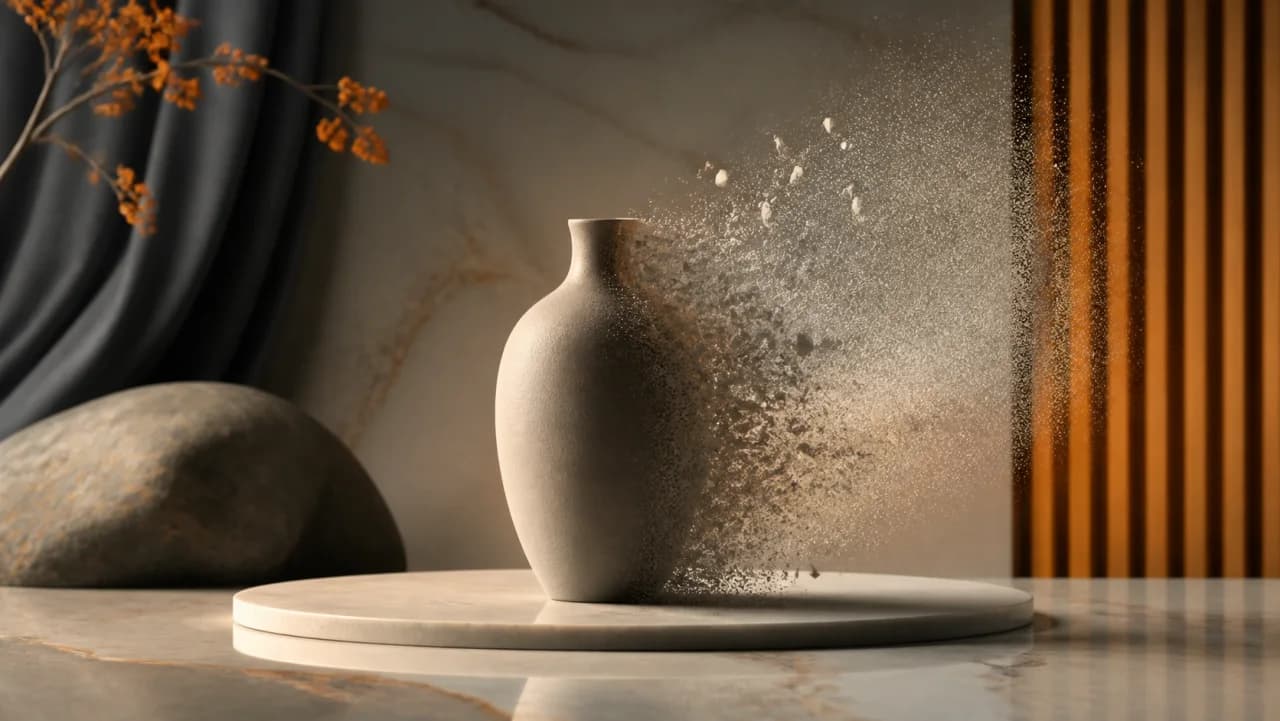
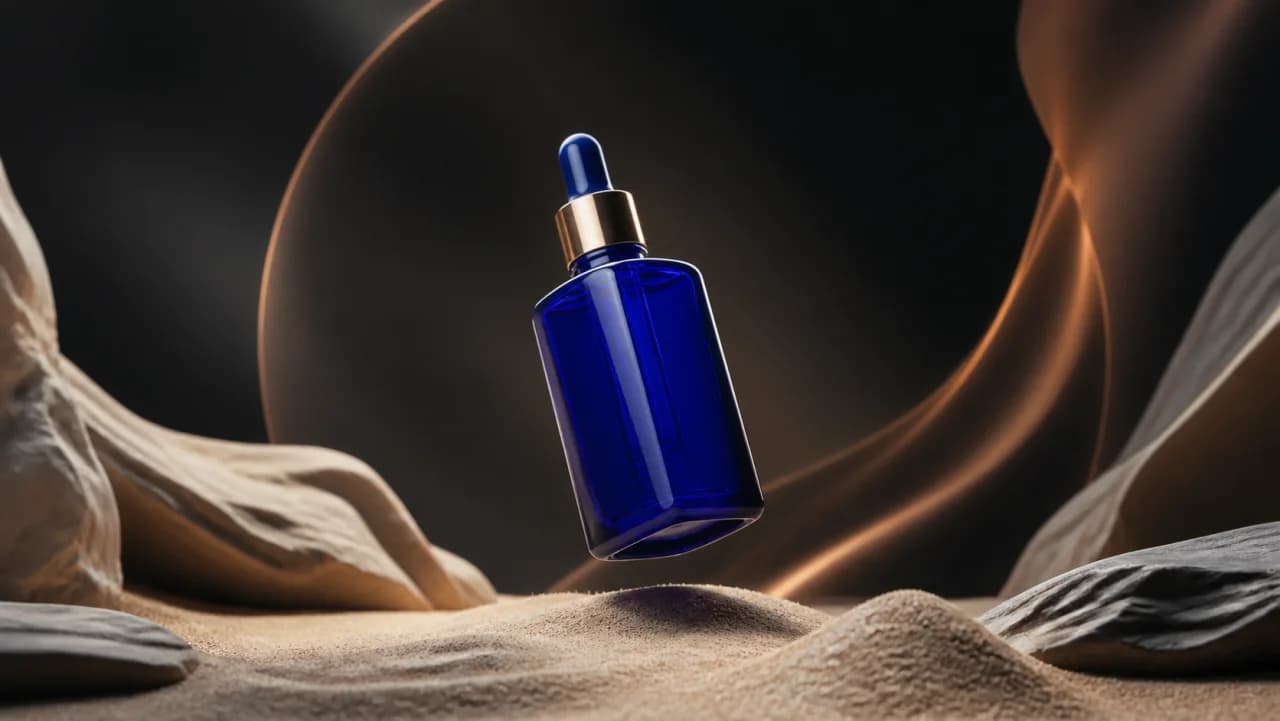
The asset you have is square and the placement wants 16:9. Instead of cropping tighter or adding letterbox bars, generate the missing edges so the image fills the frame.The asset you have is square and the placement wants 16:9.
Any photo, render, or existing creative.
Say what should appear in the new space, or leave it blank and let the model continue the scene.
The original pixels are kept; new content is generated around them.
Use cases
Extend rather than crop, so the subject stays whole across square, vertical, and landscape.
Generate empty scene on one side to hold a headline or a logo lockup.
When the only version of an asset is cropped too close, rebuild the space around it.