Soku AI
All tools

AI Slow Motion Video Maker Generate the Shot, Not a Retimed File

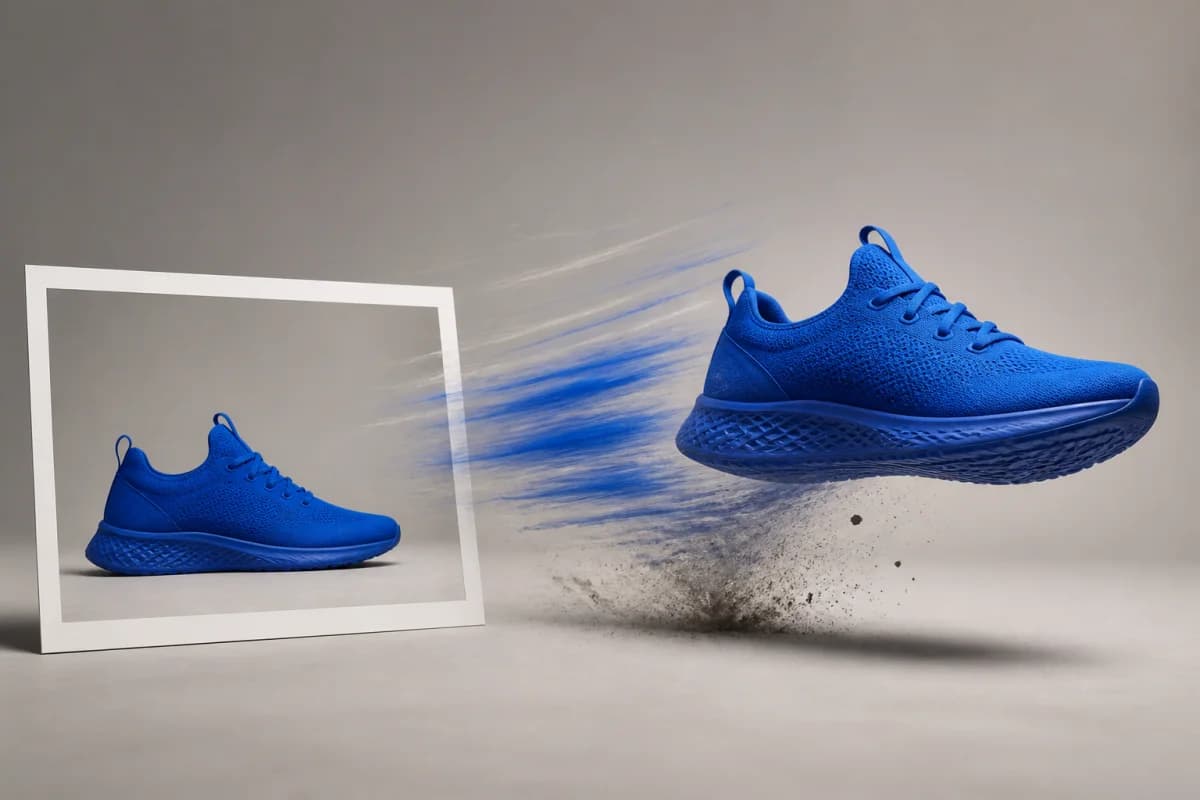
Slow motion is the single most reliable attention device in paid social: it holds the eye for the first two seconds without a hook, a face or a caption.

Slow MotionProduct Video

Three deliberate steps

01

Pick a moment that is worth stretching

Slow motion does not improve a shot; it magnifies whatever is already in it. It rewards physical events with a visible before and after — impact, dispersal, unfurling, falling, splashing. It does nothing for a person talking or a static product on a plinth, which in slow motion simply looks like a frozen product on a plinth. Choose the instant where something changes state, and let the clip live either side of it.

02

Say "slow motion" and then describe the physics

The phrase alone gets you part of the way; the detail gets you the rest. Name what the material does — droplets forming a crown on impact, powder hanging in the air, fabric rippling from one corner to the other. Those words are what separate a clip that reads as genuinely high-speed from one that just looks like normal footage playing slowly, and they cost nothing to add.

03

Light it in the prompt, because slow motion is a lighting problem

Real high-speed footage is lit hard, because short exposures eat light. Prompts that specify strong side light, a rim light, or a dark background against a bright subject produce output that matches what an audience recognises as slow motion. A flat, evenly lit description tends to come back looking like ordinary video, no matter how slow the motion is.

Use cases

Who reaches for this, and when

Open a product ad on two seconds of texture

Food, drink, beauty and apparel all live or die on material quality, and a slow-motion pour or fabric shot communicates it faster than any claim. Generating the opener separately means you can test three different textures against the same body copy and find out which one actually stops the scroll, instead of committing a shoot day to one guess.

Give a static catalogue something that moves

Ecommerce accounts usually have stills and nothing else, and static creative fatigues fastest in the placements that carry the most spend. A generated slow-motion cutaway — the splash, the crumble, the unfolding — gives a catalogue-driven campaign a motion asset without photographing every SKU again.

Build a B-roll bank for a founder or UGC edit

Talking-head ads need somewhere to cut when the point lands. Slow-motion inserts are the most forgiving cutaway there is, because they carry no dialogue and no continuity obligation. Generating a handful of on-brand inserts gives an editor room to cut without hunting through stock libraries that everyone else is also using.

Questions before you run it

Can I upload my video and slow it down here?
No, and this is the most important thing to understand before you spend a credit. This tool generates new footage from a written description; it does not accept a file and retime it. If you already have a clip and want it played back slower, that is a different job — a speed change in an editor — and no generative model is involved. Use this when the slow-motion shot does not exist yet and shooting it is impractical, which is the situation it is genuinely good for.
Is this real high-speed footage?
No. A high-speed camera captures hundreds or thousands of real frames per second and plays them back at normal speed. This generates a clip that renders motion at a slow-motion cadence — the look, not the capture method. In practice the difference shows up most in fine, fast-moving detail like individual water droplets or shattering material, where generated output can be softer or less physically consistent than a real high-speed plate. For a two-second ad opener at feed resolution that is usually invisible; for a hero product film it is not.
How long can a clip be, and what resolution?
Between 4 and 15 seconds per generation, at 480p or 720p, in 9:16, 16:9, 1:1, 4:3, 3:4 or 21:9. Because slow motion covers very little real-world time, a short generation goes further here than it does on a normal shot — a 5-second clip is plenty for a single stretched moment. Cost scales with duration and resolution, 480p runs at roughly half the credit rate of 720p, and the exact cost is shown before you run it.
Why does my clip look like normal speed?
Almost always because the described action has no fast component to slow down. Slow motion is only legible when the audience knows how fast the event should have been — a splash, an impact, a burst. Something that moves slowly in life, like a slow camera drift across a table, looks identical at any playback rate. Add a physical event to the prompt and specify hard lighting, and the cadence becomes visible.
Is it free?
Generating requires a paid plan — Creator or higher — and the Free plan does not include tool generation. Each render draws credits based on the duration and resolution you choose, and the cost is shown before you commit, so you can compare a 4-second 480p test against a 15-second 720p final before spending anything.