Soku AI
Upload the still that already works
A clean, well-lit, high-resolution frame animates well. A busy or low-resolution one animates its noise. Start from your best static ad, product shot or rendered frame — the video inherits everything about it.
Your image is the first frame. The model continues from it, so what you upload decides the subject, the palette and the framing — the prompt only decides what moves. That is the opposite of a text-to-video tool, and it is why this is the right page when you already have the asset and the wrong one when you do not.Your image is the first frame.
A clean, well-lit, high-resolution frame animates well. A busy or low-resolution one animates its noise. Start from your best static ad, product shot or rendered frame — the video inherits everything about it.
Do not re-describe what is in the picture; the model can see it. Say what should move and how: the camera, the subject, the light, the background. One clear movement beats three vague ones.
You get an MP4. Drop it into the Creatives canvas alongside the original still and run both — the static-versus-motion comparison on the same creative is one of the cleanest tests in paid social.
Use cases
You already know the image converts. Animating it gives you a video placement to test without a new concept, a new shoot or a new approval cycle.
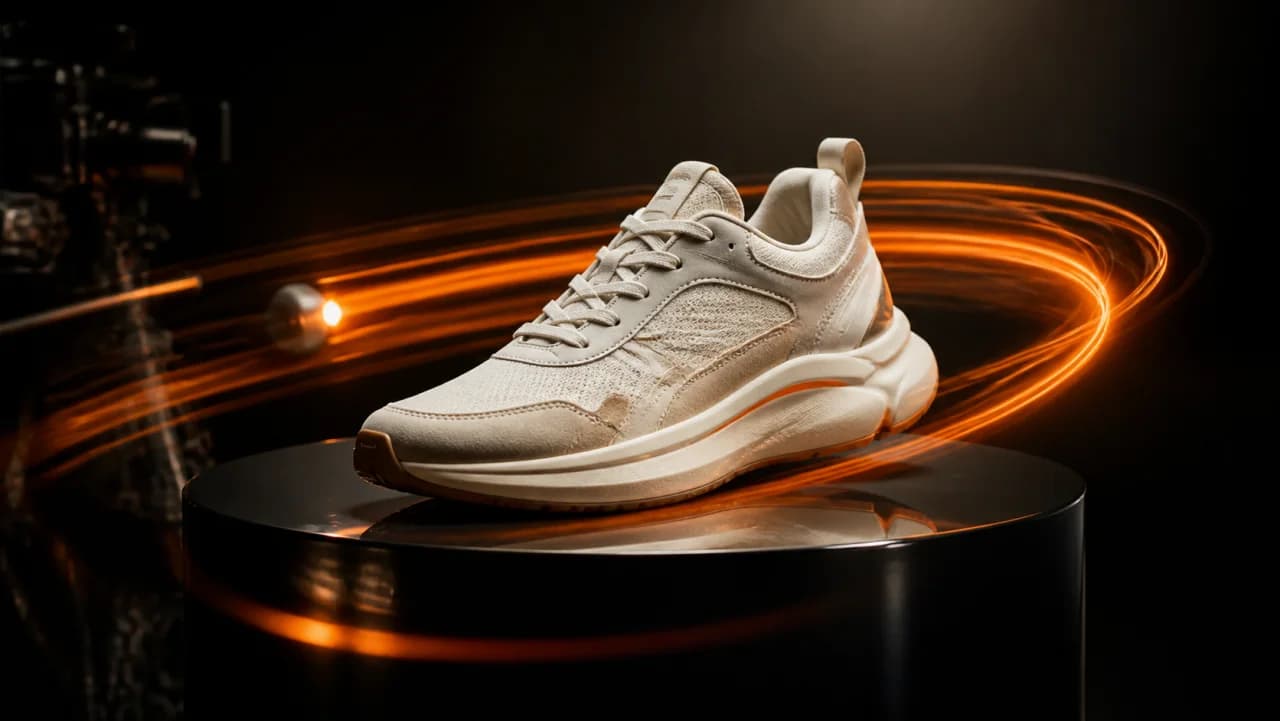
Most ecommerce catalogues are stills only. Animating the existing product photography fills the video placements you are currently skipping.
Same asset, new motion treatment, shipped the day the frequency curve turns rather than the week a re-shoot lands.