
Soku AI
All tools

AI Image Unblurrer Rescue the Asset You Already Have

Upload a soft image and get back a sharper one at twice the resolution.

UnblurDetail Recovery

Three deliberate steps

01

Upload the soft image

A supplier photo, a compressed export, a screenshot, an old campaign asset. Anything where the detail is there but mushy.

02

Let the restoration run

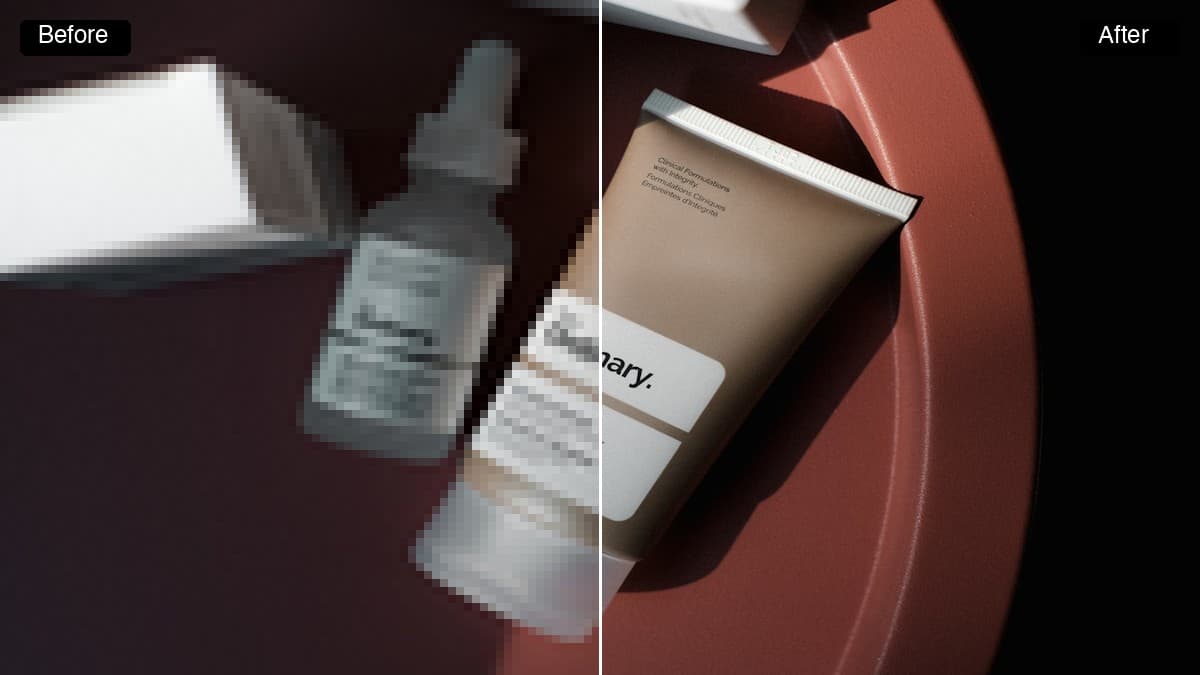
Detail is reconstructed and the output comes back at 2x the source resolution, with faces handled specifically.

03

Use it as creative

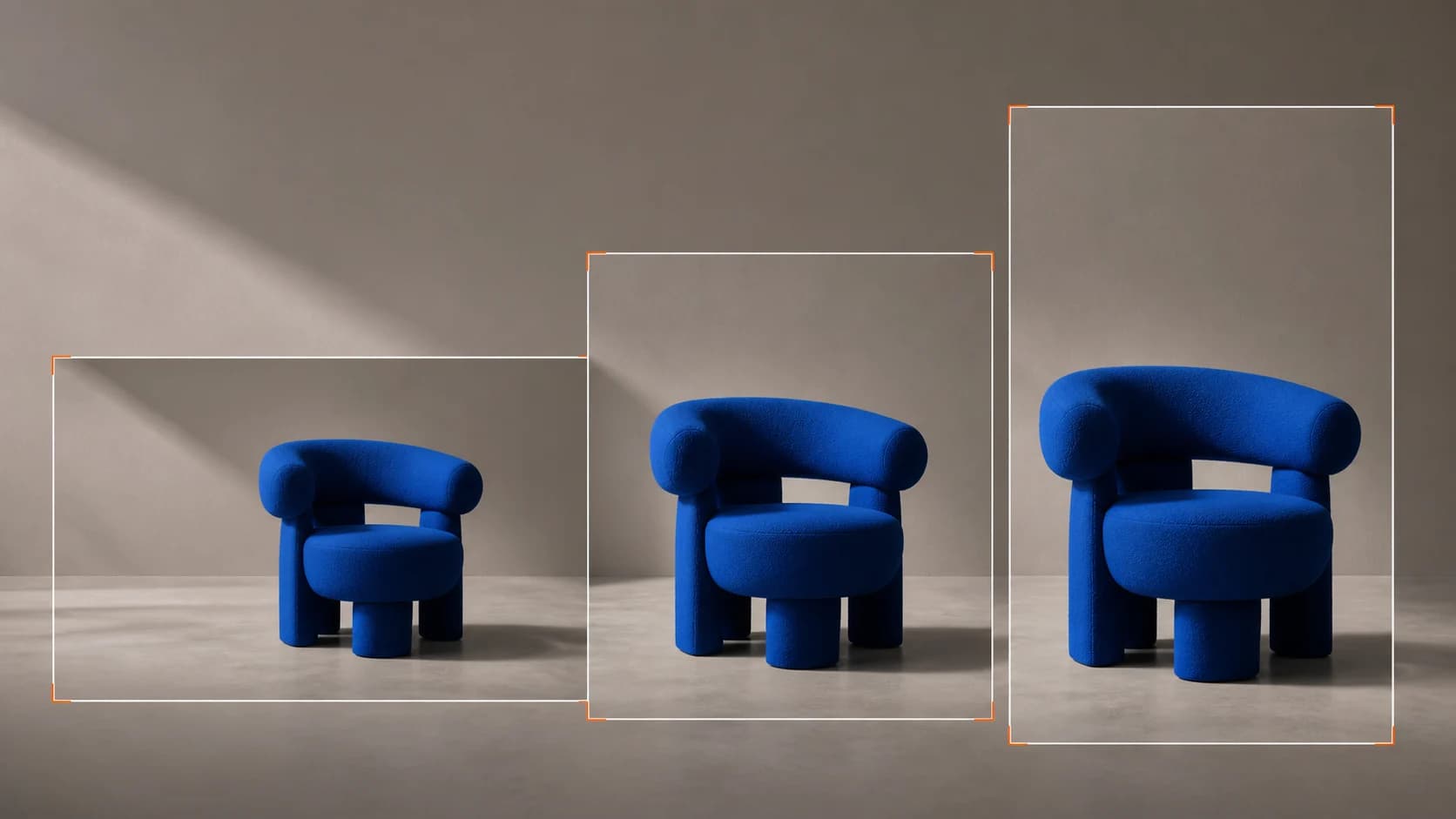
Download it, or take it into Creatives and resize it for the placements you are actually buying.

Use cases

Who reaches for this, and when

Make supplier images meet ad specs

Meta and Google both reject or downrank creative that is visibly low quality, and the images a manufacturer sends you are almost never shot for advertising. Restoring them is usually faster than requesting new files that may not exist.

Recover a campaign asset with no source file

The winning creative from two years ago exists as a 900px JPEG on someone’s desktop and the layered original is gone. Restoring it is the difference between rebuilding the ad and re-running it.

Turn UGC into paid creative

Customer photos and creator footage stills are the highest-converting raw material you have and the worst-quality. Sharpening them enough to survive a full-bleed placement is what makes them usable in a paid set.
Questions before you run it

Can AI fix a motion-blurred photo?
Mostly no, and it is worth being clear about why. This model restores detail that is present but degraded — soft focus, compression artefacts, a source file that is too small. Motion blur is different: the detail was never recorded, because the subject moved while the shutter was open. Expect a real improvement on softness and compression, and very little on a genuinely smeared frame.
How is this different from an upscaler?
It is the same restoration engine, asked by a different person. Someone searching for an upscaler already knows their file is too small. Someone searching to unblur has an image that just looks bad and has not diagnosed why. Both get a sharper image at 2x resolution — use the AI image upscaler linked below if you already know the problem is resolution.
Will it change what is in my image?
It should not. This is a restoration model rather than a generative one, so it reconstructs detail rather than inventing a new scene. That is deliberate: a generative "enhance" can produce a beautiful image of a product you do not sell, which is worse than useless in an ad.
What resolution do I get back?
Twice the source, with dedicated face handling. Start from a reasonable source where you can — the model recovers detail, and there is more to recover in a 1200px file than a 300px one.
Is the AI image unblurrer free?
Sign up on this page for free credits and run it here — there is no separate download or desktop install. Each run is credit-metered afterwards, and the cost is shown before you submit.