 Soku AI
Free Flip Video Tool
Flip or mirror any video by just asking. Soku's AI agent mirrors horizontally, flips vertically, and rotates your footage — so you can spin up fresh creative variants, beat ad fatigue, and reorient clips for every placement.
Quick flips
Demo preview — flip your own footage free
you ▸ Mirror this video horizontally to make a fresh variant for testing.
How to Flip a Video with AI
From source clip to mirrored, placement-ready variant in 3 steps — without opening an editing app.
Drop In Your Video
Upload a clip or point the agent at footage already in your workspace — winning ads, UGC submissions, product demos, anything.
Say How to Flip It
"Mirror this horizontally," "flip it vertically," or "rotate 180°." The agent runs the exact FFmpeg flip operation in its sandbox, preserving resolution and audio.
Launch the Variant as Ad Creative
The flipped file lands back in your workspace, ready to deploy across Meta, Google, and TikTok — with per-creative performance tracking built in.
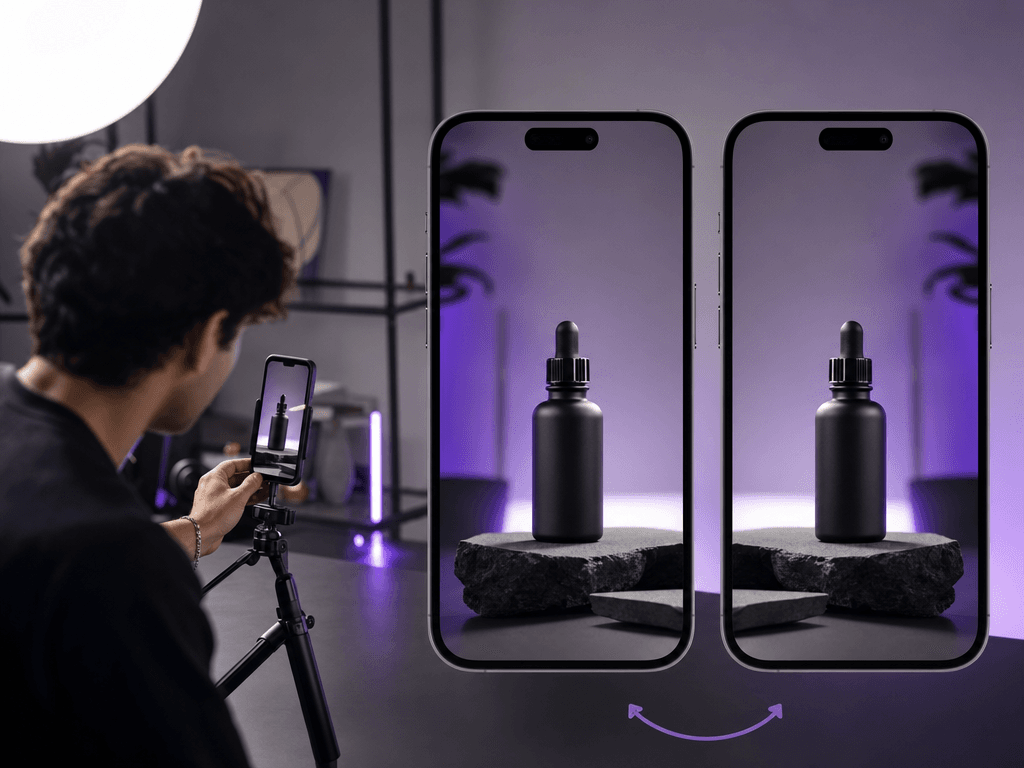
Why Ad Teams Flip Video with Soku AI
Other flippers give you a download. Soku gives you a variant engine.
Horizontal Mirror
The most common flip — turn any clip into a left-right mirrored twin that reads as fresh creative to viewers and the algorithm.
Vertical Flip & Rotate
Flip top-to-bottom or rotate 180° to fix orientation — so upside-down or mirrored footage reads correctly, logos and text included.
Flip + Reorient in One Step
Pair the mirror with a resize to turn one hero clip into mirrored 16:9, 9:16, 1:1, and 4:5 cuts for every placement at once.
Batch Flipping
Mirror an entire folder of clips in a single instruction. Variant sets that take an afternoon by hand take one request here.
A mirrored variant beats creative fatigue for free
When a winning video starts to fatigue, you don't need a reshoot — you need it to feel new again. A horizontal mirror flips the on-screen direction of motion, gestures, and gaze, so the same hook lands differently for the next impression. It costs nothing to produce and gives the testing engine more creative to work with. With Soku, the mirrored variant is one sentence away — and one step from launching across Meta, Google, and TikTok.
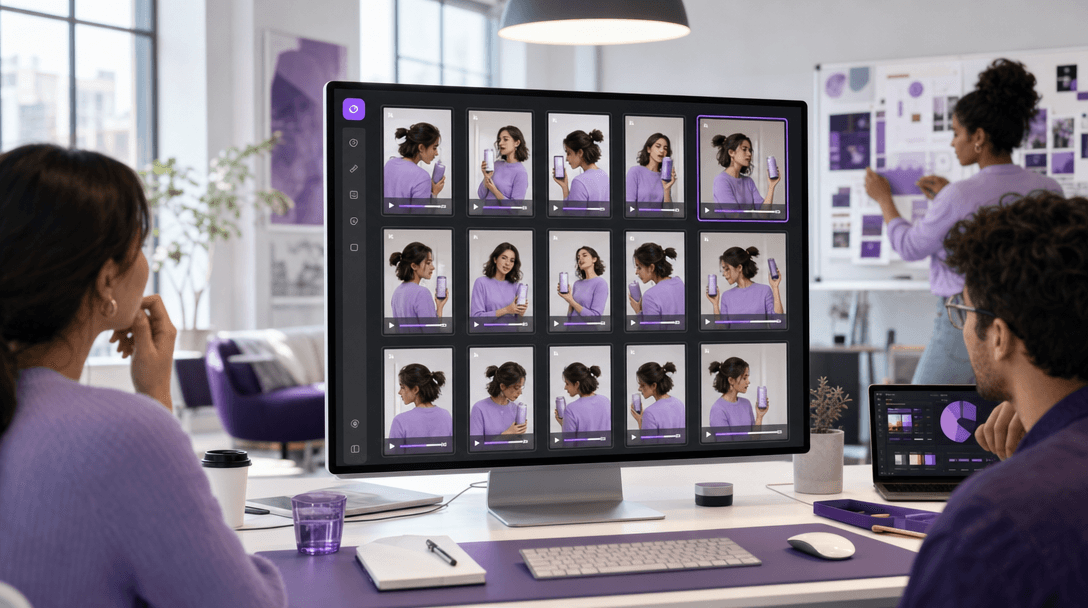
Why Soku AI for Flipping Video
Lossless flips on a professional engine
Soku's agent operates FFmpeg — the open-source video engine behind streaming platforms and broadcast workflows. A flip is a clean geometric transform: resolution, frame rate, and audio stay exactly as they were. No watermark, no re-compression artifacts, no quality drop in the variant.
The flip is a variant, not a destination
Standalone flippers end at the download button. In Soku, the mirrored file lands in the same workspace as your campaigns — the agent can launch it on Meta, Google, or TikTok and track which version converts, in the same conversation that produced it.
One request, a whole variant set
"Mirror all of these and make 9:16 versions" is a single instruction. Flipping plus reframing plus batch — combined — is how ad teams turn one hero clip into a full placement-ready, fatigue-beating set in minutes.
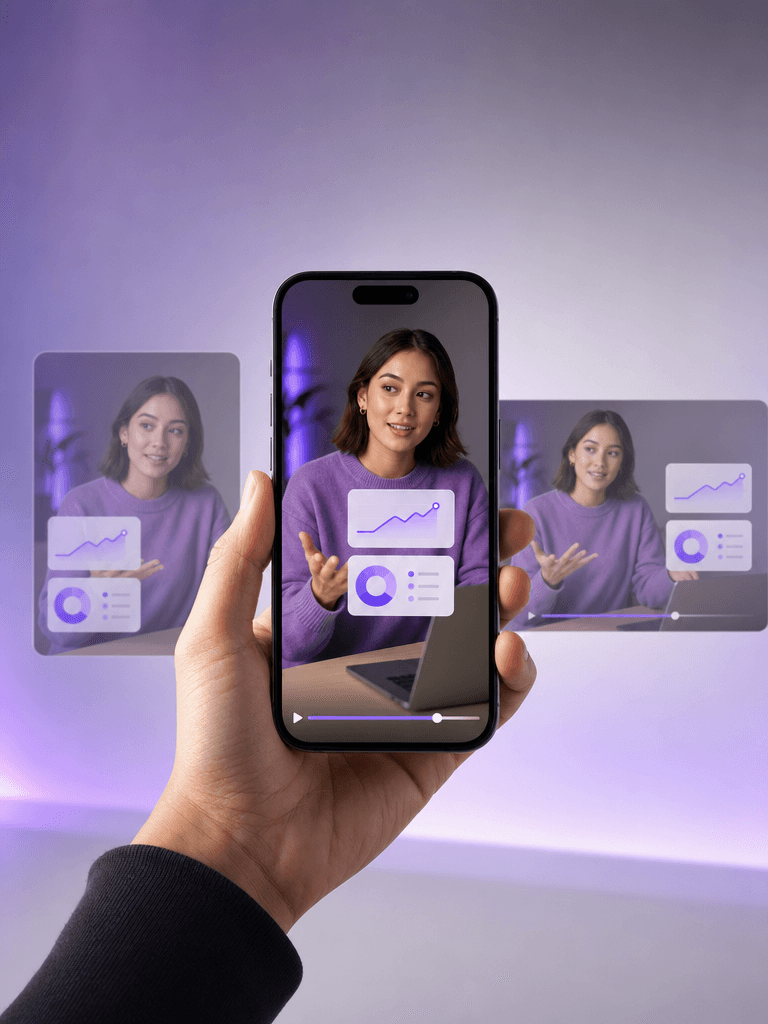
What Ad Teams Flip with Soku AI
Mirrored Variant Testing
Turn each winning video into a mirrored sibling and let the testing engine decide which version converts — twice the creative, zero extra shoots.
Refresh Fatiguing Creative
Give a tired top performer a mirrored facelift instead of retiring it. Same hook, new feel, instant variant.
Fix Mirrored Footage
Selfie-cam clips often record reversed, so text and logos read backwards. A horizontal flip restores the correct orientation.
Reorient for Placements
Flip and reframe a single hero clip into feed, Stories, Reels, and YouTube cuts — every aspect ratio your placements need.
Rotate to Correct Orientation
Footage shot upside down or sideways? Rotate 180° or flip vertically to set it right before it ever hits a campaign.
UGC Normalization at Scale
Flip and fix orientation across a whole batch of creator submissions in one pass — consistent, ad-ready, in minutes.
Ready to Flip Video by Just Asking?
Plans start at $19/month. Your first mirrored variant takes one sentence.
Get Started FreeHow Soku AI Compares
Most video flippers hand you a download. Soku hands the flip to an agent — and connects the mirrored variant to your campaigns.
| Tool | Best For | Pricing | Note |
|---|---|---|---|
| Soku AIRecommended | Flipping + ad deployment | From $19/mo | Lossless flips on a professional engine, connected to campaign launch and tracking |
| Clideo | Quick one-off browser flip | Free with watermark | Simple online flip — stops at the download, no campaign workflow |
| Kapwing | Browser editing + flip | Free tier / from ~$16/mo | Capable web editor, but flipping is buried in a timeline UI |
| CapCut | Desktop / mobile editing | Free tier available | Flip is a manual checkbox per clip — no batch, no ad deployment |
Frequently Asked Questions

Start Flipping Video for Free
Join 1,000+ marketing teams who mirror, flip, and reorient footage into fresh ad variants — then let Soku launch them.