Soku AI
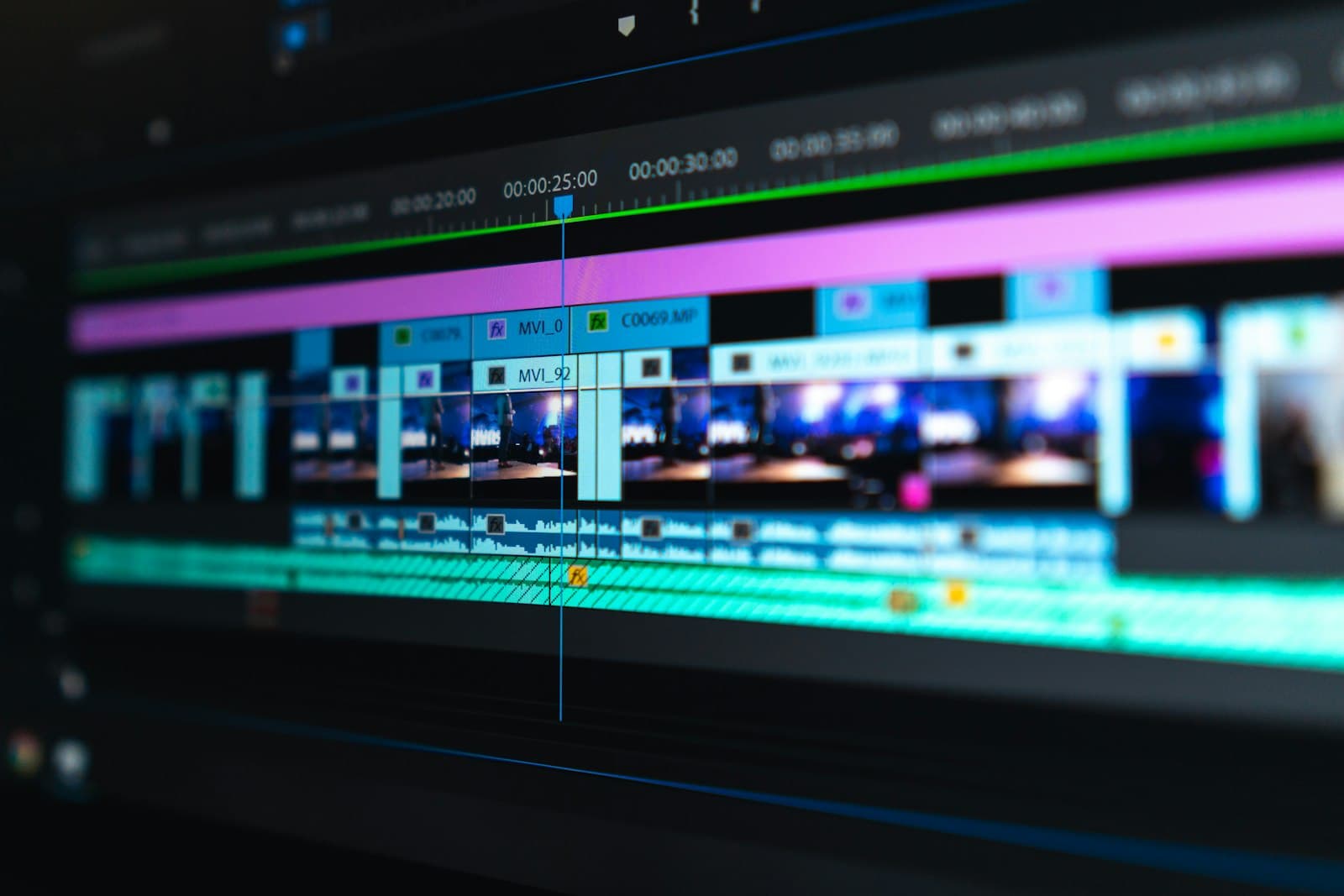
Upload the clip
Up to 10 seconds of source footage.
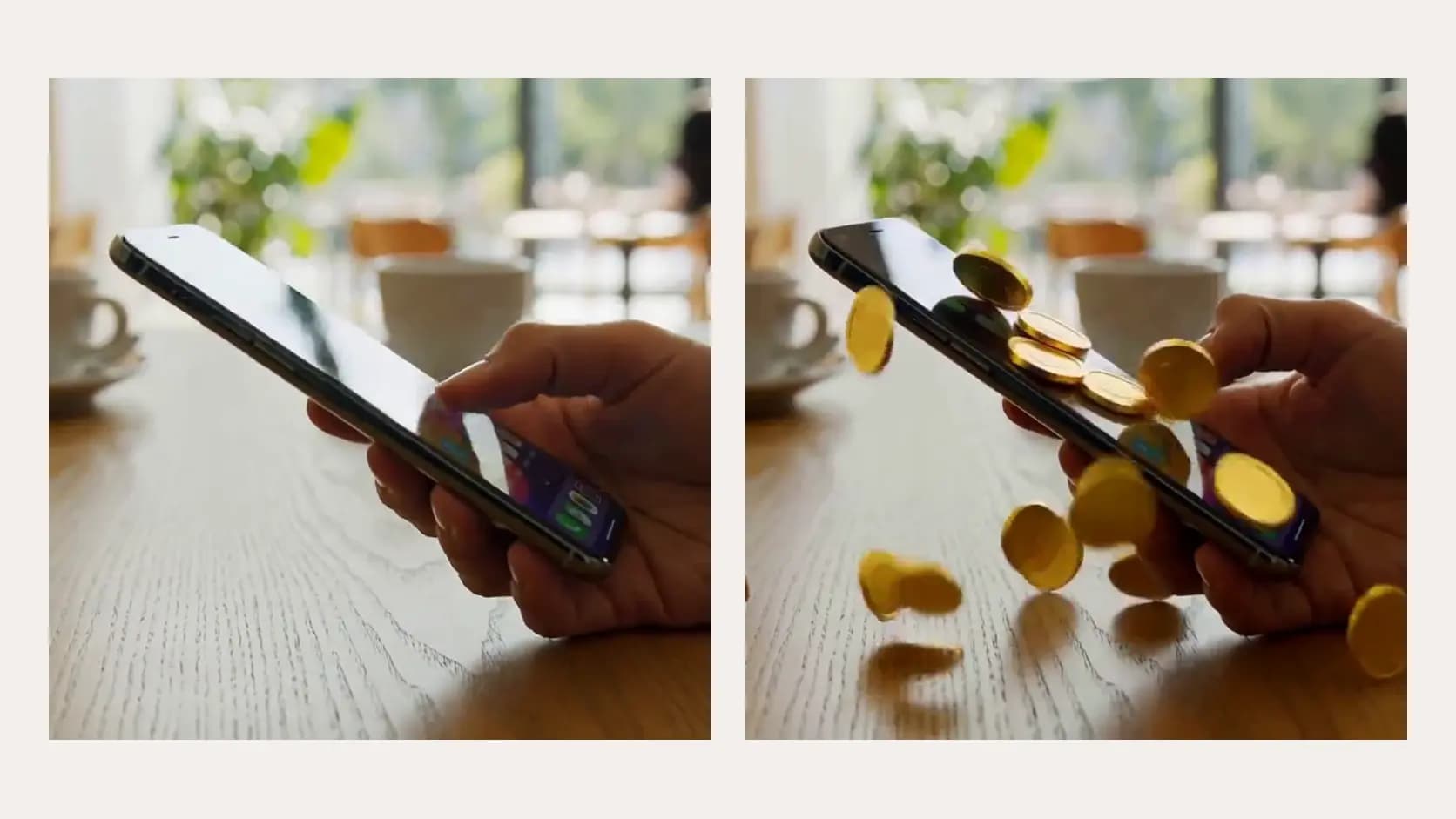
Describe the look you want and the clip is re-rendered into it. The camera move, the timing, and the action stay exactly as shot — only the treatment changes.Describe the look you want and the clip is re-rendered into it.
Up to 10 seconds of source footage.
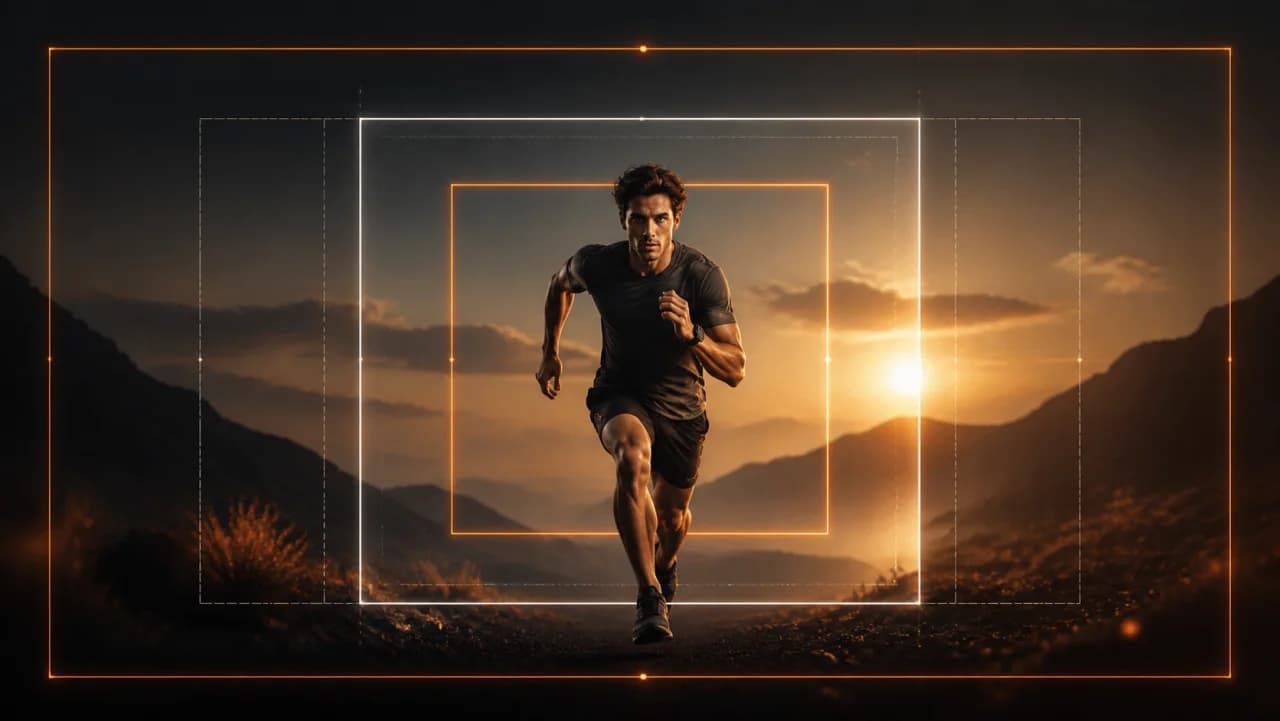
"Moody neon night scene", "warm 35mm film", "clean studio product lighting".
Same motion, new treatment.
Use cases
Run the same performing edit as film, as neon, as daylight, and let the numbers pick.
Bring third-party or stock footage into your own colour world before it runs.
A winning ad that has lost its lift often recovers on a visually distinct restyle of the same edit.