Soku AI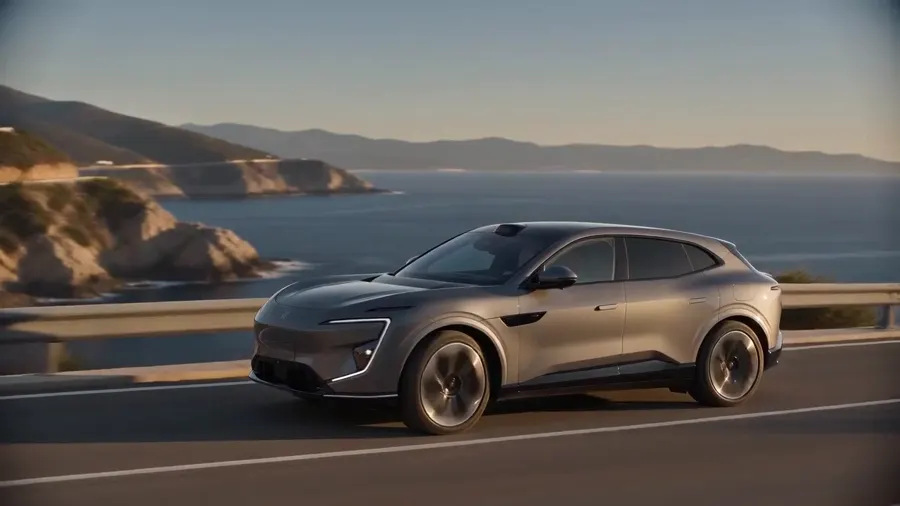
videoPhoto to vertical ad
Just Arrived · 2025 Electric SUV
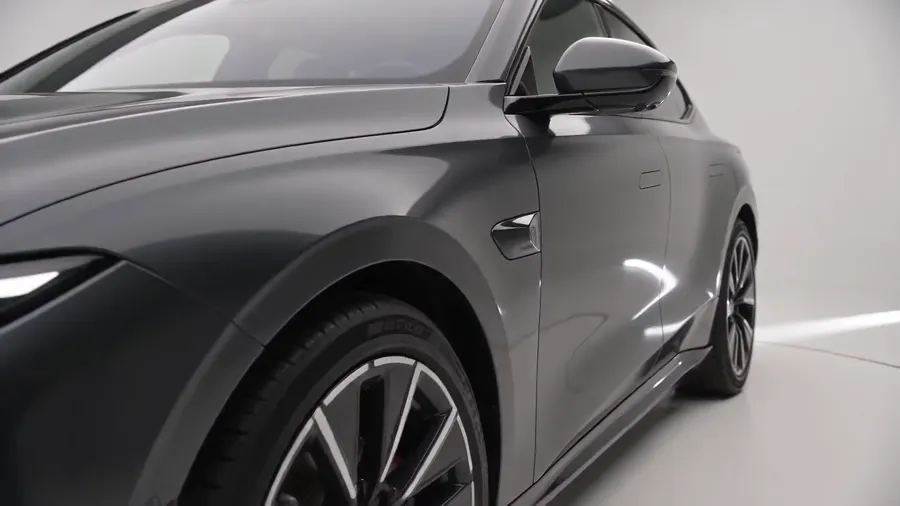
One lot photo in, a vertical ad out — title card, year and model, price and odometer burned on, closing CTA.
Source: Soku demo inventory, generated for this page
Paste the vehicle listing — or drop in photos from the lot — and get back a vertical ad built on the actual car: year and model, price and mileage burned on and spoken, and a closing CTA. Pick the angle, from just-arrived to certified to sold.Paste the vehicle listing — or drop in photos from the lot — and get back a vertical ad built on the actual car: year and model, price and mileage burned on and spoken, and a closing CTA.
Sample result gallery
Every clip is one run of this tool on demo inventory we generated ourselves — no dealer’s photos, no real VIN. Read the burned-in captions: the year, the model, the price and the odometer reading on screen are character-for-character the ones the page was given, and the voiceover says the same numbers. That is the part a vehicle ad cannot get wrong, and it is why this page takes your photos instead of drawing a car from a dropdown.
One lot photo in, a vertical ad out — title card, year and model, price and odometer burned on, closing CTA.
Source: Soku demo inventory, generated for this page
A price cut needs its own creative. Same car, new stamp, the new number on screen and spoken in full.
Source: Soku demo inventory, generated for this page
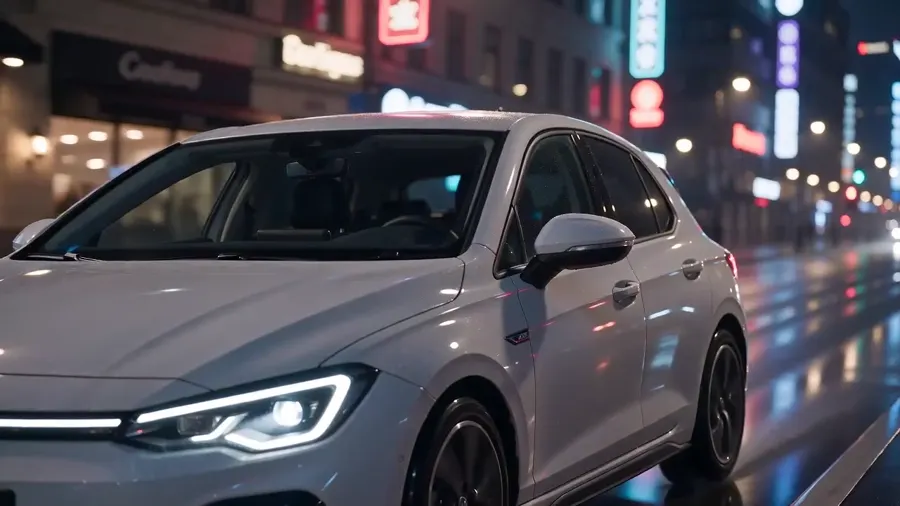
The reassurance angle: a steady pass over paint, panel gaps and wheels, framed as proof rather than spectacle.
Source: Soku demo inventory, generated for this page
The VDP is read for year, make, model, trim, price and mileage — dealer platforms publish all six as structured data because Google’s vehicle results depend on it. When the page cannot be fetched the URL slug still carries year, make and model, and your photos carry the rest.
Just arrived, price drop, certified pre-owned, test drive, sold, or a salesperson walkaround. The angle decides the hook, how the clip moves around the car and what the closing card says.
The clip lands in your Soku workspace. Trim it, stack variants around it, and launch across Meta, TikTok, YouTube and Google from the same canvas.
Use cases
Dealer groups
A fifteen-car lineup is fifteen location days at agency rates. It is fifteen prompts here, which is what makes running creative per model affordable at all.
Automotive agencies
A client who can watch the golden-hour version next to the night version picks one in a meeting instead of over a fortnight of boards.
Aftermarket and parts brands
Wheels, wraps and lighting sell on the car, not on white. This gets the car without renting one.
Marketplaces and lead-gen
Everyone in the vertical licenses the same footage libraries. A generated cut at least is not the one your competitor is also running this week.