Soku AI
Write one shot, not the whole spot
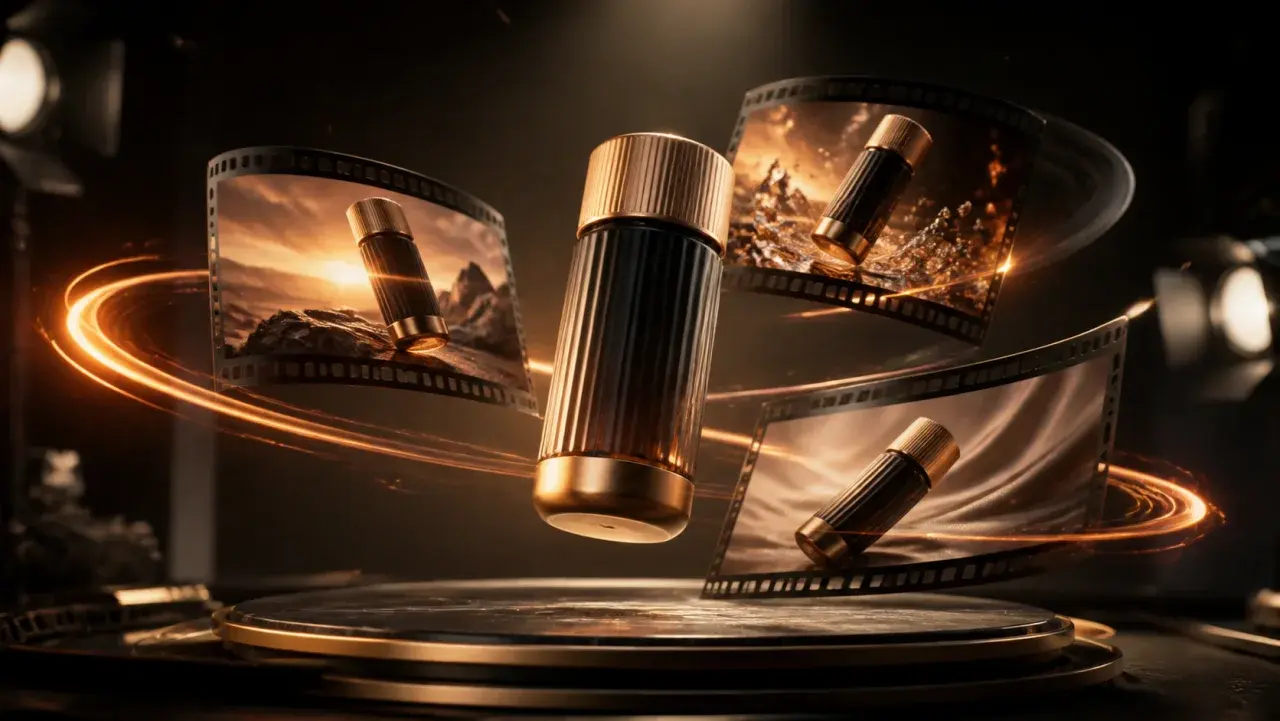
Commercials are cut from shots. Describe a single one — subject, action, setting, light, lens behaviour. A prompt that tries to describe three cuts will render as one confused take.
A commercial is a shot list with a point of view, not a prompt. Write it that way — who is in frame, what they are doing, where the light comes from, how the camera moves — and the model renders it. This produces the footage; it does not write your script, add a voiceover or cut a multi-shot spot together. Generate the hero shot here, then assemble.A commercial is a shot list with a point of view, not a prompt.
Commercials are cut from shots. Describe a single one — subject, action, setting, light, lens behaviour. A prompt that tries to describe three cuts will render as one confused take.
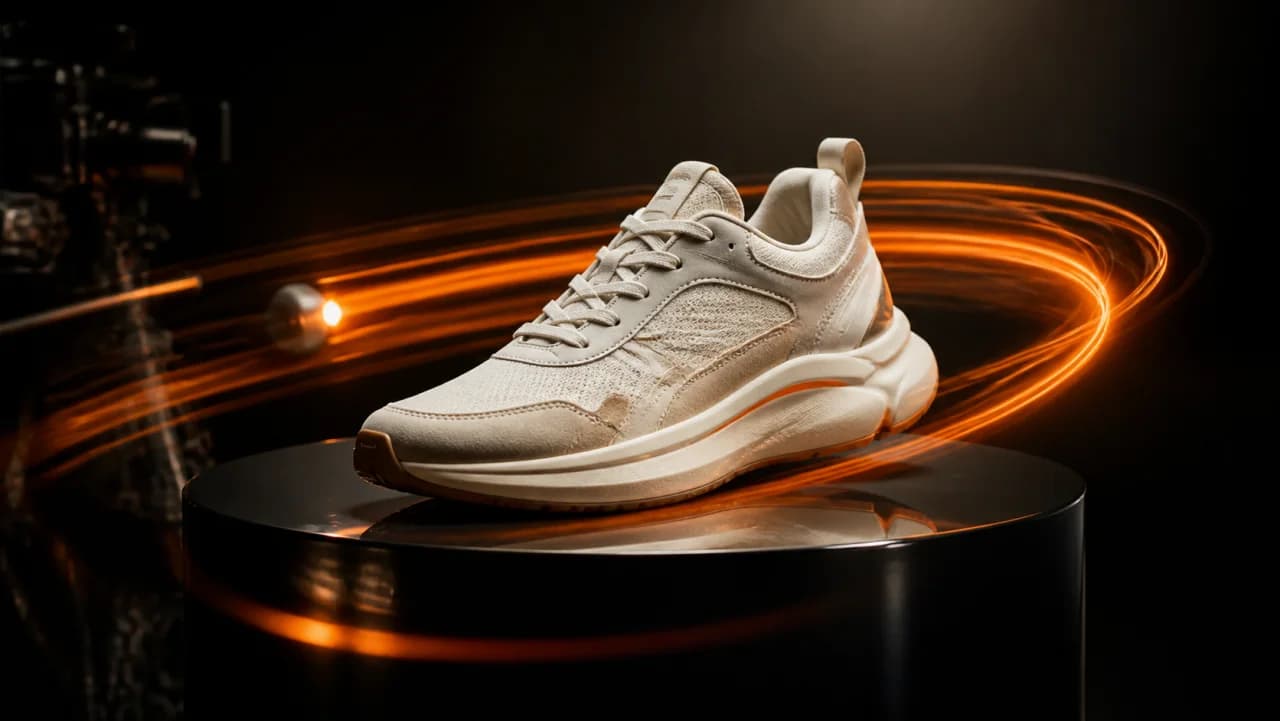
Dolly in, slow orbit, handheld drift, locked off. Golden hour, overcast, hard key, practical lamps. These two choices do more for the commercial feel than any adjective about quality.
You get an MP4 per shot. Generate the two or three shots the spot needs, then bring them into the Creatives canvas to sequence, add your voiceover and lay in the endcard.
Use cases
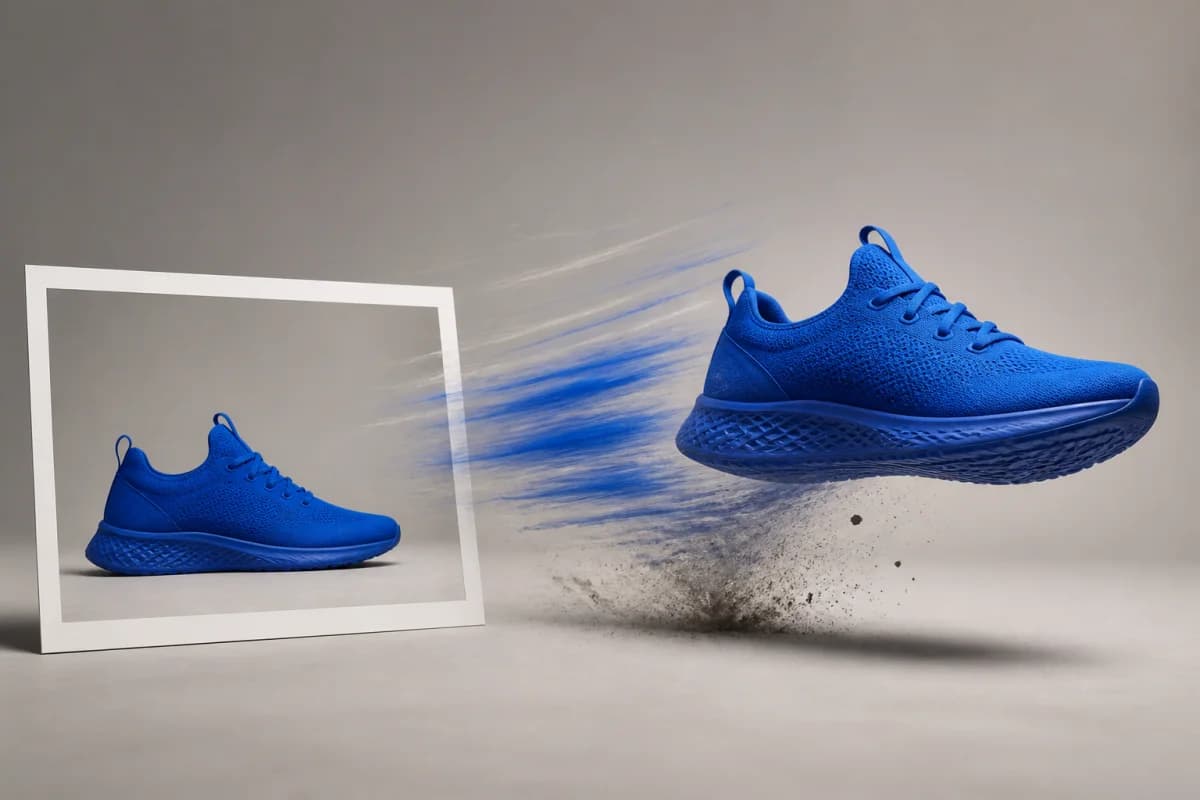
Render the board as moving footage instead of stills. A client who can watch the idea approves a shoot faster than one reading a treatment.
Original footage rarely covers every region. Generate a market-appropriate hero shot so the smaller market runs a real spot rather than a static end card.
Warm domestic, cold cinematic, energetic outdoor — render one shot of each, run them as paid social pretests, and let the winner brief the actual production.