Soku AI
All tools

AI Garden Design From One Photo of the Garden You Have

The hard part of a garden is not choosing plants, it is picturing them in your garden.

Garden DesignPhoto to Scheme
  • Boundary, house and mature trees preserved
  • One photo in, one scheme out
  • PNG download, no watermark

Three deliberate steps

01

Shoot it from where you actually stand

The back door, the kitchen window, the spot at the end of the path. Shoot level and wide enough to catch the boundary on both sides, because the boundary is the constraint every real scheme has to live inside. Overcast light is better than sun — hard shadows read as ground shapes and get designed around.

02

Ask for plants by name, then pin what stays

A scheme is species and structure, not adjectives. "Roses, salvia, hardy geranium, box balls for winter" gets you somewhere "a pretty garden" never will. Then say what must not move — the fence line, the shed, the apple tree, the level change. Anything you leave unpinned is fair game for the model to redesign.

03

Read it against the untouched photo

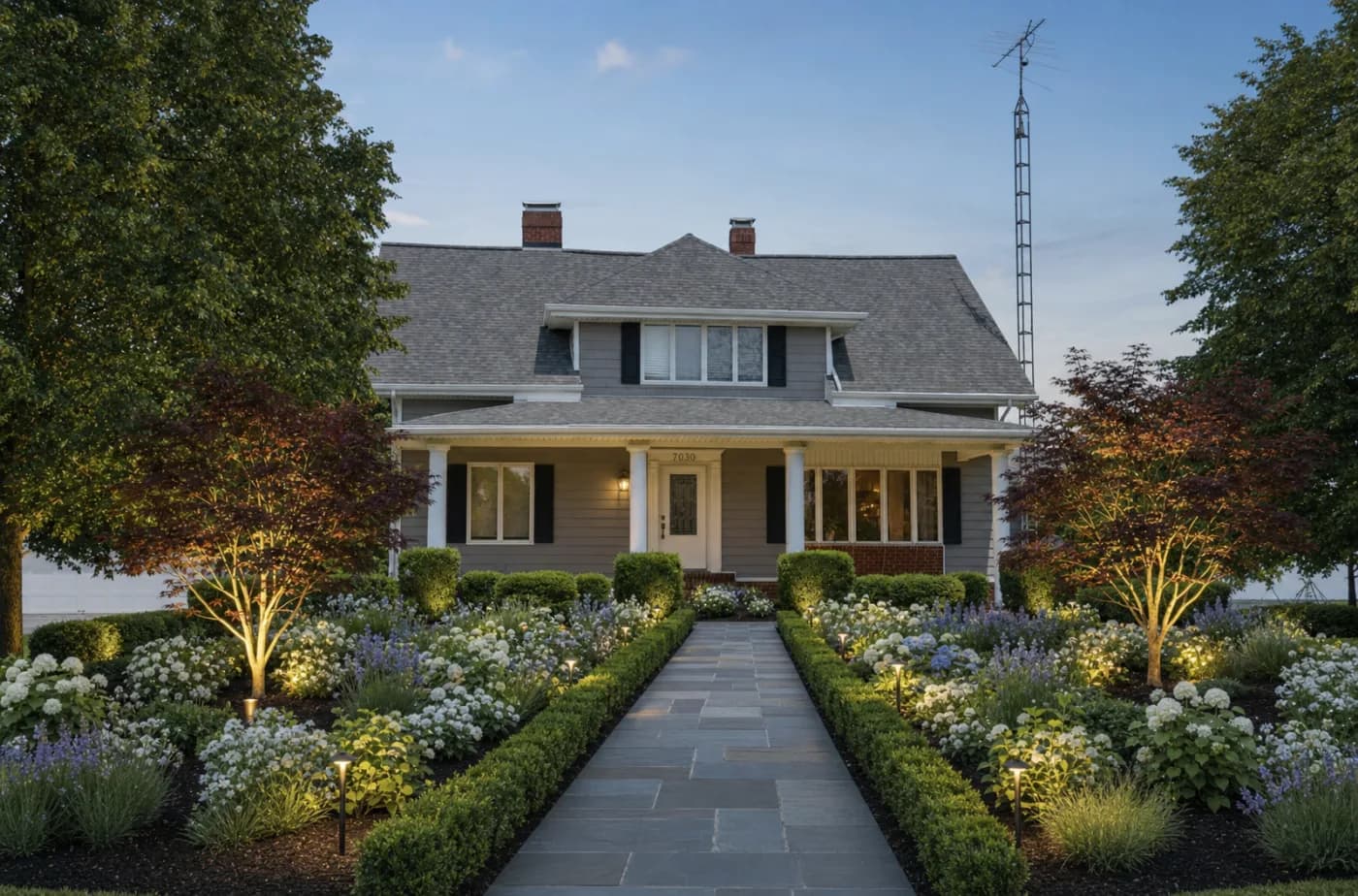
Download the PNG and put it beside the original. The pair is the argument, and the pair is also the honesty check: if the render has quietly moved a fence or removed a tree, you will only see it side by side.

Use cases

Who reaches for this, and when

Garden designers

Show the direction at the first visit

Most of a garden commission is spent getting the client to picture it, and a planting plan is unreadable to anyone who is not a designer. A restyled photo of their own garden, produced on the day you survey it, collapses that conversation into one image.

Garden centres and plant brands

Put the range in a garden the buyer recognises

A plant on a nursery bench is a price tag. The same planting shown in an ordinary suburban garden is a decision someone can act on, which is the moment an ad stops being a catalogue and starts converting.

Home-improvement advertisers

Before-and-after creative without waiting a season

Outdoor transformation is the strongest creative this category has and the hardest to photograph on demand, because it needs a build plus a growing season. A real garden gives the ad a specific before that stock imagery cannot fake.

Questions before you run it

How is this different from your landscape design tool?
Underneath, it is the same model doing the same job, and if you already have the landscape page open there is no reason to switch. The difference is who each page is written for. Landscape design is the trade framing — hardscaping, levels, quoting a build. This page is the homeowner framing: beds, planting, seating and what the garden looks like from the kitchen window. Use whichever matches how you think about the space.
Does it keep my actual garden?
It keeps the site — the boundary and fence line, the house elevation, the ground level, and the shed or mature trees you explicitly tell it to keep. That is what makes the output work as a before-and-after pair rather than as generic garden imagery. It regenerates the whole image rather than editing objects one at a time, so read the result as a direction to commit to, not as a plan to build from.
Will the plants it shows survive where I live?
Only if you name them. The model renders what you describe and has no idea what hardiness zone your photo was taken in, how much sun that bed gets, or what your soil is. Ask for "a modern planting scheme" and you will get something that looks right and may not live. Name the species — and if the scheme has to get through a Minnesota winter or a Phoenix summer, say so in the prompt.
Can I build from the output?
No, and it is worth saying that out loud to a client. There is no scale, no levels, no drainage and no setting-out in a generated image, and the specific paver or pot in the render is not a product you can order. It is a design direction, and it is genuinely good at that. A real build still needs measured drawings and a planting schedule.
What does a run cost?
You can try it on your own photo on the free plan without a card. After that a run is priced per image, and the exact credit cost is shown on the button before you press generate — you never have to start a subscription to find out the number.