 Soku AI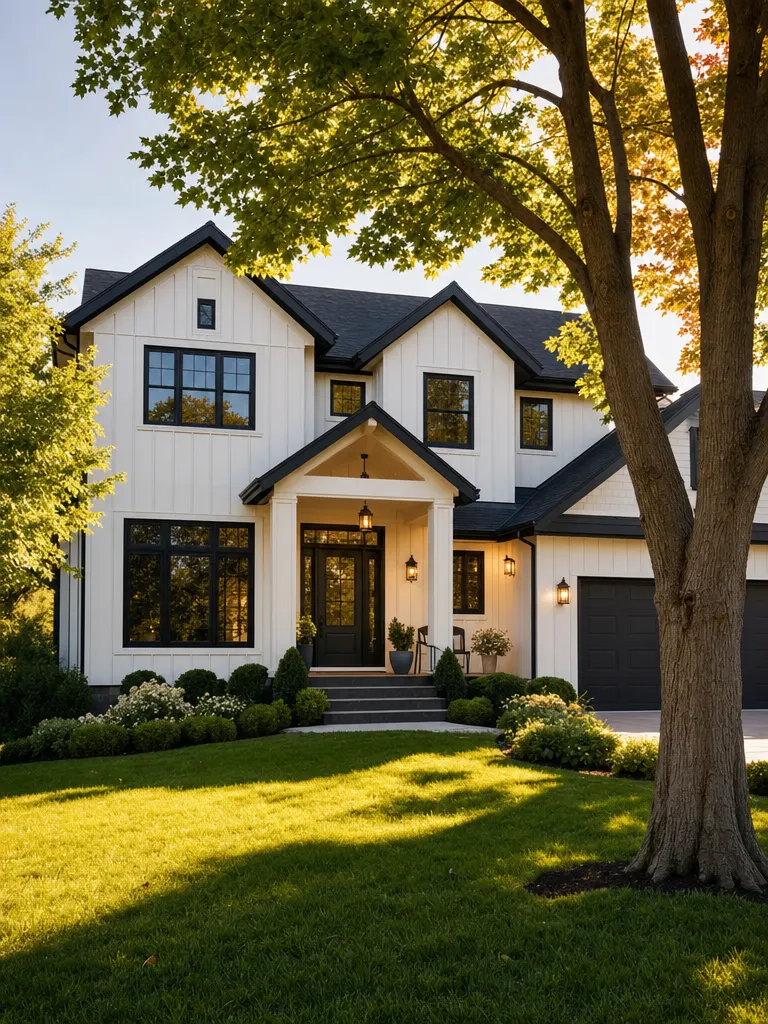
videoPhoto to vertical ad
Just Listed · Bellevue, WA
One exterior photo in, a 10s vertical ad out — title card, address, beds/baths/sq ft, price, closing CTA.
Source: Soku demo listing, generated for this page
Paste a Zillow, Redfin, Realtor.com or brokerage listing URL — or drop in up to 9 listing photos — and get back a vertical ad you can actually run: a hook in the first two seconds, the verified listing facts burned on screen, an agent-style voiceover, and a closing CTA. No camera, no editor, no template to fill in.Paste a Zillow, Redfin, Realtor.com or brokerage listing URL — or drop in up to 9 listing photos — and get back a vertical ad you can actually run: a hook in the first two seconds, the verified listing facts burned on screen, an agent-style voiceover, and a closing CTA.
Sample result gallery
Six of the seven listing angles this tool offers, one run each on demo listings we generated ourselves — no customer photos, no real address. Read the burned-in captions: the address, price, beds, baths and square footage on screen are character-for-character the ones the listing supplied. That is the part a listing ad cannot get wrong, and it is why this page runs on MiniMax H3 rather than the cheaper generator the rest of the site uses.
One exterior photo in, a 10s vertical ad out — title card, address, beds/baths/sq ft, price, closing CTA.
Source: Soku demo listing, generated for this page
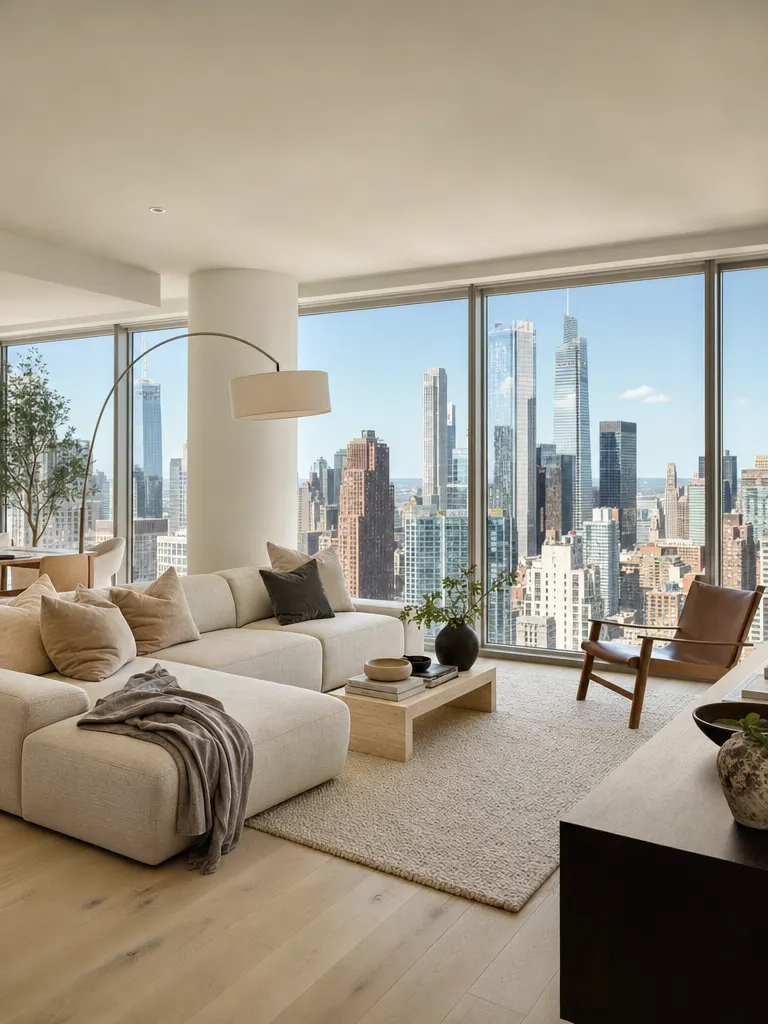
A single interior still becomes an open-house cut with the unit number and price held exactly as supplied.
Source: Soku demo listing, generated for this page
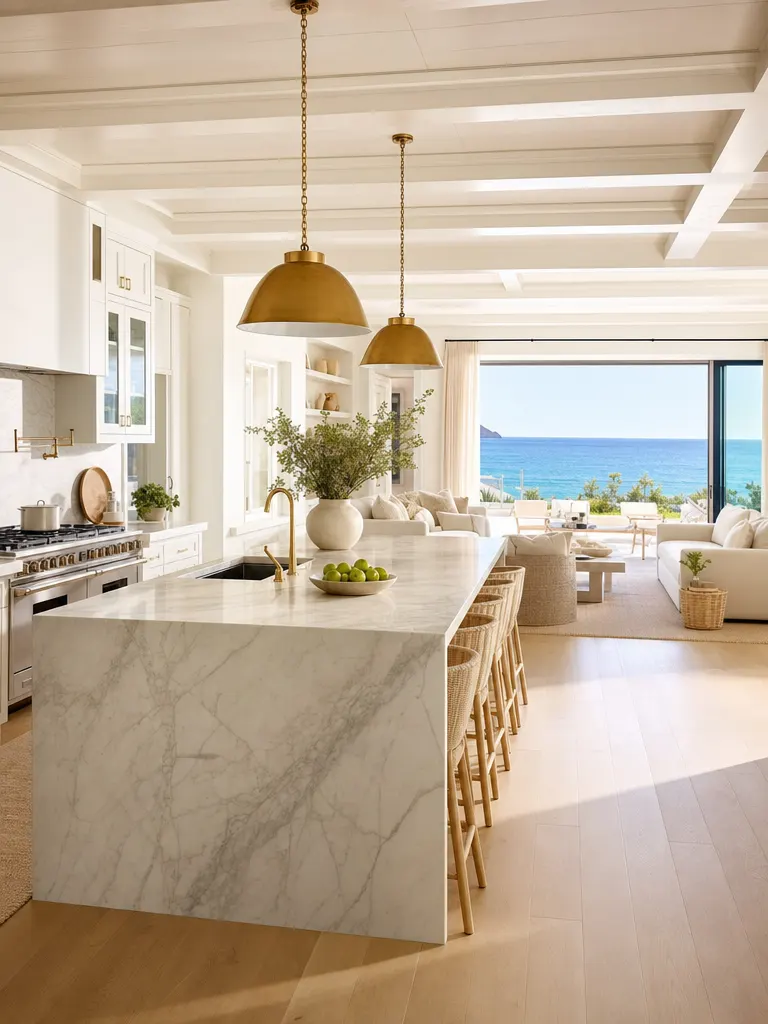
Kitchen still to a luxury walkthrough. Every figure on screen is the one the listing gave us.
Source: Soku demo listing, generated for this page
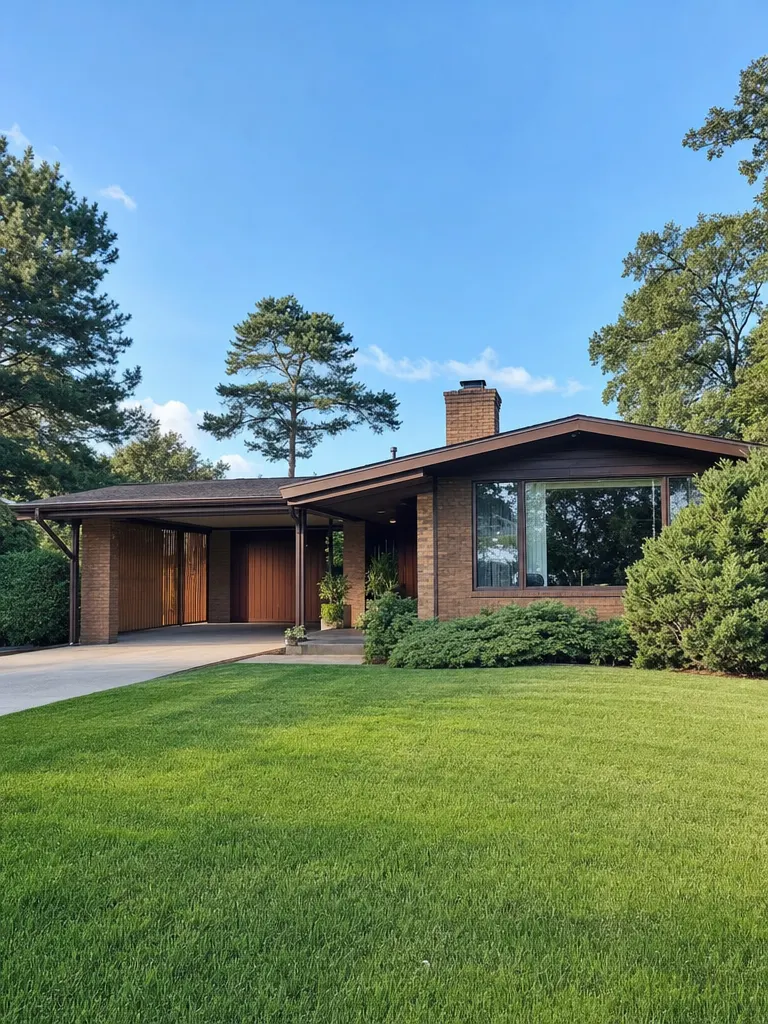
A price cut needs its own creative, not the original ad re-run. Same photo, new stamp, new closing card.
Source: Soku demo listing, generated for this page
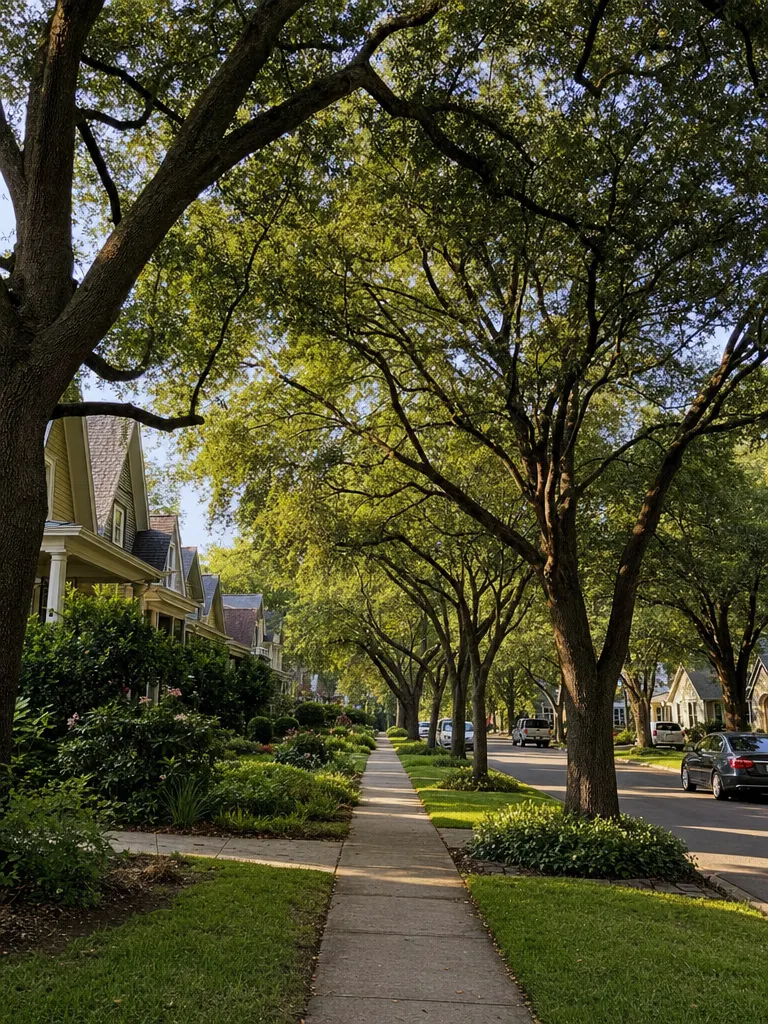
The angle that sells the street, not just the house — the area name types on, then the listing facts follow.
Source: Soku demo listing, generated for this page
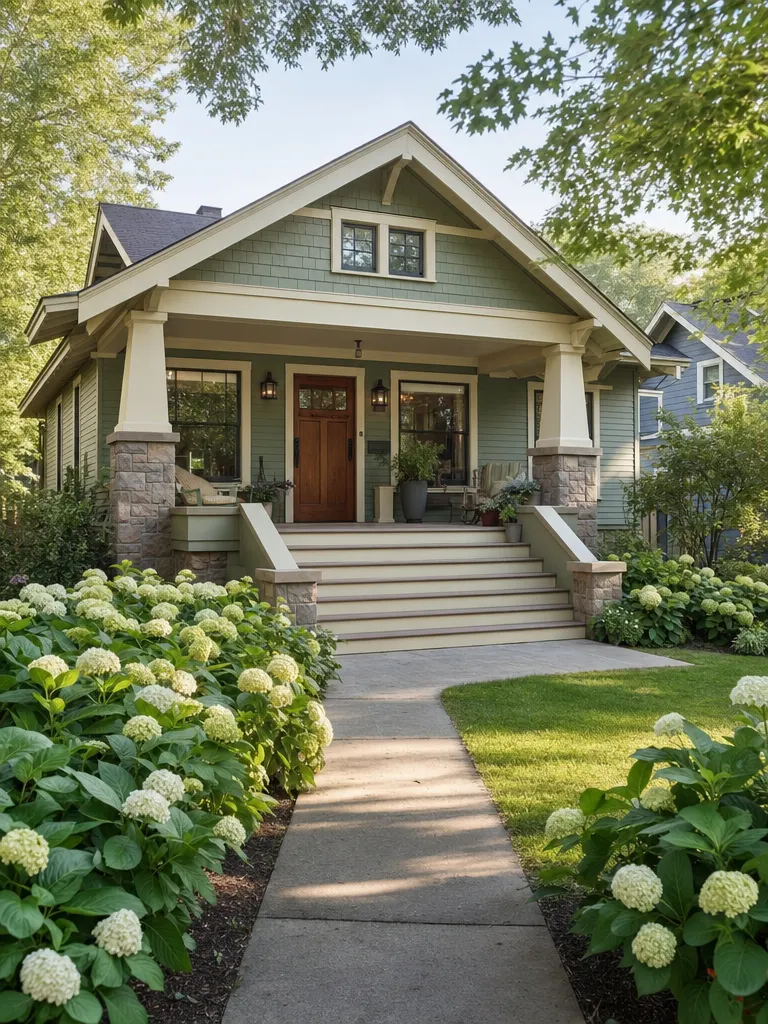
The UGC angle: a presenter to camera in front of the home, cut against the property, ending on a DM prompt.
Source: Soku demo listing, generated for this page
Features
Reads the address off any listing link, plus price and bed/bath/sqft wherever the site allows it — including the portals that refuse automated readers.
An agent has a set, not a hero shot. Exterior, living space, kitchen, primary suite and yard become one continuous walkthrough instead of an animated still.
Hook inside the first two seconds, listing facts burned in as captions that read with the sound off, an agent-style voice over the top, and a closing CTA card.
Only facts read from your listing reach the model, and inventing a price, a bed count or an amenity is explicitly forbidden in every prompt.
9:16 by default because that is where these ads run, with 1:1, 4:5 and 16:9 for the placements that need them.
Re-run the same property on a different angle to test which hook books showings — an ad you can iterate rather than a video you commissioned.
One template per listing event
Every angle is a different hook, a different way through the property and a different call to action. Pick one and the script is written for you — including the parts that keep it runnable, like leaving out a price nobody gave us.
Start with my assetThe announcement cut. Hard title card, a walk through the home in buyer order, and a book-a-tour close.
Entry-first and urgent. Add the day and time in your notes and it lands on the card.
Re-announces a listing that has gone quiet, leading on the rooms that carry the value.
Framed as proof of work rather than a tour — the ad that wins the next listing appointment.
No title card. Slow cinematic moves, shallow depth of field, private-showings close.
Cuts the streets around the home together with the home, so the area and the listing read as one story.
Hand-held UGC framing with an agent-style presenter — the cut that performs natively on TikTok and Reels.
A Zillow, Redfin, Realtor.com, Trulia, Compass, brokerage or IDX link — Soku reads the address, and the price and bed/bath/sqft where the site allows it. Add up to 9 listing photos and the ad is built from your actual property. Either input works on its own; together they make the strongest ad.
Just Listed, Open House, Price Improvement, Just Sold, Luxury Showcase, Neighborhood Guide or Agent Intro. That choice writes the hook, the way the camera moves through the home, and the call to action — you do not write a prompt.
The finished ad appears on this page in minutes. One click opens it in Soku Creatives, where you branch variants for each placement, assemble the final cut, and deploy and A/B test across Meta, TikTok, YouTube and Google.
Why Soku
The failure mode of a generative tool here is not a bad clip — it is an ad with an invented price on it, or a room the house does not have. These rules are enforced on every generation rather than left to whoever reviews the export.
The ad may restate a price, bed count or square footage read from your listing. It is instructed never to produce one it was not given — a fact we could not establish is not mentioned rather than approximated. ZIP codes are held back from the frame entirely, because generative video draws captions rather than typesetting them and long digit runs are where it slips.
When you upload photos, the ad is pinned to them: no generated rooms, renovations, pools, landscaping or views your photos do not show. With no photos, the imagery is held to neutral illustrative b-roll rather than a portrayal of a specific home.
Every prompt carries an instruction not to describe who should live in the home and not to reference protected characteristics. Fair Housing applies to the ad itself, not only to the audience you select.
The photos you upload are never overwritten, so you always hold the unmodified source alongside the generated cut — which is what a disclosure requirement asks you to be able to produce.
Use cases
Every listing gets a paid-social ad the day it goes live, without booking a videographer or learning an editor.
One coordinator turns the week's new listings, open houses and price changes into a running campaign set instead of a backlog.
Show a seller the ad you would run for their home before you have the listing — the cheapest listing-presentation asset there is.
Neighborhood-guide cuts keep you in front of the streets you work between transactions.
A price-improvement ad re-announces a property that has gone quiet, with the rooms that justify the number leading the cut.
Produce listing ads for the agents you already shoot for, at a volume a per-project edit cannot reach.
Specifications
One of the two is enough. Together they make the strongest ad, because the link carries the facts and the photos carry the property.
A paid-social ad, not a property tour: hook, burned-in facts, voiceover, CTA card.
Alternatives
Automated listing distribution is a solved category and photo-to-slideshow apps are everywhere. What is still missing is native vertical creative that stays tied to the listing's real facts and can be tested one hook against another.
Input
Creative shape
Listing facts on screen
Different ad per listing event
Testing one hook against another
Turnaround
Comparison is by approach, not by vendor — the specific products in each column change faster than this page does. These are guardrails on what the tool generates, not legal advice: read every number in a cut before it carries spend, and follow your state's advertising and AI-disclosure rules. California's DRE issued an AI advisory in 2026 covering exactly this.
Pricing
Generation is billed in credits, so testing whether video beats your static listing post costs one clip rather than a subscription decision.
One run is one ad. Cost scales with length and resolution, is shown before you generate, and is recorded against that run in your history. Signing up is free and includes a starting balance that covers a first full-length ad.
$0/ month
No card required
$19/ month
7,000 credits / month
$49/ month
20,000 credits / month
Prices are per month, billed monthly. Ad spend on Meta or TikTok is separate and paid to those platforms. See all plans and the credit calculator.
Paste one listing URL, pick an angle, and watch it come back as an ad you could run this afternoon.
Start with my asset Brokerage or team rolloutKeep building
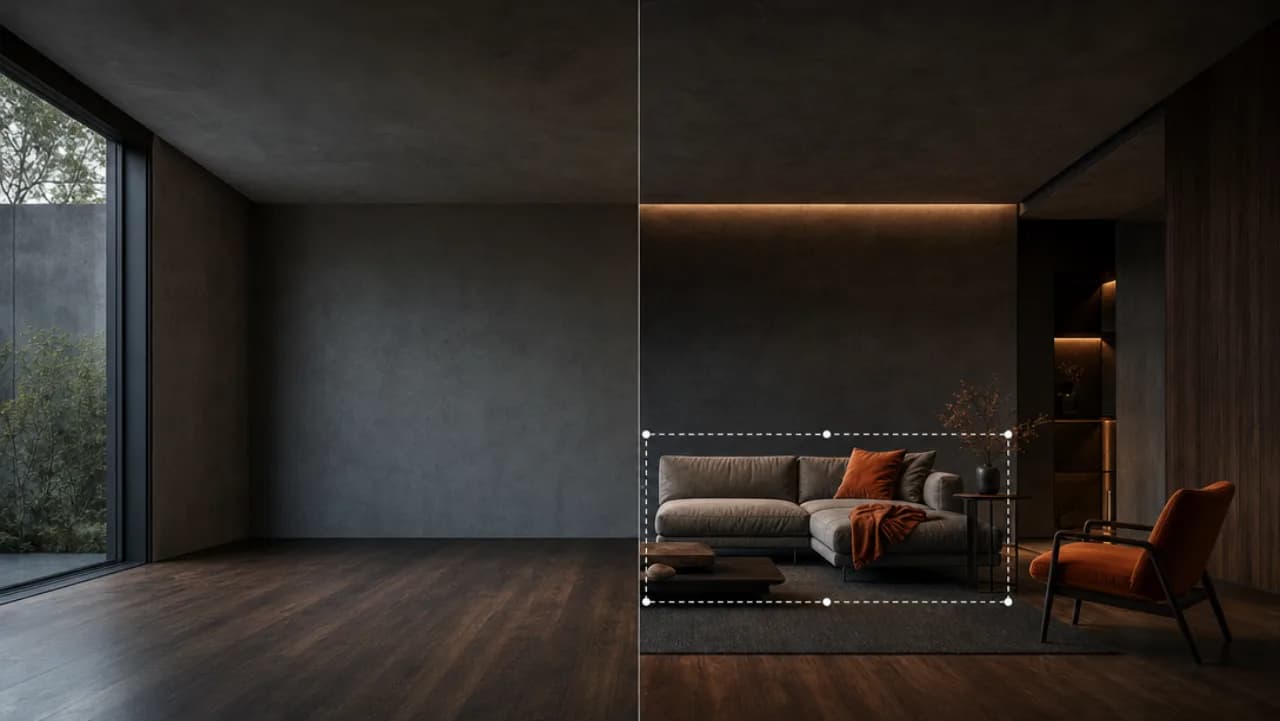
Furnish an empty room from one photo before you build the listing ad.
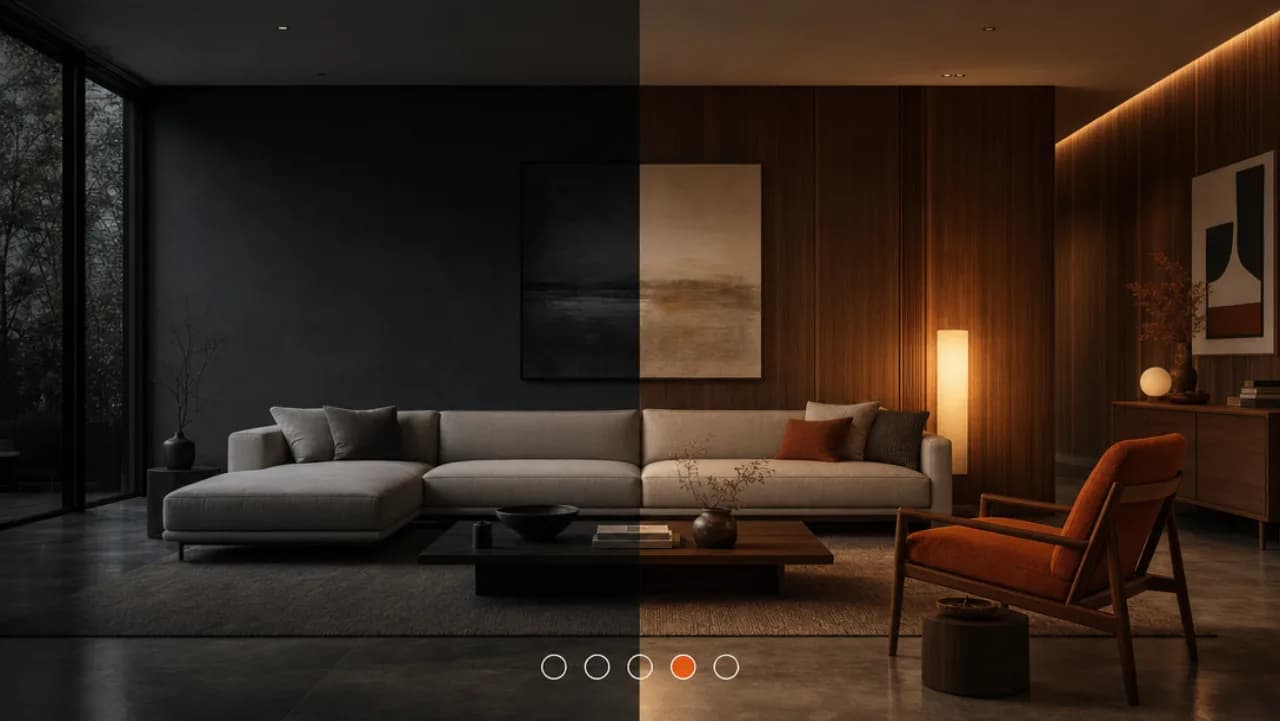
Restyle a real room from one photo for renovation and furniture creative.
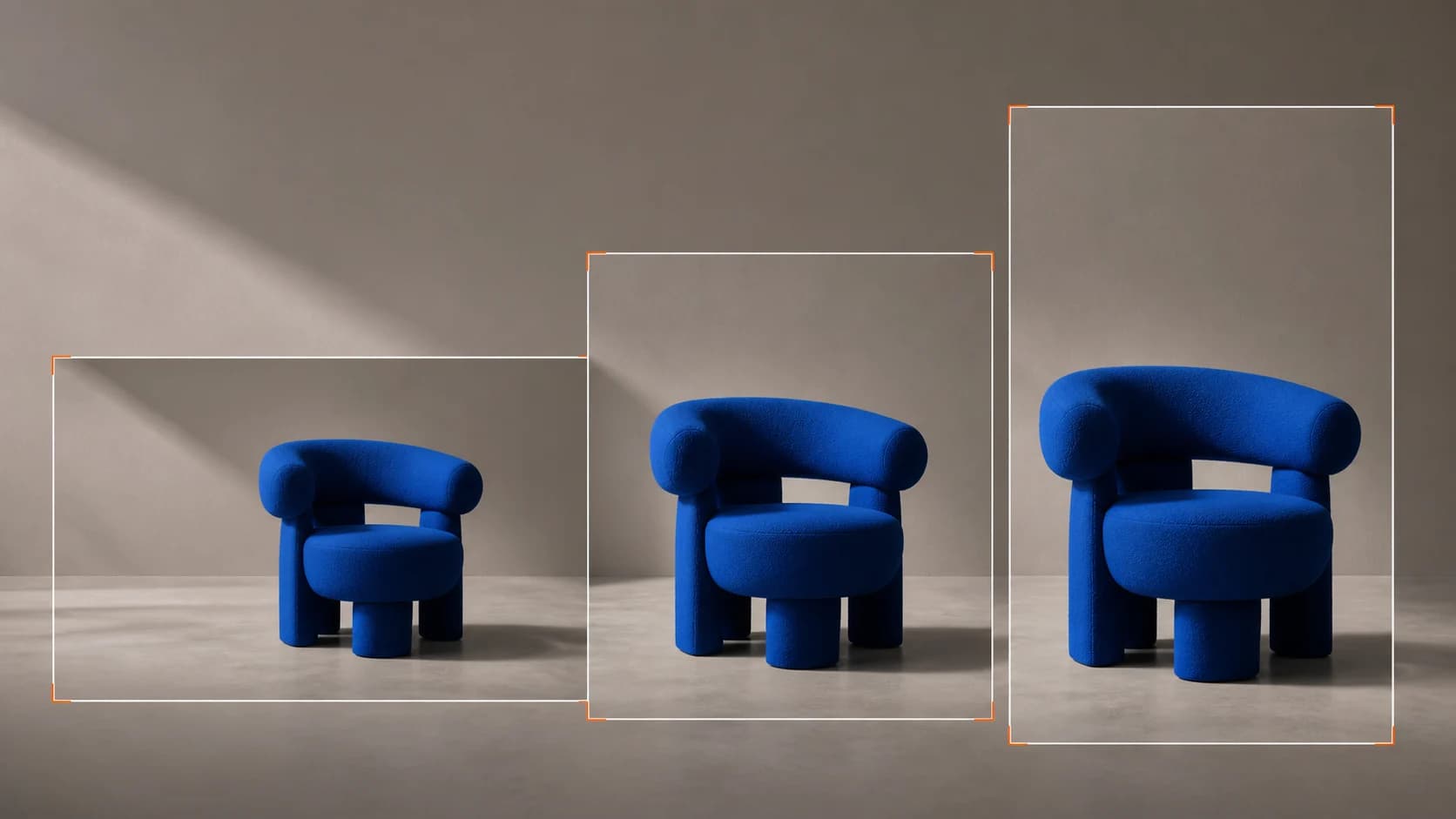
Reframe a finished ad into every placement's aspect ratio without re-rendering.

Turn a URL or photos into ready-to-run image and video ads with AI copy and variants.

Generate natural AI voices and localize narration for your listing ads.

Turn a URL or script into creator-style UGC video ads with realistic AI avatars.