Soku AI
videoImage to video
Serum bottle · premium light sweep
A restrained push-in and moving highlight add depth while the bottle and label remain the visual anchor.
Source: Soku product still
Product footage without booking a shoot
Upload a packshot, catalogue image, or approved product still and describe one shot: a slow orbit, macro push-in, turntable, light sweep, or product landing. Your real image is animated for 4–15 seconds while product-preservation rules hold the shape, colour, label, and proportions as closely as a generative video can.Upload a packshot, catalogue image, or approved product still and describe one shot: a slow orbit, macro push-in, turntable, light sweep, or product landing.
Describe the movement you want to see. The tool adds camera discipline, commercial lighting, product-preservation, and no-invented-text constraints before the image is rendered.
Sample result gallery
Ten real image-to-video runs from this tool. Every card shows the actual source still beside a complete playable output—not a poster pretending to be a video. Every clip is a five-second 720p run with the native audio the tool generates by default.
A restrained push-in and moving highlight add depth while the bottle and label remain the visual anchor.
Source: Soku product still
A small camera orbit, background steam, and window light turn a flat package visual into a compact paid-social shot.
Source: Soku product still
The camera moves instead of the product making a large deformation; a controlled reflection supplies the reveal.
Source: Soku product still
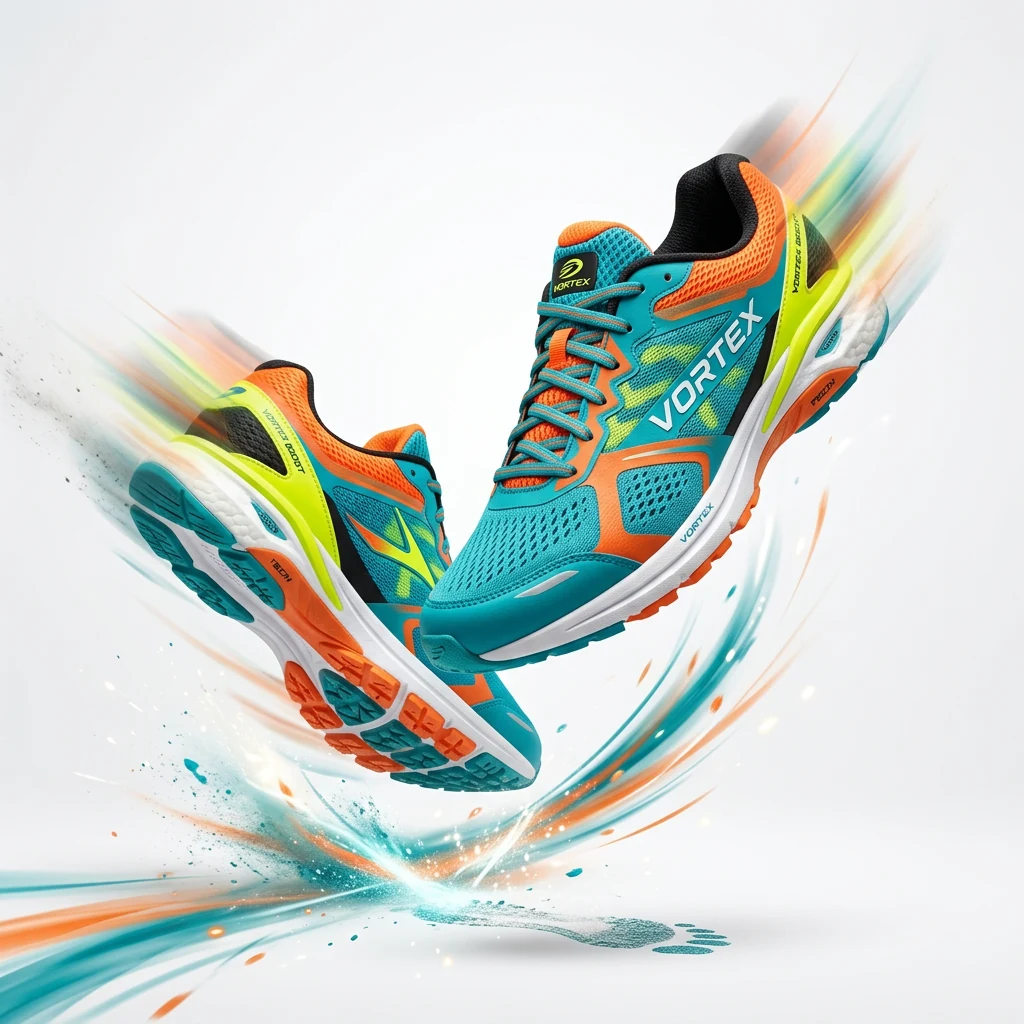
A short athletic product shot tests form retention across two shoes, laces, sole geometry, and a moving spotlight.
Source: Soku product still

The flame and reflections move gently while the labelled jar stays fixed enough for a calm home-fragrance opening.
Source: Soku product still

A small rotational movement and controlled rim light create a technology-ad reveal without inventing a presenter or environment.
Source: Soku product still
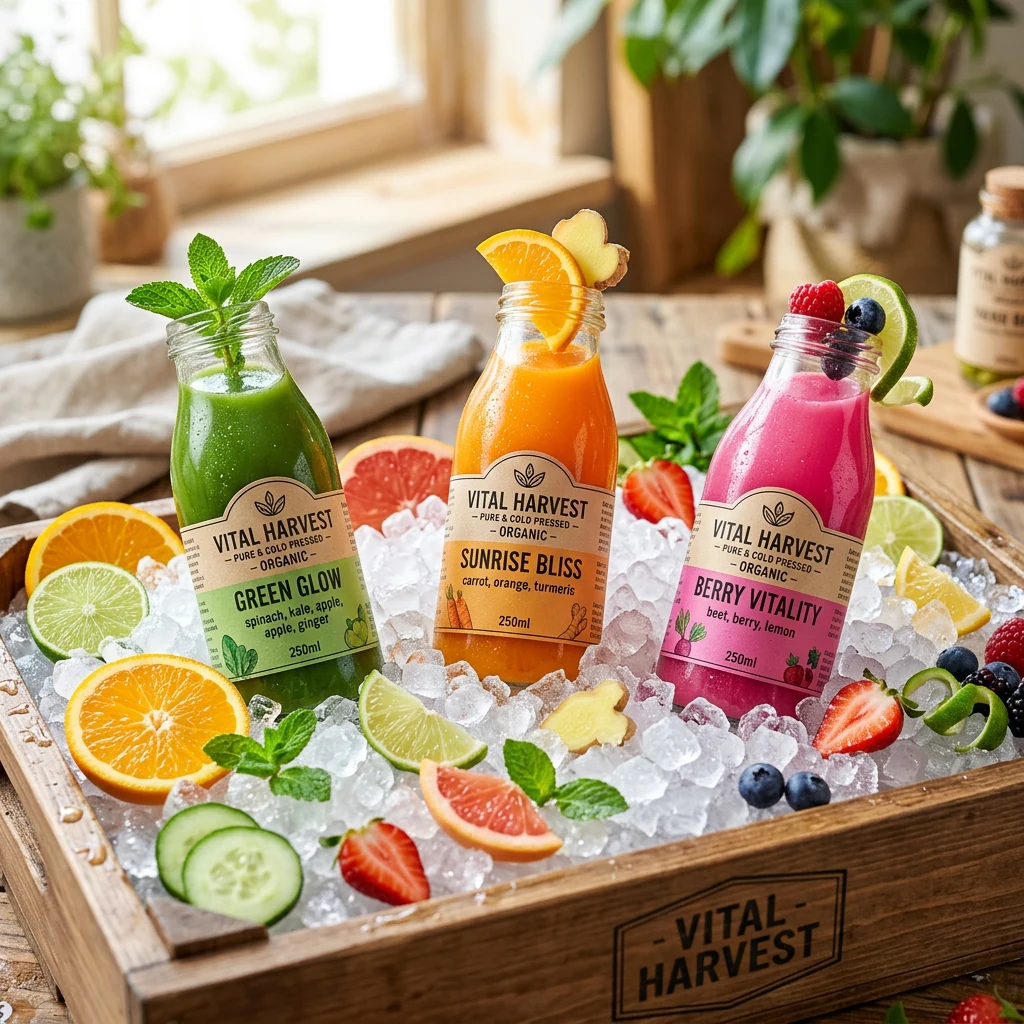
Moving sunlight and a light breeze add freshness around the bottle while keeping the packaging as the hero.
Source: Soku product still
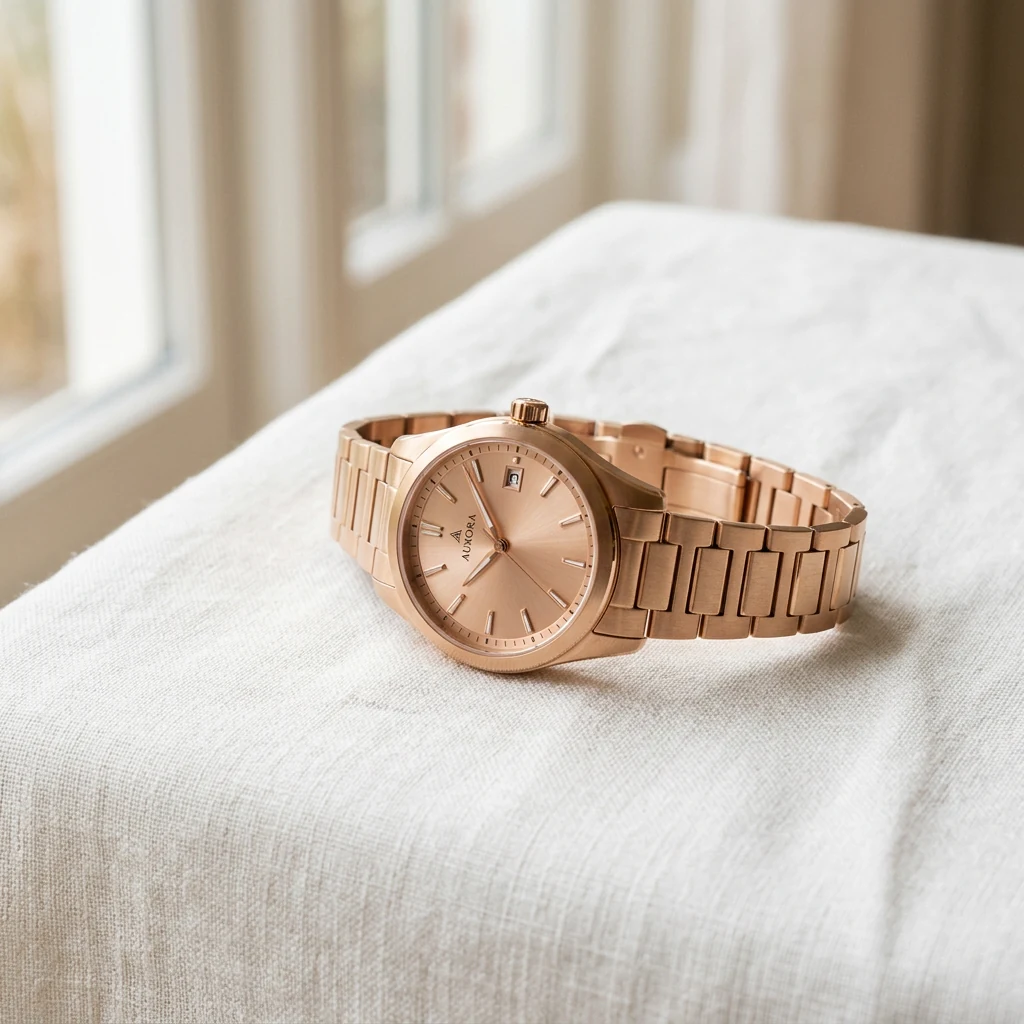
A narrow reflection and macro camera path provide motion while the dial, markings, strap, and case require close review.
Source: Soku product still
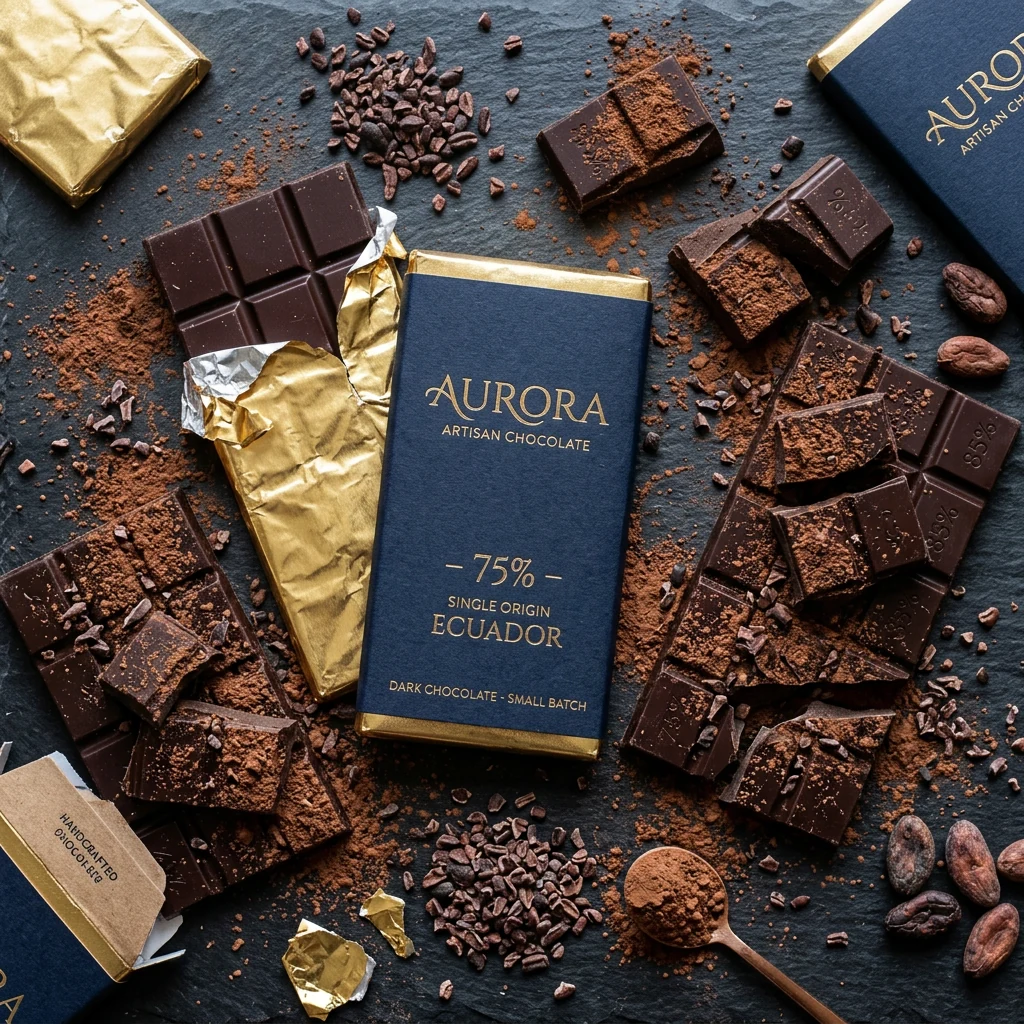
Wrapper highlights and one settling cocoa element create tactile food motion without asking the product itself to transform.
Source: Soku product still
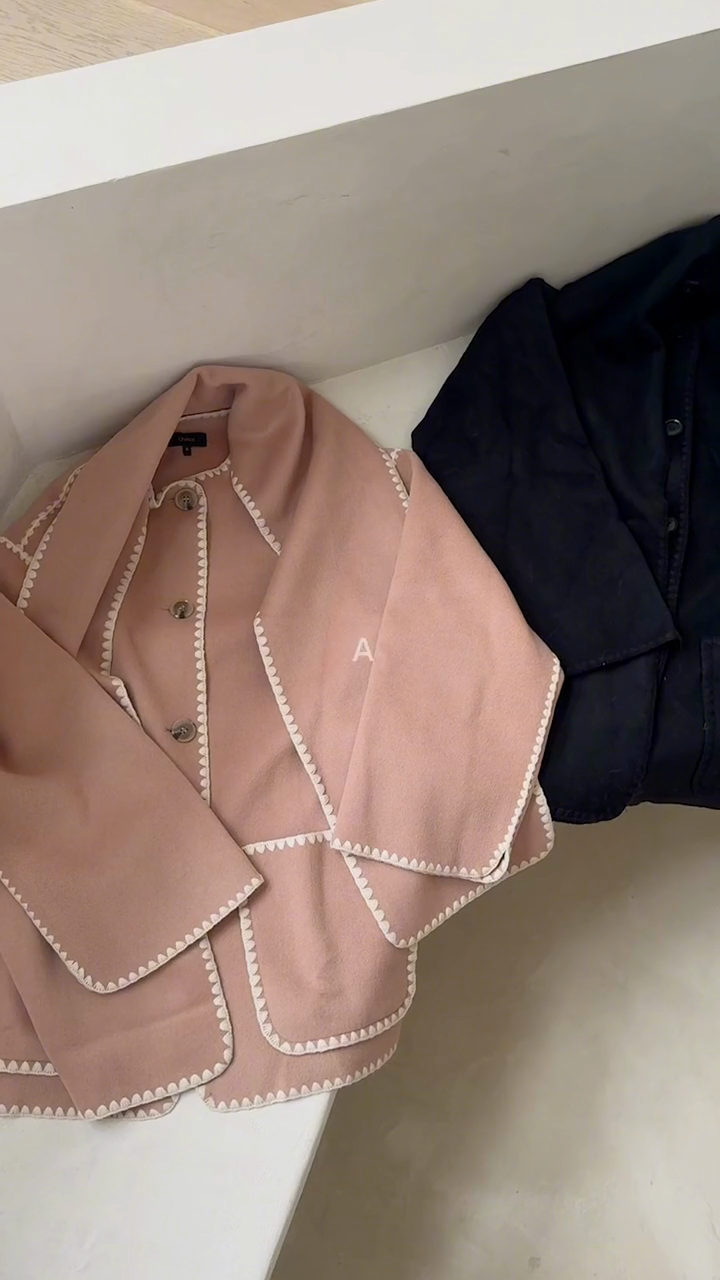
Requested: “the camera drifts across the jackets as daylight moves over the wool.” The product remains in frame while the movement creates a paid-social-ready opening shot.
Source: Live catalogue reference image
Features
The clip starts from the still you uploaded rather than a description of it, so the footage shows your SKU instead of a plausible-looking bottle, shoe or box.
Shape, colour, label, proportions, camera discipline, lighting and product prominence are pinned server-side around whatever scene you type.
“Slow orbit under soft studio light” is a complete brief here. The commercial craft is supplied for you, so a one-line prompt is not a one-line result.
The model is told not to add captions, logos or watermarks. Garbled on-video text is what turns a near-miss into an unusable ad, so it is ruled out rather than cleaned up.
The output is usable product footage — not a fake finished campaign with a claim, offer, voiceover or legal line your brand never approved.
The approved clip lands where your campaigns live, so cutting it into an ad and launching it does not begin with a re-upload.
What happens after generation
Every paid run stays in your history with its source, settings, status, cost, and output. Download the approved file immediately; use Canvas later only when you need to build more variants around it.
Start with my assetThe model starts from the uploaded still instead of inventing a generic bottle, shoe, or package from a text description.
Soku pins shape, colour, label, proportions, camera discipline, lighting, and product prominence around the scene you type.
The server tells the model not to add captions, logos, or watermarks, because garbled on-video copy turns a near-miss into an unusable ad.
The output is usable product footage. It deliberately does not invent a claim, offer, voiceover, CTA, or legal line that was never supplied by your brand.
Use the real packshot, listing image, or approved static ad. Clear edges and readable packaging give the model a stronger identity anchor.
Say “slow orbit under soft studio light” or “daylight moves across the surface.” The server supplies the commercial craft and preservation rules.
Check the label, logo, small type, reflections, hands, joins, and product silhouette across the whole clip. Download the shot only after the SKU still looks like the SKU.
Why Soku
The reason most brands run static product ads is not preference — it is that motion costs a studio day. Animating the packshot you already own moves the price of testing a video concept from a production budget to a generation, while keeping the thing on screen recognisably yours.
Text-to-video cannot promise the label on the bottle is your label. Starting from the real still is the difference between product footage and product-shaped footage.
Everything that makes a shot look commercial is applied for you. You are asked for the one thing only you know: how it should move.
Generative motion drifts. First frame, last frame, label, reflections and silhouette are what to check, and we tell you that instead of implying the output is final.
Standalone generators end at the download. Here the clip sits beside your campaigns, so the agent can launch it and report whether motion beat the static.
Use cases
E-commerce
The catalogue photo you already shot becomes paid-social motion, without re-photographing the range to find out whether video works.
Performance marketer
Run the animated version of the creative that is already working, in the same audience, and let the result decide whether to fund a shoot.
Agency
A client sees the orbit or the light sweep on their own product in the pitch, rather than on a stock mock-up.
DTC brand
Studio days get spent on the flagship. This covers the long tail that would otherwise stay static forever.
Marketplace seller
Placements that reward a video asset stop being off-limits because there was never a budget to film one.
Creative team
Generate the move you are considering and take it into the production conversation instead of describing it.
Specifications
One product still, and one sentence about how the shot should move.
Product footage, deliberately without the campaign wrapped around it.
Alternatives
If you want motion on a product, the realistic options are a shoot, a text-to-video model, a template animator, or this. They differ mostly in whether the product on screen is actually yours.
Is it your exact product
Camera movement
Needs a brief
Invents on-frame copy
Time to a testable clip
Cost shape
Comparison is by category, not by vendor — the specific tools in each column change faster than this page does.
Pricing
Generation is billed in credits, so testing whether motion beats your static costs one clip rather than a subscription decision.
One run is one clip. Cost scales with duration and resolution, is shown before you generate, and is recorded against that run in your history.
$0/ month
No card required
$19/ month
7,000 credits / month
$49/ month
20,000 credits / month
Prices are per month, billed monthly. See all plans and the credit calculator.
Upload one packshot, describe a single shot, and check the label at full size before it ever carries spend.
Start with my asset