Soku AI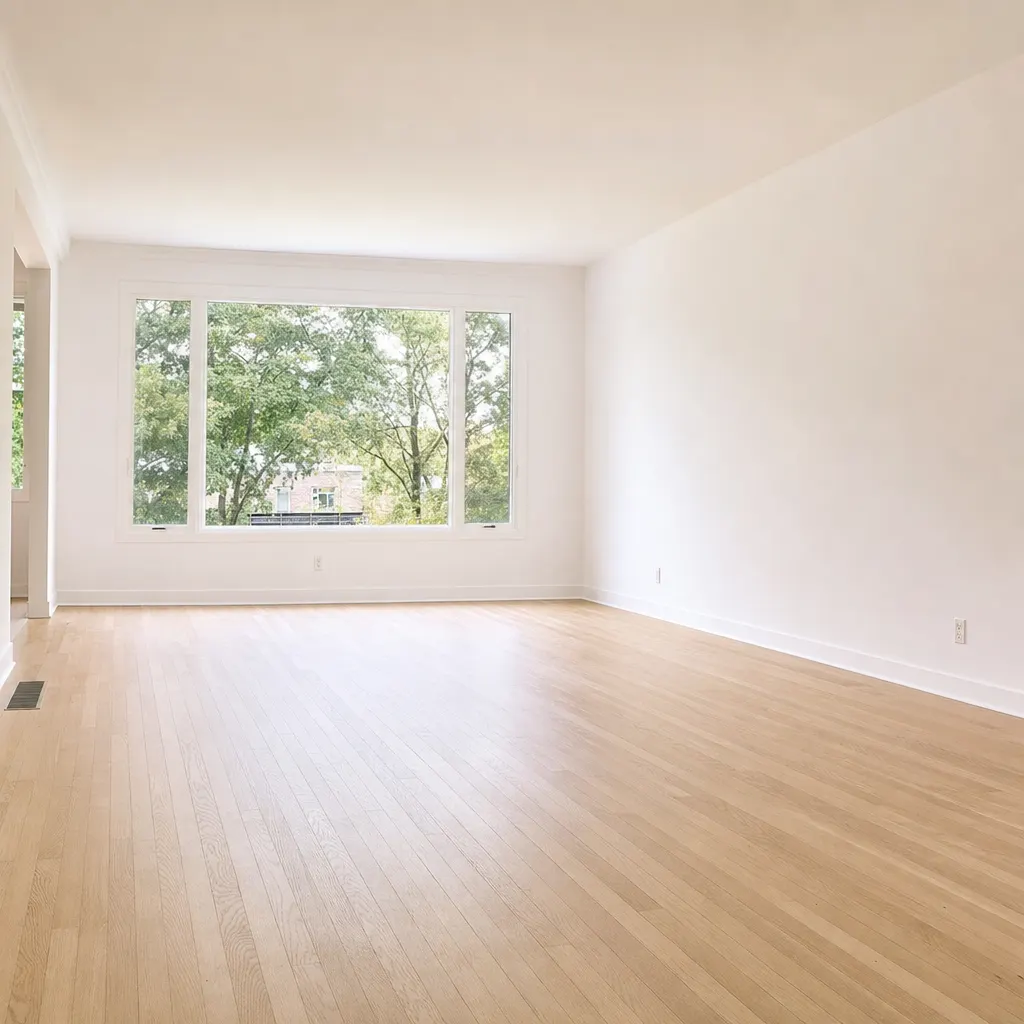
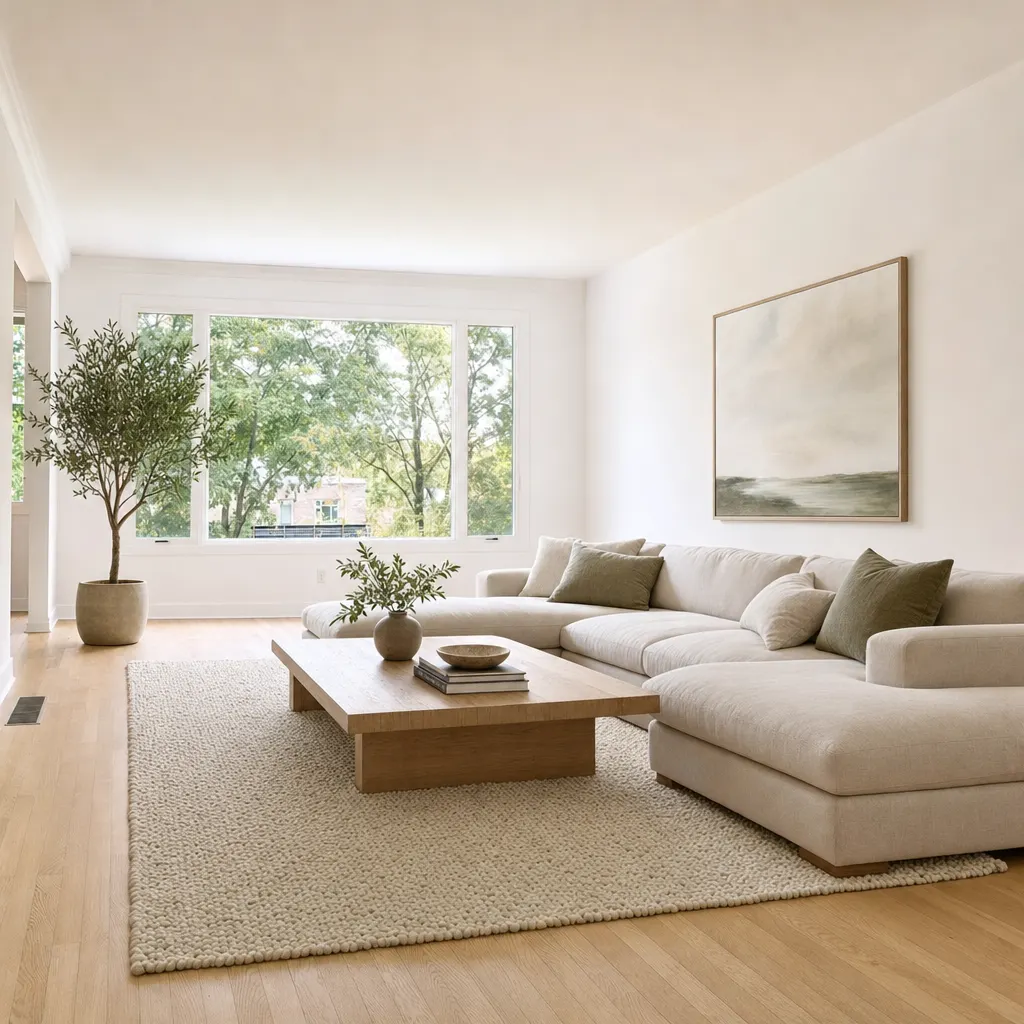
imageVacant to staged
Living room
Empty shell to a staged living room. Window wall, floor and proportions unchanged.
Source: Soku demo asset, generated for this page
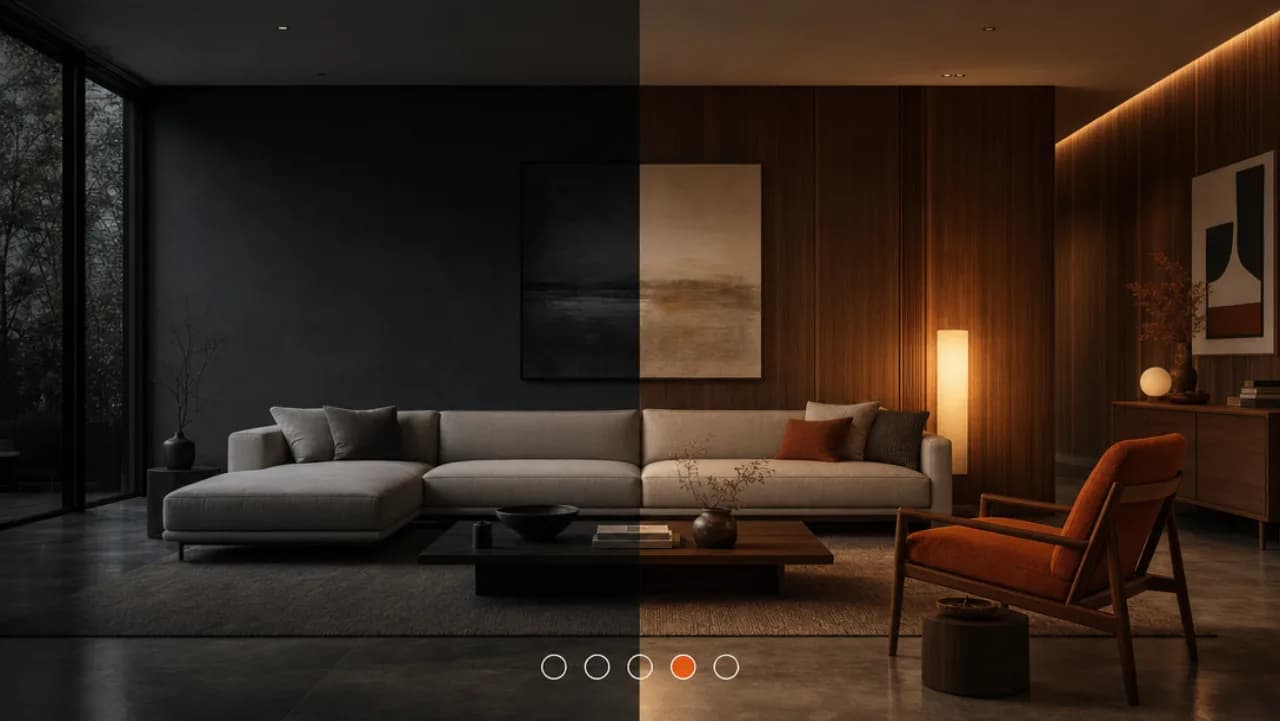
Upload a photo of a vacant room and describe the furniture it should hold. You get the same room back, staged. This is a generative edit, not a furniture overlay: the model rebuilds the interior of the frame, so the sofa it adds is invented rather than placed from a catalogue, and small architectural details can shift. That is fine for an ad creative and it is a compliance question for a listing photo — see the disclosure note below before you publish.Upload a photo of a vacant room and describe the furniture it should hold.
Sample result gallery
Every pair below is one run of this tool on our own demo photography. The walls, floor, windows and room shape are the ones that were there — only the furniture is new, which is what the disclosure rules require you to be able to say.
Empty shell to a staged living room. Window wall, floor and proportions unchanged.
Source: Soku demo asset, generated for this page
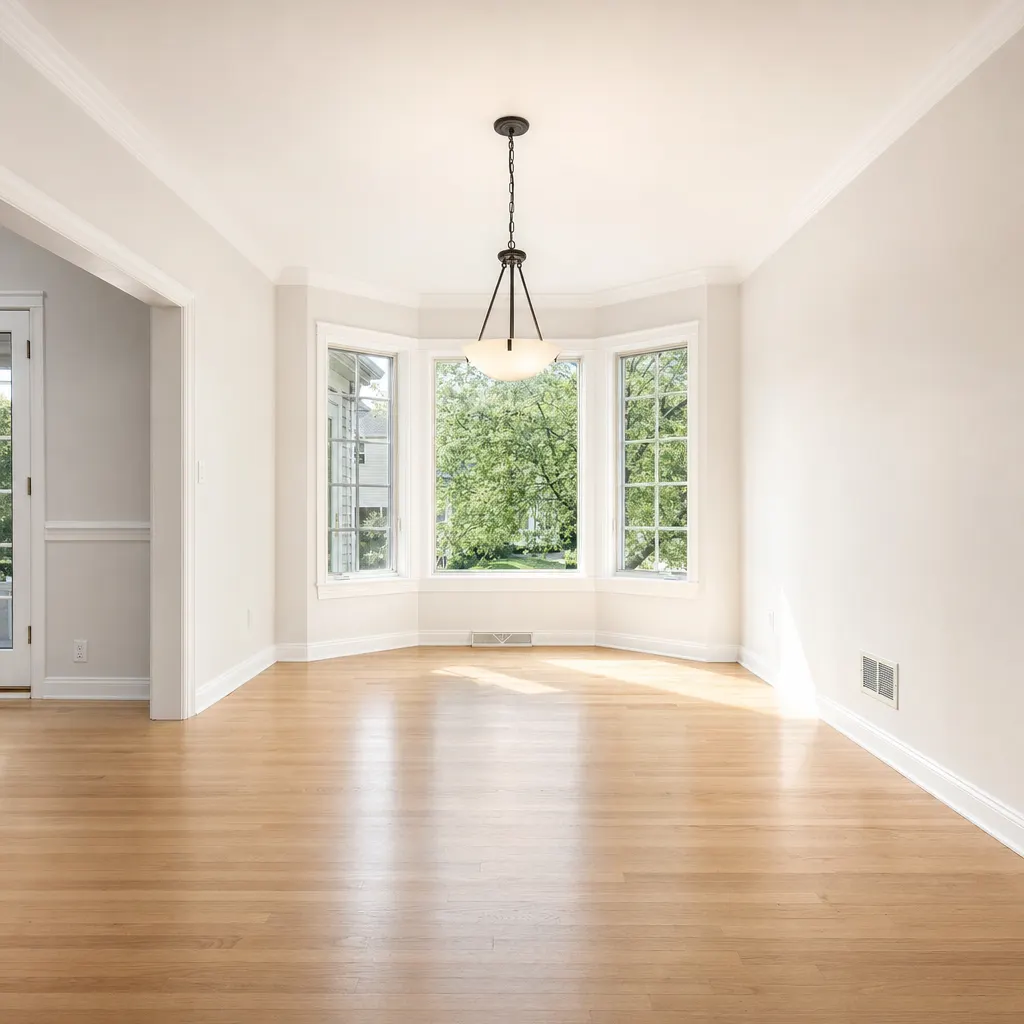
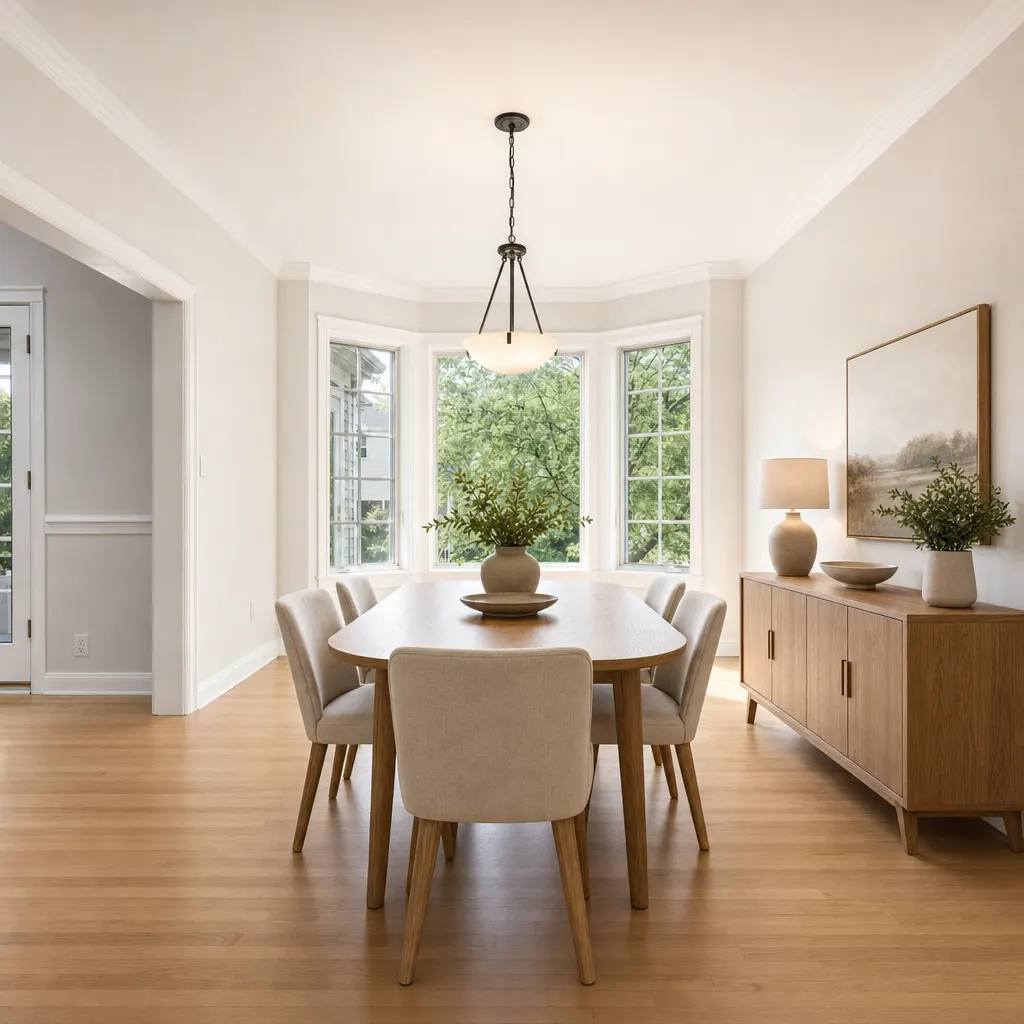
Bay-window dining room furnished for a listing shoot. The bay, pendant and floor are the source photo.
Source: Soku demo asset, generated for this page
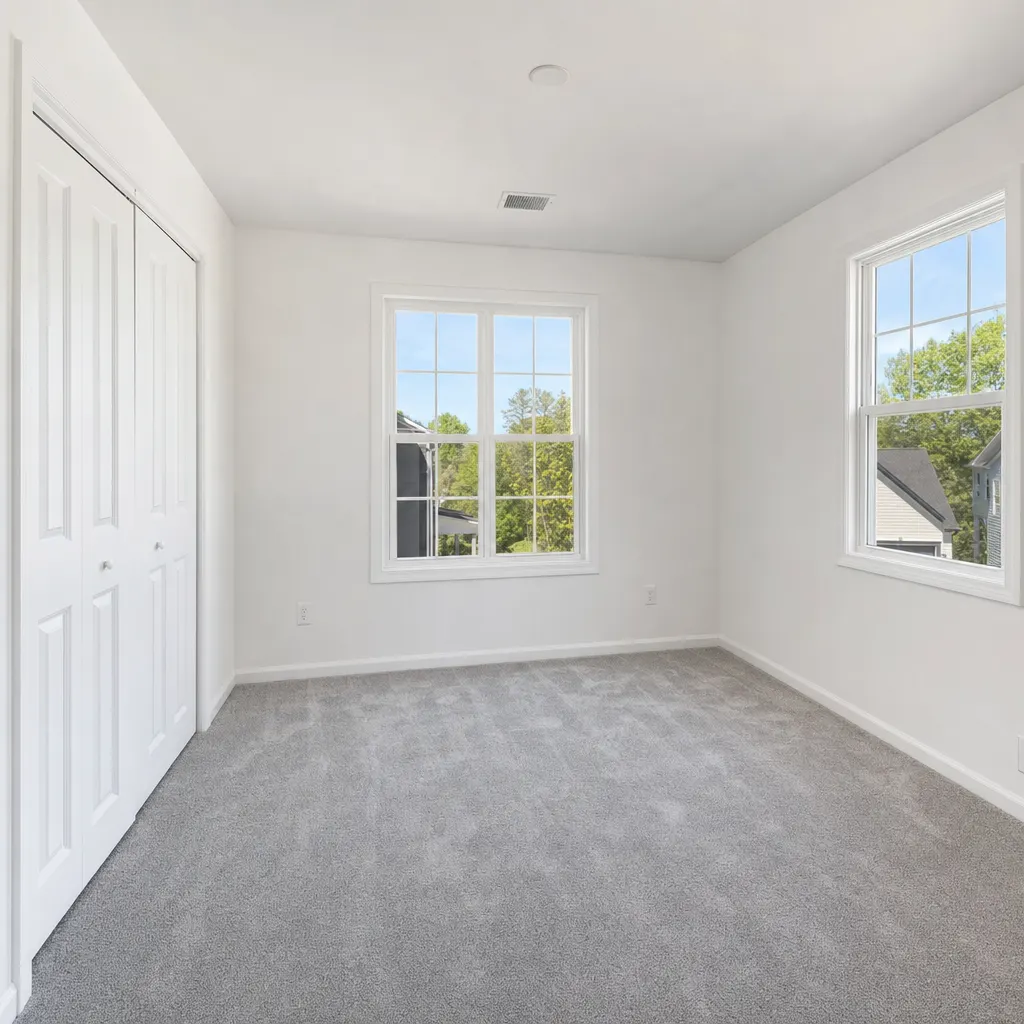
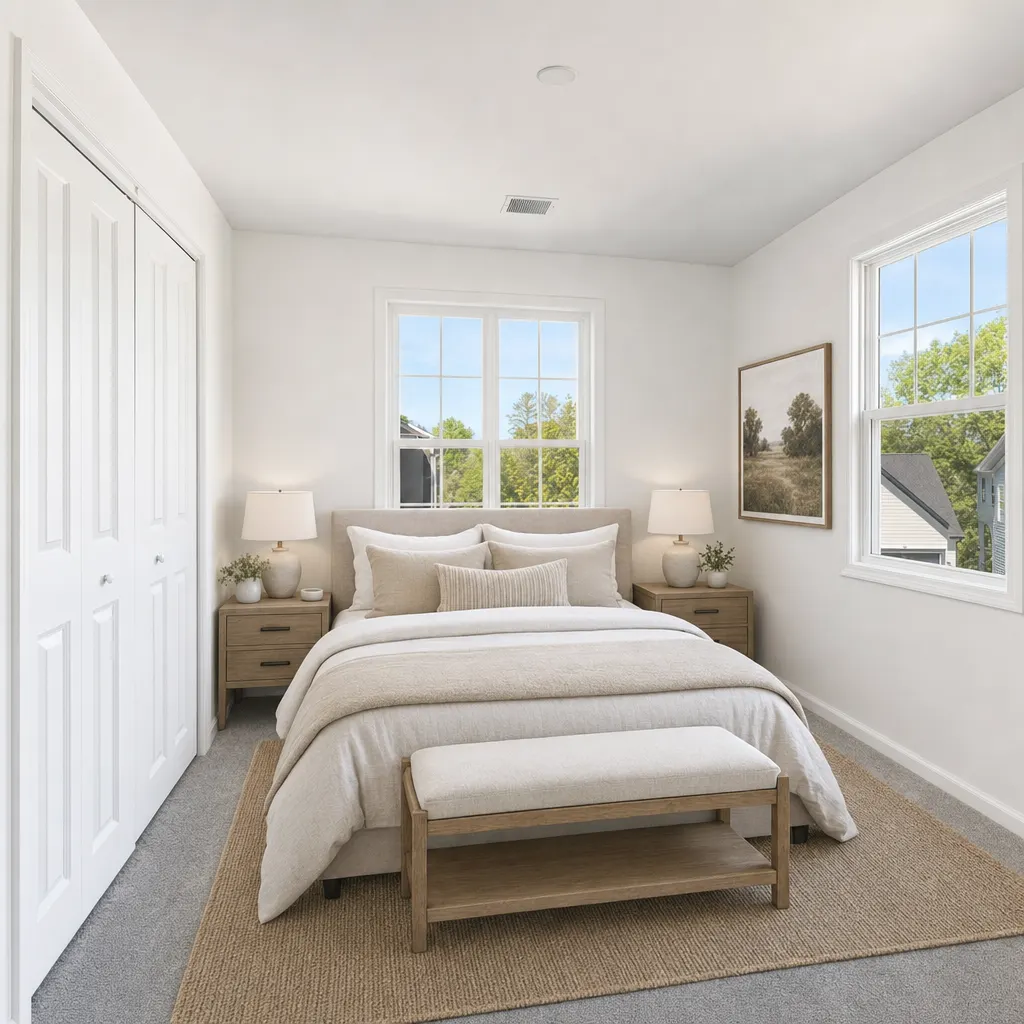
Carpeted empty bedroom staged as a primary suite. Closet, windows and carpet untouched.
Source: Soku demo asset, generated for this page
A wide, level shot with the floor and at least two walls visible works best. The model needs to see the room's geometry to place furniture that sits in it convincingly.
List the actual pieces you want — 'sectional, rug, floor lamp' beats 'make it cosy'. Then pin the things that must not change: 'keep the windows, flooring and wall colour as they are'. Unpinned features are fair game for the model to reinterpret.
You get a PNG. If it is going into a property listing rather than a paid ad, label it as a virtually staged or digitally altered image — that is a requirement in a growing number of markets, not a courtesy.
Use cases
A vacant unit photographs as square footage, not as a home. Staging it digitally lets the paid campaign start on the day the listing goes live instead of the day the stagers finish.
Stage the same empty room as a family living room, a home office and a rental-ready let, then run the three as creative variants. The room is the constant; the story is the variable you are actually testing.
Pre-construction and new-build campaigns run on renders that all look alike. A staged interior shot gives the ad set something concrete to show while the units are still shells.