Soku AI
Upload the image
A creative, a product shot, a screenshot — anything with text on it you no longer want.
Describe the text you want gone — the watermark, the old price flash, the burned-in caption — and it is masked and removed, with the background reconstructed underneath. No clone stamp, no hand-drawn mask.Describe the text you want gone — the watermark, the old price flash, the burned-in caption — and it is masked and removed, with the background reconstructed underneath.
A creative, a product shot, a screenshot — anything with text on it you no longer want.
"The white text in the bottom left" works far better than quoting the words. The model is locating a region, not reading it.
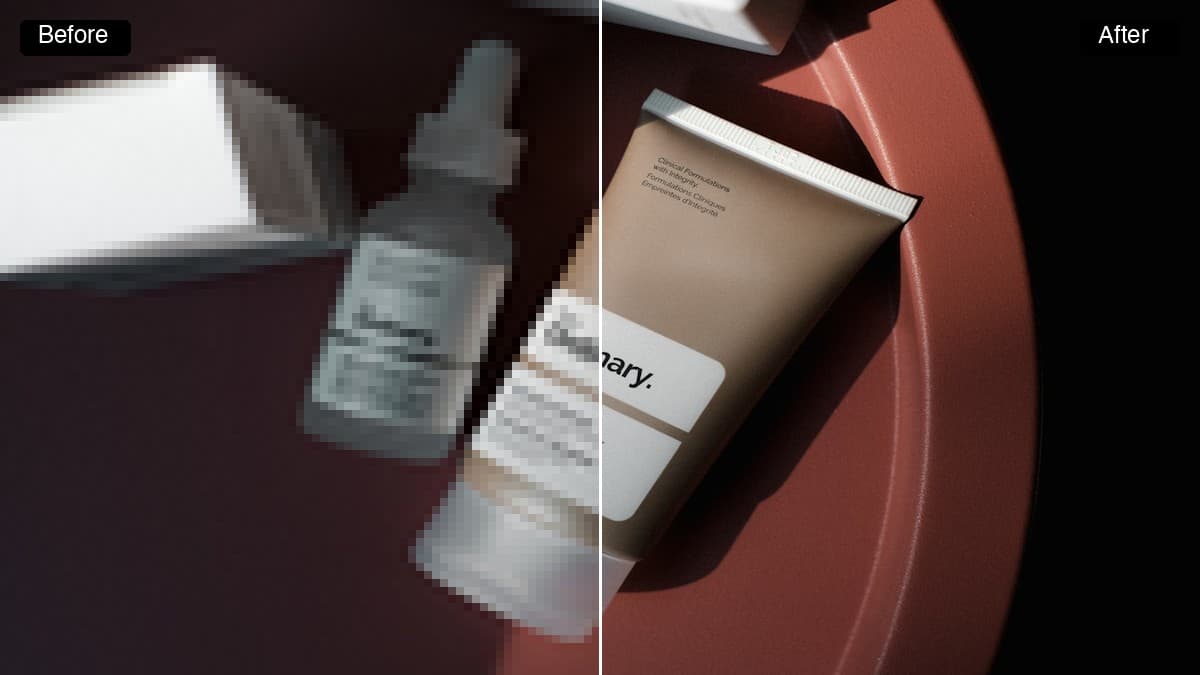
Look at what was rebuilt behind the text. Flat and repeating backgrounds come back clean; detailed texture is where inpainting shows.
Use cases
A creative that performed well is dead the moment its '30% OFF' flash expires. Strip the flash and the underlying image goes back into rotation with a new offer over it.
The unwatermarked master is gone and the only surviving copy came from a proofing tool. Recover a usable version of work you already own.
Burned-in headline copy is why creatives do not travel. Remove the English, re-set the type in the target language, and the visual is reusable across markets.