Soku AI
All tools

AI Brand Video Generator Render the Brand World

Brand video is not product video.

Brand FilmAnthem

Three deliberate steps

01

Describe the world, not the message

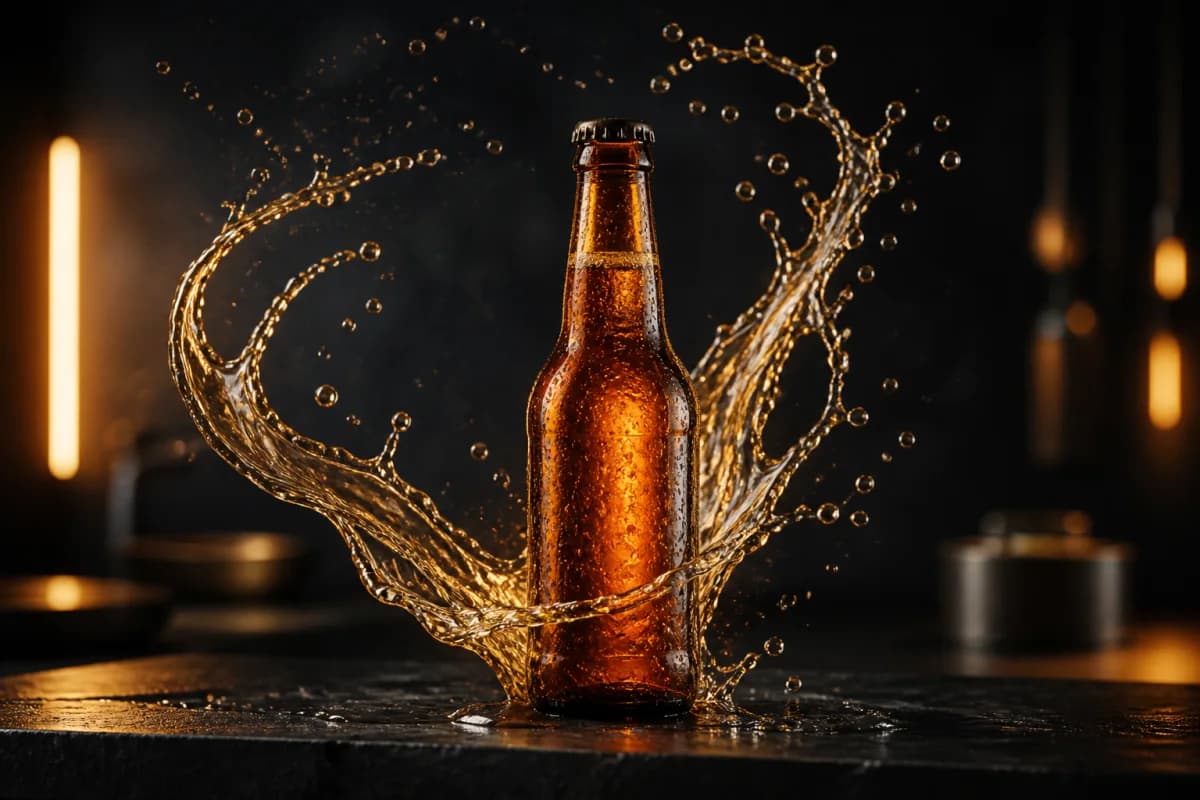
Resist writing the tagline into the prompt. A brand film carries meaning through palette, pace and texture. Write those: cold or warm, still or restless, clean or grainy, crowded or empty. The line goes on in the edit, not in the render.
02

Lock a visual grammar and repeat it

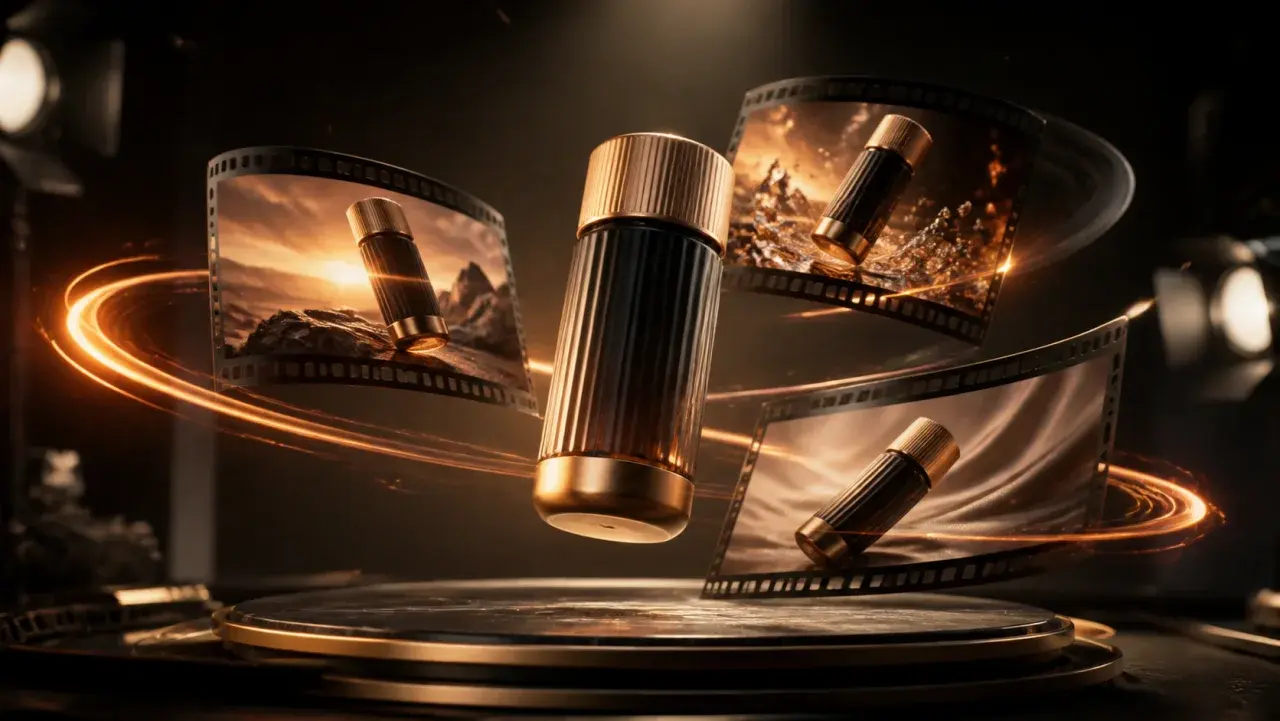
A brand world reads as a brand world because it is consistent. Pick one palette, one lens behaviour and one light direction, then generate every shot inside those constraints. Three shots that share a grammar beat six that do not.

03

Cut the anthem

Each render is one MP4. Generate the four or five shots the piece needs, then sequence them in the Creatives canvas, lay the track underneath and put the logo on the end frame.

Use cases

Who reaches for this, and when

Give a young brand a top-of-funnel asset before it can afford a shoot

Prospecting audiences need something atmospheric that is not a product demo. A brand film is the hardest asset to justify at seed stage because it demonstrates nothing measurable on day one. Rendering the world instead of shooting it puts a real anthem in the prospecting slot months earlier.

Build the mood reel that sells the concept internally

Brand platform decks die in the abstract. A forty-second cut of the proposed world — right palette, right pace, right texture — moves a stakeholder conversation further than twenty slides of adjectives and stock stills.

Extend a campaign into placements the original shoot never covered

A shoot delivers a fixed set of frames. When the campaign needs a vertical cutdown, a market-specific variant or a seasonal refresh, generating shots inside the established grammar keeps the brand world intact without recalling the crew.

Questions before you run it

Can it put my logo, my packaging or my actual product in the film?
No. The model renders what your description implies, not specific assets it has never seen. This is less of a limitation for brand film than for product video, because brand work is mostly world-building rather than object demonstration. Render the world here and composite the logo, endcard or pack shot in the edit, where you keep pixel control over them anyway.
How do I keep several shots looking like one brand?
Fix the variables and vary only the subject. Write the same palette, the same light direction, the same lens behaviour and the same energy into every prompt, changing only what is in frame. Consistency comes from repeating those constraints deliberately, not from the model remembering your last render — each generation is independent.
How long is each clip, and what resolution should I use?
Between 4 and 15 seconds per render. Brand films cut well from short shots, so 4 to 6 seconds is usually the right unit. Explore territories at 480p, which runs at roughly half the credit rate, then re-render only the shots that made the cut at 720p.
How is this different from the AI commercial generator?
Same engine, different job. A commercial is built around a proposition and usually needs talent, product and a beat you can sell against. A brand film establishes a world with no demonstration in it. If your piece has a product benefit in it, start from the commercial generator; if it is pure tone, start here.
Is it free?
Generating requires a paid plan — Creator or higher. The Free plan does not include tool generation. Each render draws credits based on the duration and resolution you pick, and the exact cost is shown before you run it.