Soku AI
All tools

AI Design Generator Describe the Layout, Not Just the Subject

Most image tools are built around a subject: a person, a product, a place.

DesignAd Layouts

Three deliberate steps

01

Describe the design and its job

Say what it is for — a seasonal promo, a price-led offer tile, a launch key visual — and where the copy has to go. "Leave the upper third clear for a headline" is a more useful instruction here than any adjective.

02

Pick the placement shape

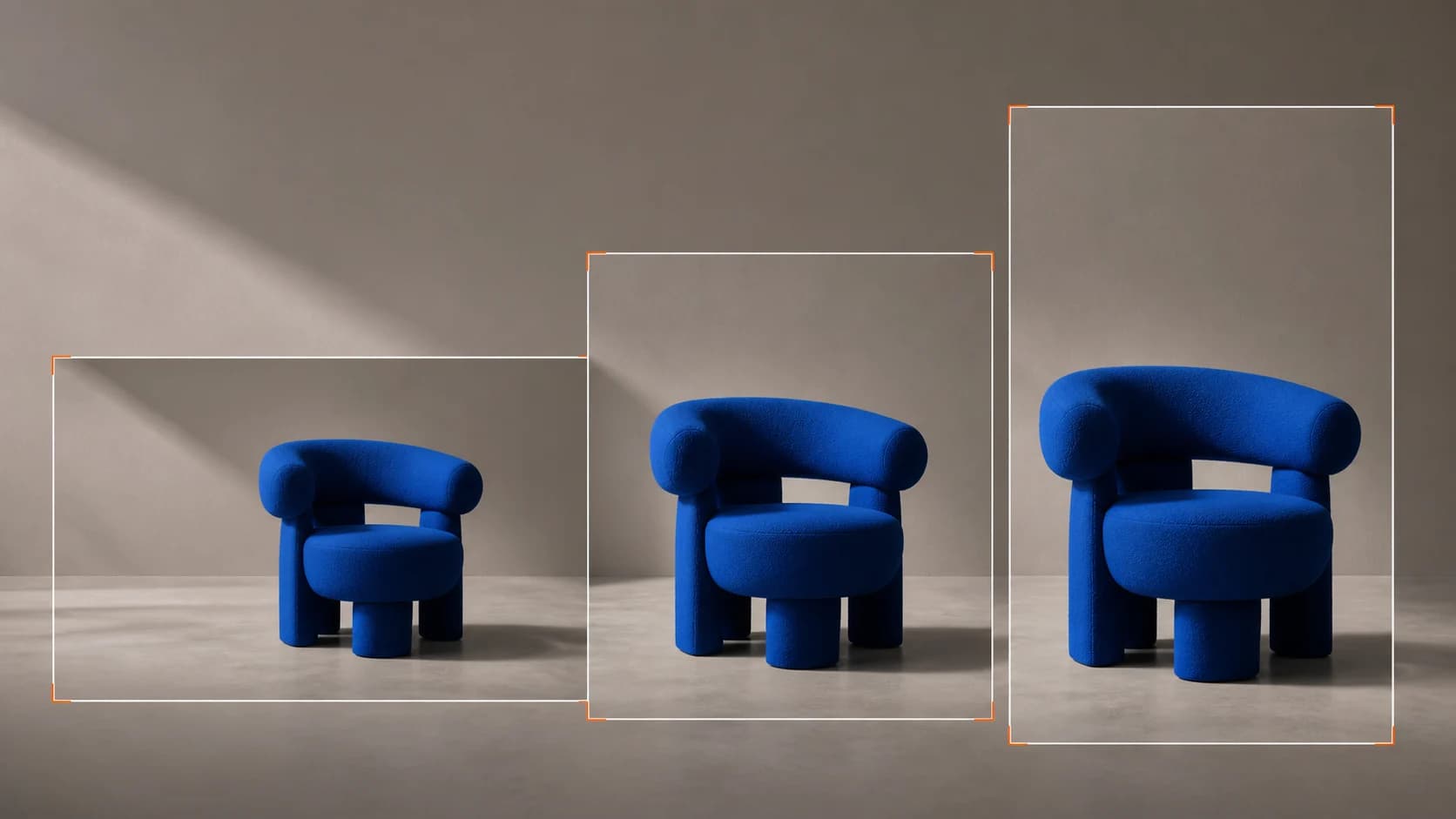
Square for feed, 4:5 for the taller feed unit, 9:16 for stories and Reels, 16:9 for display and YouTube.

03

Take it into Creatives

Set the real headline over the space you reserved, then produce the other sizes from the same design instead of regenerating from scratch.

Use cases

Who reaches for this, and when

Promo tiles for an offer with no artwork

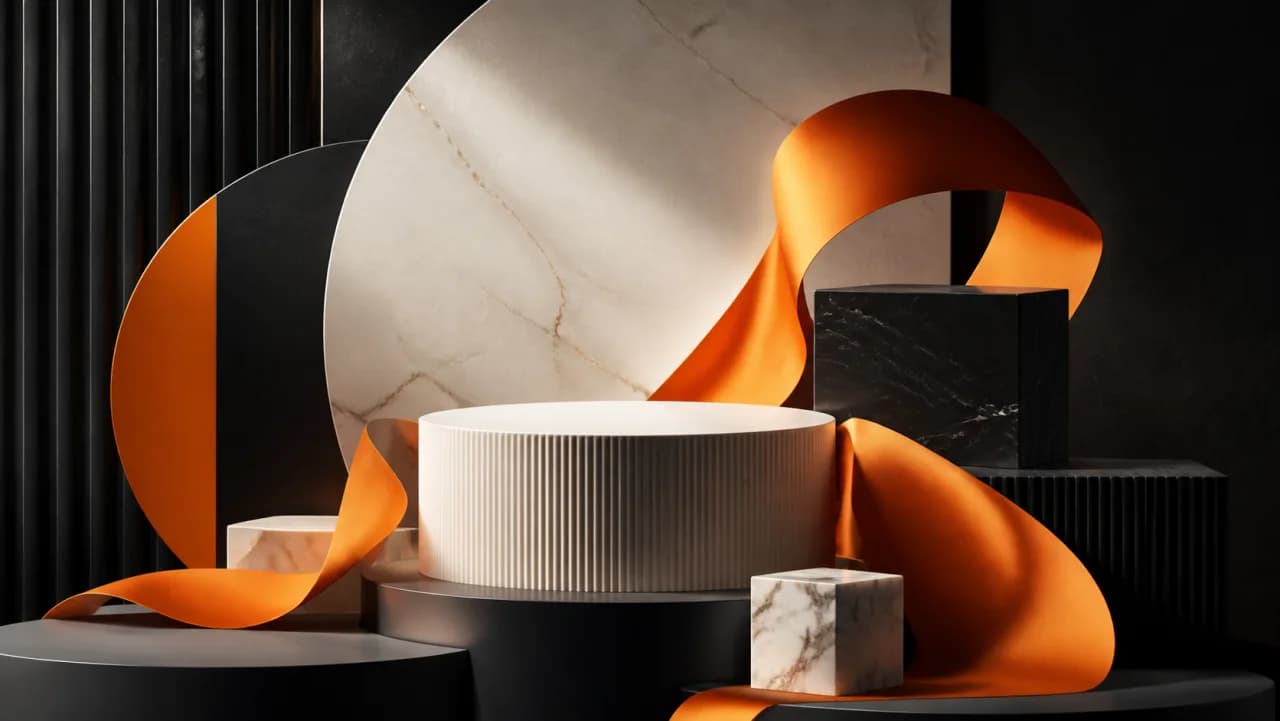
A sale runs next week and nothing has been designed for it. Produce a set of on-theme backgrounds with the copy space already planned, and put the offer on top.

Key visuals to argue about early

Put six real directions in front of the team on day one instead of describing them in a document. Cheap enough to throw five away.

Display sizes that usually get skipped

The formats nobody budgets a designer for still need to exist. Generate the backgrounds, drop in the message, ship the placement.
Questions before you run it

Is the AI design generator free?
Sign up here and you get free credits to start, which covers a real set of directions rather than a single teaser render. Each image costs a flat number of credits — there is no length or duration to price, so the cost per design is predictable.
Can it put my headline and price in the design?
It can render text, and this engine is better at it than most. But do not rely on it for anything that has to be exactly right. A price, a legal line, a discount percentage or a product name should be set as real type over the design rather than generated into the pixels — generated text can be subtly wrong in a way that is expensive when it is a price. Ask for the space, then own the words.
How is this different from the AI banner generator?
Scope. The banner generator is aimed at one output: a display banner at a placement size. This is aimed at the design itself — a key visual, a promo tile, a campaign look you will then cut into several placements. If you know the exact banner you need, start there. If you are still deciding what the campaign looks like, start here.
What aspect ratios can I get?
Square, 4:5, 9:16 and 16:9 — the shapes paid placements actually take. Generate the ratio you will run rather than making a square and cropping it, because a design composed for a square rarely survives the crop to vertical with its copy space intact.
Can I edit the result?
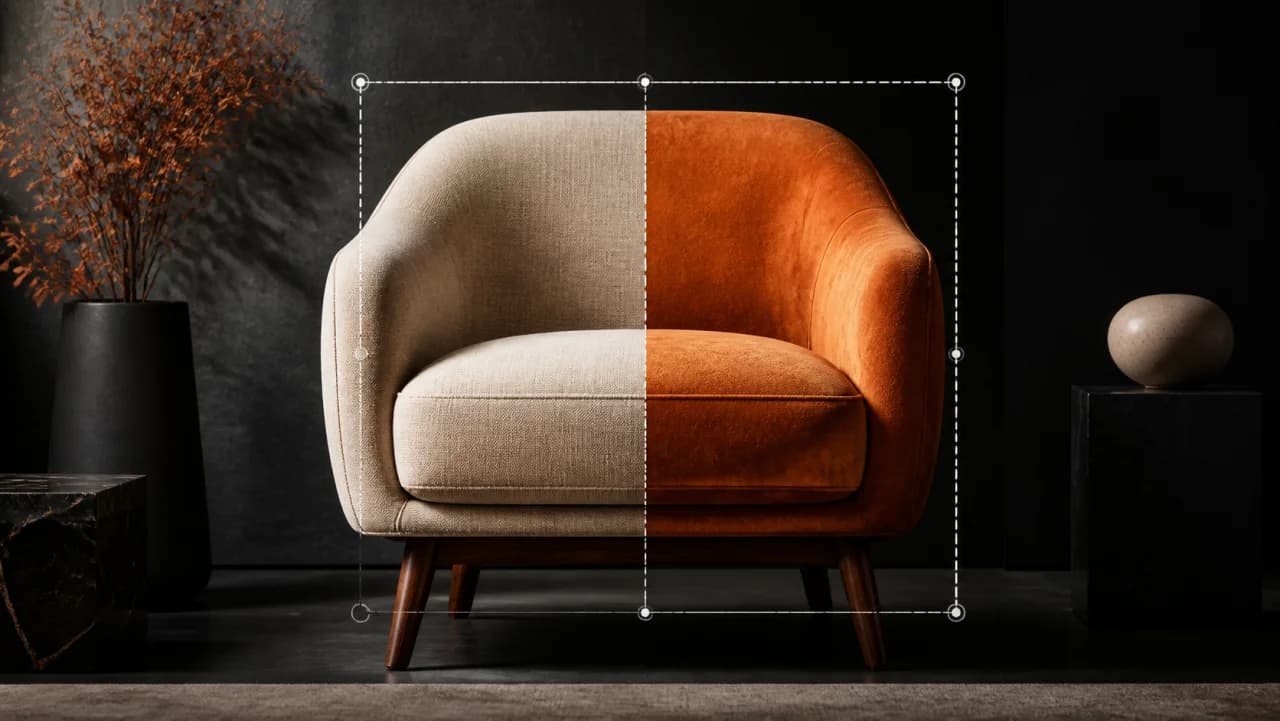
Yes. The output goes into Creatives, where you add type, adjust the composition and produce the remaining placements. That is the intended path — this page makes the design, and the canvas turns it into the set of ads you actually traffic.