Soku AI
Upload the clip you already have
Up to 15 seconds of video. It does not need a green screen and it does not need to be well lit — the point of this tool is that it works on footage shot against whatever wall was available.
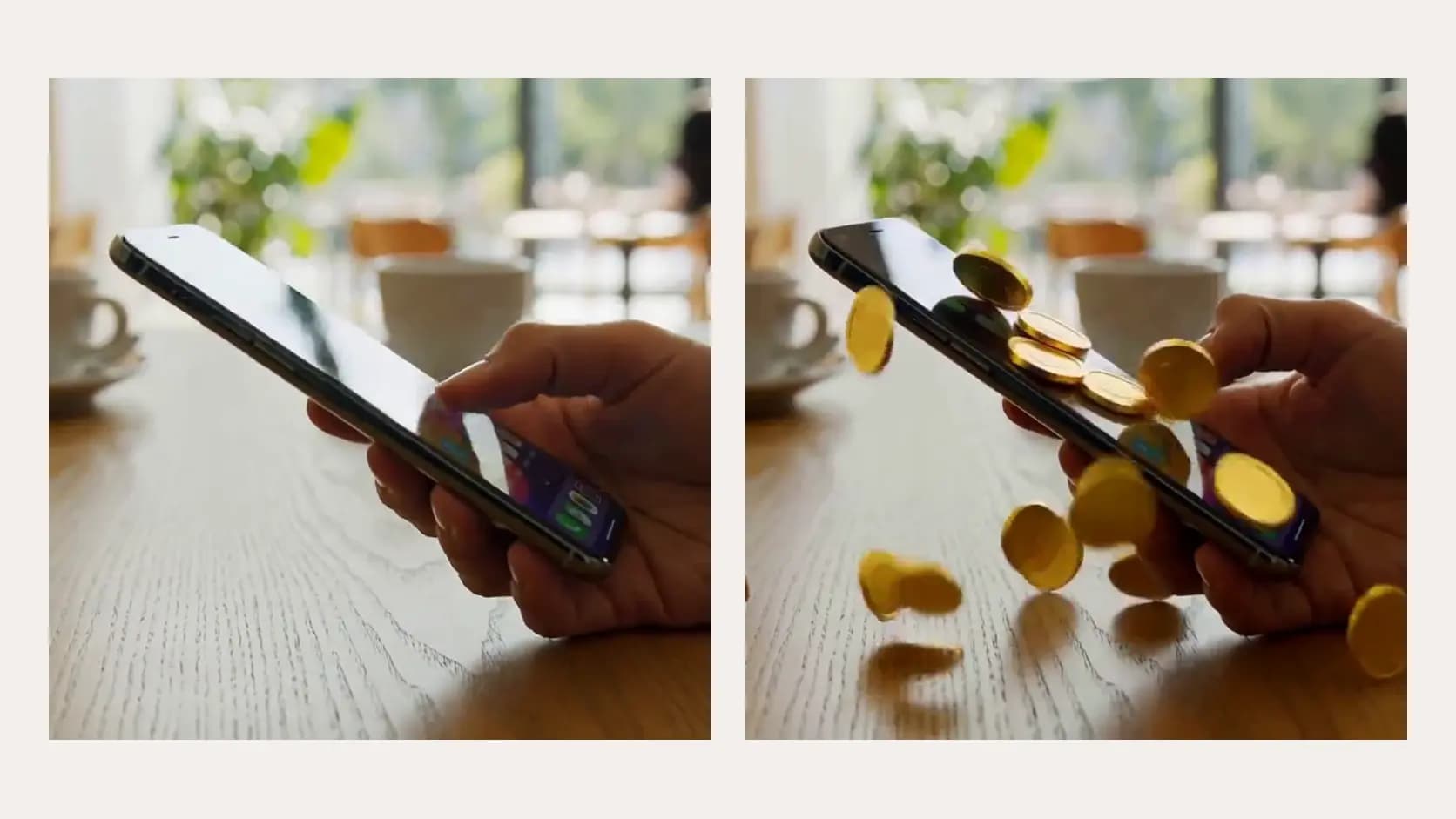
A good piece of UGC is usually let down by the room it was filmed in. Upload the clip, describe the setting you want behind the subject, and the shot comes back in that setting with the same person, the same product, the same gesture and the same camera move. Read the next paragraph before you use it, though: this re-renders the frame generatively rather than cutting the subject out and compositing them onto a plate, and the difference matters.A good piece of UGC is usually let down by the room it was filmed in.
Up to 15 seconds of video. It does not need a green screen and it does not need to be well lit — the point of this tool is that it works on footage shot against whatever wall was available.
Write only what should be behind the subject: the room, the surface, the light, the time of day. Everything else is held to the original by the instruction the tool wraps around your description, so you do not need to restate the product or the person.
Watch the result once at full size with the original beside it. What you are checking for is drift in the subject — hands, logo, label text, the edge of the product — because a generative re-render can move those while the background lands perfectly.
Use cases
A single testimonial filmed in a bedroom can be re-set in a kitchen, an office and a studio, which gives a paid social test four visually distinct variants against one production cost. The person and the read stay identical, so the background becomes the variable you are actually testing.
A premium product filmed against a cluttered domestic wall reads cheap regardless of how good the script is. Replacing the setting is usually faster and cheaper than reshooting, and it keeps the take you already liked.
The same creator read can sit in a setting that looks plausible for the market you are running in, which matters more for trust than most advertisers expect. Pair it with the ad translator when the language needs to change too.