Soku AI
Performance Max attracts the two least useful kinds of advice in paid search. One camp says it is a black box that eats budget and you should refuse to run it. The other says you should hand it everything, feed it signals, and stop asking questions.
Both are wrong in the same way: they treat PMax as a belief rather than a mechanism. It is a mechanism, it is documented, and once you know its actual shape, the question "should I run PMax here?" has a real answer that changes case by case.
This is what Google's own documentation says Performance Max is, what controls exist (including several that most accounts never enable), what it will and will not report, and the three situations where it structurally cannot do what you want. All claims verified against Google Ads Help on 2026-08-11, with sources linked inline.
What PMax actually is
Google's definition is precise and worth reading literally:
"a goal-based campaign type that lets you access all of your Google Ads inventory from a single campaign."
Two words in that sentence do the work.
"Goal-based" means you specify the outcome and not the route. You do not choose the channel, the placement, the keyword, or in most cases the audience. You choose a conversion goal and a budget.
"All of your inventory" is literal. Google documents PMax as serving YouTube, Display, Search, Discover, Gmail, and Maps — six surfaces that would otherwise be four or five separate campaign types with separate budgets, separate creative specs and separate optimisation.
The unit of organisation is the asset group, which Google defines as "a collection of creatives centered on a theme or target audience." An asset group is roughly what an ad group is in a Search campaign, except that instead of keywords it holds headlines, descriptions, images, videos, logos, and optionally a product feed — and the system assembles ads from those parts across whichever surface it is serving.
You can run up to 100 Performance Max campaigns in one account.
That is the whole shape. Everything else — the arguments, the horror stories, the case studies — is downstream of those three facts.
The control surface most accounts never turn on
The "black box" complaint was substantially true in PMax's first years and is substantially less true now. The controls exist. Most accounts simply have not enabled them.
Brand exclusions
If you have ever watched PMax quietly harvest conversions on your own brand name and claim credit for demand you already had, this is the fix, and it is not negative keywords.
Google is explicit that brand exclusions are "the most effective way to control how your ads appear on searches for your brand" and are more comprehensive than negative keywords, because they automatically block your brand name, common misspellings, and related subsidiary brands without you enumerating them. In PMax, brand exclusions apply to both Search and Shopping ads.
The misspellings clause is the part worth pausing on. Maintaining a negative list that covers every way a customer might fumble your brand name is a job nobody does well. Brand exclusions do it as a list you select rather than a list you write.
Campaign-level negative keywords
These now exist at the PMax campaign level, and the documented boundary matters:
"Performance Max negative keywords are applicable to Search and Shopping inventory only."
So negatives will keep you off a query on Search and Shopping. They will do nothing about a YouTube placement or a Display impression. If your waste is happening on video or display inventory, negative keywords are the wrong tool and you will conclude they "don't work" when in fact they were never scoped to that surface.
Account-level negative keywords also flow down: Google states they "automatically apply to all Search and Shopping inventory, including in your Performance Max campaigns."
Search campaign priority
One rule resolves most of the "is PMax cannibalising my Search campaigns?" anxiety. Google's documented prioritisation is that Search campaigns take priority when an exact match keyword applies; PMax serves secondarily.
So a well-built exact-match Search campaign is not being outbid by your own PMax campaign on the terms it actually covers. Where cannibalisation genuinely happens is on the queries your Search campaigns don't cover — which is a coverage question about your Search build, not a conspiracy about PMax.
What PMax will now tell you
The reporting objection was the strongest argument against PMax and it has weakened considerably. The channel performance report breaks out performance across:
- Google Search
- Google Display Network
- YouTube
- Discover
- Maps
- Gmail
- Search partners
with impressions, clicks, interactions, conversions, conversion value, cost, and a "Results" column that counts conversions across all account goals rather than only the optimised ones.
That last column is quietly useful. It is the closest thing PMax offers to an honest answer to "what else did this campaign cause that I wasn't optimising for?"
What it still will not do
Four documented limits, and they are the ones that decide whether PMax fits your situation:
You cannot control budget allocation per channel. Google states this directly — you "can't directly control budget allocation per channel," and can only influence spend indirectly through assets and audience signals. If YouTube is absorbing 40% of your budget and you want that to be 10%, there is no lever. Your options are to change the creative you supply or to not run PMax.
Offline conversions are not broken out by store. "All offline conversions driven to each store will be summed in the 'Total conversion' column." Multi-location retailers wanting per-store attribution will not get it here.
Shopping visibility is incomplete. The "ads using product data" view does not include dynamic remarketing on the Display Network, or some video formats.
Attribution is whatever your account already uses. The report "reflects whatever attribution model the advertiser uses for each conversion action" and offers no alternative view. PMax will not settle an attribution argument; it inherits one.
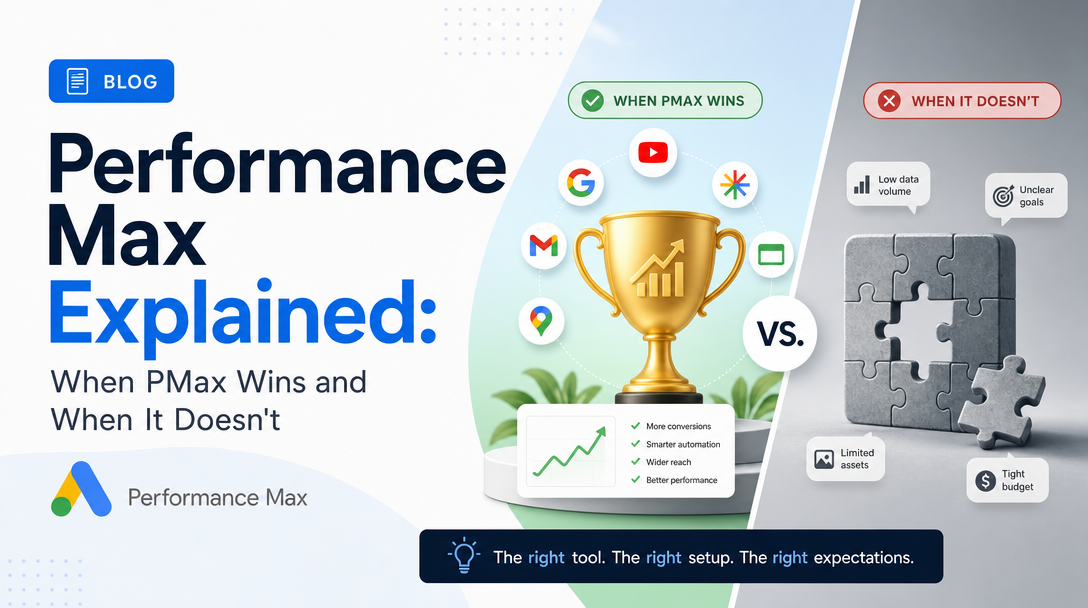
When PMax wins
Four situations where it is genuinely the right call, and the reasoning is the same each time: PMax wins when breadth of inventory is worth more than precision of control.
1. You have a real product feed and volume behind it. This is the strongest case and it is not close. A Merchant Center feed gives PMax the one thing it is structurally best at — matching a large catalogue against a very wide surface area. Feed-driven PMax is doing something a human media buyer cannot do by hand at that scale.
2. Your conversion volume is high enough to actually learn. PMax is a bidding system before it is anything else, and bidding systems need conversions. A campaign generating a handful of conversions per week is not giving the model enough signal to beat a competent manual build; a campaign generating dozens per day is.
3. Your demand is genuinely cross-surface. Some products get discovered on YouTube and converted on Search. If your customer journey really does span discovery and intent, one campaign spanning both is a structural fit rather than a convenience.
4. Your alternative is nothing. A small team without the hours to build and maintain five channel-specific campaigns will usually get more from a well-fed PMax campaign than from five neglected ones. This is an unglamorous reason and it is frequently the real one.
When PMax doesn't
Three situations where it structurally cannot work — not "works badly", but cannot, because the thing you need is a thing it does not have.
1. You need channel-level budget control. This is not a tuning problem. Google documents that per-channel budget allocation cannot be controlled. If your business requires that YouTube gets no more than X, PMax is the wrong campaign type and no amount of asset tuning changes that. Run channel-specific campaigns.
2. Your conversion volume is too thin to train on. Below a certain conversion rate, PMax spends its way toward a signal it never gets, and you interpret the resulting cost as the campaign "not working". It isn't working, but the cause is arithmetic, not the algorithm. Build intent-based Search first, get volume, then revisit.
3. Your waste is on non-Search inventory. Because negative keywords cover Search and Shopping only, an account bleeding budget on Display placements or YouTube has no documented keyword-level remedy inside PMax. You can change creative and audience signals and hope. If you need to exclude, you need a campaign type where exclusion applies to that surface.
There is also a fourth situation that is a judgement rather than a structural limit: when brand traffic dominates your account and you have not enabled brand exclusions. This one is fixable — turn them on — but until you do, PMax will report excellent numbers built substantially on demand you already owned, and you will make budget decisions on a flattering lie.
The honest decision guide
Ask these in order. Stop at the first "no".
- Do I have a product feed, or genuine multi-surface demand? If neither, PMax is solving a problem you do not have.
- Am I generating enough conversions weekly for a bidding system to learn? If not, build intent-based Search first.
- Can I live without per-channel budget control? If not, stop here — this is documented and permanent.
- Have I enabled brand exclusions? If not, do that before reading a single performance number.
- Is my waste on Search/Shopping, where negatives apply? If it is on Display or YouTube, plan on creative and signal changes as your only levers.
If you cleared all five, PMax is very likely the right campaign for that budget. If you stopped at 3, no amount of optimisation content will help, and you should stop reading PMax advice and go build channel-specific campaigns.
What this means operationally
The practical failure mode with PMax is not that it is a black box. It is that the controls that exist are off by default, the reporting that exists is not looked at, and the resulting numbers get interpreted as a verdict on the campaign type rather than on the setup.
Three things worth doing on any PMax campaign you inherit, in this order:
- Turn on brand exclusions, then wait a full conversion cycle before judging anything. The number will get worse. The worse number is the true one.
- Open the channel performance report and look at where the money actually went. Most advertisers who describe PMax as a black box have not opened it.
- Check the "Results" column against your optimised conversions. The gap between them is the campaign's unpriced contribution, and it is frequently where the honest case for or against PMax lives.
None of that requires believing anything about Performance Max. It requires reading what it reports.
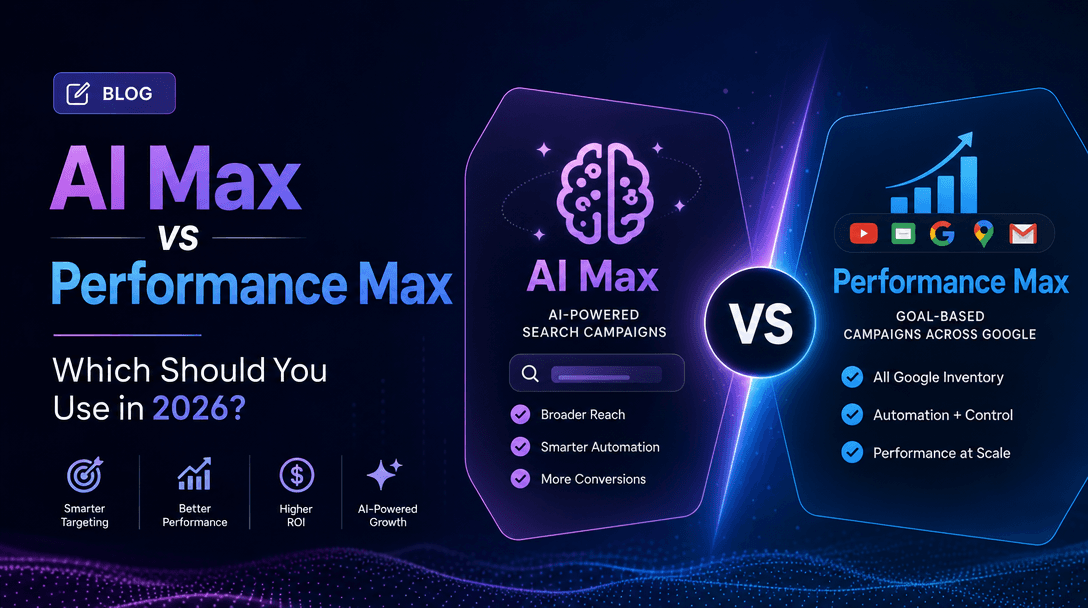
Related reading: AI Max vs Performance Max covers the distinction between the two, which is a genuinely separate question. Google PMax AI Creatives goes deep on asset group construction, which is the main lever you have left once you have accepted the constraints above.
All Performance Max behaviour described here was verified against Google Ads Help documentation on 2026-08-11. Google changes campaign mechanics frequently; re-check before making structural decisions.