Soku AI
ChatGPT Ads has quietly become a platform you can bring your own first-party data to. You upload a customer list, OpenAI matches it against ChatGPT users, and the resulting audience can gate an entire campaign or bend the bid on a single ad group.
That is the headline. The details are where the money is, and three of them will change how you plan: audiences need 25,000 matched users before they can be used at all, they cannot be edited after creation, and the two ways you can apply them — eligibility control and bid adjustment — are not variations on a theme. They are different mechanisms with different failure modes.
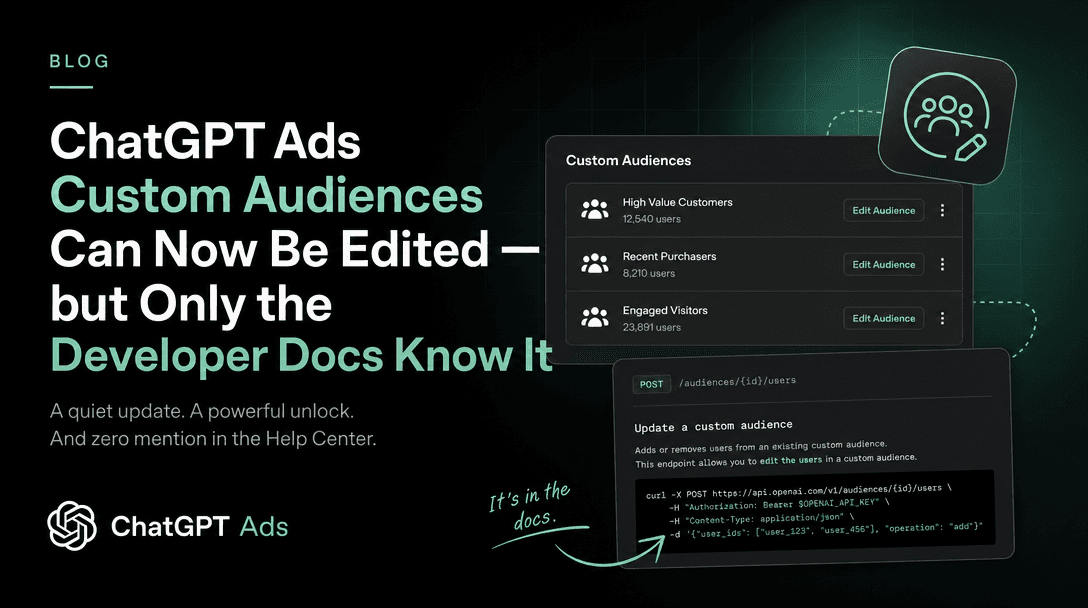
Correction, 2026-08-26: Two of this page's central claims — that a custom audience cannot be edited after creation, and that every audience needs 25,000 matched users — no longer hold for OpenAI's Ads API. On 2026-08-25 OpenAI's developer documentation added Add, Remove, Replace and Merge operations on audience membership, and made small and even empty audiences usable for exclusion with no minimum size. The ChatGPT Ads help centre this article is based on still states the old rules and had not been updated when we re-checked on 2026-08-26, so the two surfaces currently disagree. Read ChatGPT Ads Custom Audiences Can Now Be Edited — but Only the Developer Docs Know It for what the API does now and which surface to trust for which job. The rest of this page still describes Ads Manager accurately.
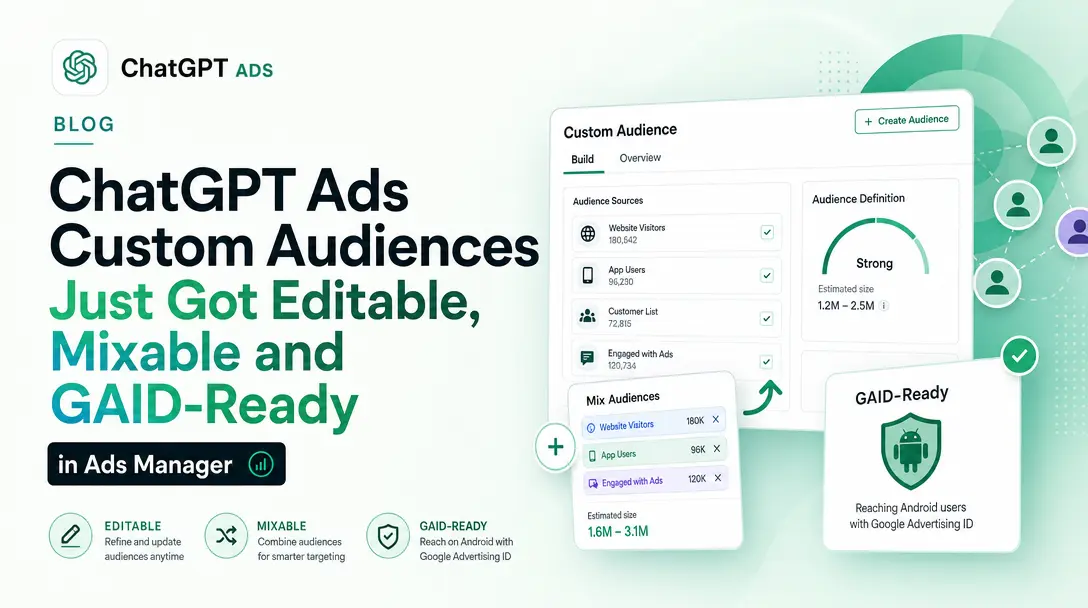
Second correction, 2026-09-01: the rest of this page no longer describes Ads Manager accurately either. On 1 September 2026 OpenAI rewrote the help-centre article this page is based on. Audiences can now be edited in Ads Manager, one CSV can mix identifier types, Google Advertising IDs are accepted, the CSV header is mandatory, the 5,000,000-identifier cap is gone, and the
Too smallstatus has been retired in favour ofReadywith anExclusion onlynote. Read ChatGPT Ads Custom Audiences Just Got Editable, Mixable and GAID-Ready in Ads Manager for the current rules. This page is kept as a record of what the documentation said before that rewrite.
Last verified: 2026-08-18. Everything in the "what OpenAI says" sections is quoted or closely paraphrased from OpenAI's official documentation captured on that date, with source URLs. Everything labelled "Soku's reading" is our analysis, not OpenAI's position.
Primary source: Set up Custom Audiences for your Campaign.
What a custom audience actually is here
OpenAI's definition is narrow and worth taking literally:
Custom audiences let you apply your own customer or prospect lists in ChatGPT Ads.
They are built from email addresses or phone numbers — nothing else. There is no behavioural retargeting audience, no pixel-based site-visitor audience, no lookalike expansion in this surface. If you are arriving from Meta, note what is absent: this is the customer-list half of Custom Audiences only.
The documentation is also explicit about what you cannot see:
Custom audiences are applied as audience-level controls. Ads Manager does not show individual matched users or let you select specific people from an audience.
Soku's reading: that sentence is doing privacy work, and it has a practical consequence. You will never be able to reconcile "who did we upload" against "who did they match" at the row level. Your only feedback signal is a single aggregate — the matched count — which is exactly why the size floor below matters so much.
The three ways an audience can be applied
OpenAI lists three, and they operate at two different levels of the campaign hierarchy.
1. Campaign-level inclusion. Restricts eligibility to people in one or more selected audiences:
Use inclusion audiences to limit campaign eligibility to people in one or more selected audiences.
2. Campaign-level exclusion. Prevents delivery to people in selected audiences — suppression lists, recent purchasers, existing customers.
3. Ad-group bid adjustments. A multiplier, not a gate:
Use a bid multiplier to increase or decrease an ad group's maximum bid when the viewer matches a selected custom audience.
The distinction between 1/2 and 3 is the single most important thing on this page, and OpenAI states it plainly in a line that is easy to skim past:
Bid multipliers do not determine who is eligible to see the campaign.
Soku's reading: inclusion and exclusion change who can be reached. Multipliers change what you pay to reach them. A 0.1x multiplier is not a soft exclusion — those users remain fully eligible, you have simply told the auction you will not compete hard for them. If your intent is "do not serve these people," a low multiplier does not do it and will quietly keep spending.
How inclusion and exclusion combine
OpenAI spells out all three combinations:
- Inclusion only — eligible only for people in at least one included audience.
- Exclusion only — eligible broadly, except anyone in an excluded audience.
- Both — eligible only for people in an included audience, except anyone also in an excluded audience.
Two constraints attach to the combined case. First:
If you use both included and excluded audiences, the resulting eligible audience after exclusions must still meet the minimum size of 25,000 matched users.
Second, an audience cannot be both included and excluded in the same campaign.
Soku's reading: the first constraint is the one that will bite. Each audience can clear 25,000 individually and the intersection after exclusion can still fail. If you include "all customers" (say 60,000 matched) and exclude "purchased in last 30 days" (say 40,000 matched), the remainder may be well under the floor and the campaign will not run. Model the overlap before you build the lists, because you cannot inspect it afterwards.
The 25,000 floor, and why "matched" is the word that matters
Note that each custom audience must include at least 25,000 matched users before it can be used. We recommend audiences of at least 100,000 users.
And, critically:
Note that uploaded rows may differ from the final matched audience size because invalid values, duplicate values, or identifiers that couldn't be matched do not count toward the matched users.
Soku's reading: the floor is not 25,000 rows in your CSV. It is 25,000 survivors of a pipeline that discards malformed identifiers, deduplicates, and then drops everyone who is not a matchable ChatGPT user. The gap between upload size and matched size is unknowable in advance and unauditable afterwards.
This has a blunt planning implication. If you are a B2B advertiser with a 30,000-contact CRM, you should assume you will not clear the floor, and you should not build a ChatGPT Ads plan that depends on custom audiences until you know otherwise. The published recommendation of 100,000 is a strong hint about where match rates land in practice. This is a platform feature aimed at consumer-scale lists.
The status values make the outcome legible, at least:
- Processing — file still being handled, not ready.
- Ready — processed, meets the minimum, usable.
- Too small — below 25,000 matched users, cannot be used.
- Failed — file could not be processed.
Intermediate states (Upload pending, Indexing, Publishing) also mean not-yet-usable. Processing "usually takes about 20-30 minutes, but can vary based on file size."
The one-way door
Custom audiences cannot be edited after creation. To change an audience list, create a new audience and archive the old one.
Soku's reading: this is the operational trap, and it is worth designing around before your first upload rather than after your fifth.
Every refresh of a suppression list is a new object. A suppression list that must stay current — recent purchasers, churned accounts, do-not-contact — becomes a recurring create-and-swap chore, and every swap means editing every campaign that referenced the old audience. There is no pointer to repoint.
Two habits follow. Name audiences with the build date baked in (purchasers-30d-2026-08-18), because you will end up with a stack of near-identical objects and no edit history to tell them apart. And keep the number of campaigns referencing any one rotating audience small, because that count is the real cost of every refresh.
The file specification, precisely
This is the part that determines whether your first upload succeeds. OpenAI's rules:
| Rule | Value |
|---|---|
| Encoding | Valid UTF-8 (BOM accepted) |
| Formats | CSV or TXT |
| Max file size | 500 MB (500,000,000 bytes) |
| Max identifiers | 5,000,000 |
| Identifier types per file | Exactly one |
| TXT layout | One identifier per line |
| CSV header | Optional; if present must be email, phone_number, email_sha256, or phone_number_sha256 |
The one-type-per-file rule is absolute: "Do not mix emails, phone numbers, hashed emails, or hashed phone numbers in the same file." A typical CRM export with both an email and a phone column is therefore two uploads and two audiences, not one.
Identifier normalisation rules
Email — one @; uppercase is accepted and normalised to lowercase; leading and trailing spaces are stripped; internal spaces are rejected.
Phone — E.164 only, including + and country code. Spaces, dashes, parentheses and periods are removed during normalisation. Numbers without a country code are not accepted.
SHA-256 hashed email — hash the normalised value (lowercased, trimmed); upload a 64-character hex digest.
SHA-256 hashed phone — hash the normalised E.164 value including the + and country code; 64-character hex digest.
Soku's reading: the hashing rules are where silent failure lives. Hashing is deterministic, so a normalisation mismatch does not throw an error — it produces a valid-looking 64-character digest that simply matches nobody. Hash [email protected] without lowercasing and trimming, and you get a perfectly well-formed hash of the wrong string. Your file will upload, process, and come back Too small with no indication why.
The same trap applies to phones, more sharply: the + is part of the hashed string. Strip it because it looks like formatting and every row in the file is quietly wrong.
If you are going to hash, normalise first and hash second — and validate by hashing a handful of known-good addresses by hand and confirming they match your pipeline's output before you commit five million rows.
File retention
Uploaded audience files are deleted after processing, usually no later than 24 hours after upload.
Bid multipliers, in detail
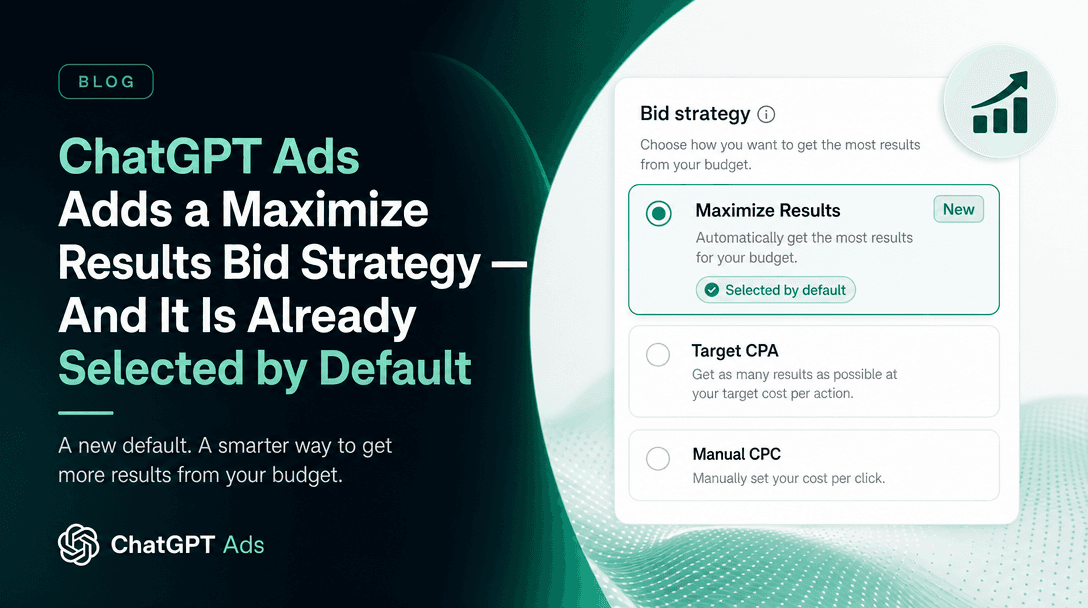
Set at the ad group level, under Advanced → Audience bid adjustments → Add multiplier.
The permitted range is 0.1x to 10x. OpenAI's own examples: 2x for high-value customers, 5x for people who previously engaged with the brand, 0.5x for lower-priority audiences.
And the resolution rule when audiences overlap:
If a viewer belongs to more than one selected custom audience, the highest matching multiplier is applied.
Soku's reading: highest wins — not most-specific, not last-defined, not additive. This inverts the usual intuition. If you set 5x on "engaged prospects" and 0.5x on "low-priority region", anyone in both is bid at 5x. A multiplier intended to suppress spend cannot suppress anything if the same user is caught by a more aggressive rule elsewhere in the ad group.
Design the aggressive multipliers narrowly. Any user who slips into a 10x audience is bid at 10x regardless of what else you believe about them.
Where to set it up
Audience creation lives in Settings → Audiences → Create custom audience: name it, choose the identifier type, upload, review, create.
Campaign application lives in the campaign's Custom audiences section: Include audience or Exclude audience, choosing among ready audiences only.
Ad-group multipliers live in the ad group's Advanced settings, as above.
What this does not do
Worth stating plainly, because the absences shape the plan:
- No lookalike or expansion modelling from an uploaded list, in this documentation.
- No row-level visibility into who matched.
- No editing — refresh means replace.
- No pixel- or site-behaviour-built audiences in this surface; these are uploaded lists only.
- Multipliers do not gate delivery, no matter how low you set them.
Frequently asked questions
What is the minimum size for a ChatGPT Ads custom audience?
25,000 matched users. OpenAI recommends at least 100,000. Matched users are what survive validation, deduplication and matching — not the number of rows you uploaded.
Can I edit a ChatGPT Ads custom audience after creating it?
No. Create a new audience and archive the old one. Any campaign referencing the old audience must be updated manually.
Can I upload emails and phone numbers together?
No. One identifier type per upload. A list with both requires two uploads and produces two audiences.
Do I have to hash my customer data?
No — plain email addresses and E.164 phone numbers are accepted, as are SHA-256 hashed versions of either. If you hash, normalise first (lowercase and trim for email; keep + and country code for phone), or the hashes will match nobody and fail silently.
Does a low bid multiplier stop my ads reaching an audience?
No. Multipliers only change the bid. OpenAI states explicitly that they "do not determine who is eligible to see the campaign." Use an exclusion audience to prevent delivery.
How long does a custom audience take to become usable?
Usually about 20–30 minutes, varying with file size. It is usable only at status Ready.
What happens to my uploaded file?
It is deleted after processing, usually within 24 hours.
The operational summary
ChatGPT Ads custom audiences are a real first-party-data capability with three sharp edges. The 25,000 matched-user floor excludes most B2B list sizes outright. The no-edit rule turns every list refresh into a create-and-repoint exercise you should name and version for from day one. And the highest-multiplier-wins resolution means bid adjustments do not compose the way most media buyers assume.
None of these are defects. They are constraints, and every one of them is published. The advertisers who lose money here will be the ones who assumed Meta's semantics and never read the paragraph that said otherwise.
All facts above verified against OpenAI's official documentation on 2026-08-18. Source: Set up Custom Audiences for your Campaign.