Soku AI
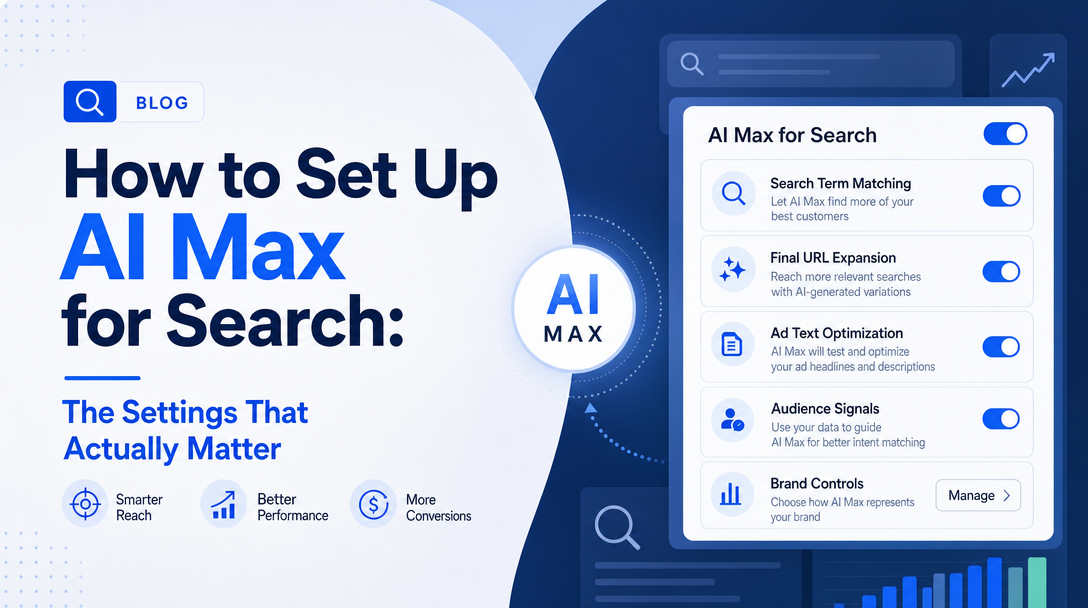
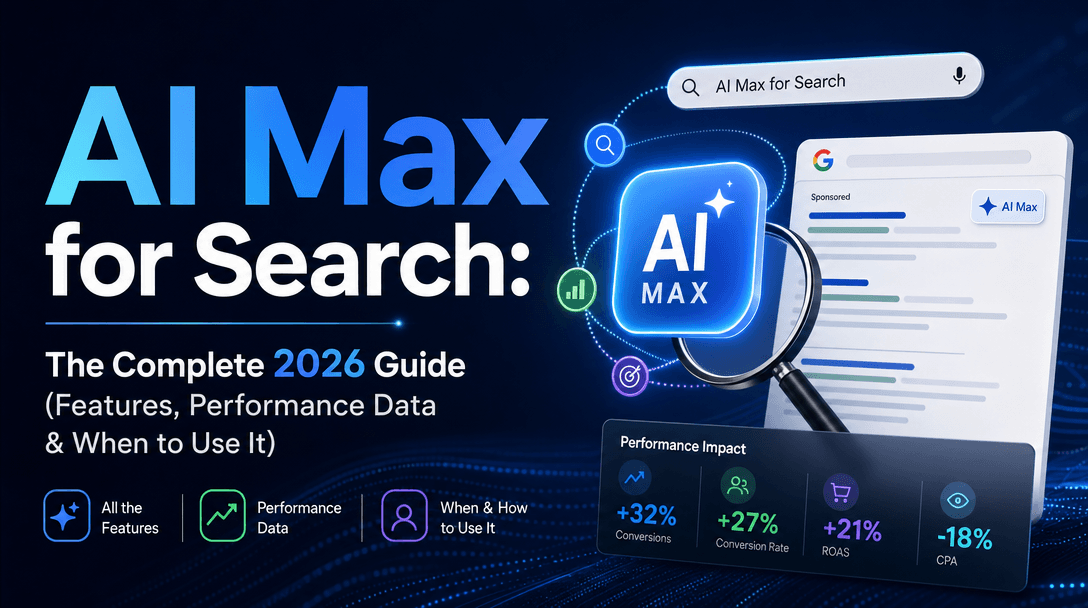
Turning on AI Max for Search is one toggle — but doing it safely is not. AI Max enables search term matching, text customization, and final URL expansion by default, which means it will reach for new queries, rewrite your ads, and redirect clicks the moment you switch it on. Enable it without the guardrails and you'll watch cost per conversion climb.
This is the setup order that puts the controls in place first. For what AI Max is and how it compares to other options, start with our AI Max for Search guide; this post is the hands-on setup.
Do this in order — guardrails before expansion
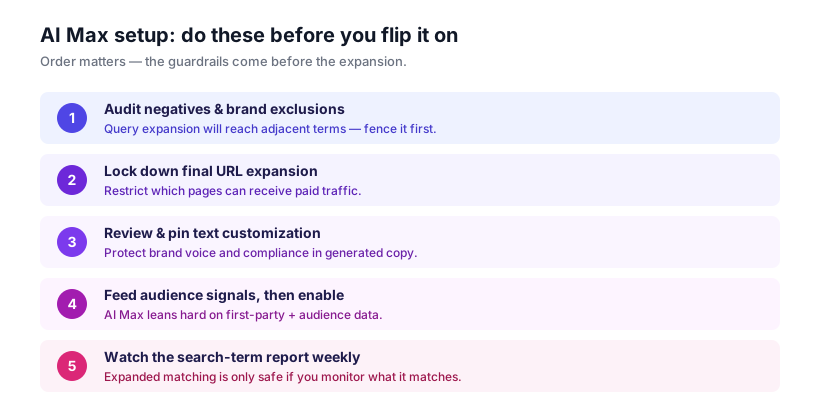
1. Audit negatives and brand exclusions first
AI Max's search term matching expands beyond your keywords toward queries it predicts will convert. That's the upside and the risk. Before you enable it:
- Refresh your negative keyword lists — AI Max will test adjacent terms, so weak negatives mean wasted spend.
- Set brand exclusions if you don't want AI Max bidding on competitor or off-brand queries.
- Review existing search-term data for patterns you already know don't convert.
This is the single highest-leverage step. Expansion without negatives is the most common way AI Max inflates CPA.
2. Lock down final URL expansion
Final URL expansion lets Google send a click to the most relevant page on your site — not just the final URL you set. Useful, but only if every eligible page is meant to receive paid traffic.
- Restrict URL expansion to the sections of your site that convert.
- Exclude pages that shouldn't get paid traffic (logged-in areas, thin pages, out-of-stock categories).
3. Review and pin text customization
AI Max generates and rewrites headlines and descriptions to match the query and landing page. Left unchecked, that can drift from brand voice or compliance requirements.
- Review the generated headlines and descriptions.
- Pin the assets that protect brand voice, legal disclaimers, and claims you must control.
4. Feed audience signals, then enable
AI Max leans heavily on the signals you give it. Before enabling:
- Attach your strongest first-party data and audience signals.
- Set clear conversion goals and values so bidding optimizes toward outcomes, not just clicks.
Only after steps 1–4 should you actually flip AI Max on.
5. Watch the search-term report weekly
Expanded matching is only safe if you're watching what it matches. After enabling:
- Check the search-term report weekly and add negatives for off-intent queries.
- Compare CPA and ROAS against the pre-AI-Max baseline.
- Treat the first few weeks as a learning phase — judge on trend, not day one.
Run it as an experiment, not a switch
The safest way to adopt AI Max is a side-by-side experiment: duplicate a strong Search campaign, enable AI Max on the copy, split traffic, and compare on your own CPA and ROAS rather than Google's headline numbers. (For why that matters, see the independent performance data in our AI Max guide.)
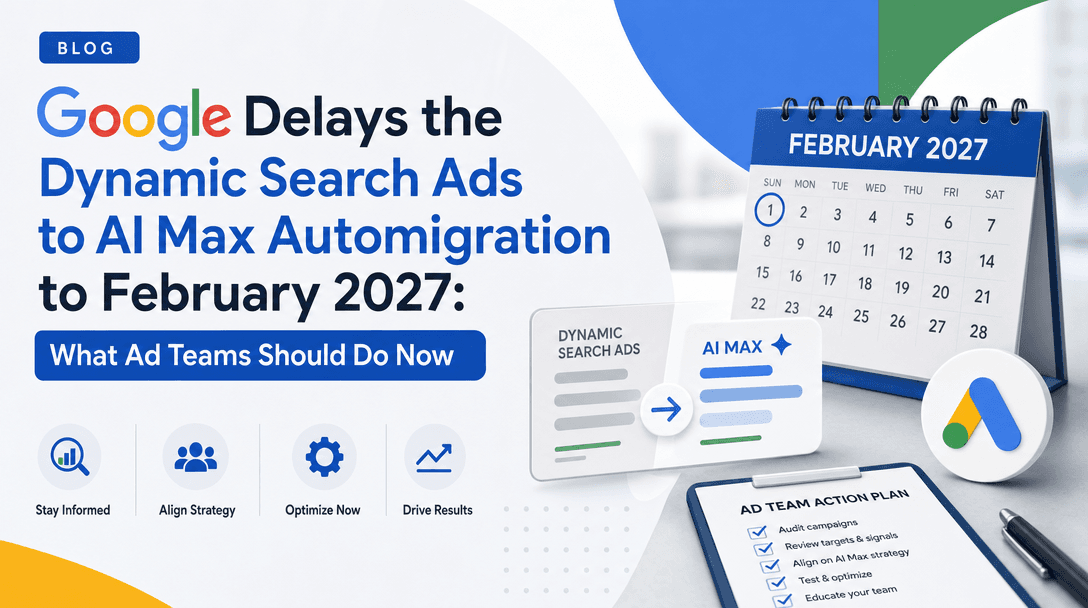
If you'd rather not run that comparison by hand every week, an ad-automation agent can. Soku AI connects through the Google Ads MCP, stands up the AI Max vs. standard Search experiment, watches the expanded search-term surface for off-intent matches, and reports which campaigns are safe to keep on AI Max — useful runway ahead of the February 2027 DSA migration.
FAQ
Is AI Max on by default? AI Max is the default for new Search campaigns, and its sub-features (search term matching, text customization, final URL expansion) are on by default once enabled.
What's the most important AI Max setting? Negative keywords and brand exclusions — they fence the query expansion that drives most of AI Max's CPA risk.
Can I turn off text customization or URL expansion? You can restrict and pin them. Review generated text and limit URL expansion to pages meant for paid traffic.
How long before AI Max stabilizes? Treat the first 2–4 weeks as a learning phase and judge on trend, not the first days.
Should I enable AI Max on every campaign? No — enable it on strong campaigns that have plateaued, where your negatives and controls are solid. See AI Max vs Performance Max for choosing the right surface.
Sources: Google Ads Help — AI Max for Search FAQ, Search Engine Land.