Soku AI
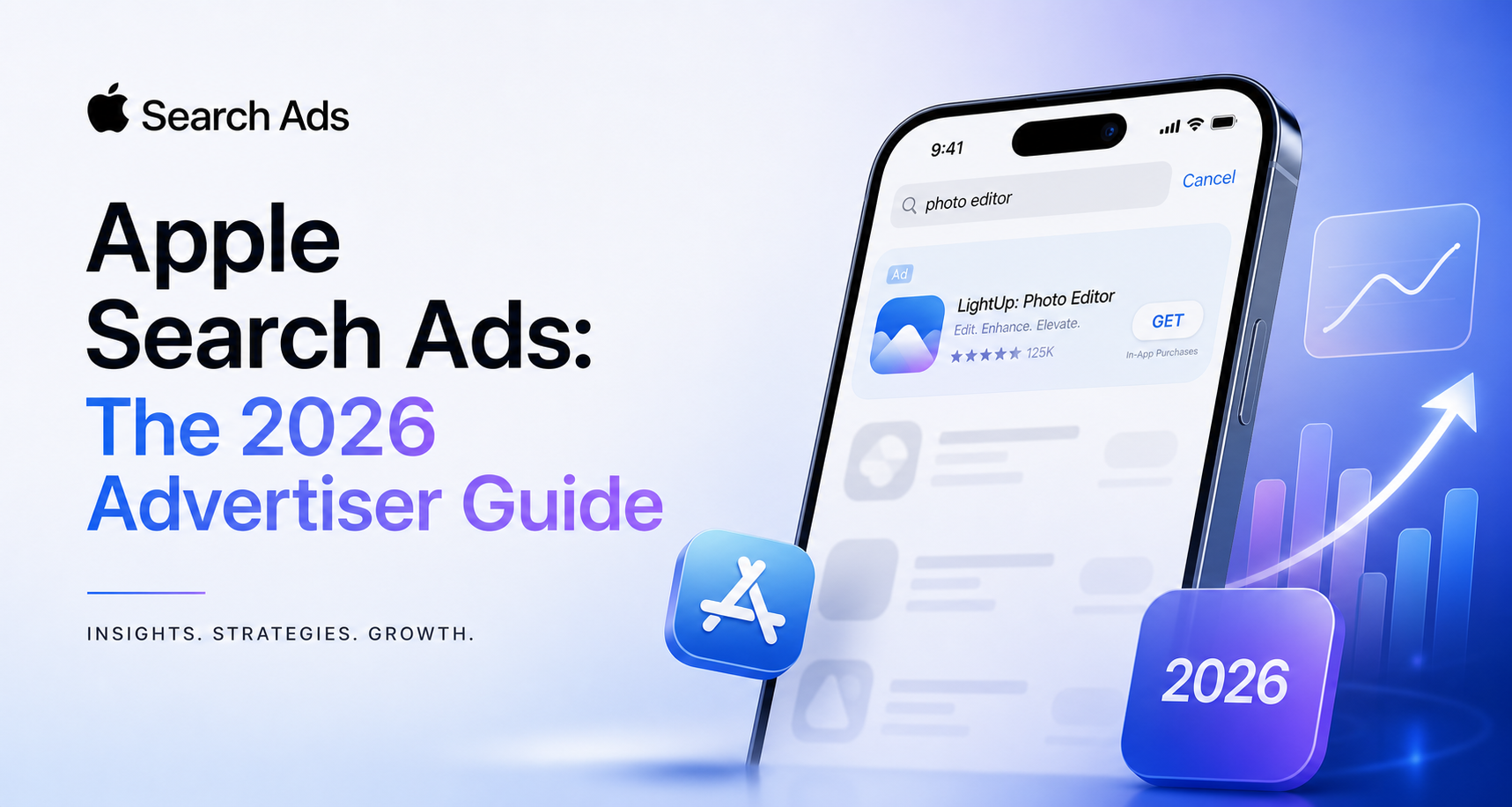
Apple Search Ads is the highest-intent advertising surface in mobile, and in 2026 it is also a product in the middle of visible change: it has been renamed, its search results page has been restructured, and its bidding options have expanded. This guide covers what is actually true right now, separates Apple's own published claims from third-party reporting, and flags the places where the platform's documentation is easy to misread.
First, the naming, because it affects every search you will run. The product is now Apple Ads. We checked directly on 2026-07-31: searchads.apple.com returns an HTTP 301 permanent redirect to https://ads.apple.com/app-store/. Apple's own help documentation says "Apple Ads" and "Apple Ads Advanced" throughout. "Apple Search Ads" survives as the term everyone types and as a redirect Apple has chosen not to break — but any documentation still using it as the product name is either dated or not Apple's.
Everything attributed to Apple below is quoted from Apple's own properties, verified 2026-07-31. Where a fact comes from press reporting rather than Apple, it is labelled.
The Four Placements
Apple Ads Advanced offers four placements, all inside the App Store. They are not variations on a theme — they sit at genuinely different points of intent, and that is the single most useful thing to understand about the product.
1. Search results
The one that matters most, and the reason the product exists. Ads are matched to a query the user has actually typed. Apple's documentation describes the creative as "default ad that's based on your app's product page, or...ad variations from custom product pages", with keyword matching and bid management available.
This is the only placement where you are buying stated intent. Everything else on this list is buying attention.
2. Today tab
Apple describes this as reaching people on "front page of the App Store, where users start their visit", and notes that "Ads are fully visible when people first arrive". The creative is built from your app name, icon, and subtitle, with animated assets from a custom product page usable as background elements.
Awareness placement. Large reach, no query, and creative constraints that are much tighter than most advertisers expect — you are working with an icon, a name and a subtitle, not a free-form banner.
3. Search tab
Appears at the "top of the suggested apps list on the Search tab" — that is, after someone taps into search but before they type anything. Apple frames it as reaching "users before they search for something specific".
The interesting placement strategically: the user has signalled they are looking for something, but has not yet decided what. This is the only surface where you can plausibly change what someone was about to search for.
4. Product pages — while browsing
Appears in the "You Might Also Like" list at the bottom of other apps' product pages, using metadata from your product page.
Two things to know. Apple states this placement is "not currently available on the App Store in mainland China" — the only placement carrying a documented regional exclusion. And it is a competitor-adjacency placement by construction: you are appearing beneath an app the user was already considering.
Apple states that all placements include an ad disclosure icon.
How Pricing Actually Works
Apple's model is cost-per-tap. In Apple's words:
"Pay only when customers engage with your ad. With cost-per-tap (CPT) pricing, you decide the maximum amount you're willing to pay for a tap, and can change the amount anytime."
That is the whole billing model. You are not buying impressions, and you are not buying installs. You are buying taps.
Apple also advertises a starting incentive: "Try ads on the App Store for free with a 100 USD credit" for eligible developers on signup, with full terms published separately.
The CPA cap — the part most guides get wrong
Alongside your max CPT bid you can optionally set a CPA cap at the ad group level. It is widely described as "setting your target cost per install", which is not what Apple says it does. Apple's actual wording:
"Our system will use this amount to derive a bid ceiling across all keywords for that ad group, with the goal of getting installs near or below the CPA cap."
So the CPA cap is not a price you pay. It is an input that the system converts into a bid ceiling. Three consequences follow directly from Apple's own text, and all three are worth internalising before you switch one on:
- It cannot raise your bids. "Bid ceilings set by the CPA cap will never exceed your max CPT bid." The CPA cap only ever pulls the effective ceiling down from your max CPT. If your max CPT is already too low to win auctions, a CPA cap will not help.
- It is not a guarantee. "Although we aim to set bid ceilings that result in a CPA close to the CPA cap that you enter, the CPA cap isn't guaranteed, and the ad group's actual CPA may exceed the CPA cap you enter."
- It costs you volume, and Apple says so. "Setting a CPA cap is optional and limits impressions and installs."
That third quote is unusually candid for platform documentation and should be read as a straightforward trade: the CPA cap buys efficiency with delivery. Use it when efficiency is the binding constraint. Do not use it while you are still trying to find out whether a keyword set can deliver at all, because you will suppress the very data you are trying to gather.
Analysis: the practical ordering is max CPT first, CPA cap second. Get delivery working with CPT alone, learn what a tap and an install actually cost you, and only then add a cap to trim the tail. Adding both at once makes it impossible to tell which control is throttling you.
The March 2026 Multi-Slot Change
The most significant structural change to the product in years, and one that quietly invalidates a lot of older advice.
The following is from press reporting on Apple's developer communications, not from a page on Apple's own site that we verified — treat the specifics accordingly. Apple expanded search results from a single sponsored slot at the top to multiple sponsored placements distributed through the results page. Reporting put the start at 3 March 2026, beginning in the UK and Japan, reaching all markets including the US by the end of March, and supported on devices running iOS and iPadOS 26.2 and later. Advertisers were told no campaign changes were required — an existing ad becomes eligible for the top position or a position further down automatically.
Analysis, and this is the part that matters: "no changes required" is true operationally and misleading analytically. If your ad can now serve in a materially worse position without you having done anything, then your blended search-results performance can move without any change on your side. Two implications:
- Pre-March and post-March performance are not directly comparable. A CPA that drifted upward in March is not necessarily a market or creative problem. The mix of positions you are winning changed underneath you.
- Apple's headline conversion claim is scoped to the top slot. Which brings us to the benchmarks.
Read Apple's Published Numbers Carefully
Apple publishes three claims on its own Apple Ads page. All three are real, all three are quoted correctly below, and all three are narrower than they first appear.
"Industry-leading conversion rates over 60% for ads at the top of search results"
Note the scope: ads at the top of search results. Not Apple Ads generally, not all four placements, and — given the March expansion — not the lower search-results positions that now exist. This is the ceiling for the best position on the best placement.
"95% of downloads after an ad tap occur within a minute"
A statement about latency, not about rate. It says that when a download happens, it happens fast. It does not say what share of taps become downloads. It is genuinely useful for a different reason: it means attribution windows on Apple Ads can be short, and long post-tap windows are mostly measuring noise.
Over 850 million weekly App Store visitors
An audience-size figure for the App Store, not for the ad product.
Analysis: none of these are misleading in themselves — Apple has scoped each one accurately. They become misleading when lifted into a forecast. A plan built on "Apple Search Ads converts at 60%" is a plan built on winning the top slot every time, which the March change made materially harder.
A Sane Campaign Structure
Apple Ads rewards separating things that behave differently. A structure that holds up:
One campaign per placement. Today tab, Search tab, Search results and Product pages have different intent, different creative constraints and different conversion behaviour. Mixing them into one campaign produces a blended number that describes nothing.
Within search results, separate by intent tier:
- Brand — your own app name. Cheap, high conversion, and contested if competitors bid on you. Almost always worth defending, but report it separately or it will flatter everything it is averaged into.
- Competitor — rival app names. Expensive, lower conversion, strategically useful. This is also where the Product pages placement does similar work more naturally.
- Category / generic — the terms describing what your app does. The volume tier, and where discovery actually happens.
- Discovery — a deliberately broad ad group whose job is to surface search terms you did not think of, which then graduate into the tiers above as exact keywords.
Negatives are structural, not hygiene. Without them, your discovery ad group cannibalises your brand ad group and your reporting stops meaning anything. Add your brand terms as negatives everywhere except the brand campaign.
Custom product pages are the underused lever. Apple supports ad variations built from custom product pages on both search results and Today tab. If you are running one creative against four intent tiers, you are leaving the easiest available gain on the table — the person searching your competitor's name and the person searching your category need different first screens.
Where Apple Ads Fits — And Where It Doesn't
Apple Ads is exceptionally good at one thing: capturing people who are already inside the App Store with intent to download something. Its conversion rates are high for a structural reason, not a magical one — the distance between the ad and the install is one tap, on a store the user is already signed into, with payment details already on file. That is why 95% of downloads land within a minute.
The corresponding limitation is equally structural: it is the bottom of a funnel it cannot fill. Apple Ads cannot create demand for a category, cannot reach anyone who is not in the App Store, and cannot tell you anything about what happens after the install. Its native optimisation target is the download.
For most app businesses the download is not the outcome. Trial starts, subscriptions, retained users and revenue are, and those live in your own analytics and your subscription platform — not in Apple Ads reporting. So the practical failure mode is not "Apple Ads performed badly". It is Apple Ads reporting a great CPI while the cohort it acquired never converts, and nobody noticing for a month because App Store spend gets reviewed against App Store metrics.
That is the argument for judging Apple Ads spend in the same place you judge Meta, Google and TikTok spend, against the same downstream outcomes. Reading Apple Ads only inside Apple Ads is how a channel that looks like your most efficient one turns out not to be.
Quick Reference
| Today tab | Search tab | Search results | Product pages | |
|---|---|---|---|---|
| Intent | None — browsing | Pre-query | Typed query | Browsing a rival |
| Best for | Awareness, reach | Shaping demand | Conversion | Competitive adjacency |
| Creative | Name, icon, subtitle (+ animated CPP assets) | Product page assets | Product page or CPP variations | Product page metadata |
| Known limits | — | — | Position now varies (March 2026) | Not available in mainland China |
Sources
Apple's own properties, verified 2026-07-31:
- Apple Ads — App Store
- Ad Placement Options — Apple Ads Help
- Set and Adjust Your CPA Cap — Apple Ads Help
- Considerations for Keyword Bids — Apple Ads Help
Press reporting on the March 2026 multi-slot expansion (not verified against an Apple-hosted page):