Soku AI
Update, 2026-10-23: OpenAI has added a "Third-party conversion implementation tools" section to the same help article, naming Stape and Datahash for setting up the ChatGPT Ads Pixel and Conversions API. They are implementation tools, not measurement partners, so the counts below are unchanged. We cover them in ChatGPT Ads Google Tag Manager setup with Stape and Datahash.
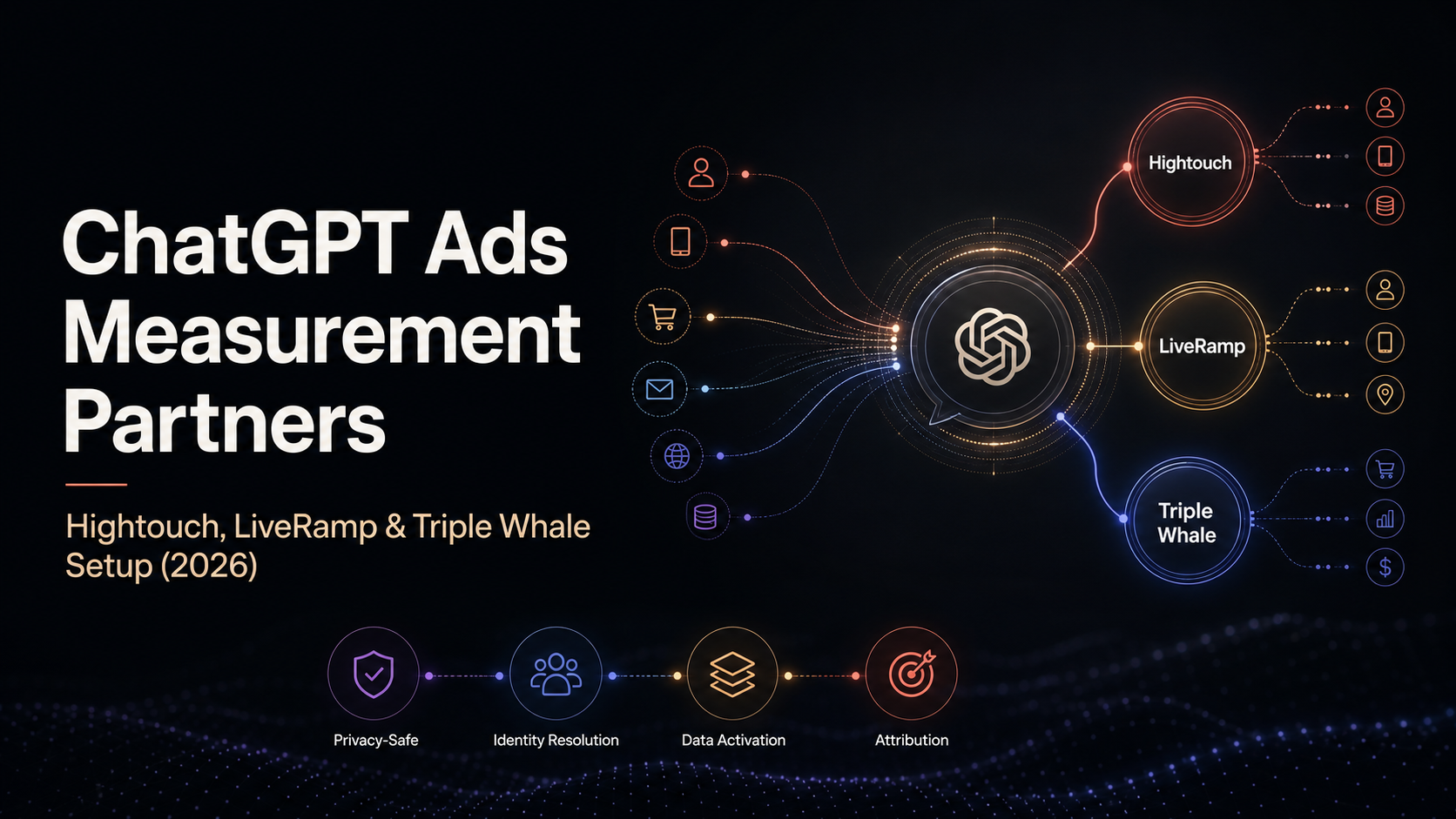
On 2026-07-29 OpenAI quietly published a new help article, Set up Measurement Partner Integrations, and in doing so moved ChatGPT Ads measurement out of a mobile-only corner and into web and offline conversion tracking with three named partners. Ten weeks later that list has grown to fifteen integrations across two articles.
We know the dates because we crawl OpenAI's ChatGPT Ads documentation daily. This piece separates two things carefully, because conflating them is how ChatGPT Ads coverage goes wrong: what the official text actually says, and what we think it means. Quotation and citation are labelled as such; analysis is labelled as analysis.
Update, 2026-10-19: OpenAI's email announces partners the help centre already lists
OpenAI's advertiser product-update email of 2026-10-16 ("ChatGPT Ads Product Updates") says it has "expanded our measurement ecosystem with partners including Northbeam, DV Rockerbox, and INCRMNTAL, plus mobile measurement partners Kochava, Tenjin, and Airbridge". The email links to both setup articles. We re-fetched the measurement partner article and the mobile measurement partner article on 2026-10-19. All six partners the email names already have setup sections there, so none of them is new to this page. The partner lists and setup steps below have not changed since our 2026-10-05 capture. The help centre calls the attribution vendor Rockerbox. The email and OpenAI's blog call it DV Rockerbox.
The email points to OpenAI's More ways to measure ChatGPT Ads post, dated 2026-10-05. That post also names partners that have no setup section in either help article as of 2026-10-19. We list them only as the blog describes them:
- Tealium, alongside Hightouch and LiveRamp, for sending conversion data to ChatGPT Ads.
- Measured, as a "full-funnel and advanced measurement" partner and an incrementality partner.
- Haus, with Measured and WorkMagic, to "explore geo-based experiments", which OpenAI calls "still in its early stages".
- Kantar and Cint, in "early-stage testing" for brand resonance metrics.
- DoubleVerify and Integral Ad Science, in brand suitability evaluation pilots. These are brand safety pilots, not conversion measurement.
We have not added these to the partner table or the count of fifteen, because OpenAI publishes no setup steps for them.
Update, 2026-10-05: the partner list tripled
When we first wrote this on 2026-07-30, OpenAI named five partners in total: Hightouch, LiveRamp and Triple Whale in the general article, and AppsFlyer and Adjust in the mobile article. Our capture of both articles on 2026-10-05 names fifteen.
General measurement partners (Set up Measurement Partner Integrations):
- 2026-07-30: Hightouch, LiveRamp, Triple Whale
- 2026-09-29: Fospha, Hightouch, LiveRamp, Triple Whale, WorkMagic
- 2026-10-05: Fospha, Hightouch, INCRMNTAL, LiveRamp, Northbeam, Rockerbox, Triple Whale, WorkMagic
Fospha first appeared in our captures on 2026-08-17 and WorkMagic on 2026-08-20. Northbeam appeared on 2026-10-01. INCRMNTAL and Rockerbox were first seen on 2026-10-05 (our previous capture was on 2026-10-01).
Mobile measurement partners (Set up Mobile Measurement Partner Integrations):
- 2026-07-30: AppsFlyer, Adjust
- 2026-09-29: AppsFlyer, Adjust, Branch, Singular
- 2026-10-05: Adjust, Airbridge, AppsFlyer, Branch, Kochava, Singular, Tenjin
Branch first appeared on 2026-09-17 and Singular on 2026-09-25. Airbridge, Kochava and Tenjin were first seen on 2026-10-05. The mobile article now states:
Adjust, Airbridge, AppsFlyer, Branch, Kochava, Singular, and Tenjin are the mobile measurement partners currently supported for ChatGPT Ads.
The general article's intro was also rewritten. It now reads: "Depending on the partner, integrations may support conversion tracking, attribution, spend reporting, incrementality measurement, and sharing conversion events with ChatGPT Ads." The July wording, "conversion tracking, attribution, reporting, and optimization across web, app, and offline activity", is gone. Spend reporting and incrementality measurement are new to the list, and "optimization" is no longer in it.
Two credential models, not one
The biggest practical change is in the prerequisites. In July the general article asked for "a Pixel ID and Conversions API key". It now asks for "the credentials required by your integration: an Ads Manager API key, or a Pixel ID and Conversions API key from the Conversions section of Ads Manager."
That "or" splits the list in two. Six of the eight general partners start from an Ads Manager API key created under Settings → General → API Keys. Hightouch, the LiveRamp offline destination and every mobile partner instead take a Pixel ID and key. The mobile article now also specifies that the Pixel ID comes "from a Web data source".
What each setup involves, according to OpenAI's text as captured on 2026-10-05. The last column summarises OpenAI's setup steps only. It is not a full description of what each partner's product does.
| Partner | Type | Credential OpenAI's article asks for | What OpenAI's text says it does |
|---|---|---|---|
| Fospha | General | Ads Manager API key, shared in Fospha's onboarding portal with your UTM setup | Setup steps only. No capability stated beyond the article's generic intro |
| Hightouch | General | Pixel ID and API key | Syncs a model of events to the OpenAI destination, with record matching and event-property mapping |
| INCRMNTAL | General | Ads Manager API key | Connects marketing activity data ("Activities"). Optionally retrieves spend data ("Reporting") |
| LiveRamp | General | Pixel ID and Conversions API key for the offline destination. Online uses the credentials in LiveRamp's online instructions | Sends a conversion event feed, online or offline (for example in-store purchases). Access is requested through your LiveRamp rep |
| Northbeam | General | Ads Manager API key | Connects your ad account in Northbeam. You add Northbeam's tracking parameter to Landing page query parameters |
| Rockerbox | General | Ads Manager API key. Your rep also needs the API key, Pixel ID, Conversion Event ID and Rockerbox Segment ID | A matching conversion field lets Rockerbox deduplicate pixel and server-side events. You add tracking parameters. The rep handles "conversion-forwarding" |
| Triple Whale | General | Ads Manager API key. Needs at least one active campaign | Triple Whale UTMs attribute traffic, orders and customer journeys in Triple Whale |
| WorkMagic | General | Ads Manager API key | Setup steps only (connect the ChatGPT Ads card, accept terms, paste key) |
| Adjust | MMP | Pixel ID, Conversions API key and an Install Event Name, with Action Source set to Mobile App | Maps events and optional data. The Adjust click URL goes in the campaign |
| Airbridge | MMP | Pixel ID and Conversions API key (Postback Keys) | Sends postbacks for configured events. Its tracking link is split at the "?" between Default Ad Destination URL and Tracking parameters |
| AppsFlyer | MMP | Pixel ID and Conversions API key | Sends in-app event postbacks with an attribution link for apps. For websites, forwards events from the AppsFlyer Web SDK to the Conversions API |
| Branch | MMP | Pixel ID and Conversions API key. Needs Branch's Performance Product | Maps events, with "Send all events" covering all attribution sources. A Branch Ad Link is the destination URL |
| Kochava | MMP | Pixel ID and Conversions API key, entered per event | Uses trackers for ChatGPT Ads iOS, Android or Web media partners. The tracker's Click URL is the ad destination |
| Singular | MMP | Pixel ID and Conversions API key | Maps events. A Click-through Tracking Link goes in the campaign |
| Tenjin | MMP | Pixel ID, plus the Conversions API key entered as "Bearer YOUR_API_KEY" | Turns on an OpenAI Ads install callback. The Click Tracking URL goes in the ad's Link field. OpenAI links no Tenjin guide |
Our reading: the API-key partners are mostly attribution, incrementality and analytics tools. Their setup has you hand over an Ads Manager key and keep using their own UTMs or tracking parameters. The Pixel-and-key partners (Hightouch, LiveRamp and the MMPs) are the ones whose setup sends conversion events into ChatGPT Ads. OpenAI's text does not say what an Ads Manager API key can read or write, so treat that split as our inference from the setup steps, not a documented scope.
What the mobile article now says about attribution
The mobile article's attribution section was rewritten too. It now states that "mobile app attribution through these integrations is click-based". It also says your measurement partner's attribution windows and event-sharing settings "are configured in that partner's platform. Ads Manager uses its own attribution settings for reporting." The second sentence is new. It means an MMP dashboard and Ads Manager can legitimately report different numbers for the same campaign. Reporting latency is still stated as 24–48 hours.
Also new: GA4 and HubSpot articles
Two adjacent OpenAI articles appeared that are not part of either partner list. Connect Google Analytics 4 to OpenAI Ads Manager is a beta that, on 2026-10-05, covered connection setup only, with event mapping "coming soon". As of 2026-10-19 the article documents a Map your events step and a GA4 Conversions campaign column. We cover it separately in our ChatGPT Ads GA4 integration guide. Setting up ChatGPT Ads in HubSpot describes connecting a ChatGPT Ads account to HubSpot to create campaigns, add new leads directly to the CRM, trigger follow-up workflows, and view impressions, clicks, contacts, customers and cost by campaign, ad group or ad. It needs a HubSpot Marketing Hub account (Free through Enterprise). For ChatGPT Business and Enterprise organizations, a global admin must also approve HubSpot's Ads access.
The rest of this article is the original 2026-07-30 report, with dated corrections where the official text has since changed.
What changed on 2026-07-29 (original report)
The general article was not present in our 2026-07-29 snapshot and was present on 2026-07-30, carrying an "Updated" timestamp of roughly seven hours before capture.
Before then, ChatGPT Ads had exactly one measurement-partner article: Set up Mobile Measurement Partner Integrations. It supported two partners, both mobile attribution vendors. On 2026-07-30 it read:
AppsFlyer and Adjust are the mobile measurement partners currently supported for ChatGPT Ads. We'll update this article as additional mobile measurement partner integrations become available.
Superseded: that sentence now names seven partners (see the update above).
Its framing was app-first throughout: "For mobile apps, create an attribution link and use it in the appropriate ChatGPT Ads campaign," with website event forwarding treated as a secondary path.
The new article, Set up Measurement Partner Integrations, dropped "Mobile" from both the title and the scope. On 2026-07-30 it read:
ChatGPT Ads supports integrations with select measurement partners to help advertisers measure campaign performance and understand actions taken after someone engages with an ad. Depending on the partner, integrations may support capabilities such as conversion tracking, attribution, reporting, and optimization across web, app, and offline activity.
Superseded: the intro has since been rewritten to "conversion tracking, attribution, spend reporting, incrementality measurement, and sharing conversion events with ChatGPT Ads".
It named three partners that were not previously in OpenAI's documentation at all: Hightouch, LiveRamp, and Triple Whale. The mobile article became the sub-page. The new article links to it "for specific mobile measurement partner integrations we support."
So the structural change was a promotion: measurement partners became a category with mobile as one branch, rather than mobile attribution being the whole story.
The prerequisites, as stated
As captured on 2026-10-05, OpenAI lists:
- An active Ads Manager account
- The credentials required by your integration: an Ads Manager API key, or a Pixel ID and Conversions API key from the Conversions section of Ads Manager
- A data source containing the conversion events you want to send, if applicable
- The appropriate permissions in your data partner
- A list of the standard or custom events you want to send to ChatGPT Ads, if applicable
In July the second item read only "a Pixel ID and Conversions API key", and the "if applicable" qualifiers were absent. For supported events, the JavaScript Pixel and the Conversions API, the article points to OpenAI's measurement documentation. It does not enumerate supported events itself.
In July we flagged Triple Whale as the one partner that broke the Pixel-and-key pattern. That is no longer an exception. The API key created under Settings → General → API Keys is now the majority path among general partners. If you are writing an internal runbook, the step most likely to go wrong is still picking the wrong credential for the partner.
The original three partners, and what each one actually is
Hightouch: the warehouse path
OpenAI's current steps: in Hightouch open Destinations, click Add destination, select OpenAI, authenticate with your Pixel ID and API key, select the model containing the events, and create a sync. Then configure record matching and map event properties. OpenAI adds one specific warning:
Make sure the event model uses a truly unique primary key so Hightouch sends every event.
When we checked Hightouch's own destination documentation independently on 2026-07-30, it corroborated the shape. The destination syncs Events with Insert as the supported sync mode, setup requires a Pixel ID and an API key, event properties are mapped through Hightouch's field mapping, and the unique-primary-key requirement is stated there too.
That primary-key warning is not boilerplate. Insert-only syncing with a non-unique key is the classic way to silently drop events. Hightouch deduplicates on the key, so two genuinely different conversions sharing one key become one conversion. You will not see an error. You will see under-reported conversions, and you will conclude the channel does not work.
LiveRamp: the offline and enterprise path
OpenAI's current steps start with contacting your LiveRamp rep to request access. Next you set up a conversion event feed to LiveRamp, with separate instructions for online conversion events and for offline conversions "such as in-store purchases". For offline conversions you then create a destination account for OpenAI using your Pixel ID and Conversions API key. For online conversions you use the credentials specified in LiveRamp's online setup instructions. Finally you map events and required fields per the applicable guide and confirm receipt in Ads Manager. The July version did not split online and offline credentials this way.
LiveRamp's own documentation is where the operationally important constraints live. As we read it on 2026-07-30, they were substantial:
| Constraint | What LiveRamp stated (2026-07-30) |
|---|---|
| Availability | In limited availability, by invitation only |
| Identifiers | At least one PII identifier per record: name and postal address, email, or phone |
| Destination | An "OpenAI Conversions API PII Passthrough - Product Array" destination account in Connect |
| Delivery | Batch only: SFTP, or a pull from your AWS S3 / GCS bucket. Files cannot be uploaded via Connect |
| Record fields | Transaction category, timestamp, amount, and order ID |
| Volume floor | At least 1,000 unique transaction events over a 28-day period |
| Recency | Upload conversion data within 7 days of the conversion |
| Cadence | Send files daily, or at the latest every 3 days |
| Latency | Files may take up to 20 minutes to appear on the Files page |
These constraints apply to the offline program. OpenAI now also links a separate LiveRamp online conversions program, which we have not re-verified. The offline program was the first documented route for getting offline and in-store conversions into ChatGPT Ads, so be clear-eyed about who can use it. Invitation-only access, PII-based matching, a 1,000-transaction floor and an SFTP or cloud-bucket pipeline describe an enterprise retail or multi-location advertiser with a data team. It is not a self-serve feature.
Triple Whale: the DTC path
OpenAI's current steps: make sure your account has at least one active campaign, and create an API key in Ads Manager under Settings → General → API Keys. Then in Triple Whale go to Data → Integrations, find ChatGPT Ads, click Connect, paste the key and save. Then, notably:
Continue applying Triple Whale UTMs to your ChatGPT Ads campaigns to attribute traffic, orders, and customer journeys in Triple Whale.
In July OpenAI stated that Triple Whale "also offers data enrichment through Sonar Optimize". The current text is more hedged: for information about Sonar Optimize "including availability and setup requirements, contact Triple Whale."
Read that UTM instruction carefully, because it tells you what this integration is and is not. The API key moves ChatGPT Ads data into Triple Whale. The attribution of traffic and orders still runs on Triple Whale's UTM-based model. This is a reporting-side integration for a DTC stack, not a server-side conversion feed into OpenAI. As of October, Fospha, INCRMNTAL, Northbeam, Rockerbox and WorkMagic all follow the same API-key pattern, and several also tell you to keep applying their own UTMs or tracking parameters.
Both Triple Whale knowledge-base URLs cited by OpenAI returned HTTP 403 to our automated requests in July. That is standard bot blocking on that help platform, not evidence the pages are missing. We cite them as referenced by OpenAI and have not independently read them, so treat the Triple Whale detail above as OpenAI's description of the flow.
Analysis: what this tells you about ChatGPT Ads
Everything above is documented. What follows is our reading of it.
The partner list is a statement about who OpenAI thinks the buyer is. In July, three partners covered three company shapes. Hightouch served warehouse-first teams, LiveRamp served enterprises with offline revenue, and Triple Whale served DTC operators. The October additions sharpen that picture rather than change it. Fospha, INCRMNTAL, Northbeam, Rockerbox and WorkMagic are attribution and incrementality tools. Five more mobile partners turn the app-install path from a two-vendor shortlist into roughly the whole MMP category. In July we called out the mid-market B2B lead-gen advertiser as conspicuously absent. That is now only partly true. The measurement-partner article still names no CRM, but OpenAI separately publishes a HubSpot setup article that covers creating campaigns and adding leads to the CRM. Salesforce and other CRMs remain unnamed, and for them the route is still the raw Conversions API.
Measurement is being built out ahead of the buying surface. ChatGPT Ads is still a young ad product, and the ratio of measurement documentation to targeting documentation is unusual. Going from five named integrations to fifteen in about ten weeks reinforces that. OpenAI appears to be solving the credibility problem (advertisers cannot justify budget they cannot measure) before the sophistication problem. If you are deciding when to test the channel, measurement maturity arriving early is the more useful of the two.
Third-party measurement is now a first-class path. "Incrementality measurement" and "spend reporting" in the rewritten intro, plus six API-key partners, mean OpenAI is explicitly letting outside tools read ChatGPT Ads data and judge it. That cuts both ways. It makes the channel easier to evaluate on your own terms, and it means your MMM or incrementality vendor may give you a different answer from Ads Manager.
The offline path is the strategically interesting one. Offline conversion upload is how a channel gets access to retail, automotive, healthcare and services budgets. Its arrival, even invitation-only and batch-only, signals ambition well beyond DTC. It also implies identity matching on PII, which is worth watching for anyone with a strict privacy posture.
Quiet failures are the norm. The Hightouch primary-key warning, LiveRamp's 1,000-event floor and 7-day recency rule, and now the mobile article's note that partner windows and Ads Manager windows are configured separately all teach the same lesson. This plumbing under-reports or disagrees rather than erroring. Any team wiring it up should build a reconciliation step before judging channel performance: count events sent and compare them with conversions reported in Ads Manager. We wrote about why this matters for this channel in our guide to ChatGPT Ads attribution.
The attribution window
In July this section was titled "the attribution-window ambiguity". LiveRamp's documentation referred to "OpenAI's 30-day attribution window" and separately required 1,000 unique transactions "over a 28-day period". OpenAI's measurement-partner articles stated no window at all.
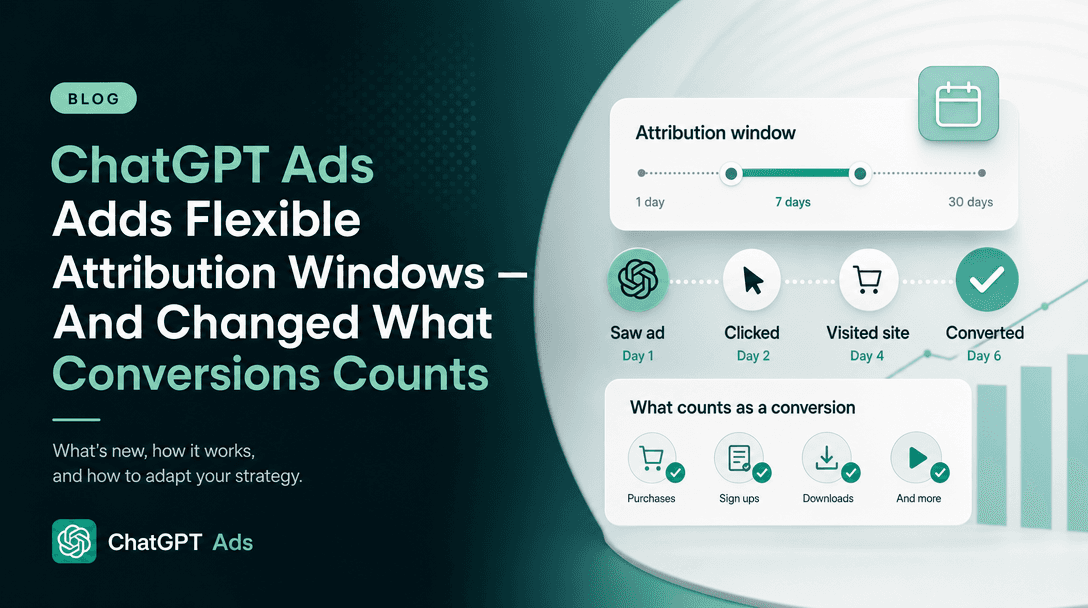
Update, 2026-10-05: OpenAI has since documented windows. Since 2026-09-16, the Measure Results article lets advertisers choose a 7-, 14- or 30-day click-through reporting window and a 0- or 1-day view-through window in Ads Manager. The API reporting endpoints default to 30-day click and 1-day view when settings are omitted. The help centre still does not say which setting an Ads Manager account starts on. We cover the details, and what they do to your Conversions total, in ChatGPT Ads flexible attribution windows. LiveRamp's "28-day period" is a volume threshold, not a window. For mobile partners, OpenAI now states that the partner's own windows are configured in the partner's platform while Ads Manager uses its own settings.
The practical advice is unchanged. Read the window in your own Ads Manager, and in your partner, before you build reporting on it. Be careful comparing ChatGPT Ads conversion counts against another channel or tool configured to a different window. That comparison is the easiest way to reach a wrong conclusion about a new channel.
What the official text still does not say
Being explicit about the gaps, because inferring past them is how bad advice gets written:
- No rate limits or volume ceilings are published for any partner integration.
- No list of supported events appears on the measurement-partner pages themselves. They defer to
developers.openai.com/ads. - No statement of what an Ads Manager API key can access (read scope, write scope, or which resources), even though six general partners now rely on one.
- No OpenAI-level deduplication rules between a partner-sent event and the same event sent by the JavaScript Pixel or Conversions API directly. Rockerbox's steps describe its own deduplication of pixel and server-side events, but that is the partner's logic, not OpenAI's. If you run several paths, double-counting is still yours to solve.
- No pricing for any partner-side cost. Every partner is a separately paid product, and none of this is included with ChatGPT Ads.
- No availability-by-country statement for measurement, distinct from Ads Manager availability for the ad product itself.
What to do this week
- If you already use Hightouch, this is still the lowest-friction path for sending events. Add the destination, but audit your event model's primary key before you trust a single number.
- If you use Fospha, INCRMNTAL, Northbeam, Rockerbox, Triple Whale or WorkMagic, create a dedicated Ads Manager API key per tool under Settings → General → API Keys, and keep applying that tool's UTMs or tracking parameters. That is where its attribution actually happens.
- If you run an app, check whether your existing MMP is now on the list of seven before building anything custom. Set the partner's windows deliberately, knowing Ads Manager reports on its own settings.
- If you have offline revenue and a data team, ask your LiveRamp rep about the OpenAI offline program. Invitation-only pipelines take time, and the volume floor and recency rule need engineering, not a settings change.
- If you are none of these, wire the Conversions API directly and make sure your user objects are populated. Match quality still determines whether any of this works.
- Regardless of path, build the reconciliation check before you scale spend. Every failure mode documented above is silent.
New to the channel entirely? Start with everything you need to know about ChatGPT Ads, then come back here.
Sources
Current partner lists, prerequisites and setup steps are from our captures taken on 2026-10-05, re-verified against the live articles on 2026-10-19. Earlier lists are from our captures on 2026-07-30 and 2026-09-29.
- Set up Measurement Partner Integrations: OpenAI Help Center (absent from our 2026-07-29 crawl, present from 2026-07-30)
- Set up Mobile Measurement Partner Integrations: OpenAI Help Center
- Connect Google Analytics 4 to OpenAI Ads Manager: OpenAI Help Center
- Setting up ChatGPT Ads in HubSpot: OpenAI Help Center
- More ways to measure ChatGPT Ads: OpenAI Ads blog, dated 2026-10-05, fetched 2026-10-19. The source for the blog-only partners in the 2026-10-19 update
- OpenAI advertiser product-update email, "ChatGPT Ads Product Updates", 2026-10-16. Names Northbeam, DV Rockerbox, INCRMNTAL, Kochava, Tenjin and Airbridge, all of which are in the help-centre articles above
- Measure Results and Conversion Measurement: OpenAI Help Center
- OpenAI Ads developer documentation and the Conversions API reference
- Hightouch OpenAI destination: independently verified 2026-07-30
- LiveRamp: the OpenAI Conversions API program for offline conversions: independently verified 2026-07-30
- Triple Whale: ChatGPT Ads connection guide and Sonar Optimize: cited by OpenAI. They returned HTTP 403 to our requests and we have not independently read them
- Partner guides for Fospha, INCRMNTAL, Northbeam, Rockerbox, WorkMagic, Adjust, Airbridge, AppsFlyer, Branch, Kochava and Singular are linked from OpenAI's two partner articles. We describe their setups as OpenAI states them and have not independently verified the partner pages
Last verified 2026-10-19 against OpenAI's help centre. OpenAI states it will update its measurement-partner articles as additional integrations become available, and six partners were added between our 2026-09-29 and 2026-10-05 captures alone, so re-check the list before committing engineering time.